

 FSX General Aviation Aircraft
KLM Flight School Beechcraft Baron 58
KLM Flight School Beechcraft Baron 58. A repaint for the default Beech Baron …
Beechcraft Baron 58 Polish Pack brings two authentic Polish private registrations, SP-FYW and SP-MED, to the default twin for FSX, with crisp exterior repaint work and matching aircraft selection entries for easy identification. It requires the stock Beech Baron 58 and delivers a clean, realistic look for general aviation flights.
 Rate
Rate
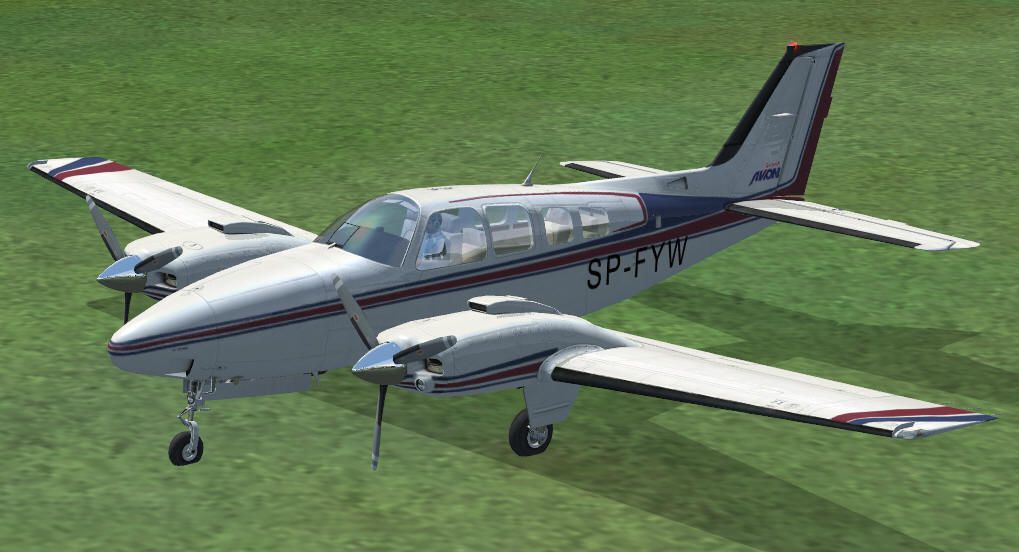
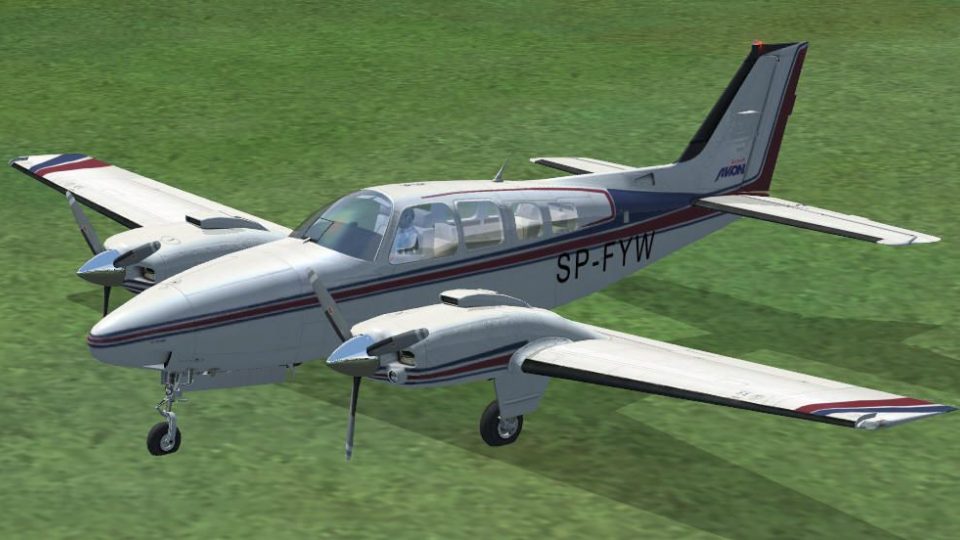
Baron 58 Polish Pack. Two Polish repaints (SP-FYW and SP-MED) for the default FSX Beechcraft Baron. By Lukasz Kubacki.
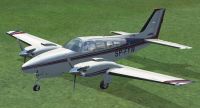
Baron 58 parked on grass.
Hello,
This is a small pack containing two Polish repaints for the default FSX Beech Baron, registered SP-FYW and SP-MED.
Installation:
Copy both folders "texture.spfyw" and "texture.spmed" into your FSX/SimObjects/Airctafts/beech_baron_58 folder.
Then, open Aircraft.cfg and add the following lines. Dont forget to apply the texture number!
Copy and paste below:
-----------------------------------------------------------------
[fltsim.xx]

title=Beech Baron 58 SP-FYW

sim=Beech_Baron_58

model=

panel=

sound=

texture=spfyw

kb_checklists=Beech_Baron_58_check

kb_reference=Beech_Baron_58_ref

atc_id=SP-FYW

ui_manufacturer="Beechcraft"

ui_type="Baron 58"

ui_variation="SP-FYW"

ui_typerole="Twin Engine Prop"

ui_createdby="Microsoft Corporation"

description="Polish private owned B.Baron, reg. SP-FYW. Paintscheme by Lukasz Kubacki."
[fltsim.yy]

title=Beech Baron 58 SP-MED

sim=Beech_Baron_58

model=

panel=

sound=

texture=spmed

kb_checklists=Beech_Baron_58_check

kb_reference=Beech_Baron_58_ref

atc_id=SP-MED

ui_manufacturer="Beechcraft"

ui_type="Baron 58"

ui_variation="SP-MED"

ui_typerole="Twin Engine Prop"

ui_createdby="Microsoft Corporation"

description="Polish private owned B.Baron, reg. SP-MED. Paintscheme by Lukasz Kubacki."
---------------------------------------------------------------------
Lukasz Kubacki
Free for all simmers · 1.57 MB · Scanned clean Oct 2026
Download speed: Free tier is capped at 0.5 Mbps. PRO members download at full line speed.
texture.{airline}) inside FSX\SimObjects\Airplanes\{base-aircraft}\.aircraft.cfg in Notepad. Add a new [fltsim.X] section per the readme.readme.txt or README file. It tells you exactly where files go, what dependencies are needed, and any quirks specific to this add-on.The archive pl_bar58.zip has 16 files and directories contained within it.
This list displays the first 500 files in the package. If the package has more, you will need to download it to view them.
| Filename/Directory | File Date | File Size |
|---|---|---|
| readme_eng.txt | 09.21.08 | 1.46 kB |
| readme_pl.txt | 09.21.08 | 1.42 kB |
| spfyw.gif | 09.21.08 | 7.32 kB |
| sp_fyw.jpg | 09.21.08 | 84.42 kB |
| Texture.spfyw | 09.21.08 | 0 B |
| Beech_Baron_58_T.dds | 09.21.08 | 1.00 MB |
| Fresnel_Ramp.dds | 09.04.06 | 640 B |
| texture.cfg | 08.21.06 | 137 B |
| thumbnail.jpg | 09.21.08 | 7.36 kB |
| texture.spmed | 09.21.08 | 0 B |
| Beech_Baron_58_T.dds | 09.21.08 | 1.00 MB |
| Fresnel_Ramp.dds | 09.04.06 | 640 B |
| texture.cfg | 08.21.06 | 137 B |
| thumbnail.jpg | 09.21.08 | 7.36 kB |
| flyawaysimulation.txt | 10.29.13 | 959 B |
| Go to Fly Away Simulation.url | 01.22.16 | 52 B |
Only PRO members can place votes.
More FSX & P3D add-ons hand-picked based on this download.
FSX General Aviation Aircraft
KLM Flight School Beechcraft Baron 58. A repaint for the default Beech Baron …
 FSX General Aviation Aircraft
This freeware patch addresses the blurry texture issue on the default Beechcr…
 FSX General Aviation Aircraft
This freeware release introduces a turbocharged Beechcraft Baron 58 TC for Mi…
 FSX General Aviation Aircraft
This mod adds to your default Beechcraft Baron a little realism. Features inc…
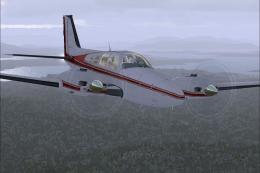 FSX General Aviation Aircraft
FSX Beechcraft Baron 58. Textures only for the default Beech Baron. Repaint b…
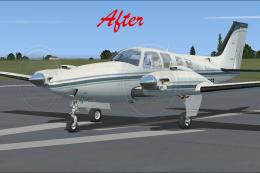 FSX General Aviation Aircraft
This modification offers a refined texture set that eliminates the fuzzy exte…
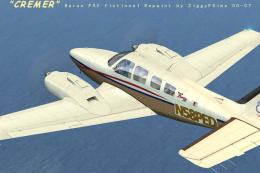 FSX General Aviation Aircraft
FSX Creme Beechcraft Baron 58. Texture only for the default Beech Baron. Repa…
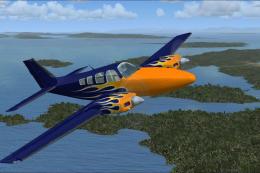 FSX General Aviation Aircraft
Blue With Orange Flames Beech Baron 58. Textures only for the default Beechcr…
Be the first to leave a comment on this download.
Be the first to share your thoughts on this download.