


 FSX General Aviation Aircraft
Green And White Cessna C172 4 Pack
Default Cessna 172 repaint textures green and white 4-pack. Contains four rep…
White, green, and yellow textures give the Cessna 172 Skyhawk a crisp, lively fictional scheme while keeping the familiar default 2D panel and virtual cockpit, sounds, and animations intact. Built for Microsoft Flight Simulator X, it requires the stock C172 model and adds a fresh look for training circuits and short VFR hops.
 Rate
Rate
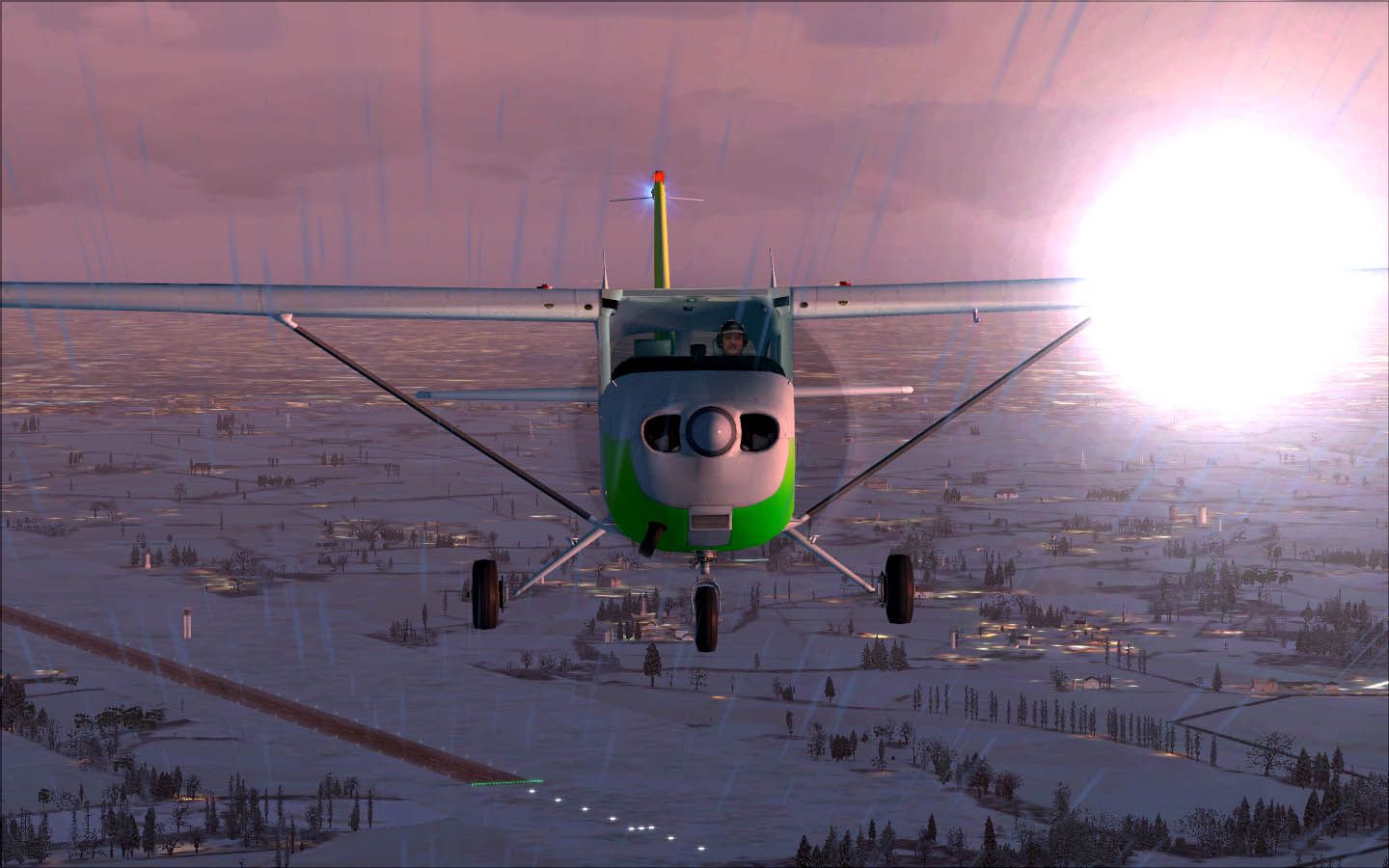

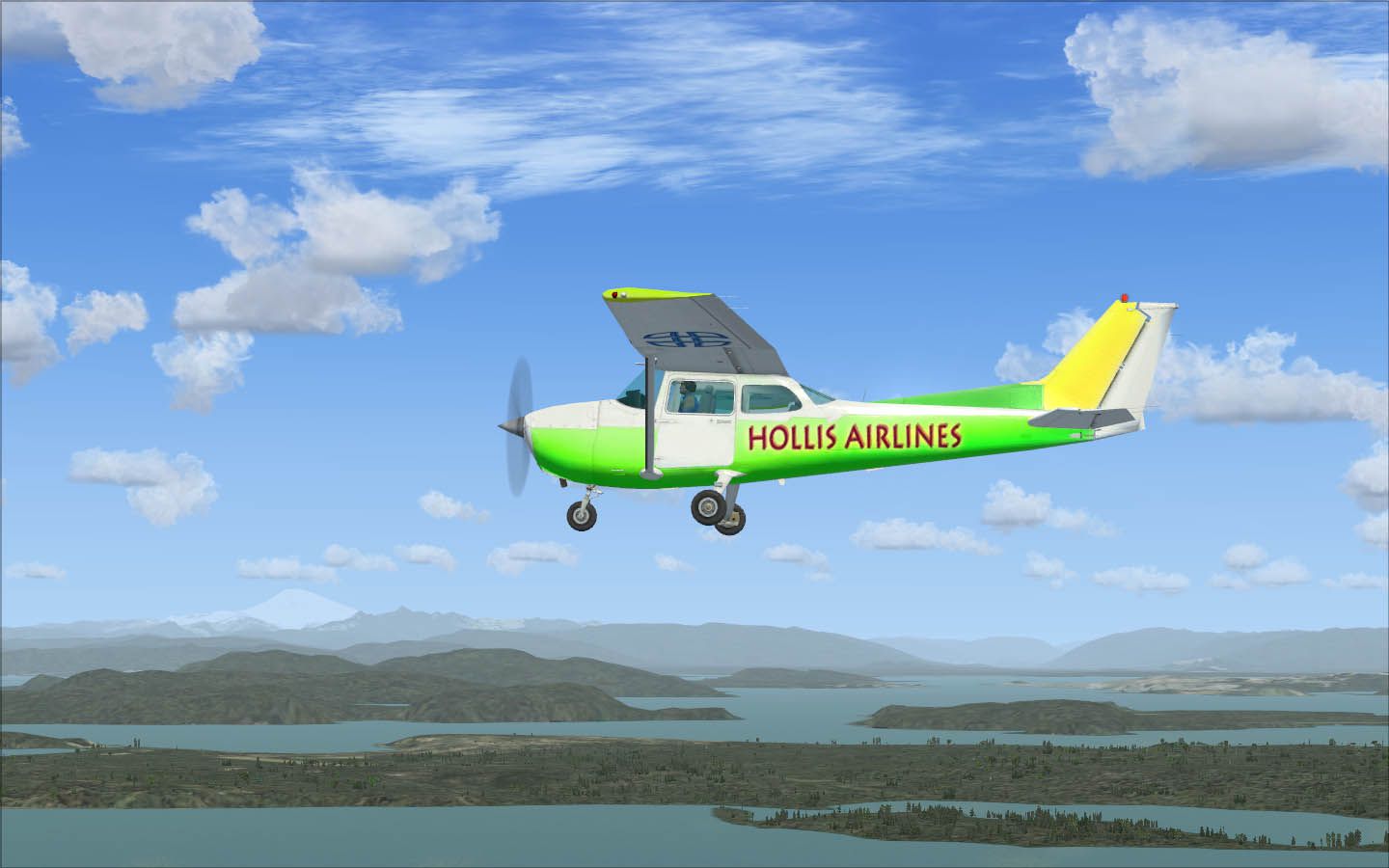

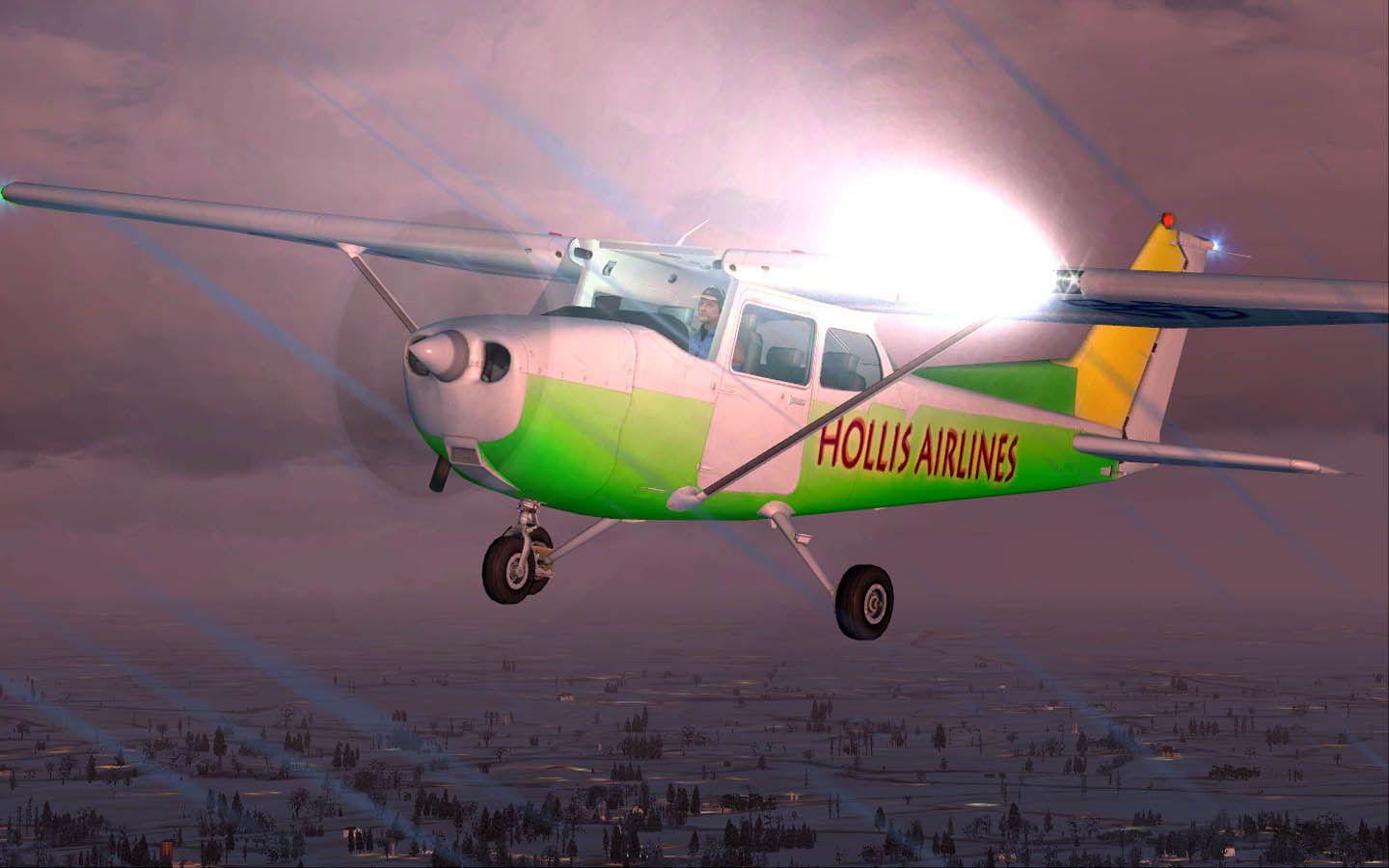

This fully repainted freeware Cessna 172 in white, green, and yellow offers a clean yet visually striking look. Designed by Mark Hollis (New Zealand), this fictional scheme with standard animations and default cockpit integration is ideal for those seeking a lively twist in Microsoft Flight Simulator X. The new livery aligns with the default 2D (static) panel and the existing virtual cockpit configuration, so pilots can enjoy a familiar setup with a bright new style.
The Cessna 172 Skyhawk is widely recognized for its reliable single-engine performance and popularity in flight training. This specific repaint, crafted by Mark Hollis, introduces vibrant stripes of green and yellow across a crisp white base. The purpose behind this fictional layout is to distinguish the aircraft from standard default offerings, enhancing any virtual fleet without altering fundamental flight characteristics.

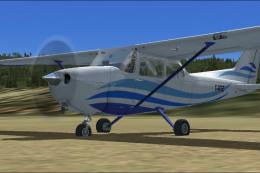
Fictional white, green, and yellow C172 showcased in flight.
This repaint relies on the default C172 model included with your simulator. Since it does not add any custom interior or structural modeling, the 2D panel and VC remain aliased to the original layout. Sounds remain unchanged, offering the authentic engine audio that simmers appreciate.
C:\Program Files\Microsoft Games\FSX\SimObjects\Airplanes\C172).Adding the repaint requires a minor edit to your Aircraft.CFG file:
Aircraft.CFG in a text editor (like Notepad).X in [fltsim.X] with the next available entry number:
[fltsim.X]
title=Cessna Skyhawk-Hollis Plane 3
sim=Cessna172SP
model=
panel=
sound=
texture=Hollis3
kb_checklists=Cessna172SP_check
kb_reference=Cessna172SP_ref
atc_id=NZ01
ui_manufacturer="Cessna"
ui_type="C172SP"
ui_variation="Hollis3 Design"
ui_typerole="Single Engine Prop"
ui_createdby="Microsoft Corporation"
description="A new fictional plane designed by Mark Hollis."
When finished, save the changes. This will enable the new livery within your aircraft selection menu under “Hollis3 Design.” Note that the base model is not included and must be obtained from the Fly Away Simulation mod library if needed.
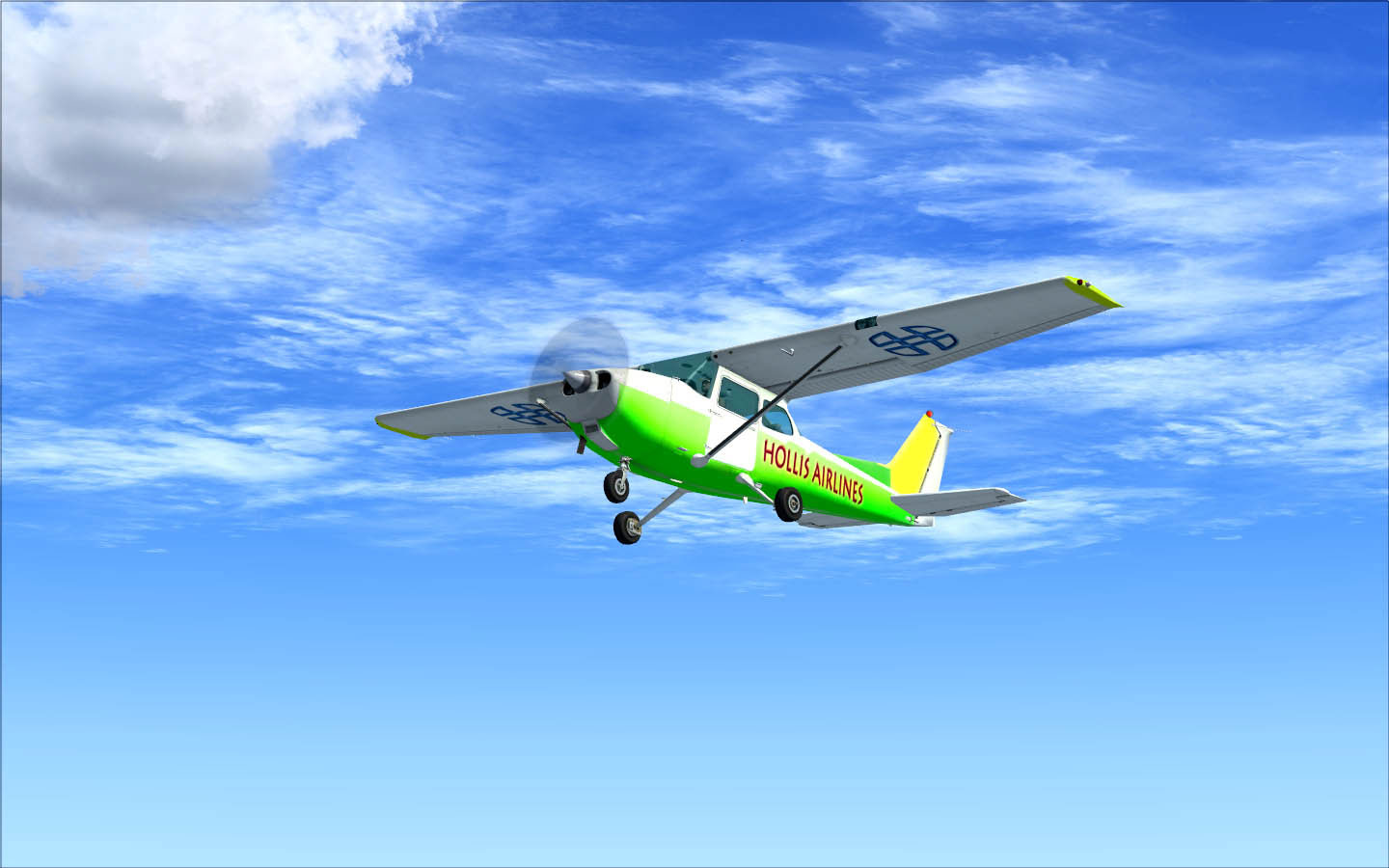
In-flight view of the colorful exterior paint by Mark Hollis.
For those looking to improve the visual shine on this C172 repaint, Mark Hollis recommends Tom Knudsen’s environment map package, known as “erx07.zip”. Installing that enhancement will add a glossy reflection to the fuselage and wings, further highlighting the green and yellow stripes against the white background. While not mandatory, it can produce a more polished appearance under various light conditions.
Enjoy this creative take on the classic Skyhawk. It brings a refreshing look without impacting flight model or cockpit functionality. This freeware repaint stands as a simple yet striking way to brighten your hangar and experience short hops or pattern circuits in Microsoft Flight Simulator X.
Free for all simmers · 5.87 MB · Scanned clean Oct 2026
Download speed: Free tier is capped at 0.5 Mbps (this file takes approximately 2 mins at the cap). PRO members download at full line speed.
texture.{airline}) inside FSX\SimObjects\Airplanes\{base-aircraft}\.aircraft.cfg in Notepad. Add a new [fltsim.X] section per the readme.readme.txt or README file. It tells you exactly where files go, what dependencies are needed, and any quirks specific to this add-on.The archive hollis3.zip has 28 files and directories contained within it.
This list displays the first 500 files in the package. If the package has more, you will need to download it to view them.
| Filename/Directory | File Date | File Size |
|---|---|---|
| C172_1_C.dds | 09.04.06 | 682.79 kB |
| C172_1_night_C.dds | 09.04.06 | 682.79 kB |
| C172_2_C.dds | 09.04.06 | 682.79 kB |
| C172_2_night_C.dds | 09.04.06 | 682.79 kB |
| C172_3_C.dds | 09.04.06 | 682.79 kB |
| C172_3_night_C.dds | 09.04.06 | 682.79 kB |
| C172_4_C.dds | 09.04.06 | 170.79 kB |
| C172_4_night_C.dds | 09.04.06 | 170.79 kB |
| C172_Interior_T.dds | 09.04.06 | 341.45 kB |
| c172_interior_t_night.dds | 09.04.06 | 42.79 kB |
| C172_Pilot.dds | 09.04.06 | 682.79 kB |
| C172_reflection.dds | 04.20.09 | 341.48 kB |
| c172_T.dds | 05.27.09 | 1.33 MB |
| c172_t_bump.dds | 09.04.06 | 1.00 MB |
| c172_t_spec.dds | 09.04.06 | 1.33 MB |
| FILE_ID.DIZ.txt | 06.03.09 | 228 B |
| fresnel_ramp.dds | 09.04.06 | 640 B |
| Picture 1.jpg | 06.03.09 | 114.29 kB |
| Picture 2.jpg | 06.03.09 | 116.71 kB |
| Picture 3.jpg | 06.03.09 | 115.99 kB |
| Picture 4.jpg | 06.03.09 | 110.52 kB |
| Picture 5.jpg | 06.03.09 | 134.54 kB |
| Prop_C172.dds | 09.04.06 | 85.46 kB |
| README.txt | 06.03.09 | 1.57 kB |
| texture.cfg | 08.14.06 | 137 B |
| thumbnail.jpg | 05.27.09 | 52.87 kB |
| flyawaysimulation.txt | 10.29.13 | 959 B |
| Go to Fly Away Simulation.url | 01.22.16 | 52 B |
Only PRO members can place votes.
More FSX & P3D add-ons hand-picked based on this download.
FSX General Aviation Aircraft
Default Cessna 172 repaint textures green and white 4-pack. Contains four rep…
 FSX General Aviation Aircraft
Complete aircraft, includes textures, realistic sounds, 2D panel, realistic l…
 FSX General Aviation Aircraft
An FSX green and white N7435Y repaint texture for the Premier Aircraft Design…
 FSX General Aviation Aircraft
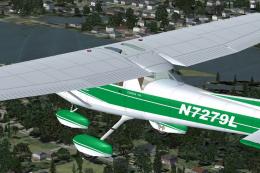
Enhance your hangar in Microsoft Flight Simulator X with this fictional N7279…
 FSX General Aviation Aircraft
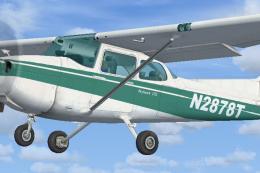
Green And White Cessna 172SP repaint in 32 bit no mips 2048 x 2048 textures f…
 FSX General Aviation Aircraft
Green And White Cessna 172 Fix, for use with Cessna_172_N2878T.ZIP">FSX_DEFAU…
 FSX General Aviation Aircraft
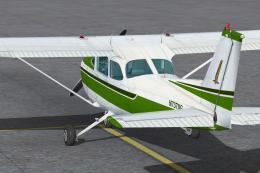
Textures only for the default C172. Easy installation. Screen shots enclosed.…
 FSX General Aviation Aircraft
White With Blue Lines Cessna C172. This is a fictional repaint of the default…
Be the first to leave a comment on this download.
Be the first to share your thoughts on this download.