

 FSX General Aviation Aircraft
Monmouth Flying Club Cessna 172
This repaint for the default Cessna 172SP Skyhawk captures the distinctive ye…
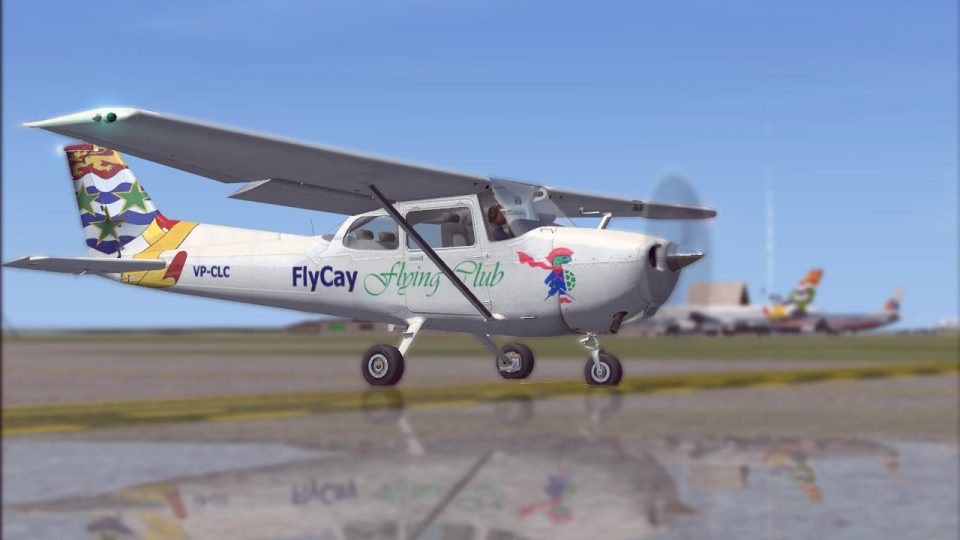
FlyCay Flying Club livery refreshes the default Cessna 172 trainer with crisp, vivid DDS textures and a believable flight-school look, while preserving the aircraft’s familiar handling and virtual cockpit layout in Microsoft Flight Simulator X. Requires the stock C172 package, making it an easy way to add club character to practice flights.
 Rate
Rate
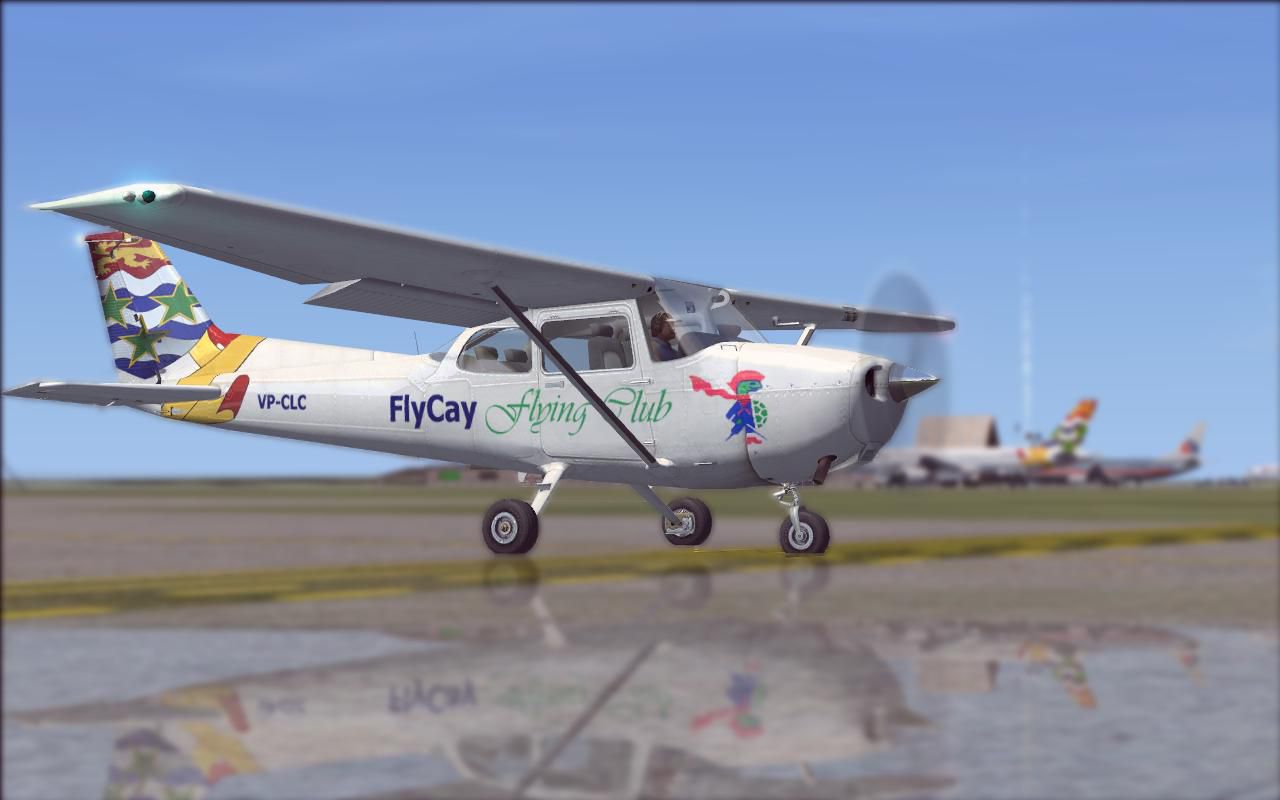
Experience an enhanced training environment with this meticulously crafted FlyCay Flying Club livery for the ubiquitous Cessna 172. Designed for Microsoft Flight Simulator X, it delivers vivid textures in .DDS format. Developed by Guy Dutton, this realistic repaint retains all the dependable flight characteristics of the default aircraft but adds a distinctive new finish that appeals to both students and experienced simmers.
The FlyCay Flying Club Cessna 172 repaint showcases a fresh aesthetic rooted in a real-world pilot-training spirit. With its high-wing architecture, the Cessna 172 has always offered stable handling, making it popular for initial training flights. This specialized paint job honors that tradition by combining the recognized reliability of the Skyhawk with FlyCay’s dedicated club ambiance.

FlyCay Flying Club Cessna 172 Trainer.
C172 aircraft folder inside the simulator’s installation directory.C172 folder.aircraft.cfg file in a text editor, then add these lines under the next sequential [fltsim.X] entry:[fltsim.6] title=Cessna Skyhawk 172SP FlyCay Flying Club sim=Cessna172SP model= panel= sound= texture=CAY kb_checklists=Cessna172SP_check kb_reference=Cessna172SP_ref atc_id= ui_manufacturer="Cessna" ui_type="C172SP Skyhawk" ui_variation="FlyCay Flying Club" ui_typerole="Single Engine Prop" ui_createdby="Microsoft Corporation" description="A stable and trustworthy plane, most pilots have logged at least a few hours in a Cessna 172, since it's the most widely available aircraft in the rental fleet, and is used by most flight schools. Since the first prototype was completed in 1955, more than 35,000 C172s have been produced, making it the world's most popular single-engine plane. One of Cessna's first tricycle-gear airplanes, the 172 quickly became the favorite of a growing class of business pilots. Its reliability and easy handling (along with thoughtful engineering and structural updates) have ensured its continued popularity for decades."
This texturing project by Guy Dutton offers a precise reflection of the FlyCay Flying Club’s dedication to a cohesive training experience. It enhances your virtual flying time by merging a community feel with a durable, proven airframe. Students gain a rewarding practice platform, and proficient aviators can further sharpen their skills with the clarity of .DDS textures.
All ownership of the base model remains with its respective creators; this livery requires the regular FSX default Cessna 172 set. Enjoy a flight that balances fidelity, comfort, and detailed graphics in one cohesive package, made possible by these complimentary textures.
Free for all simmers · 1.71 MB · Scanned clean Oct 2026
Download speed: Free tier is capped at 0.5 Mbps. PRO members download at full line speed.
texture.{airline}) inside FSX\SimObjects\Airplanes\{base-aircraft}\.aircraft.cfg in Notepad. Add a new [fltsim.X] section per the readme.readme.txt or README file. It tells you exactly where files go, what dependencies are needed, and any quirks specific to this add-on.The archive flycaycessnac172kx.zip has 11 files and directories contained within it.
This list displays the first 500 files in the package. If the package has more, you will need to download it to view them.
| Filename/Directory | File Date | File Size |
|---|---|---|
| README.txt | 05.15.09 | 1.18 kB |
| texture.CAY | 05.15.09 | 0 B |
| C172_T.dds | 05.15.09 | 1.00 MB |
| c172_t_spec.dds | 09.04.06 | 1.33 MB |
| fresnel_ramp.dds | 09.04.06 | 640 B |
| Prop_C172.dds | 09.04.06 | 85.46 kB |
| texture.cfg | 08.14.06 | 137 B |
| thumbnail.JPG | 05.15.09 | 14.66 kB |
| thumbnail.JPG | 05.15.09 | 66.56 kB |
| flyawaysimulation.txt | 10.29.13 | 959 B |
| Go to Fly Away Simulation.url | 01.22.16 | 52 B |
Only PRO members can place votes.
More FSX & P3D add-ons hand-picked based on this download.
FSX General Aviation Aircraft
This repaint for the default Cessna 172SP Skyhawk captures the distinctive ye…
 FSX General Aviation Aircraft
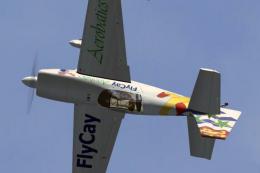
FlyCay Aerobatics Extra 300S. Textures only for the default Extra 300S, paint…
 FSX General Aviation Aircraft
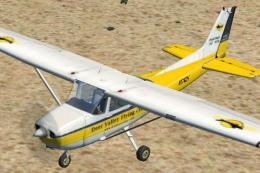
FSX Deer Valley Flying Club Cessna 172SP Skyhawk. Textures only for the defau…
 FSX General Aviation Aircraft
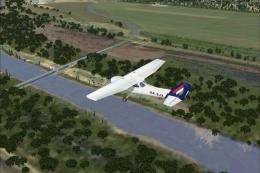
Malev Aero Club Cessna 172. A repaint for the default C172. By Gabor Kovacs. …
 FSX General Aviation Aircraft
A huge selection of liveries created by various freeware repaint developers c…
 FSX General Aviation Aircraft
Cessna 172 Trainer. This is the standard FSX Cessna 172 with a custom panel t…
 FSX General Aviation Aircraft
One real repaint for payware model of Wilga X from Aerosoft. Tested on the ve…
 FSX General Aviation Aircraft
This is a real world repaint for Just Flight's payware Flying Club X. This re…
Be the first to leave a comment on this download.
Be the first to share your thoughts on this download.