

 FSX Military Aircraft
Lockheed Martin F-16 Thunderbird
Lockheed Martin F-16 Thunderbird jet. The F16 Fighting Falcon updated for FSX…
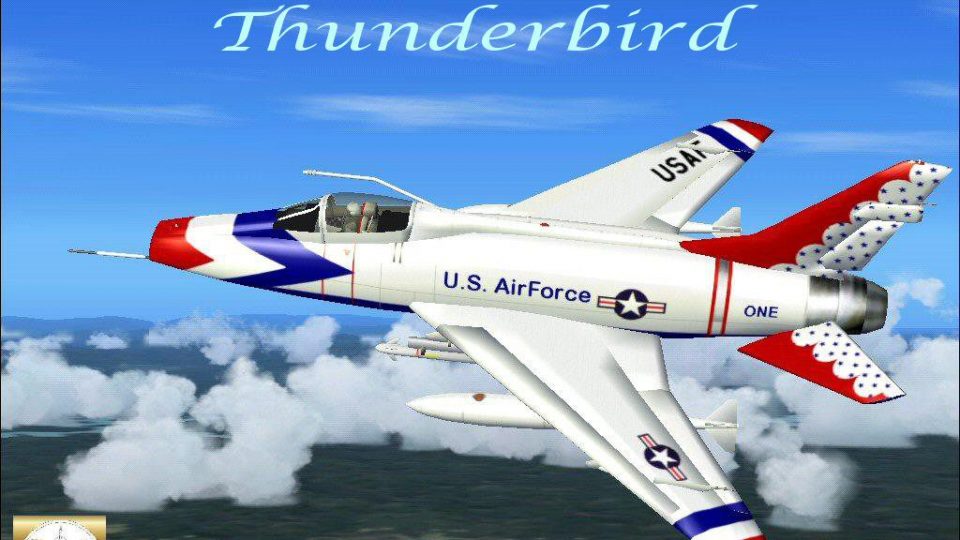
North American F-100 Super Sabre Thunderbird Ship One brings the USAF Thunderbirds’ 1956 supersonic-era paint scheme to FSX with crisp textures, a tuned flight model, and updated configuration for a confident, agile feel. Requires Kazunori Ito’s F-100 base aircraft and includes revised .air and .cfg files for authentic handling.
 Rate
Rate
F-100 Thunderbird. A repaint of Kazunori Ito's North American Aviation F100 Super Saber. Paint scheme is the United States Air Force Thunderbirds ship number one. In 1956 the Thunderbirds changed aircraft, to the North American F-100 Super Sabre. The Super Sabre gave the Thunderbirds the distinction of being the first flight demonstration team with supersonic capability. Textures and modified .air and .cfg files by Mark Rooks of RSDG.
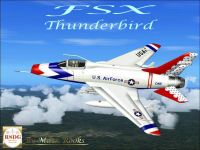
F-100 Thunderbird in flight.
F-100 Thunderbird Ship One Support Angel Flight near you.
To install this aircraft:
As always back up any original files.
1. Unzip downloaded folders to your desktop or temporary directory of your choice.
2. Copy the "F-100Thunderbird Ship One " folder and paste it in the main aircraft folder.
By default the main aircraft folder is located at:
"C:\Program Files\Microsoft Games\FSX\SIM Objects /Aircraft.
3. Put gauges in the gauges file C:\Program Files\Microsoft Games\FSX\Gauges.
4. Panel and Sound goes in the Aircraft F100 Folder.
C:\Program Files\Microsoft Games\FSX\SIM Objects /Aircraft/ F100 Thunderbird Ship One.
Textures and Modification created by Mark "Fire Ball" Rooks.
Enjoy your new repaint.
Thanks for downloading.
"Fire Ball"
Free for all simmers · 5.81 MB · Scanned clean Oct 2026
Download speed: Free tier is capped at 0.5 Mbps (this file takes approximately 2 mins at the cap). PRO members download at full line speed.
SimObjects\Airplanes\, Addon Scenery\, Effects\, or Gauges\.readme.txt or README file. It tells you exactly where files go, what dependencies are needed, and any quirks specific to this add-on.The archive xrsftb.zip has 9 files and directories contained within it.
This list displays the first 500 files in the package. If the package has more, you will need to download it to view them.
| Filename/Directory | File Date | File Size |
|---|---|---|
| F-100 D Thunderbird 1.zip | 01.11.07 | 803.95 kB |
| Panel.zip | 01.03.07 | 1.81 MB |
| Read Me First.txt | 01.11.07 | 921 B |
| Screen Shot F100.jpg | 01.11.07 | 214.79 kB |
| sound.zip | 01.11.07 | 3.03 MB |
| Text.txt | 01.11.07 | 457 B |
| Thumbs.db | 01.11.07 | 5.50 kB |
| flyawaysimulation.txt | 10.29.13 | 959 B |
| Go to Fly Away Simulation.url | 01.22.16 | 52 B |
Only PRO members can place votes.
More FSX & P3D add-ons hand-picked based on this download.
FSX Military Aircraft
Lockheed Martin F-16 Thunderbird jet. The F16 Fighting Falcon updated for FSX…
 FSX Military Aircraft
A repaint of Kirk Olsson's F16 Viper (Fighting Falcon), using updated flight …
 FSX Military Aircraft
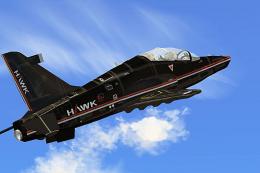
FSX BAe Hawk 100. Welcome to the BAE Hawk 100 package for FSX. This is a full…
 FSX Military Aircraft
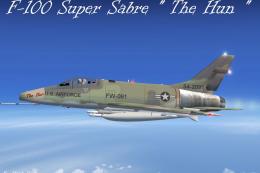
F-100 Super Sabre "The Hun". This is Kazunori Ito's North American Aviation F…
 FSX Military Aircraft
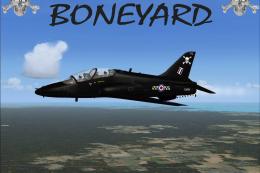
FSX 100 Squadron Boneyard Hawk. A repaint of David Brice and David Friswell's…
 FSX Military Aircraft
The Avro Canada CF100 Canuck (affectionately known as the "Clunk") was a Cana…
 FSX Military Aircraft
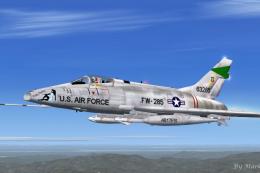
USAF F-100 Pretty Penny. This is Kazunori Ito's North American Aviation F100 …
 FSX Military Aircraft
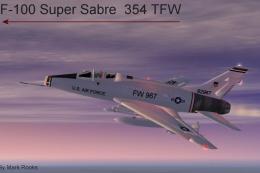
USAF 354 TFW F-100 Myrtle Beach AFB. This is Kazunori Ito's North American Av…
Be the first to leave a comment on this download.
Be the first to share your thoughts on this download.