

 FSX Military Aircraft
Russian Air Force Sukhoi Su-30 SM
Bear Studios Su-30SM repaints. Two repaints depicting two of the Russian Air …
Russian Air Force Su-35 “902” repaint brings authentic Flanker-style markings to your hangar with crisp, military-accurate textures tailored for the Su-35 variant in FSX. Requires Bill Wolfgen’s Bear Studios Su-27/UB/30 package, delivering a faithful look across exterior views and the virtual cockpit for fast-jet sorties.
 Rate
Rate
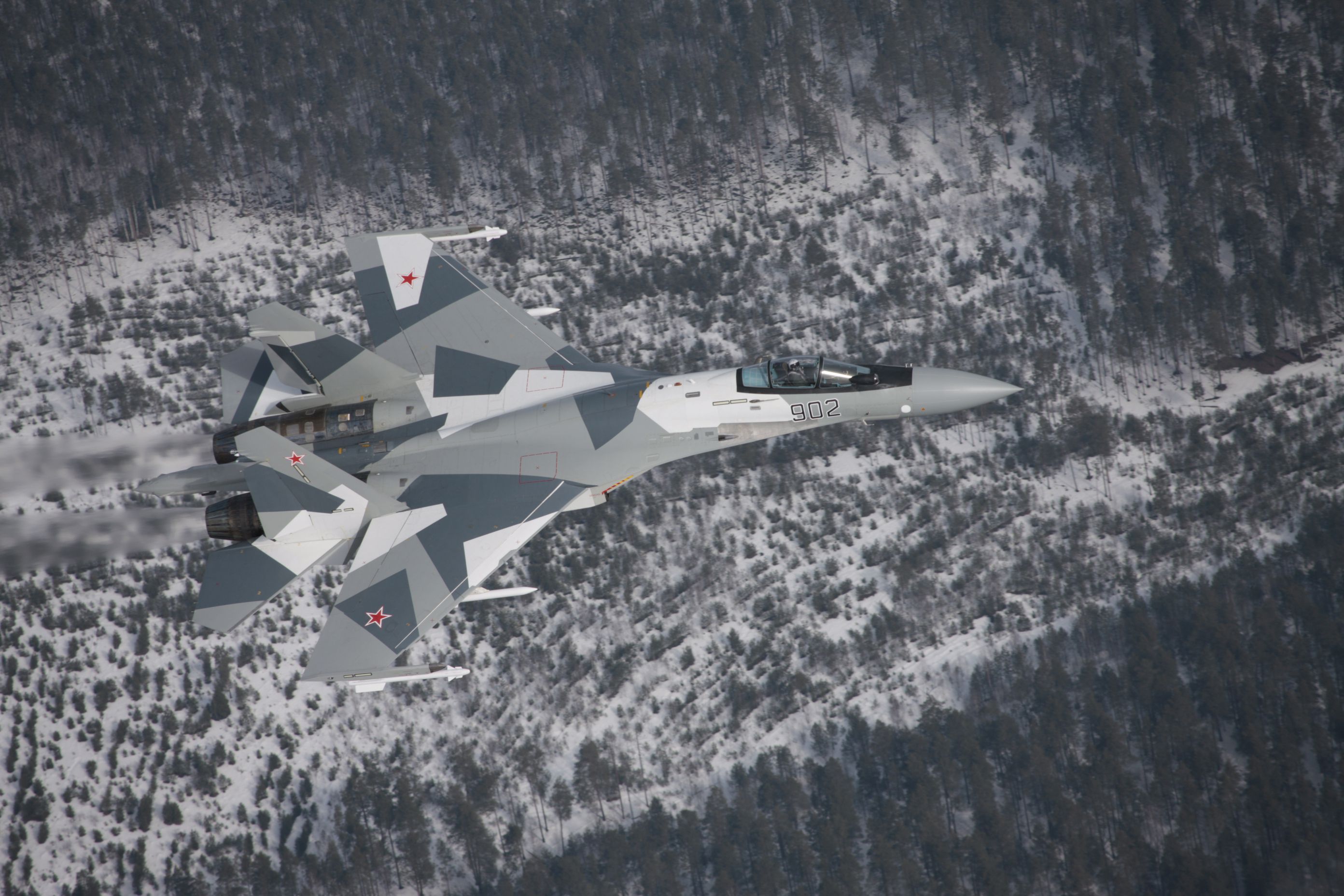
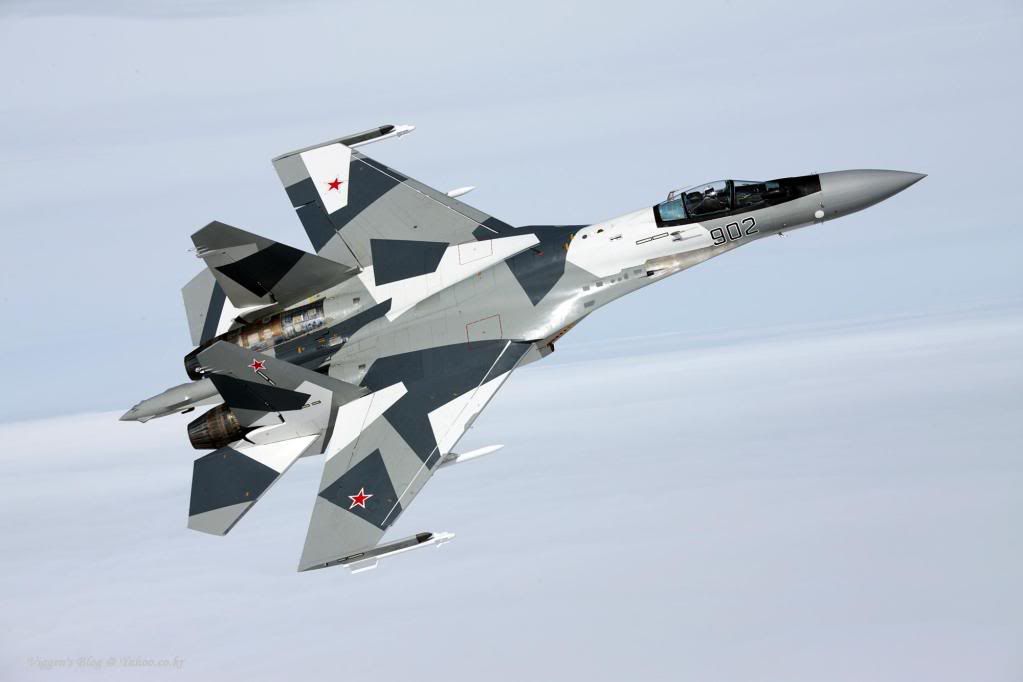

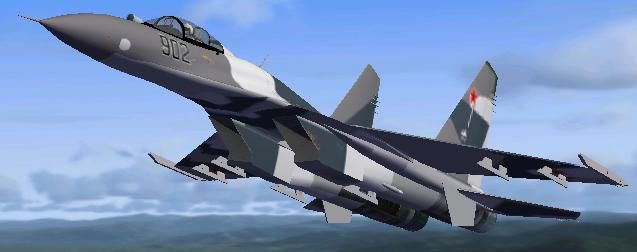
Russian Air Force Su-35 902. Textures only for the Sukhoi Su-35 902. Aircraft model by Bill Wolfgen (Bear Studios) FSX Su-27/UB/30 (SU27FLNK.ZIP). Repaint by Enrique Medal.
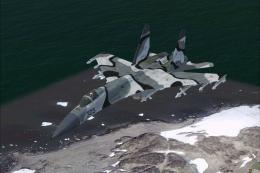
Russian Air Force Su-35 902 in flight.
Installation:
1. Unzip the file to a temp folder. Copy the "texture.su35-902" folder to a previously installed Su-27 package by Bill Wolfgen (Bear Studios).
2. Add this to aircraft.cfg (change X for the next number):
[fltsim.X]

	title=Su-35 RUSSIAN AIR FORCE

	sim=su27

	model=B

	panel=

	sound=

	texture=su35-902

	ui_manufacturer=Sukhoi

	atc_id_color=0000000000

	visual_damage=1

	ui_type=SU-35 FLANKER

	atc_id=902

	ui_variation=RUSSIAN AIR FORCE 902

	description=BEAR STUDIO`S SU-27\30\35 FLANKER

	atc_id_color=0000000000

	visual_damage=1

	atc_heavy=0

	atc_airline=Air Force

	atc_flight_number=502
Enrique Medal Pavés.
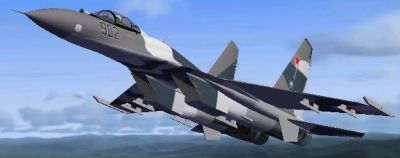
Russian Air Force Su-35 902 in flight.
Free for all simmers · 3.31 MB · Scanned clean Oct 2026
Download speed: Free tier is capped at 0.5 Mbps. PRO members download at full line speed.
This add-on may require the following files to function properly. If this is a repaint, the dependency below is likely the base aircraft package.
SimObjects\Airplanes\, Addon Scenery\, Effects\, or Gauges\.readme.txt or README file. It tells you exactly where files go, what dependencies are needed, and any quirks specific to this add-on.The archive su35-902.zip has 13 files and directories contained within it.
This list displays the first 500 files in the package. If the package has more, you will need to download it to view them.
| Filename/Directory | File Date | File Size |
|---|---|---|
| texture.su35-902 | 10.19.09 | 0 B |
| SU27_BOTTOM_t.bmp | 10.19.09 | 1.00 MB |
| SU27_PARTS.bmp | 10.19.09 | 1.00 MB |
| SU27_top_t.bmp | 10.19.09 | 1.00 MB |
| SU27_weapons.bmp | 03.03.08 | 682.74 kB |
| Thumbnail.jpg | 10.19.09 | 10.17 kB |
| Su35-1.jpg | 10.19.09 | 23.75 kB |
| Su35-2.jpg | 10.19.09 | 24.17 kB |
| _SPS1828[1].jpg | 10.17.09 | 2.26 MB |
| img_288_23015_4[1].jpg | 10.18.09 | 36.86 kB |
| README.TXT | 10.20.09 | 1.16 kB |
| flyawaysimulation.txt | 10.29.13 | 959 B |
| Go to Fly Away Simulation.url | 01.22.16 | 52 B |
Only PRO members can place votes.
More FSX & P3D add-ons hand-picked based on this download.
FSX Military Aircraft
Bear Studios Su-30SM repaints. Two repaints depicting two of the Russian Air …
 FSX Military Aircraft
Russian winter camo N305. Textures only for the payware Bear Studios J-11B Fl…
 FSX Military Aircraft
Seasoned virtual aviators who enjoy pushing Mikoyan‑Gurevich hardware to its …
 FSX Military Aircraft
Russian Air Force Mikoyan MiG-29, codename "Fulcrum" demo. The Mikoyan MiG-29…
 FSX Military Aircraft
Three repaints of the Sukhoi Su-30 MK2V Flanker. Texture only for the payware…
 FSX Military Aircraft
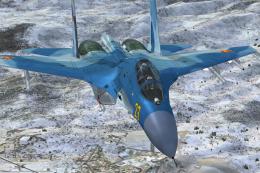
Registration N23. Textures only for the payware Bear Studios J-11B Flanker B+…
 FSX Military Aircraft
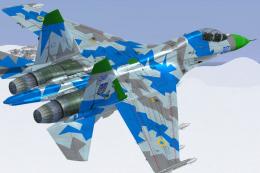
Su-27 Flanker N30. Textures only for the payware Bear Studios J-11B Flanker B…
 FSX Military Aircraft
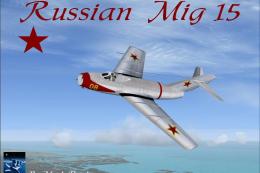
FSX Russian MiG 15. This is a modified version of the MiG 15 model by Jean-Pi…
Be the first to leave a comment on this download.
Be the first to share your thoughts on this download.