

 FS2004 Civil Jet Aircraft
LAPA Boeing 737-200
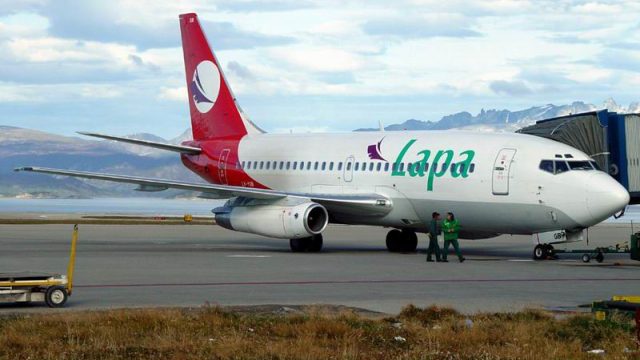
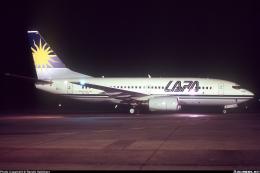
This is a repaint of Erick Cantu's new Boeing 737-200 in the colors of LAPA A…
Boeing 737-200 in classic LAPA colors pairs a polished exterior finish with smooth animations for gear, flaps, engine cowlings, and thrust reversers, plus dynamic shine and well-judged night lighting. Built on an optimized FFX/SGA model with carefully aligned markings, it supports Microsoft Flight Simulator 2002 and Microsoft Flight Simulator 2004.
 Rate
Rate
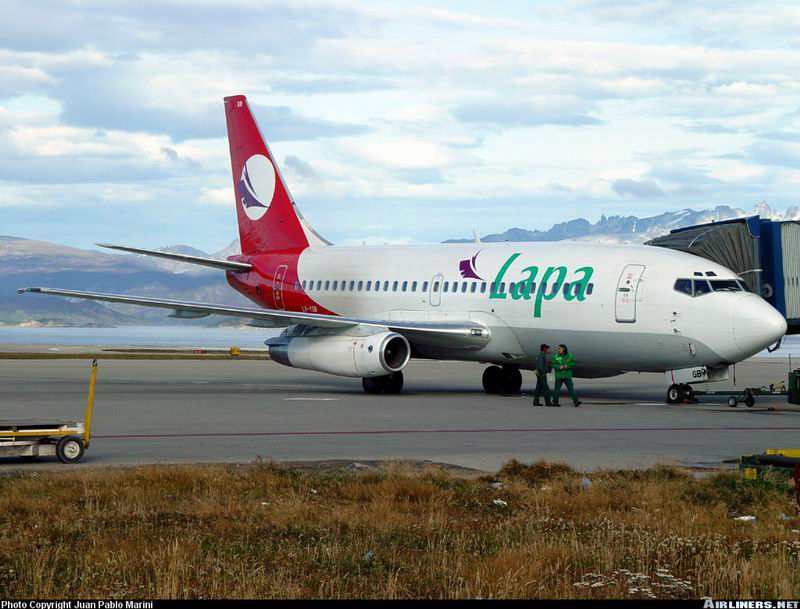
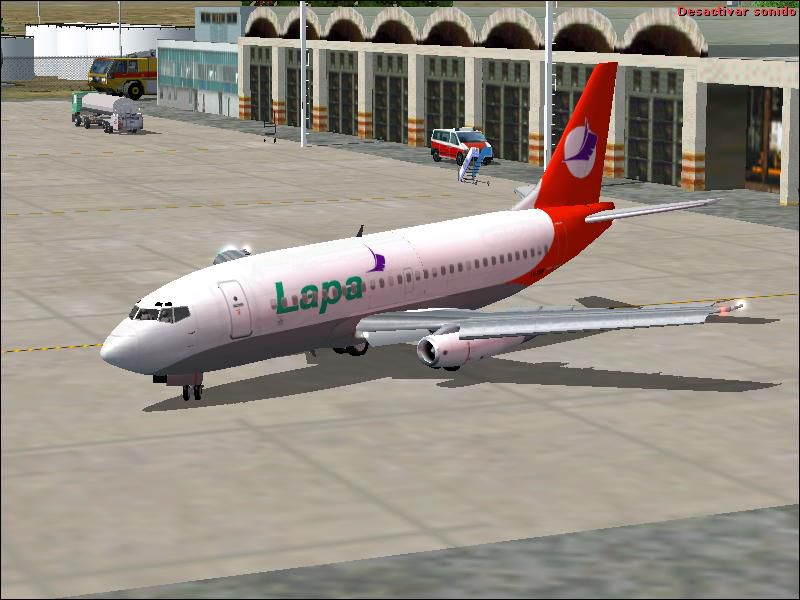

This comprehensive Boeing 737-200 package brings a faithful rendition of LAPA’s (Líneas Aéreas Privadas Argentinas) distinctive paint scheme into both Microsoft Flight Simulator 2002 and Microsoft Flight Simulator 2004. Developed by FFX/SGA with textures meticulously crafted by Facundo Sachi, this freeware release includes a fully optimized model, highly refined animations, and a striking exterior finish that showcases accurate reflections and polished dynamic shine.
Designed to replicate the iconic lines of the Boeing 737-200, this add-on incorporates precisely mapped control surfaces. Landing gear components extend and retract with measured realism, and the flaps align with recognized flight parameters. Engine cowling animations, along with thrust reverser deployment, remain true to real-world operations, ensuring an immersive experience from takeoff to touchdown.
Users will notice each surface responding dynamically to environmental lighting, independent of time or weather conditions. The reflective textures add depth to fuselage panels, and the distinct sheen gives an authentic metallic look. Nighttime flights highlight the carefully calibrated light arrays that illuminate the aircraft’s nose gear, wings, and tail sections.
The inclusion of dynamic wing and engine views grants the pilot a closer inspection of the aircraft’s aerodynamic elements in every phase of flight. Subtle details like accurate pylon shapes and finely tuned engine inlets enhance the feeling of piloting a classic narrow-body airliner. Throughout climb, cruise, and descent, proper wing flex and spoiler deflections offer an intricate visual reference.
The Boeing 737-200 is part of the early 737 lineage introduced to provide reliable short-to-medium range service. LAPA, an Argentine airline, famously utilized this variant for its domestic routes, banking on the aircraft’s sturdy design and economical operation. Its design prioritizes efficient performance at lower altitudes, which pairs well with the varied South American environment.
The LAPA livery is rendered with polished edge lines, carefully layering each hue to match real-world references. The branding placement on the tailfin, fuselage lettering, and subtle markings around cabin windows closely replicate the airline’s historical aesthetic. All textures engage the simulator’s reflection engine to present balanced lighting effects, ensuring cohesive visuals from every angle.
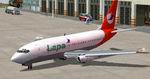
FFX/SGA’s collaborative efforts, combined with the artistic input from Facundo Sachi, produce a faithful and accessible Boeing 737-200 experience that captures both the timeless engineering of this aircraft and the unique style of LAPA’s fleet.
Free for all simmers · 1.47 MB · Scanned clean Oct 2026
Download speed: Free tier is capped at 0.5 Mbps. PRO members download at full line speed.
FS9\Aircraft\, FS9\Addon Scenery\, FS9\Gauges\, or FS9\Effects\.readme.txt or README file. It tells you exactly where files go, what dependencies are needed, and any quirks specific to this add-on.The archive FFXB732_LAPA2.zip has 53 files and directories contained within it.
This list displays the first 500 files in the package. If the package has more, you will need to download it to view them.
| Filename/Directory | File Date | File Size |
|---|---|---|
| 737-200 Lapa Real.jpg | 11.16.03 | 79.77 kB |
| FFXB732_LAPA | 11.16.03 | 0 B |
| 737-200 Lapa.GIF | 11.15.03 | 10.60 kB |
| 737-200 Lapa.JPG | 11.15.03 | 68.03 kB |
| AIRCRAFT.CFG | 11.15.03 | 8.96 kB |
| Boeing 737-200_notes.txt | 11.15.03 | 323 B |
| model | 11.16.03 | 0 B |
| B737_200.mdl | 03.09.03 | 864.39 kB |
| MODEL.CFG | 02.08.03 | 25 B |
| N270FL.AIR | 10.27.03 | 8.40 kB |
| panel | 11.16.03 | 0 B |
| PANEL.CFG | 05.01.02 | 32 B |
| SMOKE_JT8D.fx | 01.12.03 | 2.23 kB |
| sound | 11.16.03 | 0 B |
| SOUND.CFG | 11.16.03 | 30 B |
| Thumbs.db | 11.06.03 | 8.50 kB |
| texture | 11.16.03 | 0 B |
| 732WINGR_L.BMP | 12.24.02 | 5.05 kB |
| 732WINGR_T.BMP | 04.05.03 | 1.33 MB |
| B732FUSE_L.BMP | 03.16.03 | 1.00 MB |
| B732FUSE_T.BMP | 11.15.03 | 2.67 MB |
| B737TAIL_L.BMP | 03.16.03 | 64.07 kB |
| B737TAIL_T.bmp | 11.15.03 | 682.75 kB |
| ENGINES_L.bmp | 12.24.02 | 5.05 kB |
| ENGINES_T.BMP | 04.05.03 | 341.43 kB |
| ENGINES_T_METAL.BMP | 02.24.03 | 768.05 kB |
| EXHAUST_L.bmp | 12.24.02 | 5.05 kB |
| EXHAUST_T.bmp | 01.14.03 | 257.05 kB |
| FLAPGUIDES_L.bmp | 12.24.02 | 5.05 kB |
| FLAPGUIDES_T.BMP | 07.18.02 | 65.05 kB |
| FLAPS_L.bmp | 12.24.02 | 5.05 kB |
| FLAPS_T.BMP | 01.13.03 | 257.05 kB |
| FRAMES_L.bmp | 12.24.02 | 5.05 kB |
| FRAMES_T.bmp | 01.25.03 | 65.05 kB |
| GEARLEGS_L.bmp | 12.24.02 | 5.05 kB |
| GEARLEGS_T.bmp | 12.25.02 | 33.05 kB |
| INTAKE_L.bmp | 12.24.02 | 5.05 kB |
| INTAKE_T.BMP | 06.01.02 | 33.05 kB |
| MISC_L.BMP | 12.24.02 | 5.05 kB |
| MISC_T.BMP | 11.07.03 | 682.75 kB |
| OLEO_L.bmp | 12.24.02 | 5.05 kB |
| OLEO_T.bmp | 12.25.02 | 170.78 kB |
| PYLONS_L.bmp | 12.24.02 | 5.05 kB |
| PYLONS_T.bmp | 01.14.03 | 33.05 kB |
| REVGUIDES_L.bmp | 12.24.02 | 5.05 kB |
| REVGUIDES_T.BMP | 03.17.03 | 8.07 kB |
| STAB_L.bmp | 12.24.02 | 5.05 kB |
| STAB_T.bmp | 04.05.03 | 341.43 kB |
| Thumbs.db | 11.07.03 | 83.00 kB |
| Thumbs.db | 11.06.03 | 7.50 kB |
| FFXB732_LAPA2 | 11.16.03 | 0 B |
| flyawaysimulation.txt | 10.29.13 | 959 B |
| Go to Fly Away Simulation.url | 01.22.16 | 52 B |
Only PRO members can place votes.
More FS2004 add-ons hand-picked based on this download.
FS2004 Civil Jet Aircraft
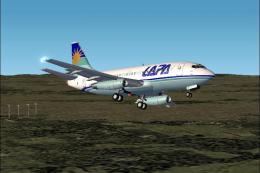
This is a repaint of Erick Cantu's new Boeing 737-200 in the colors of LAPA A…
 FS2004 Civil Jet Aircraft
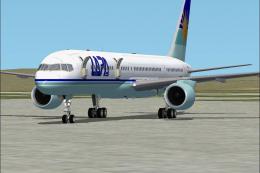
Immerse yourself in a fully realized Boeing 737-200 with the LAPA (Líneas Aér…
 FS2004 Civil Jet Aircraft
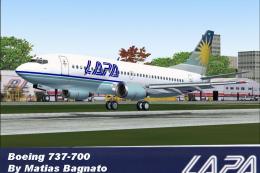
Original aircraft created by Project Opensky. Repaint by Facundo Sachi.
 FS2004 Civil Jet Aircraft
Features the latest reflection including dynamic shine and lighting and anima…
 FS2004 Civil Jet Aircraft
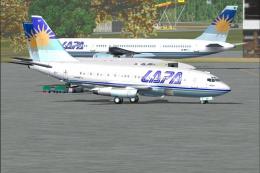
Model by Kittyhawk. Livery by Matias Bagnato. [fltsim.0] JABIndex=1 title=LAP…
 FS2004 Civil Jet Aircraft
This is a large and comprehensive file that is compatible with Microsoft Flig…
 FS2004 Civil Jet Aircraft
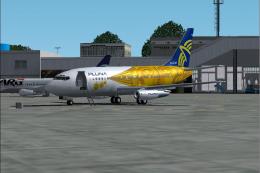
This freeware Boeing 737-200 package brings the PLUNA (Primeras Líneas Urugua…
 FS2004 Civil Jet Aircraft
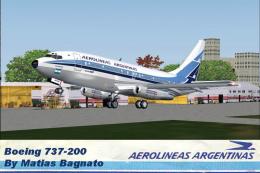
It features the latest reflection including dynamic shine,lighting,and animat…
Be the first to leave a comment on this download.
Be the first to share your thoughts on this download.