

 FSX Missions
Sequim Valley Emergency Rescue Mission
FSX Sequim Valley Emergency Rescue Mission. Fly from Port Angeles CGAS (KNOW)…
Atomi Emergency: China drops pilots into a story-driven mission that begins in Beijing, mixing urgent reconnaissance photo tasks with a guided route to remote landing fields near troubled nuclear plants. Designed for Microsoft Flight Simulator X, it adds custom scenery objects and map-based navigation cues for an adventure-focused flight.
 Rate
Rate
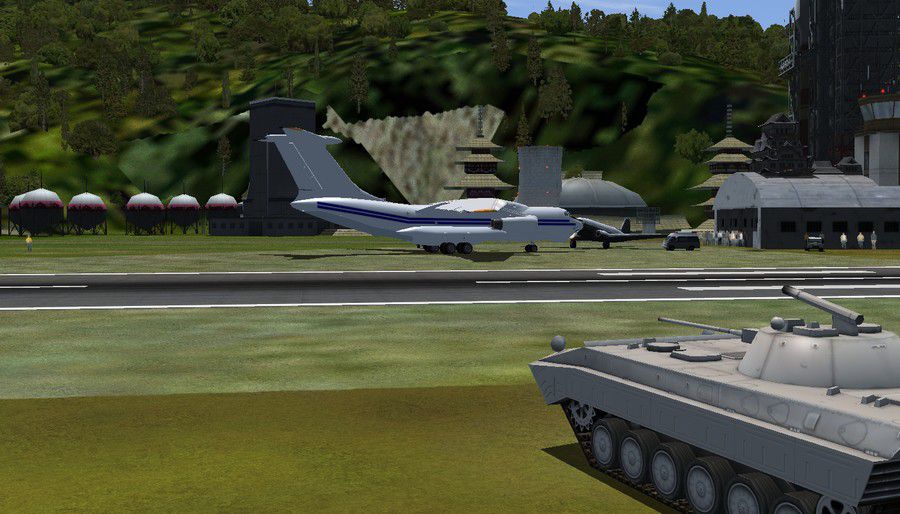
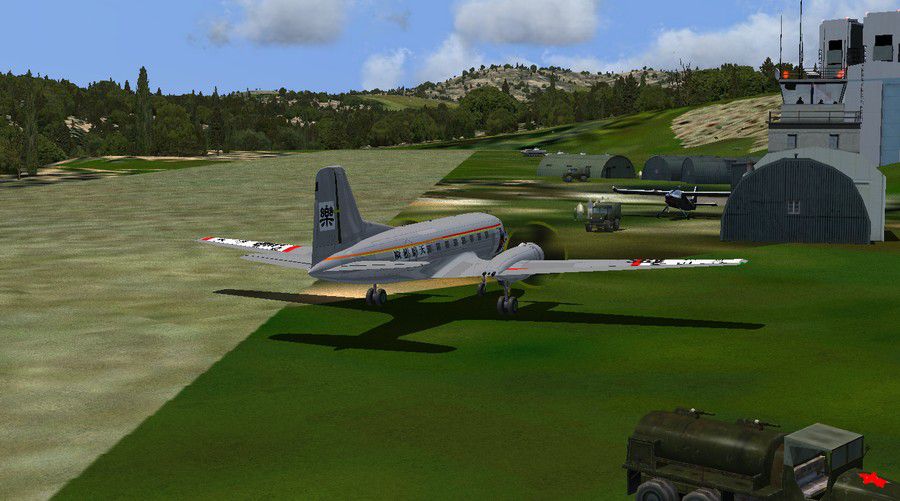
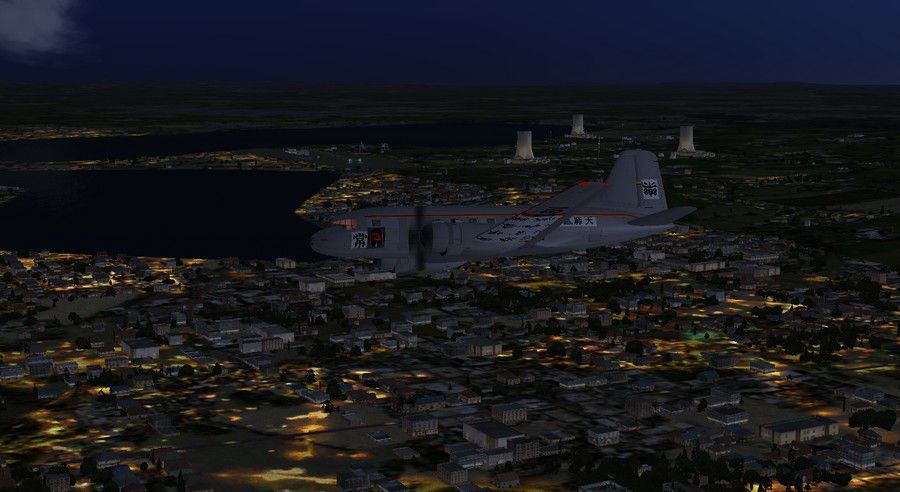
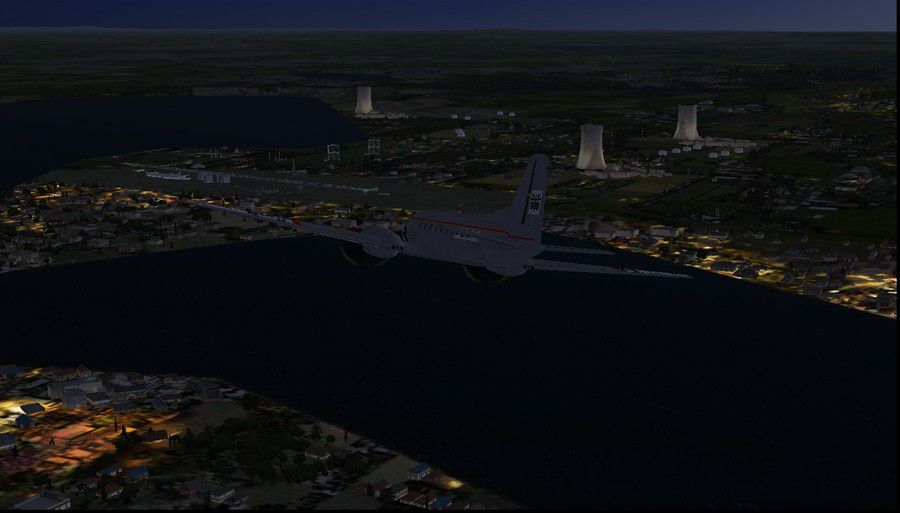
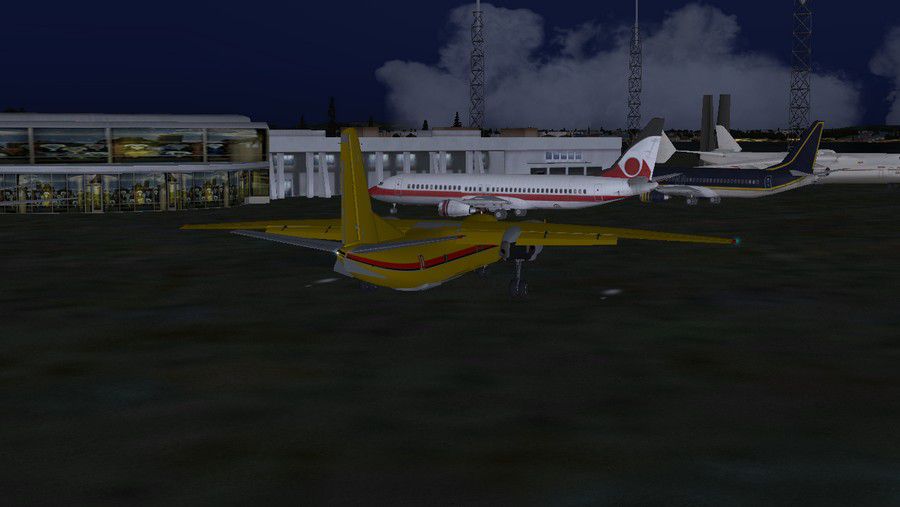
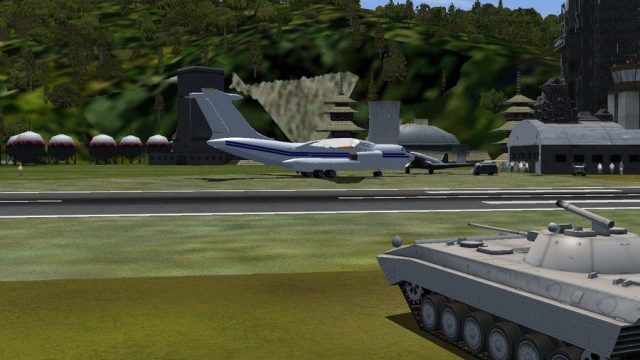
Atomi Emergency-China. An FSX adventure flight--Dr. Laura Berlotti, Prime Atomic Scentist, has been asked by the Chinese Government to inspect several atomic plants which suddenly have becomed "hot"! She hires you to be her pilot since she has permission to fly in her own plane. Suddenly, you receive a tiny camera from your old commander at AA with a little note "Take pics..Urgent". Off you go to Beijing where the plane is waiting with Wan Tu, your 27 year old ex beauty queen of the province of Quan and champion acrobatic pilot of the Republic... Will you fly, take pictures and smile at this lady? By Gera Godoy Canova.
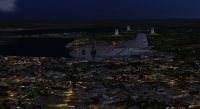
Atomi Emergency China Mission.
Set Up..........
1) Place all .BGL files in your FSX/Addon scenery/scenery Directory
2) Activate Files by closing and opening FSX
That´s it.
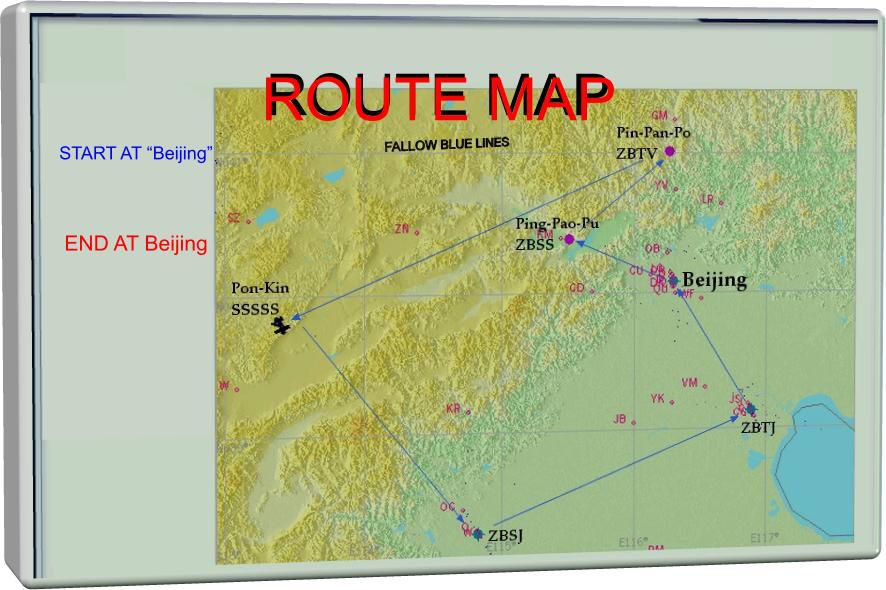
See Map.
Start from Beijing and return, landing at fields indicated with blue arrows in ROUTE Map-01.JPG file.
Cheers.
Gera
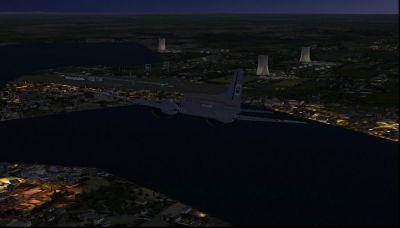
Atomi Emergency China Mission.
Free for all simmers · 544.68 KB · Scanned clean Oct 2026
Download speed: Free tier is capped at 0.5 Mbps. PRO members download at full line speed.
FSX\Missions\ as a sub-folder. The folder must contain an XML file describing the mission.readme.txt or README file. It tells you exactly where files go, what dependencies are needed, and any quirks specific to this add-on.The archive ching.zip has 19 files and directories contained within it.
This list displays the first 500 files in the package. If the package has more, you will need to download it to view them.
| Filename/Directory | File Date | File Size |
|---|---|---|
| lago-2.jpg | 06.28.09 | 64.47 kB |
| noche-lago.jpg | 06.28.09 | 94.80 kB |
| por lago.jpg | 06.28.09 | 61.23 kB |
| ROUTE MAP-01.jpg | 07.04.09 | 80.38 kB |
| SEGUNDO.jpg | 06.29.09 | 122.08 kB |
| ultimo air.jpg | 06.28.09 | 107.05 kB |
| CVX_01-FONG-TOO-MUK.BGL | 06.29.09 | 228 B |
| CVX_china-lake-city.BGL | 06.22.09 | 2.43 kB |
| CVX_MOUNTAIN-DEW4.BGL | 06.23.09 | 227 B |
| CVX_PROJECT.BGL | 06.29.09 | 281 B |
| NUKECHINA.bgl | 07.04.09 | 9.01 kB |
| ZBSS_ADE_ADE.BGL | 06.29.09 | 2.07 kB |
| ZBTV_ADE_ADE.BGL | 06.21.09 | 1.18 kB |
| ZBVV_ADE_ADE.BGL | 06.21.09 | 719 B |
| read me first-CHINA.txt | 07.05.09 | 485 B |
| FileID.diz | 07.04.09 | 88 B |
| mapita.gif | 07.05.09 | 8.68 kB |
| flyawaysimulation.txt | 10.29.13 | 959 B |
| Go to Fly Away Simulation.url | 01.22.16 | 52 B |
Only PRO members can place votes.
More FSX & P3D add-ons hand-picked based on this download.
FSX Missions
FSX Sequim Valley Emergency Rescue Mission. Fly from Port Angeles CGAS (KNOW)…
 FSX Missions
Emergency In Nantes. Recommended for use with NANTESVL.ZIP scenery. A helicop…
 FSX Missions
While on Holiday in the Orkney Islands, Scotland. Your services as a Helicopt…
 FSX Missions
Madagascar Mission. The Madagascarian Military pays you for a transport fligh…
 FSX Missions
Experience a daring alpine approach with this immersive mission set amid the …
 FSX Missions
Discover a daring and immersive freeware add-on that challenges your landing …
 FSX Missions
The Most Dangerous Airports: Lukla. The next in The Most Dangerous Airport Mi…
 FSX Missions
Hurricane Landing. Your task is to fly an Airbus A320 from Munich to Hamburg …
Be the first to leave a comment on this download.
Be the first to share your thoughts on this download.