

 FSX Scenery
Modified Terrain Textures Config File
Flight Simulator X terrain is defined in the terrain.cfg file. During testing…
Modified Airports Scenery refreshes several destinations for FSX, adding custom airfields such as Aquatica, Eden Hollow, Highasara, and Gamal Abd El Nasser for varied hop-to-hop flying. It also enhances selected stock airports with additional ILS capability, improving approach options and overall usability across the collection.
 Rate
Rate
 Global (World)
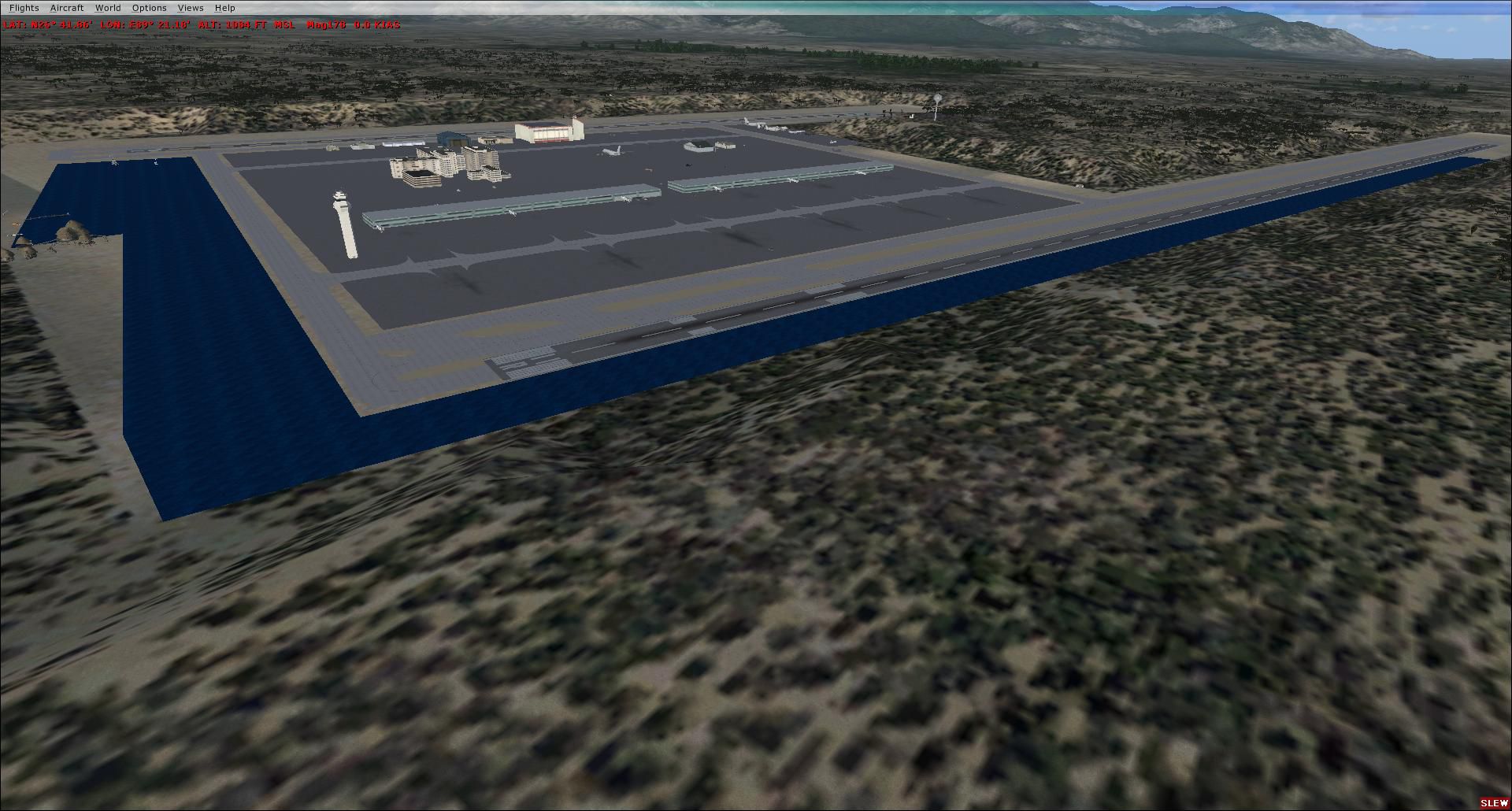
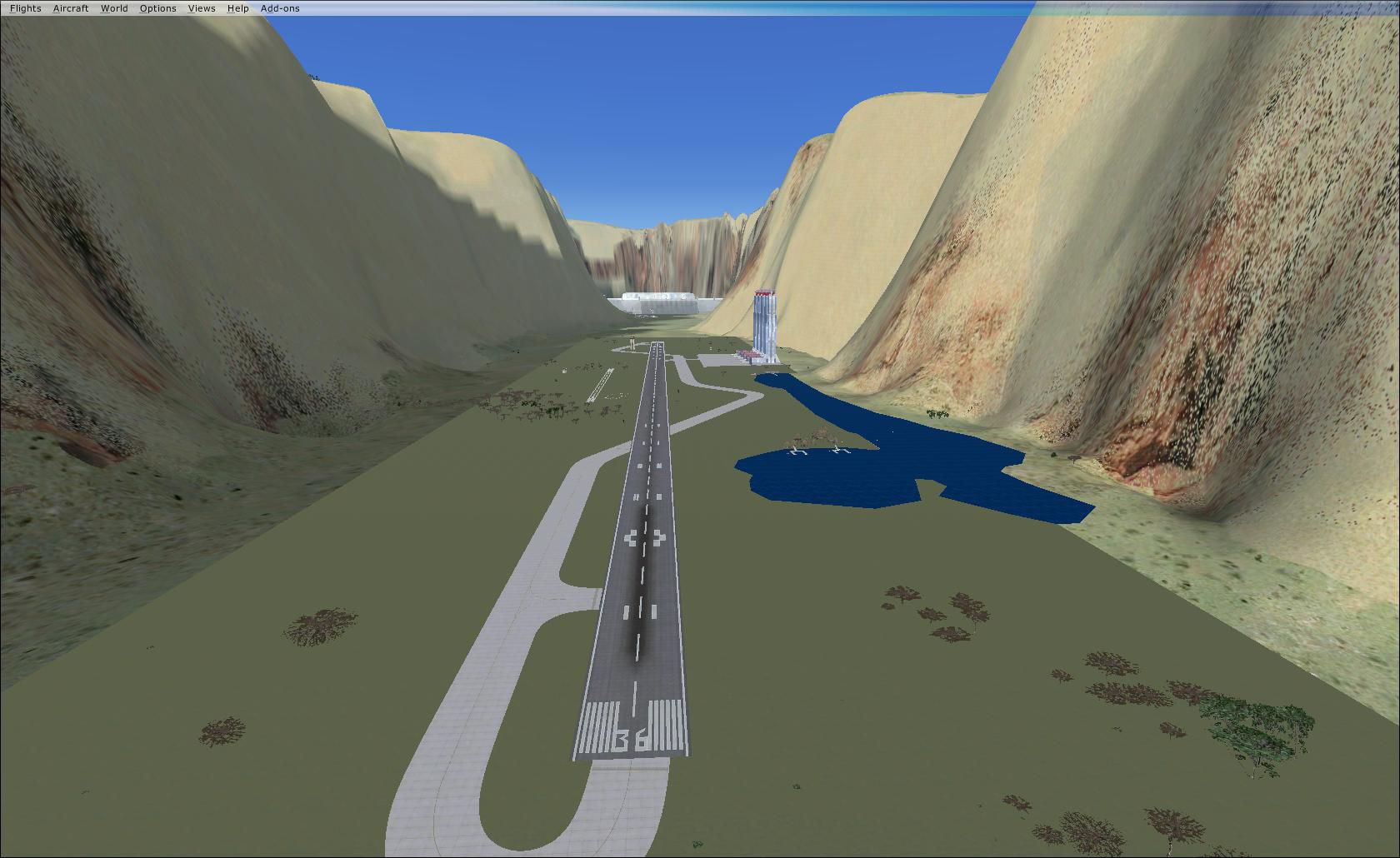
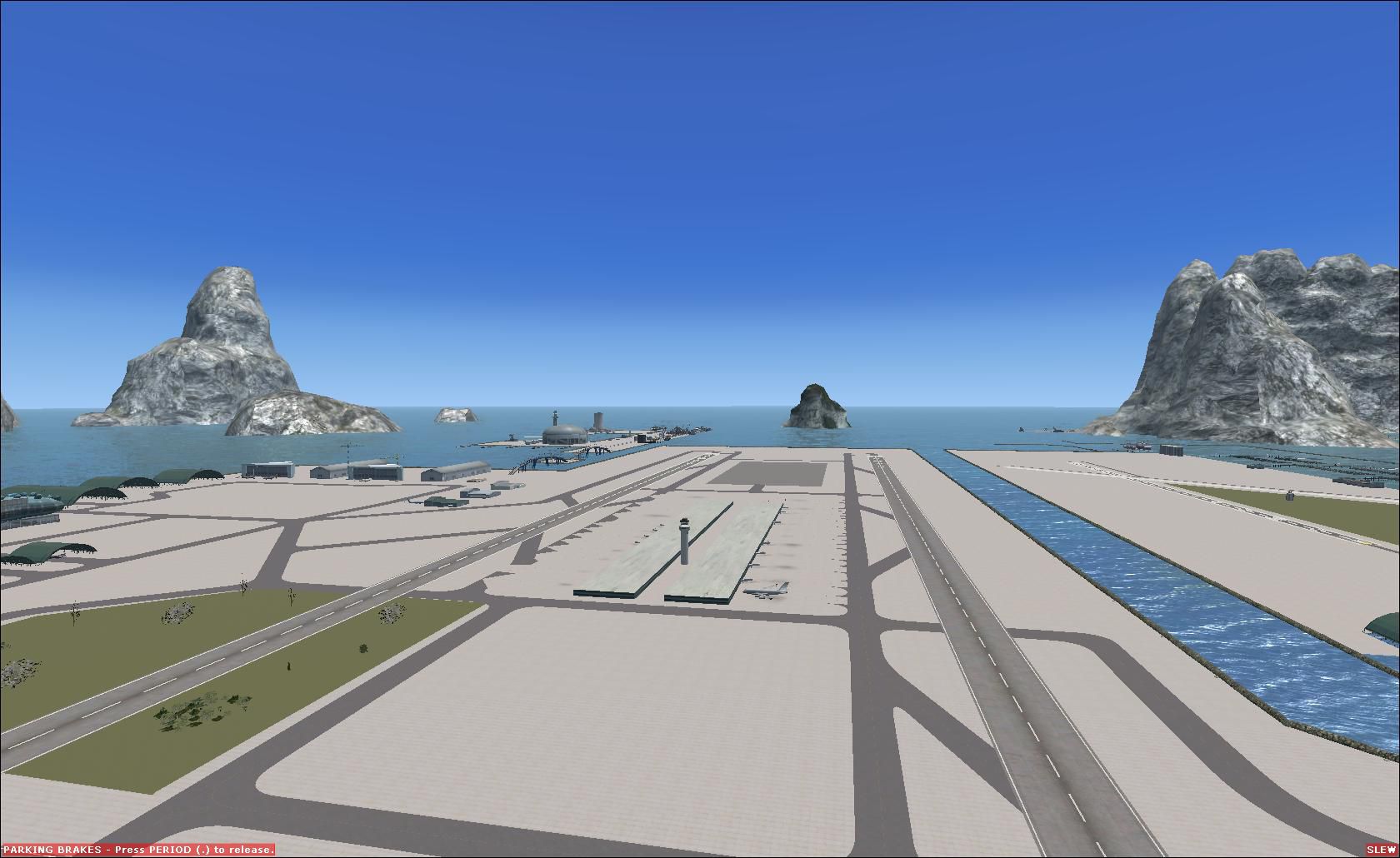
Scenery Modified Airports. A collection of airports modified and created for FSX. Fly at Aquatica, Edens Hollow, Highasara and more. By Fudge Panter and Highas.
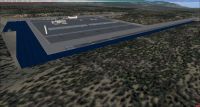
Modified Airports Scenery.
Simply unzip and copy into your addon scenery, scenery folder.
The airport code is WET2 Aquatica.
EDEN Eden Hollow.
Ve44 Highasara.
HL67 Gamal Abd El Nasser.
This is one of many airports that will be released for a world wide flight of many hops.
Created with Airport Design Editor by Fudge Panter(DWA) and Highas (GBC) advice and design concepts developed by Airmedic-69 (RF).
Testing done by friends Hotzoner and Airmedic-69.
Note the Extra 2 airports are stock that have had extra ILS systems added by Highas.
Enjoy and there will be more to come.
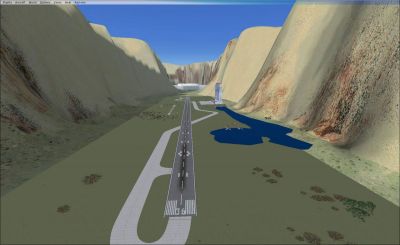
Modified Airports Scenery.
Free for all simmers · 660.36 KB · Scanned clean Oct 2026
Download speed: Free tier is capped at 0.5 Mbps. PRO members download at full line speed.
FSX\Addon Scenery\ containing scenery and texture sub-folders.readme.txt or README file. It tells you exactly where files go, what dependencies are needed, and any quirks specific to this add-on.The archive thehighasfudgeairports.zip has 13 files and directories contained within it.
This list displays the first 500 files in the package. If the package has more, you will need to download it to view them.
| Filename/Directory | File Date | File Size |
|---|---|---|
| FIMP_ADEX_ADE.BGL | 12.21.09 | 13.24 kB |
| hilo_ADEX_ADE.BGL | 12.24.09 | 766 B |
| HKEL_ADEX_ADE.BGL | 12.21.09 | 5.42 kB |
| HL67_ADEX_ADE.BGL | 12.24.09 | 51.61 kB |
| readme.txt | 12.24.09 | 588 B |
| VE44_ADEX_ADE.BGL | 12.24.09 | 16.98 kB |
| WET2_ADEX_DWA.BGL | 12.17.09 | 158.99 kB |
| thumbnail.jpg | 12.24.09 | 159.06 kB |
| EDEN_ADEX_DWA.BGL | 12.24.09 | 55.55 kB |
| THUMBNAIL1.jpg | 12.24.09 | 243.99 kB |
| THUMBNAIL2.jpg | 12.24.09 | 170.30 kB |
| flyawaysimulation.txt | 10.29.13 | 959 B |
| Go to Fly Away Simulation.url | 01.22.16 | 52 B |
Only PRO members can place votes.
More FSX & P3D add-ons hand-picked based on this download.
FSX Scenery
Flight Simulator X terrain is defined in the terrain.cfg file. During testing…
 FSX Scenery
A complete and fully featured photoreal, airport, building, and autogen scene…
 FSX Scenery
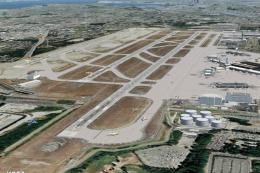
Seattle Airports, Washington (WA). A revision of the default Seattle-Tacoma (…
 FSX Scenery
73 Airports And Airfields In South Africa. Enhanced airports based on Google …
 FSX Scenery
A package for Microsoft Flight Simulator X that brings 7 Swiss airports to r…
FSX Scenery
Scenery For 31 Airports In Iran, VOR approach and parking fixed. Includes Ema…
 FSX Scenery
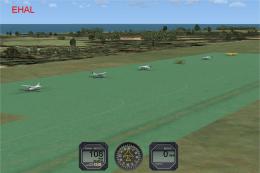
FSX Update For Dutch Airports (The Netherlands). Dutch airports EHAL, EHBD, E…
 FSX Scenery
Papua New Guinea Airports Part 1. PNG has more airfields and heliports than t…
Be the first to leave a comment on this download.
Be the first to share your thoughts on this download.