

 FSX Scenery
R&M's Songlo Vista Update
R&M's Songlo Vista Update. Version 2 changes: tiny position changes of object…
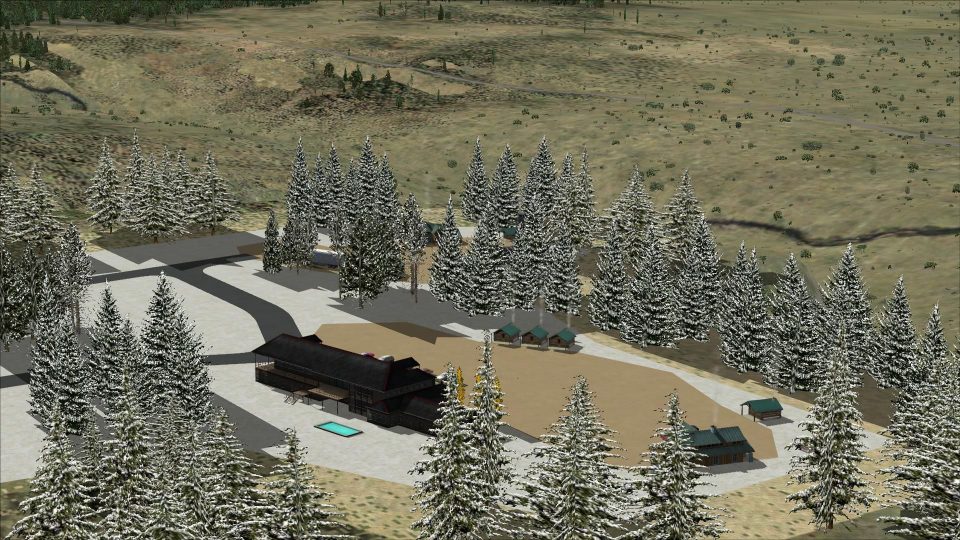
Songlo Vista Airport (3AK3) scenery brings a remote Alaskan bush strip to life in Microsoft Flight Simulator X SP2 with refined runway markings, sharper ground textures, custom approach definitions, and six parking start positions suited to light GA operations. Surrounded by rugged terrain, it supports engaging short-field arrivals and departures in a true backcountry setting.
 Rate
Rate
 United States of America
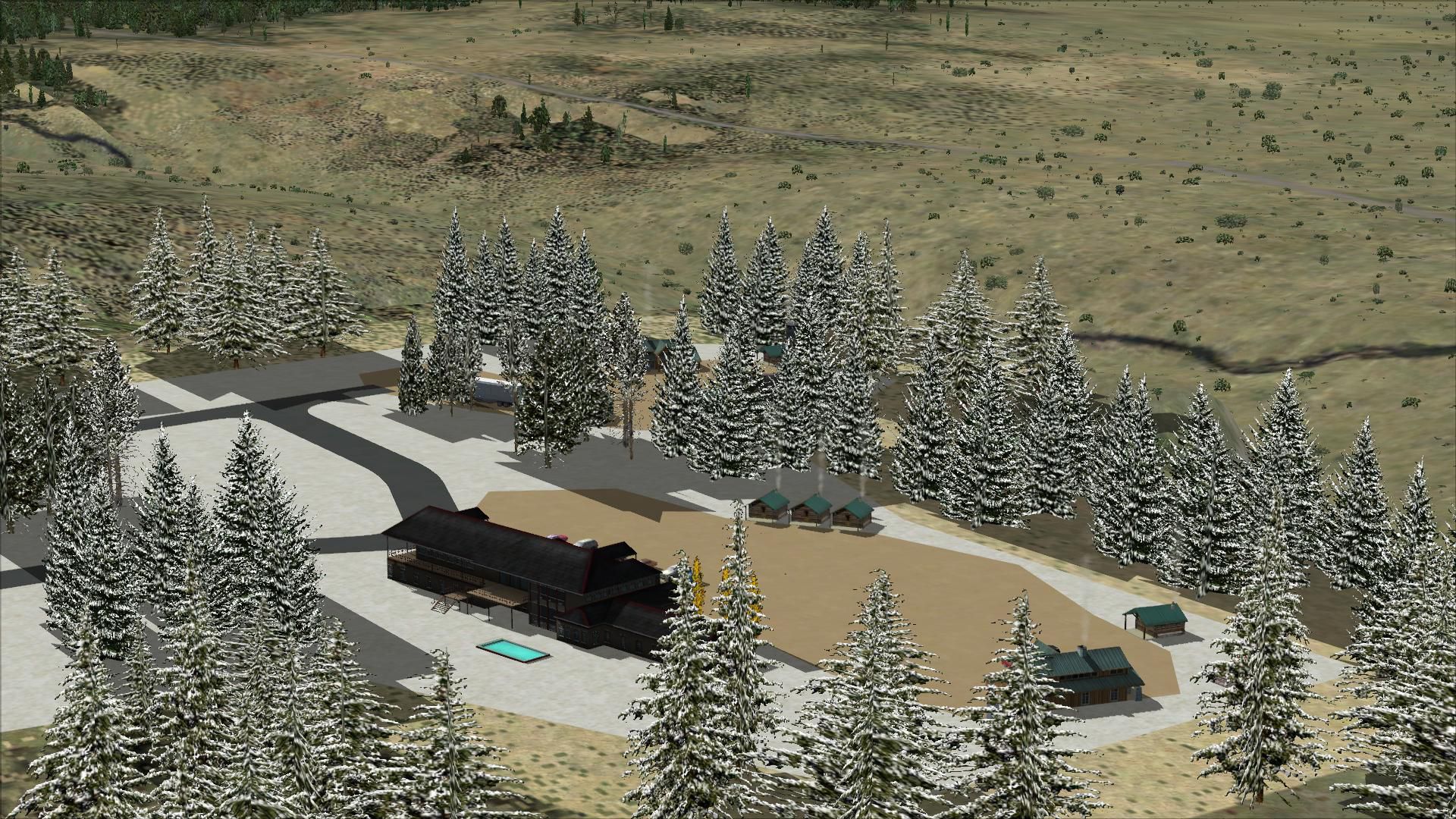
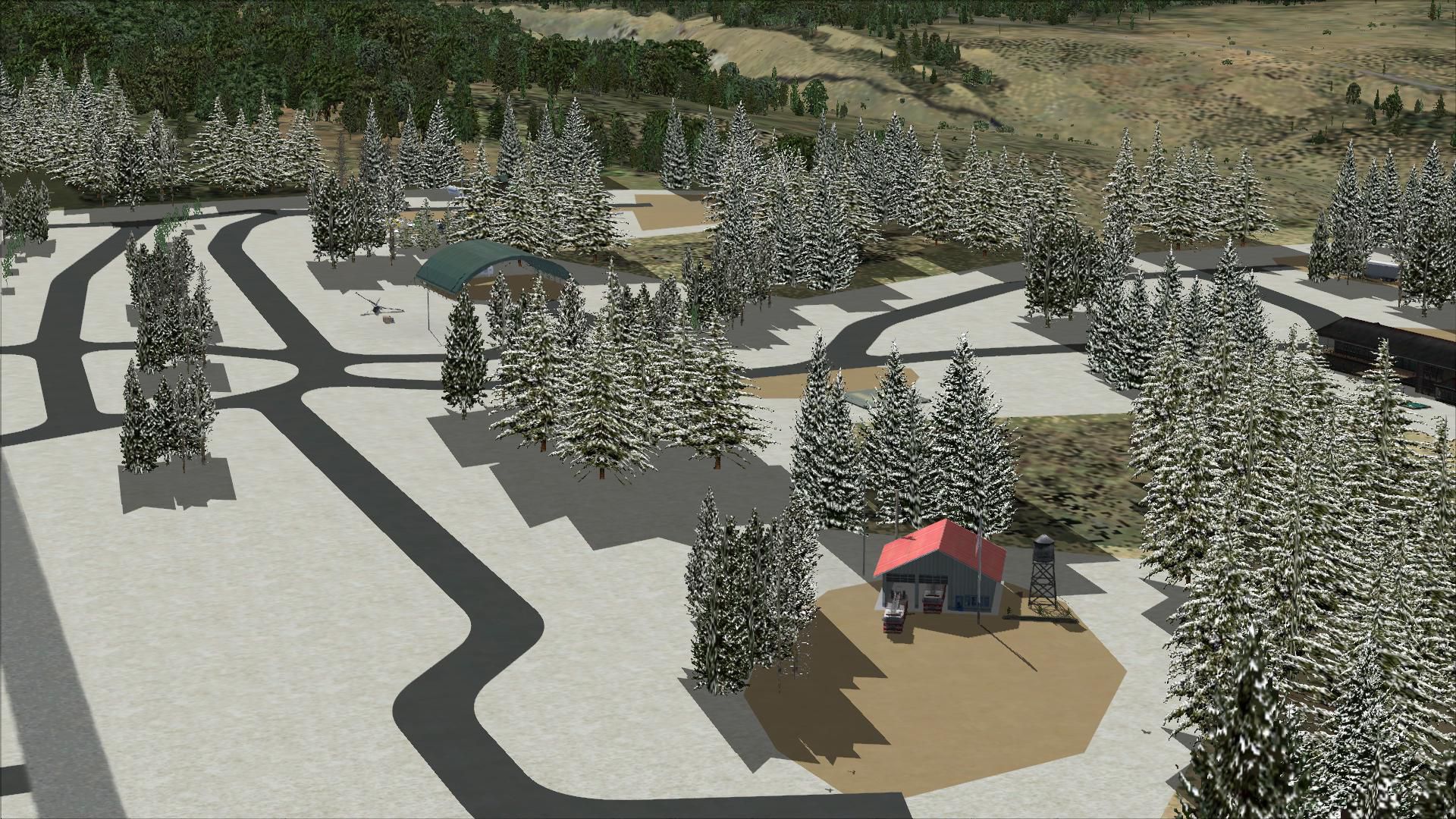
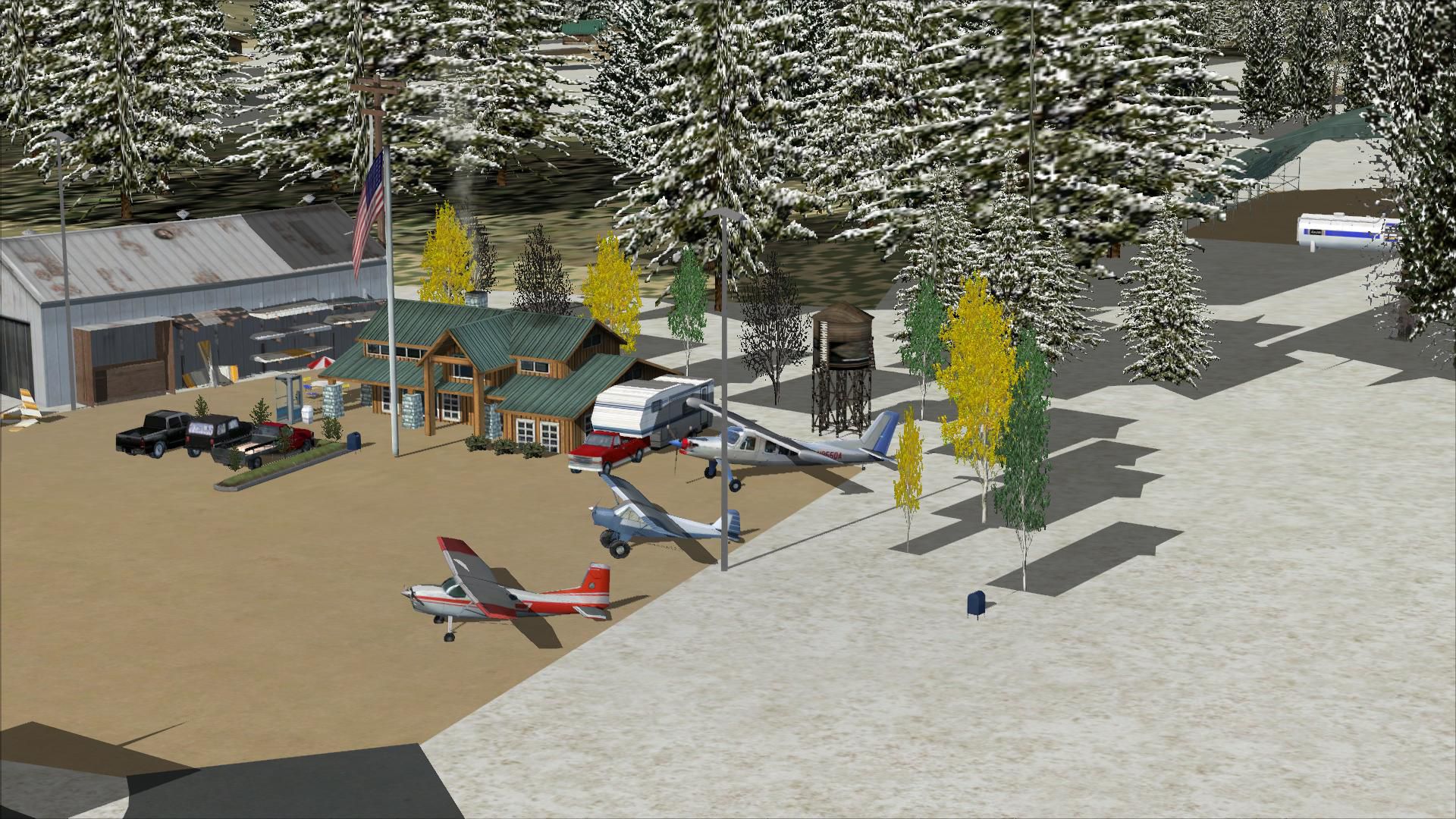


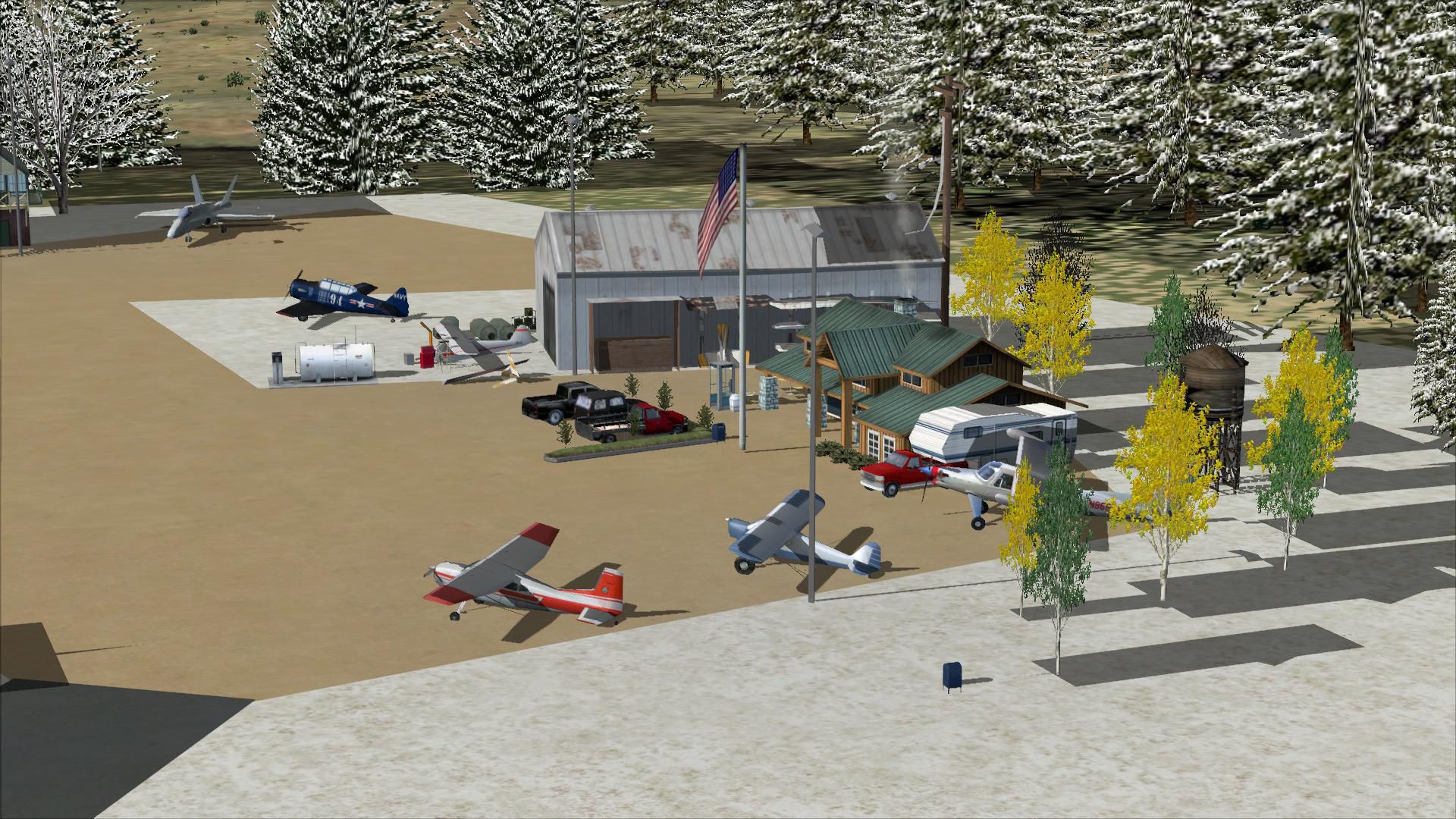
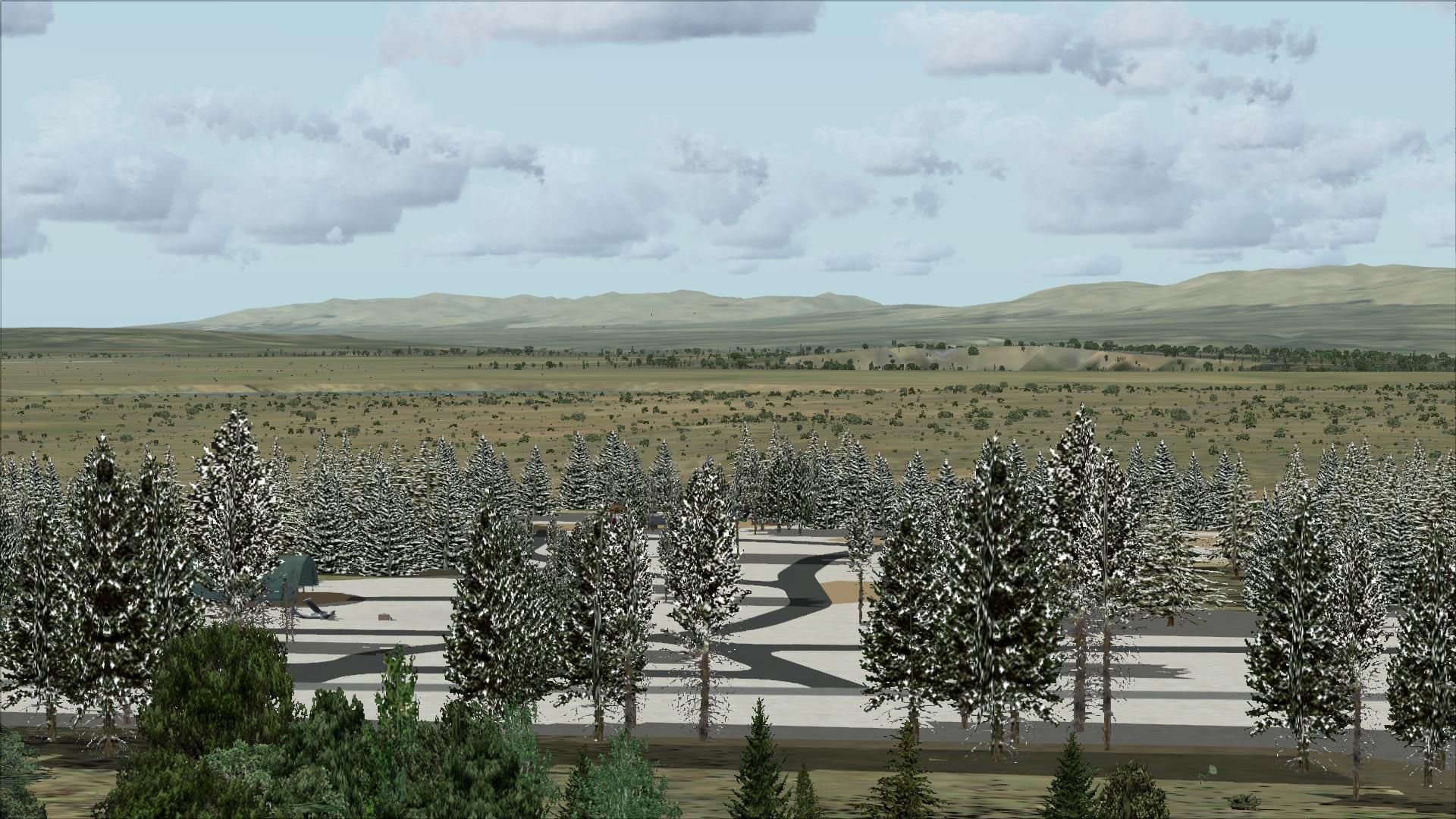

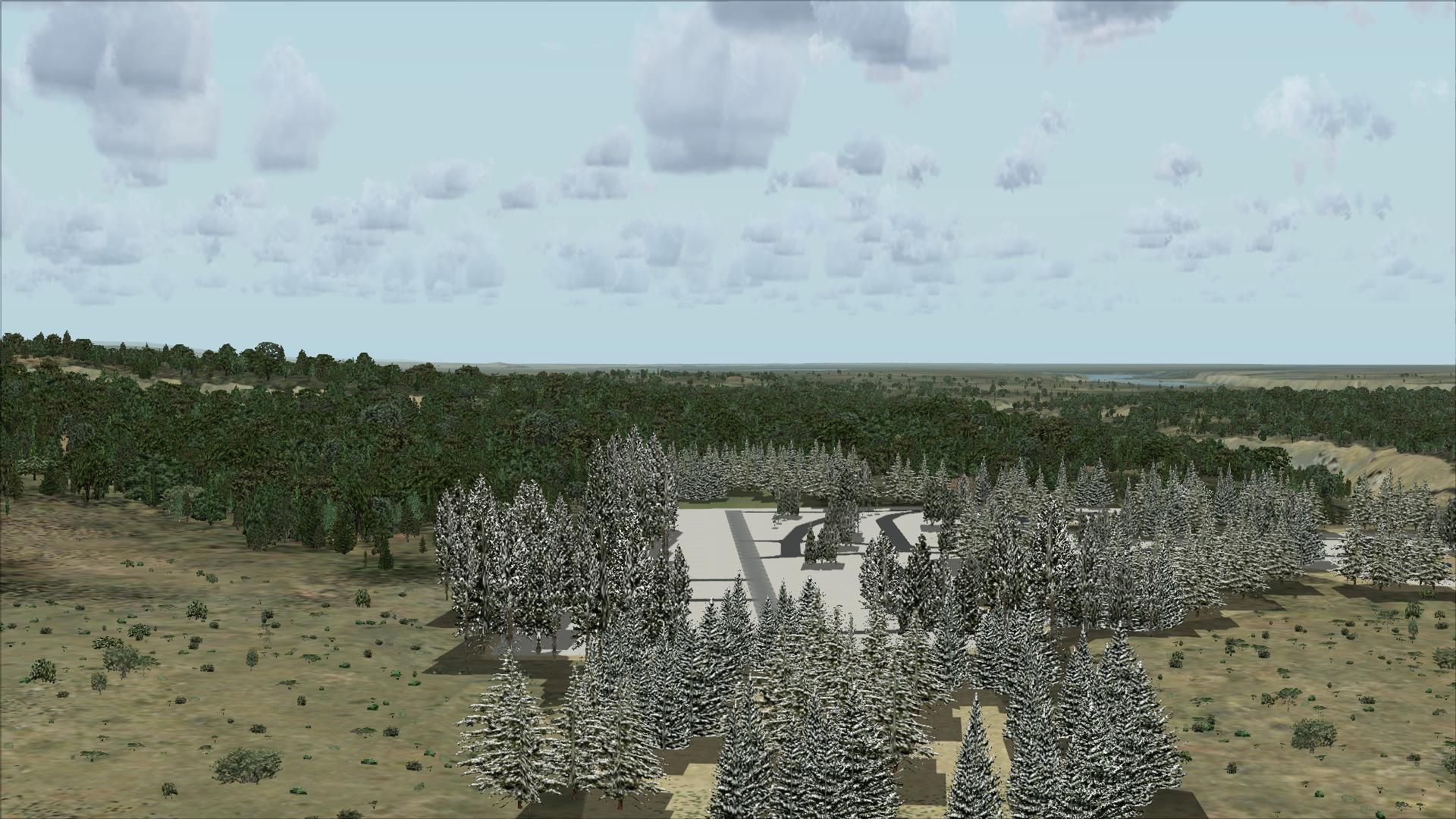
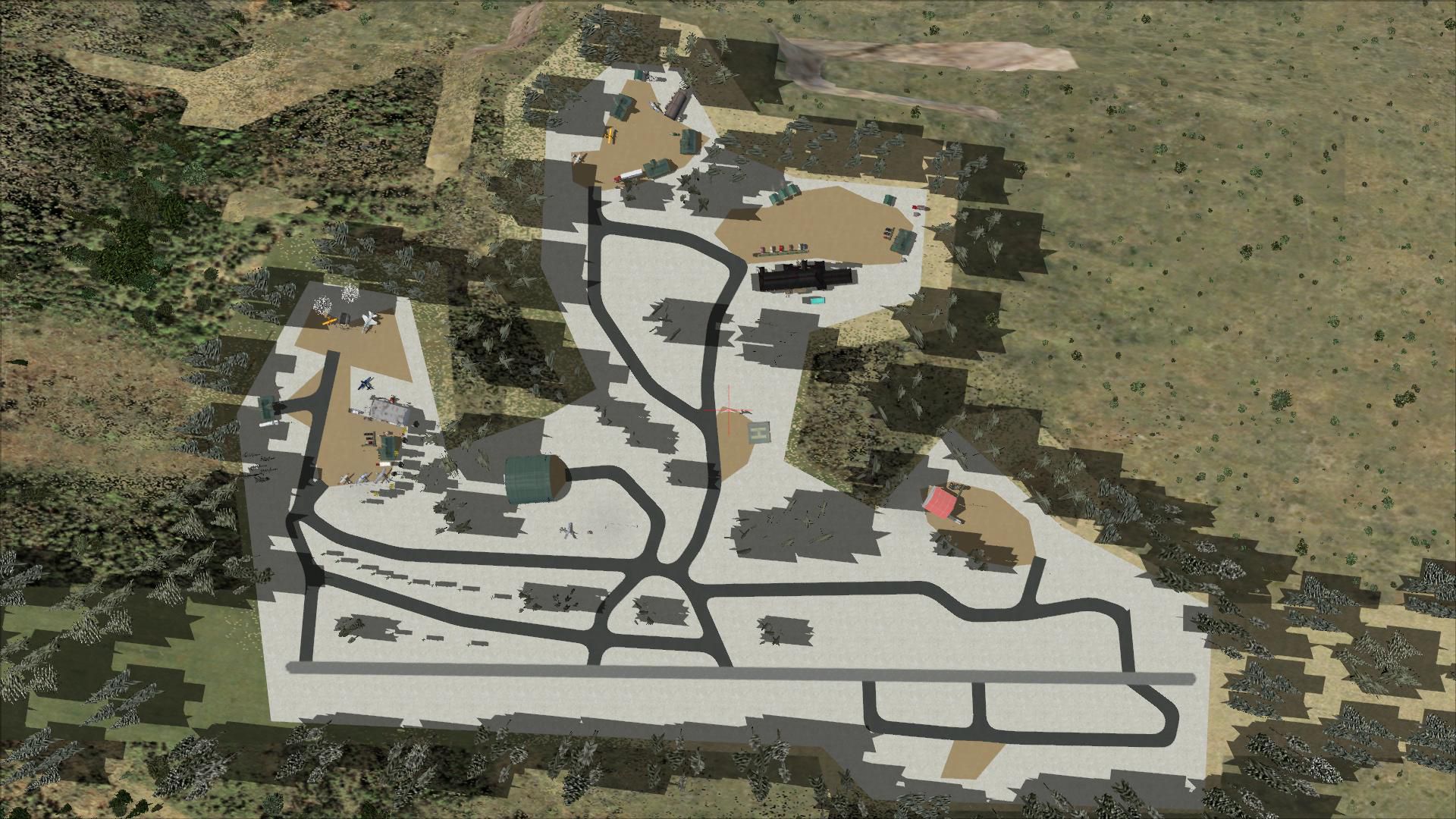
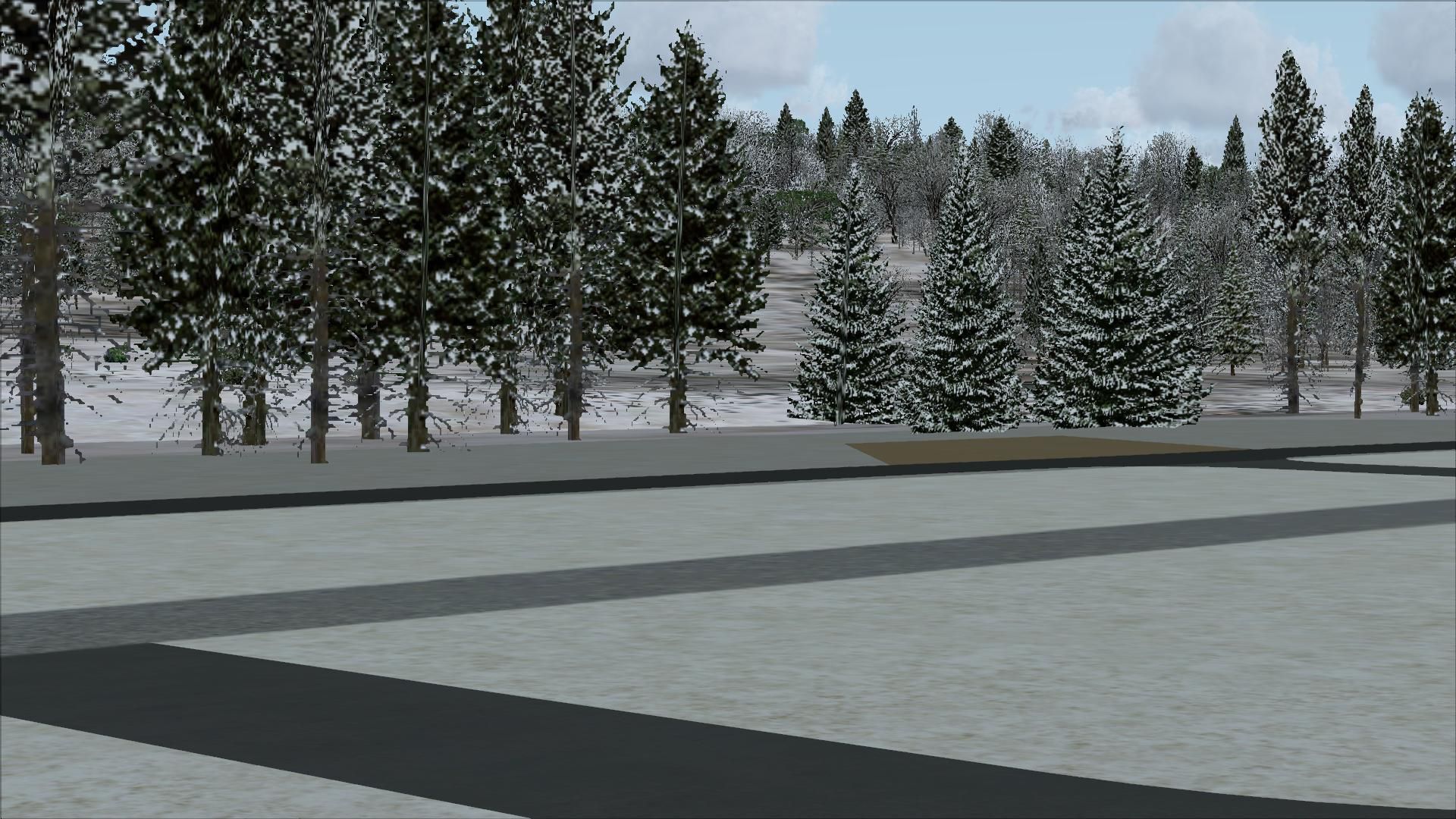
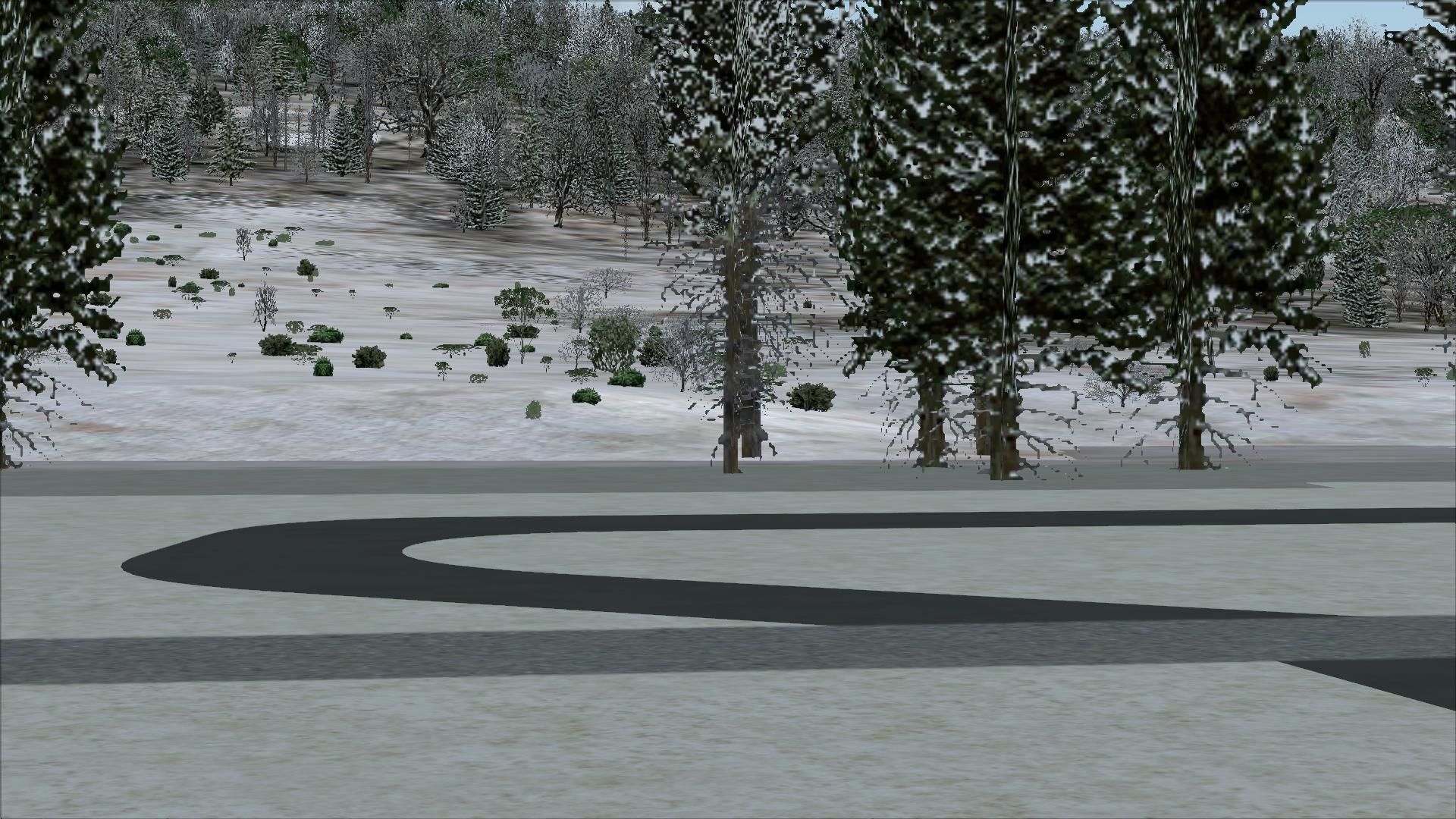
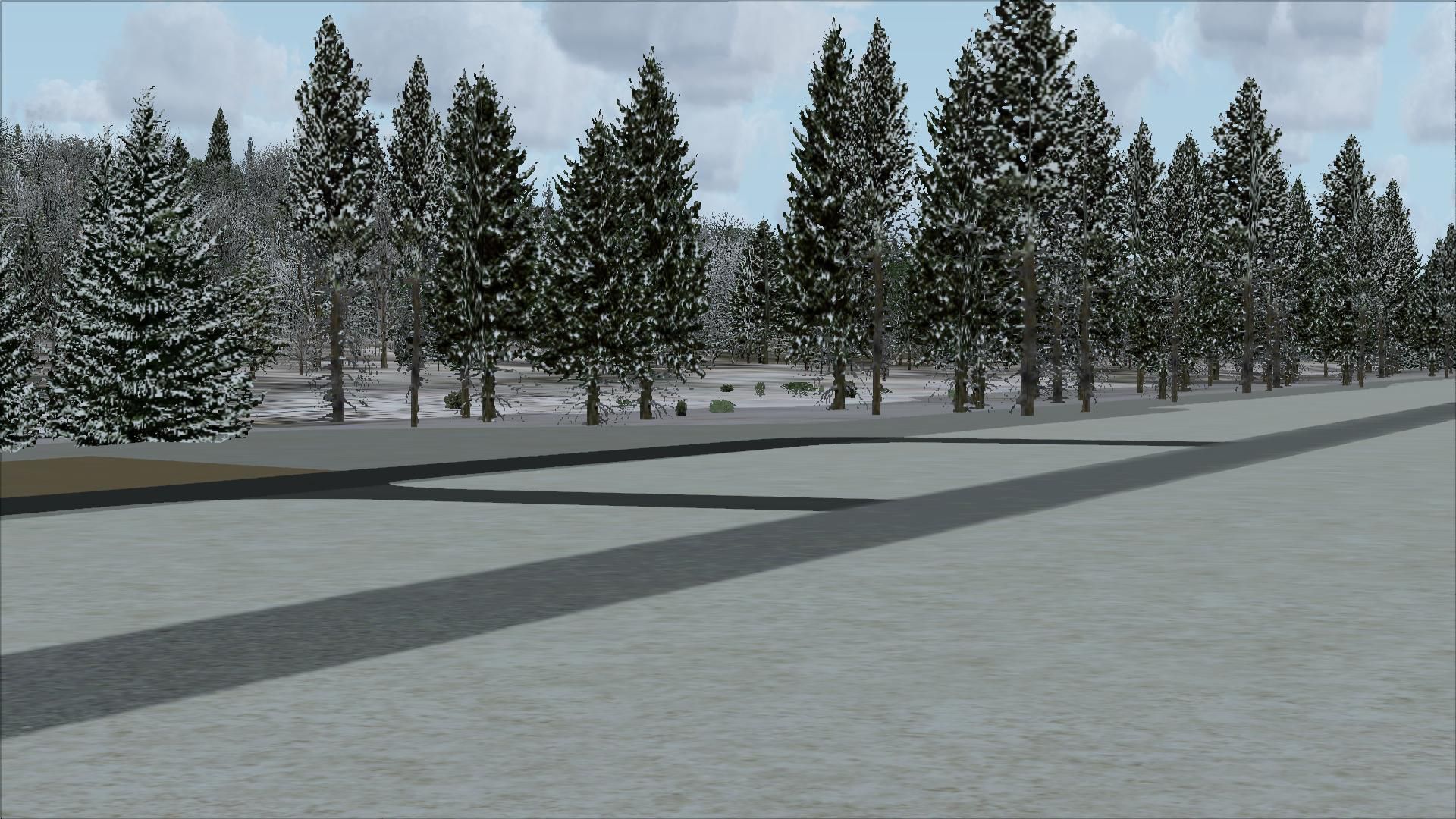
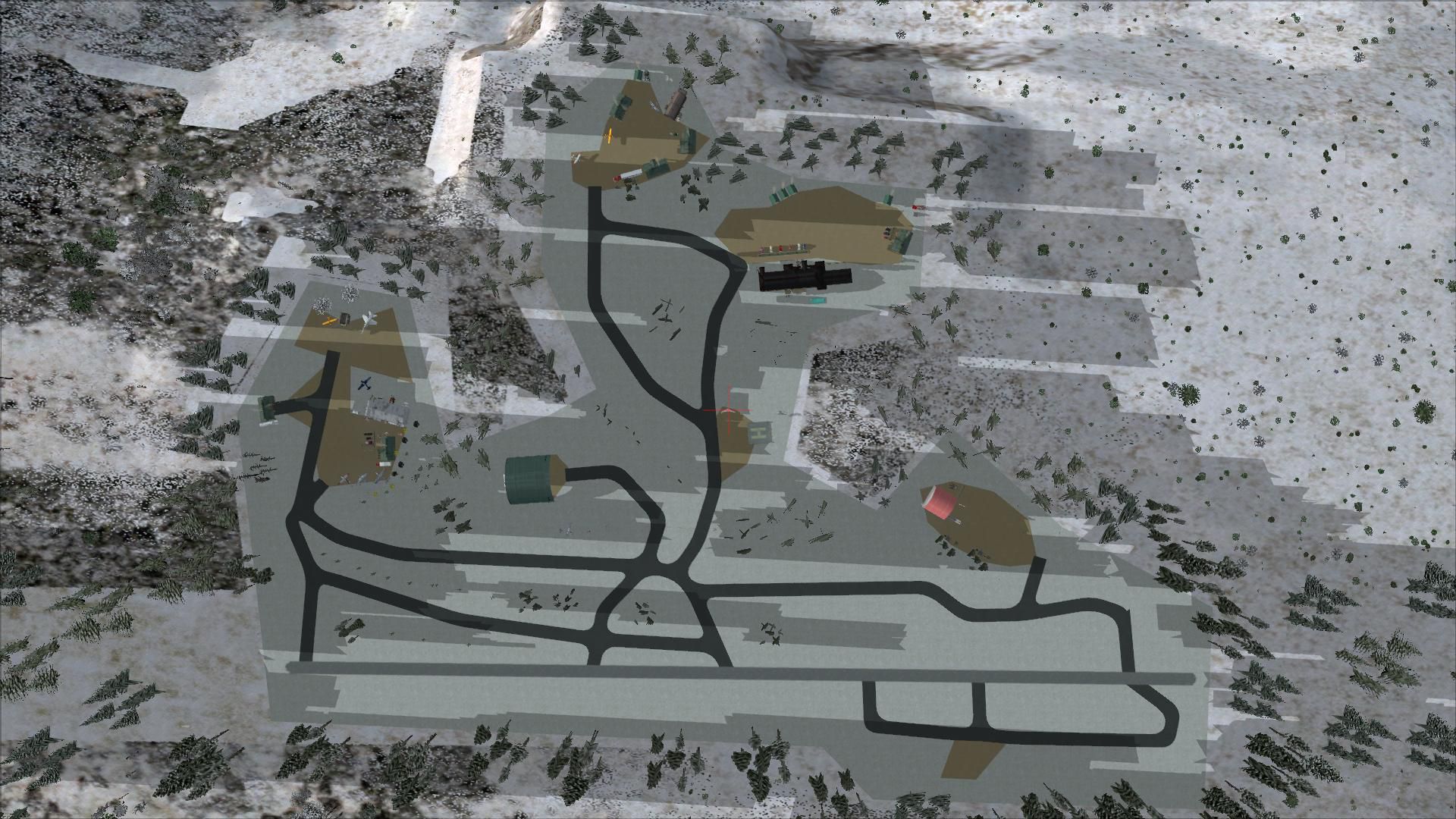
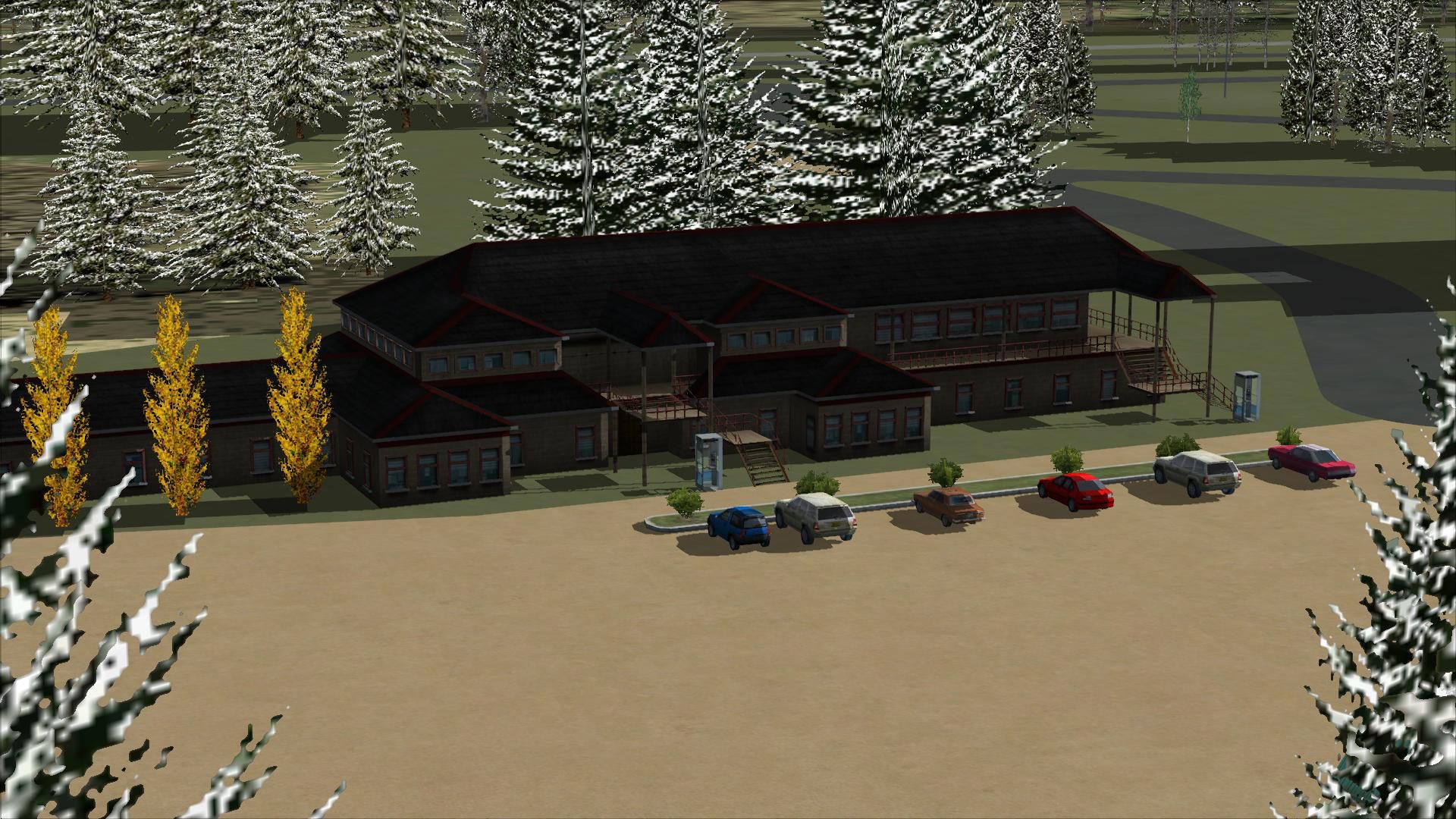
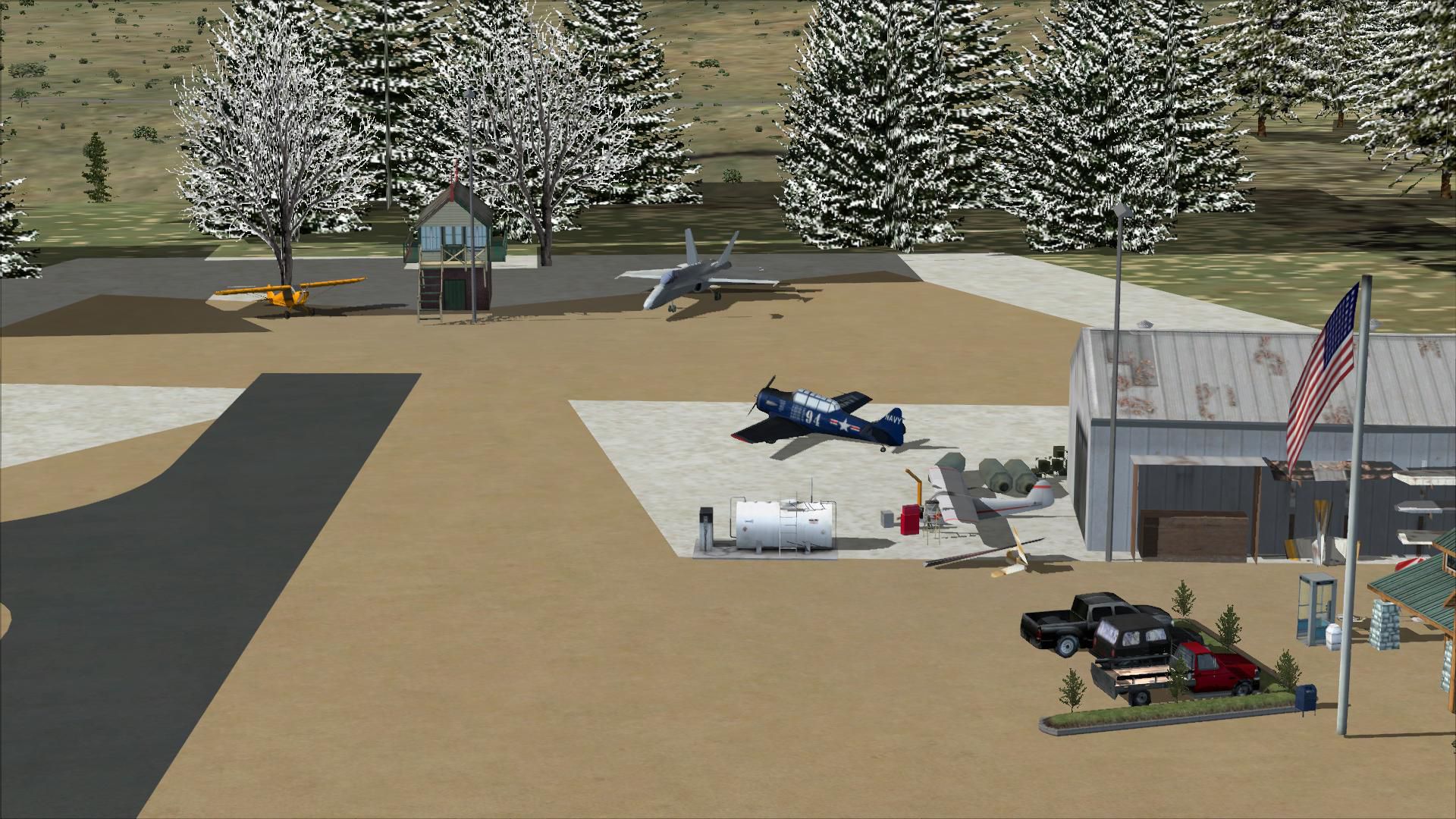
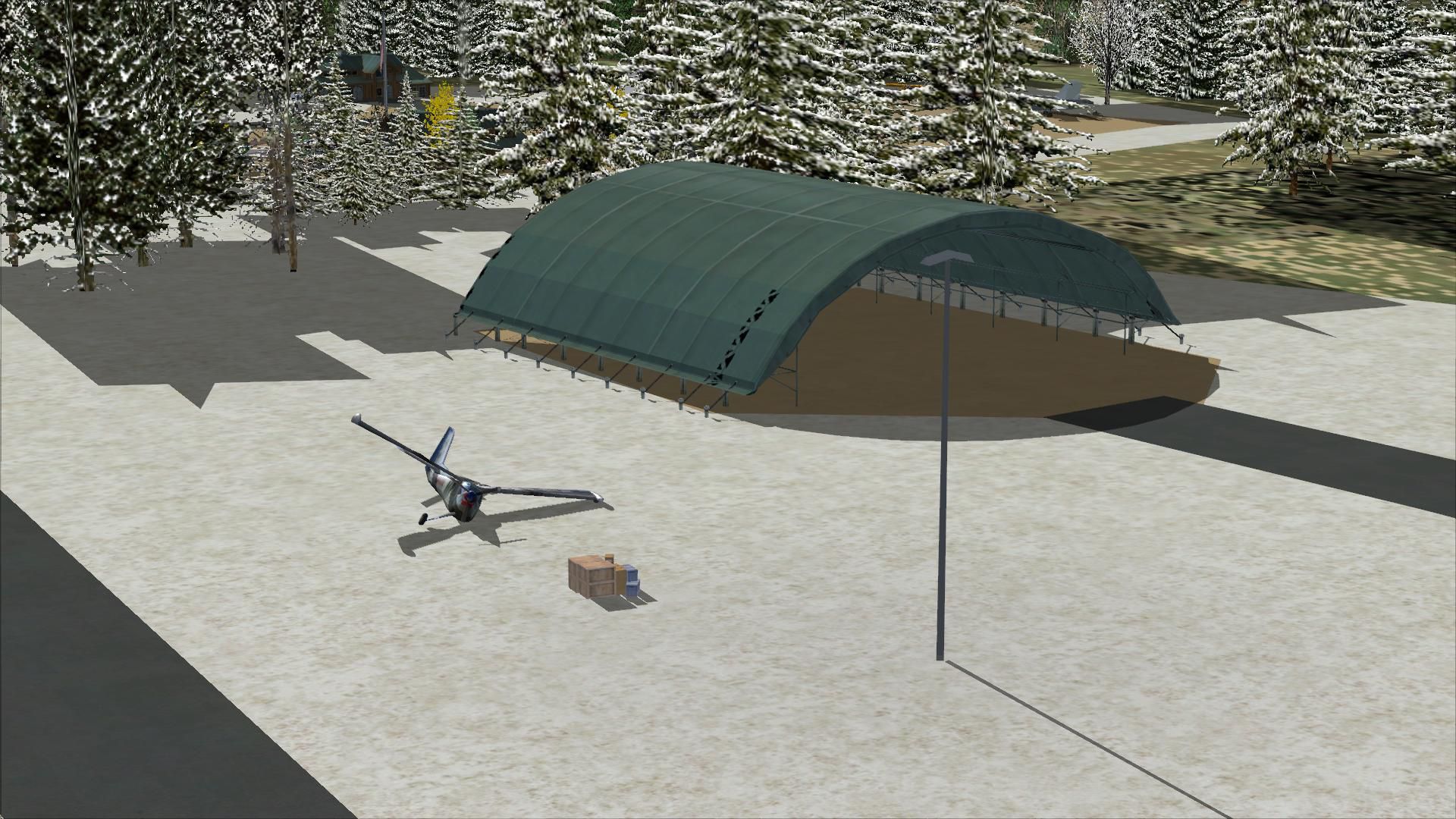
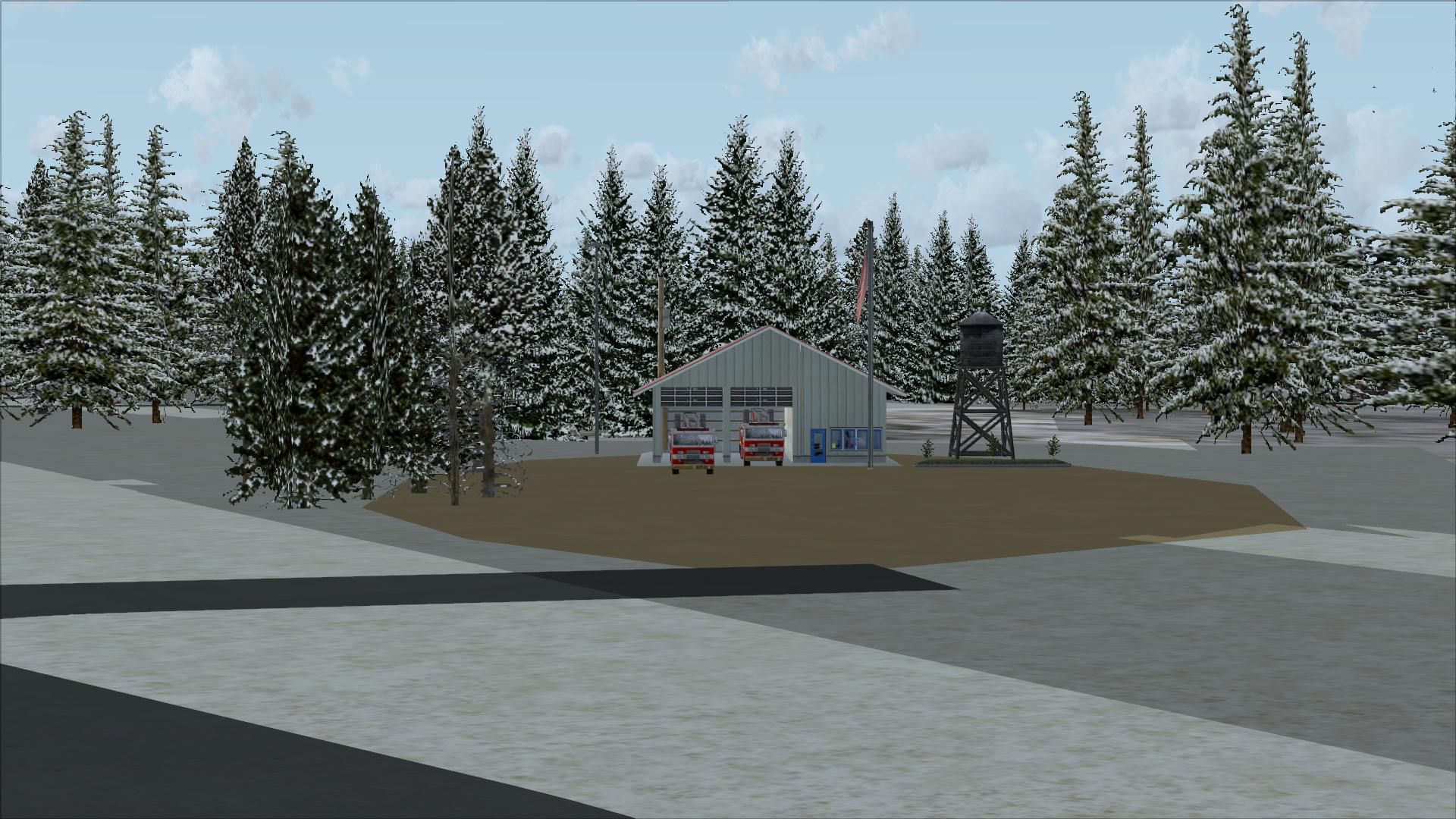
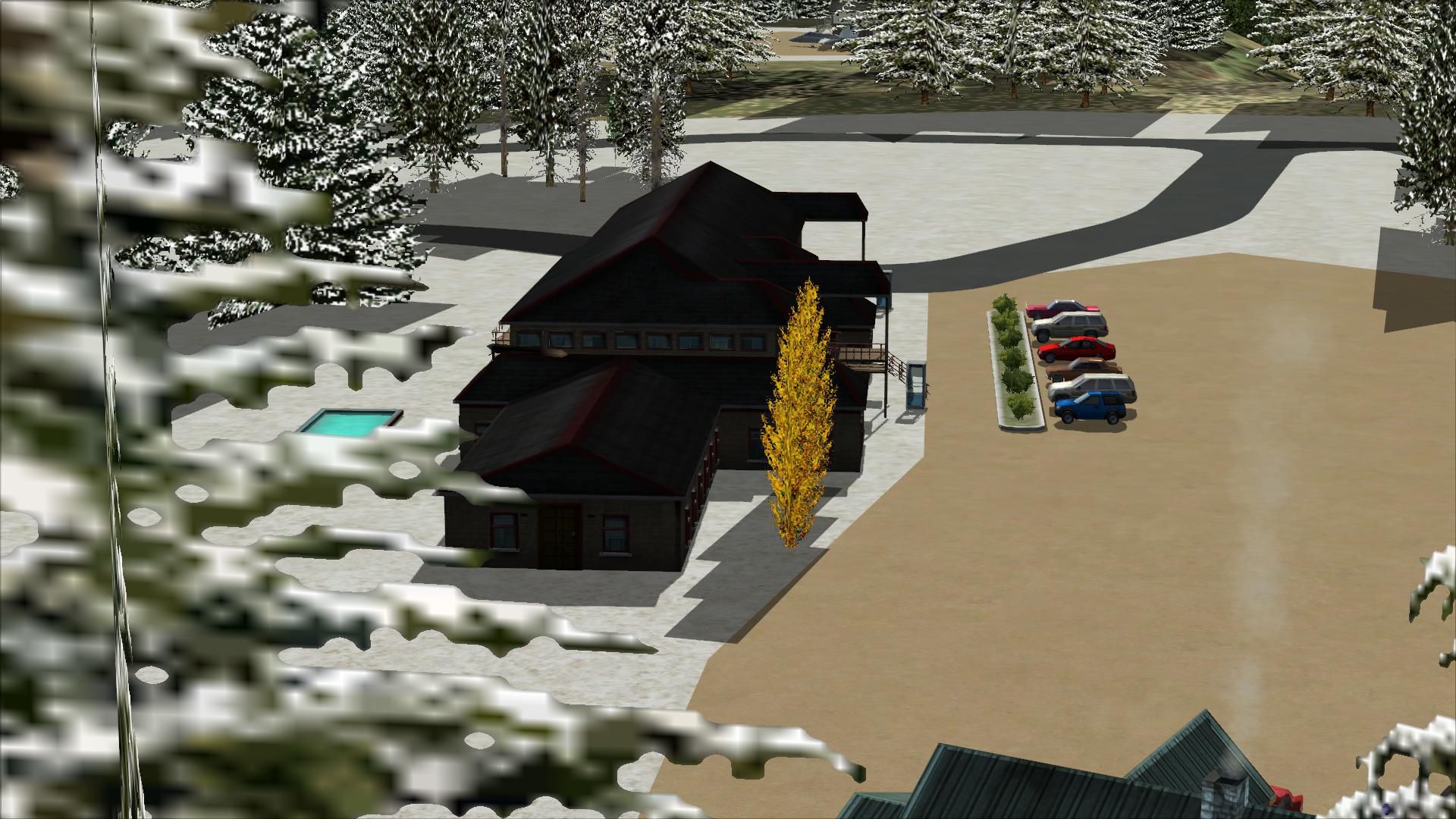
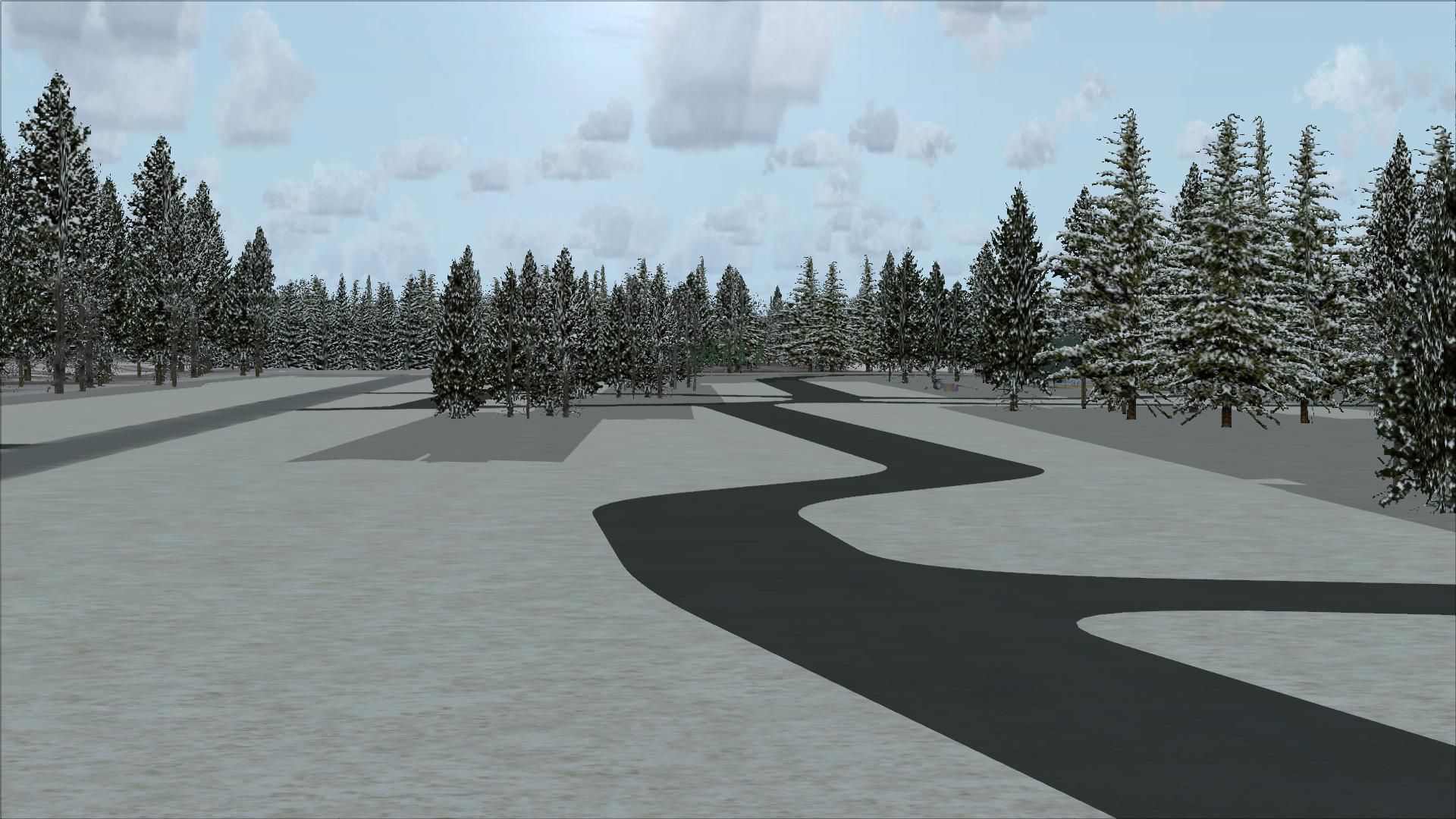
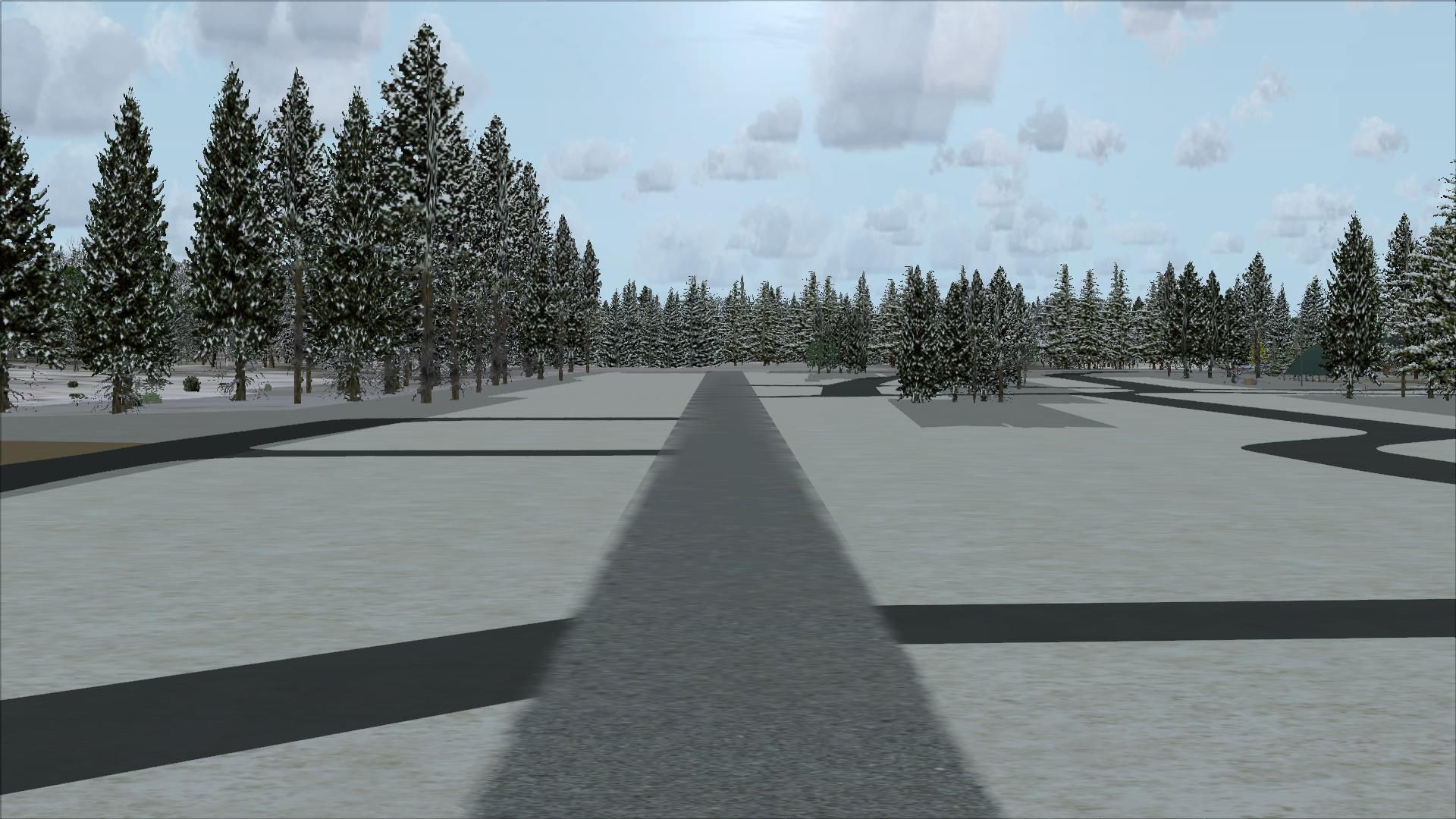

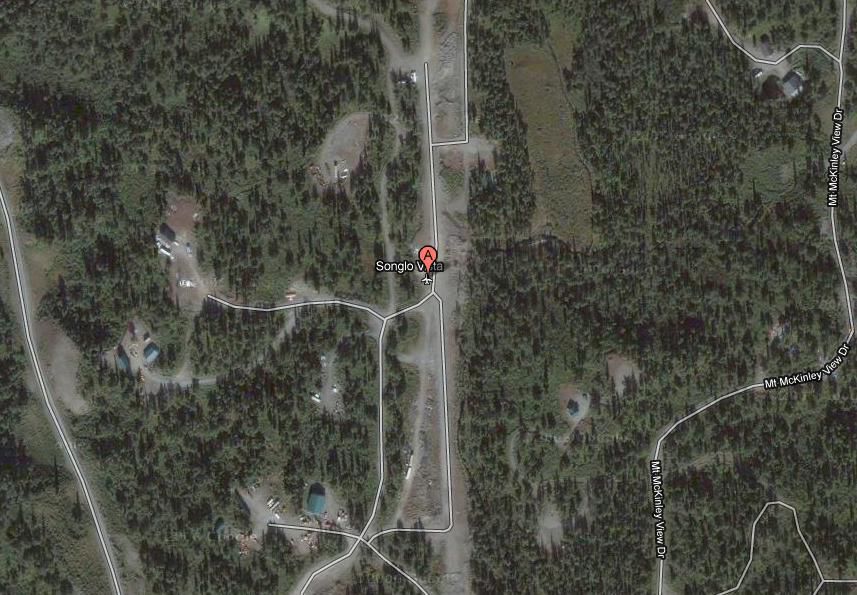
Songlo Vista (3AK3) provides a distinct airfield experience nestled in the rugged Alaskan landscape, specifically designed for Microsoft Flight Simulator X SP2. This freeware package, created by the scenery developer Jane Patterson, aims to replicate the remote atmosphere of 3AK3 while offering improved parking options, custom-defined approaches, and enhanced ground details.
Positioned in a remote region of Alaska, this privately owned airstrip presents an authentic challenge for flight simulation enthusiasts. Tall terrain features in the surrounding area can make approaches and departures more engaging. When navigating here, several flyers prefer short-field procedures and precise altitude management, especially under variable weather patterns often encountered in northern latitudes.
Before installing, ensure that your simulator is patched to SP2. Then follow these steps:
Although the package has been tested extensively, two specific quirks have been noted:
Because this is freeware, please take the usual precautions and use at your own risk.
This scenery enhancement for 3AK3 is brought to you by Jane Patterson, who is dedicated to enriching the simulator community with high-fidelity Alaskan airstrip environments that capture the secluded charm of bush flying. Enjoy this carefully crafted add-on and immerse yourself in the rugged wilderness that awaits each landing and takeoff.
Free for all simmers · 7.97 MB · Scanned clean Oct 2026
Download speed: Free tier is capped at 0.5 Mbps (this file takes approximately 2 mins at the cap). PRO members download at full line speed.
FSX\Addon Scenery\ containing scenery and texture sub-folders.readme.txt or README file. It tells you exactly where files go, what dependencies are needed, and any quirks specific to this add-on.Use these coordinates to fly directly to this location once the mod is installed.
61.58000000,-149.45000000
Launch FSX or Prepar3D and use Flights → Load to open the downloaded .pln file. Your aircraft will be positioned at this location.
The archive rm_3ak3_d.zip has 30 files and directories contained within it.
This list displays the first 500 files in the package. If the package has more, you will need to download it to view them.
| Filename/Directory | File Date | File Size |
|---|---|---|
| 3AK3.jpg | 02.24.11 | 106.55 kB |
| READ_ME_NOW.txt | 02.25.11 | 423 B |
| RM_3AK3.BGL | 02.25.11 | 4.57 kB |
| RM_3AK3_Auto.bgl | 02.25.11 | 13.40 kB |
| RM_3AK3_CVX.bgl | 02.25.11 | 737 B |
| flyawaysimulation.txt | 10.29.13 | 959 B |
| Go to Fly Away Simulation.url | 01.22.16 | 52 B |
| Screenshots | 08.28.19 | 0 B |
| screen-1.jpg | 08.28.19 | 266.46 kB |
| screen-10.jpg | 08.28.19 | 395.03 kB |
| screen-11.jpg | 08.28.19 | 363.76 kB |
| screen-12.jpg | 08.28.19 | 514.63 kB |
| screen-13.jpg | 08.28.19 | 569.73 kB |
| screen-14.jpg | 08.28.19 | 342.80 kB |
| screen-15.jpg | 08.28.19 | 373.06 kB |
| screen-16.jpg | 08.28.19 | 345.84 kB |
| screen-17.jpg | 08.28.19 | 398.17 kB |
| screen-18.jpg | 08.28.19 | 418.47 kB |
| screen-19.jpg | 08.28.19 | 408.07 kB |
| screen-2.jpg | 08.28.19 | 263.65 kB |
| screen-20.jpg | 08.28.19 | 290.66 kB |
| screen-21.jpg | 08.28.19 | 353.60 kB |
| screen-22.jpg | 08.28.19 | 406.61 kB |
| screen-3.jpg | 08.28.19 | 328.17 kB |
| screen-4.jpg | 08.28.19 | 267.75 kB |
| screen-5.jpg | 08.28.19 | 356.08 kB |
| screen-6.jpg | 08.28.19 | 360.22 kB |
| screen-7.jpg | 08.28.19 | 360.93 kB |
| screen-8.jpg | 08.28.19 | 354.81 kB |
| screen-9.jpg | 08.28.19 | 361.70 kB |
Only PRO members can place votes.
More FSX & P3D add-ons hand-picked based on this download.
FSX Scenery
R&M's Songlo Vista Update. Version 2 changes: tiny position changes of object…
 FSX Scenery
Boa Vista Int'l Airport, (SBBV), Brazil, v1.5. By Gustavo Luna. Boa Vista Int…
 FSX Scenery
Skara Scenery Bonaire X. Flamingo International Airport or Bonaire Internatio…
 FSX Scenery
Iwo Jima Scenery 1945 Update. This is a complete scenery with added effects a…
FSX Scenery
Kjeller Area Scenery X, Norway. Scenery around Kjeller airport with photoreal…
 FSX Scenery
FSX Loney's Alaska For FSX. This is a compilation of the author's Alaskan sce…
 FSX Scenery
For users of Flight Simulator X (and FSX: Steam Edition) and/or Prepar3D, ter…
 FSX Scenery
This freeware release by developer Aime Leclercq introduces revised highways …
Be the first to leave a comment on this download.
Be the first to share your thoughts on this download.