


 Bahamas
  FSX Scenery
FSX Skara Bonaire X
Skara Scenery Bonaire X. Flamingo International Airport or Bonaire Internatio…
North Eleuthera Airport (MYEH) scenery refines this Bahamas gateway with corrected runway placement, updated apron layout, custom ramp lighting, and lively static objects that suit day or night operations in Microsoft Flight Simulator X. The package aligns the field to the shoreline using Google Earth references and requires GAPLANE1.ZIP for select GA static aircraft.
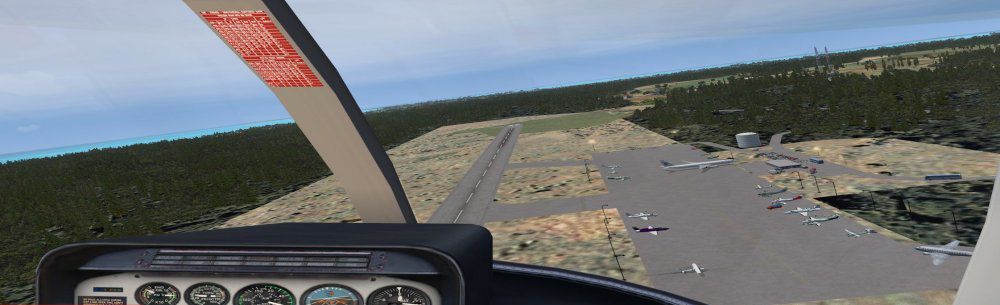
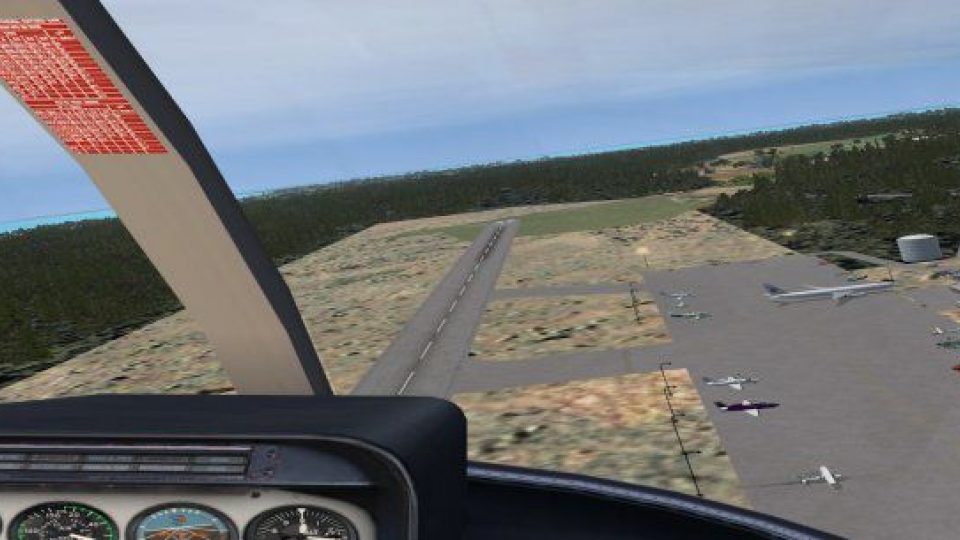
Elevate your virtual flights around North Eleutheria in the Bahamas with this thoroughly updated MYEH scenery package. It reflects a highly detailed depiction of the real-airport location, incorporating runway alignment, ramp lighting, and realistic static objects. Authored by Jimmy R. Martin, this add-on integrates custom resources based on Google Earth references, ensuring alignment with local terrain and near-shoreline positioning in Microsoft Flight Simulator X (Acceleration Pack required). While it is designed primarily for FSX, it also calls on references to Microsoft Flight Simulator 2004 objects for certain GA aircraft resources, so keep an eye on the compatibility essentials below.
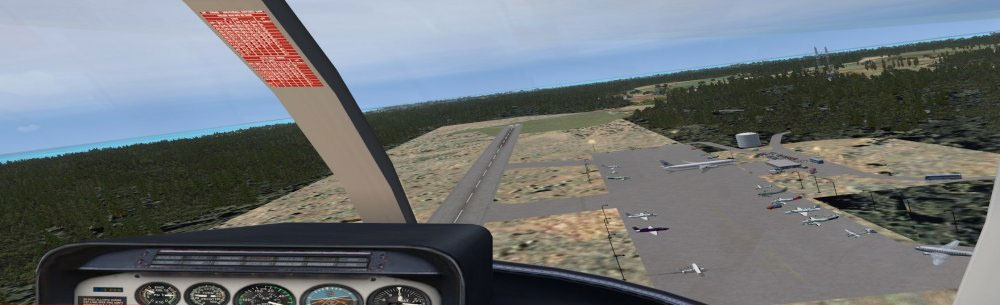
Screenshot of MYEH Scenery.
North Eleuthera Airport (MYEH) is positioned on the northern tip of Eleuthera Island. It often serves as a gateway to the stunning Out Islands and features a mix of domestic operations and commuter services. In the simulation, this add-on shifts the airport slightly west to align it more closely with its real-world shoreline location. While not photoreal, the ground textures and building placements aim to mirror local topography and architecture.
Note: This scenery may not be compatible with certain Bahamas Sea Plane tours due to layout conflicts. Ensure no overlapping sceneries are active.

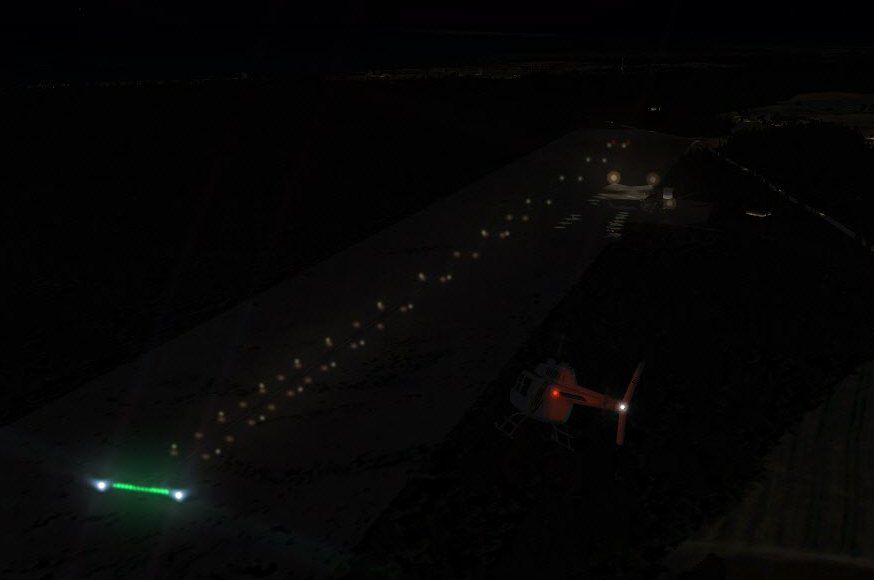
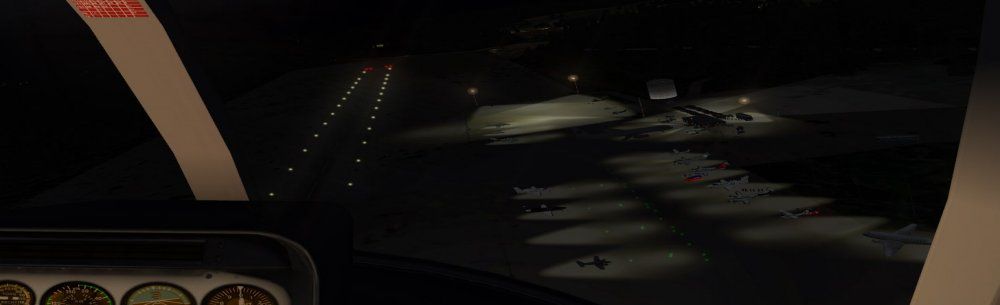
Screenshot of MYEH runway at night.
This rendition of North Eleuthera Airport relies on various FSX & FSXP libraries as well as enhanced lighting systems. It has been assembled without employing photoreal textures but remains as faithful as possible to real-world satellite imagery. Many thanks to Jimmy R. Martin for making this freeware upgrade available to enthusiasts. Enjoy exploring the region’s picturesque approaches, and be sure to adjust your flight plans to accommodate the updated positioning of this scenic island airport.
Free for all simmers · 491.05 KB · Scanned clean Oct 2026
Download speed: Free tier is capped at 0.5 Mbps. PRO members download at full line speed.
FSX\Addon Scenery\ containing scenery and texture sub-folders.readme.txt or README file. It tells you exactly where files go, what dependencies are needed, and any quirks specific to this add-on.Use these coordinates to fly directly to this location once the mod is installed.
25.47570000,-76.68050000
Launch FSX or Prepar3D and use Flights → Load to open the downloaded .pln file. Your aircraft will be positioned at this location.
The archive myeh_fsxp.zip has 23 files and directories contained within it.
This list displays the first 500 files in the package. If the package has more, you will need to download it to view them.
| Filename/Directory | File Date | File Size |
|---|---|---|
| 31069.jpg | 03.29.11 | 8.56 kB |
| AirNav MYEH - North Eleuthera Airport.url | 03.29.11 | 123 B |
| fiel_id.diz | 03.29.11 | 221 B |
| PS0211.jpg | 04.01.11 | 26.62 kB |
| PS0212.jpg | 04.01.11 | 24.18 kB |
| PS0213.jpg | 04.01.11 | 57.07 kB |
| pspbrwse.jbf | 03.30.11 | 4.08 kB |
| ramp lights.txt | 01.25.11 | 458 B |
| README.txt | 03.29.11 | 1.08 kB |
| scenery | 04.02.11 | 0 B |
| MYEH_ADEX_JTM.ad2.ad2 | 04.01.11 | 101.54 kB |
| MYEH_ADEX_JTM.ad2.ad2.bak | 04.01.11 | 98.68 kB |
| MYEH_ADEX_JTM.BGL | 04.01.11 | 5.50 kB |
| MYEH_ADEX_JTM_CVX.bgl | 04.01.11 | 258 B |
| MYEH_FSXP.bgl | 03.31.11 | 3.21 kB |
| RampLight_Library.bgl | 01.11.05 | 30.63 kB |
| Thumbs.db | 05.14.06 | 208.50 kB |
| texture | 03.29.11 | 0 B |
| ESDG_ramp.BMP | 01.09.05 | 32.07 kB |
| ESDG_ramp_lm.BMP | 01.09.05 | 32.07 kB |
| MYEH_FSXP | 04.01.11 | 0 B |
| flyawaysimulation.txt | 10.29.13 | 959 B |
| Go to Fly Away Simulation.url | 01.22.16 | 52 B |
Only PRO members can place votes.
More FSX & P3D add-ons hand-picked based on this download.
FSX Scenery
Skara Scenery Bonaire X. Flamingo International Airport or Bonaire Internatio…
 FSX Scenery
Iwo Jima Scenery 1945 Update. This is a complete scenery with added effects a…
FSX Scenery
Kjeller Area Scenery X, Norway. Scenery around Kjeller airport with photoreal…
 FSX Scenery
FSX Loney's Alaska For FSX. This is a compilation of the author's Alaskan sce…
 FSX Scenery
For users of Flight Simulator X (and FSX: Steam Edition) and/or Prepar3D, ter…
 FSX Scenery
This freeware release by developer Aime Leclercq introduces revised highways …
 FSX Scenery
Team GEX Enhanced Autogen World. This package upgrades 522 world wide autogen…
 FSX Scenery
Princess Juliana International Airport (TNCM) in Saint Marteen, Netherlands A…
Be the first to leave a comment on this download.
Be the first to share your thoughts on this download.