


 Sao Tome and Principe
  FSX Scenery
Andaman And Nicobar Deluxe
Andaman And Nicobar Deluxe. Andaman and Nicobar are a large group of nearly 6…
Sao Tome and Principe DeLuxe scenery brings the Gulf of Guinea islands to life in FSX with refreshed landclass, enhanced airports, added coastal towns and ports, and private refinery airfields for regional cargo and passenger flying. Included route notes and maps help plan realistic island-hopping operations from Sao Tome International across the archipelago.
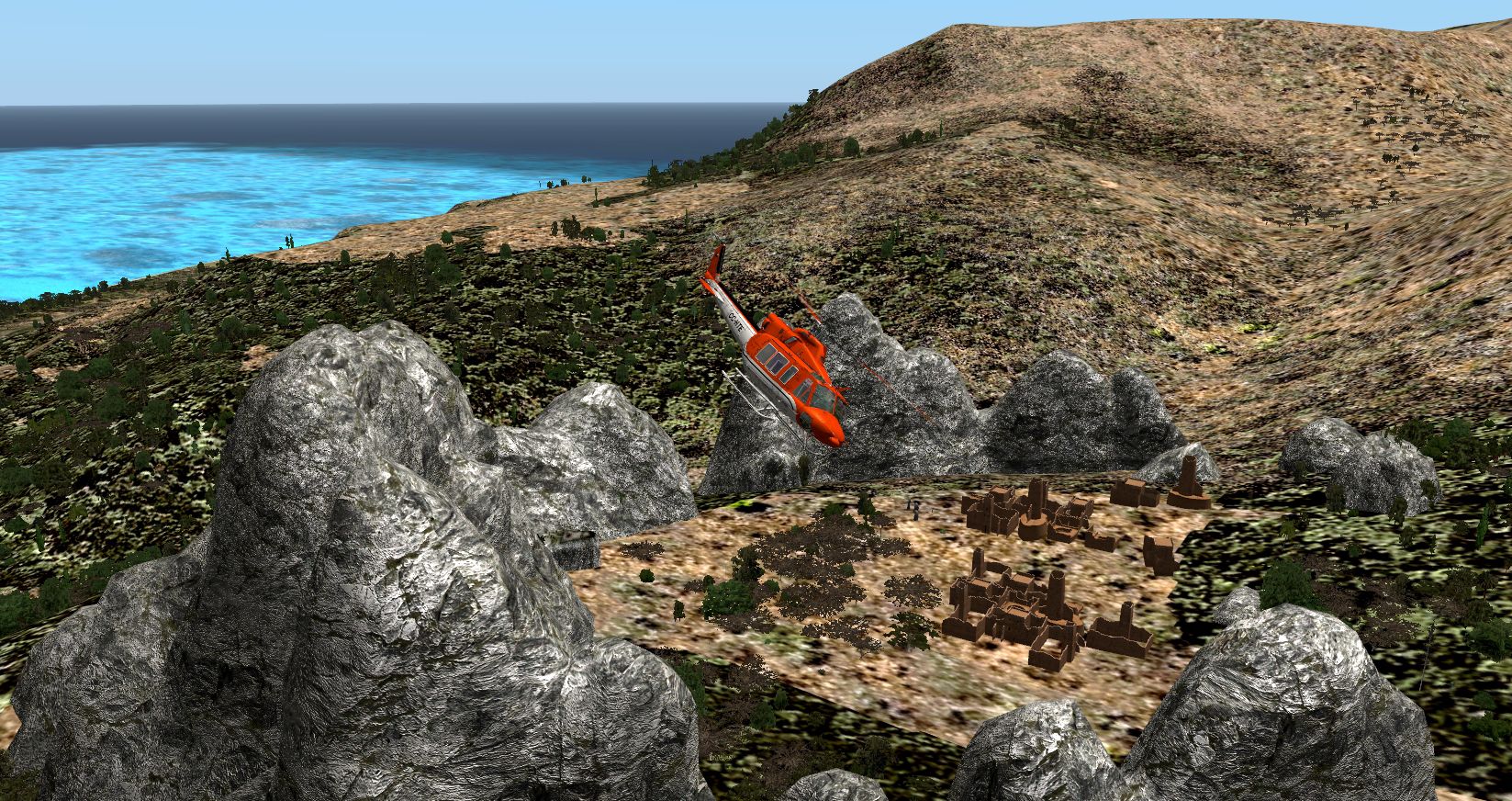
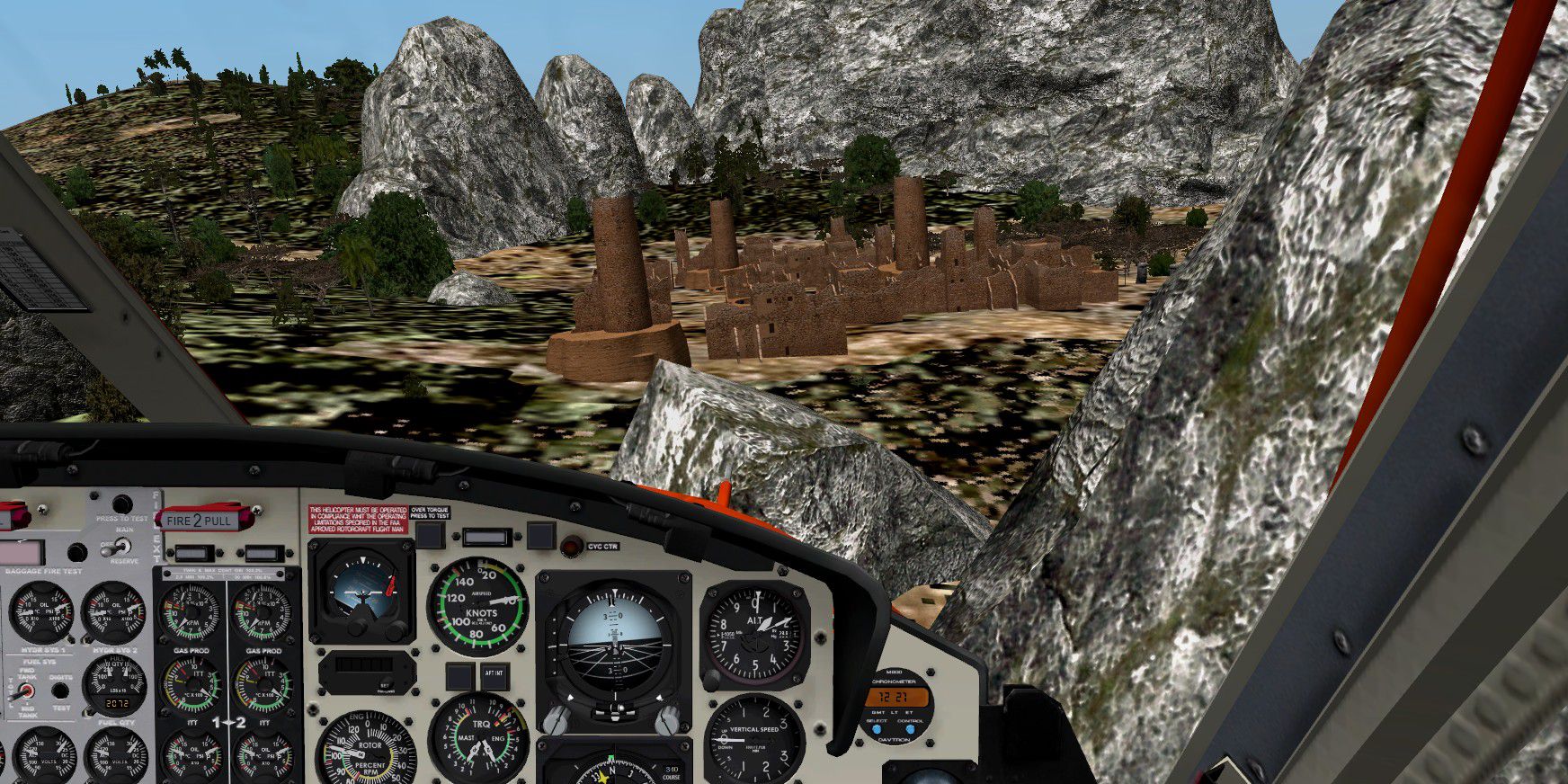
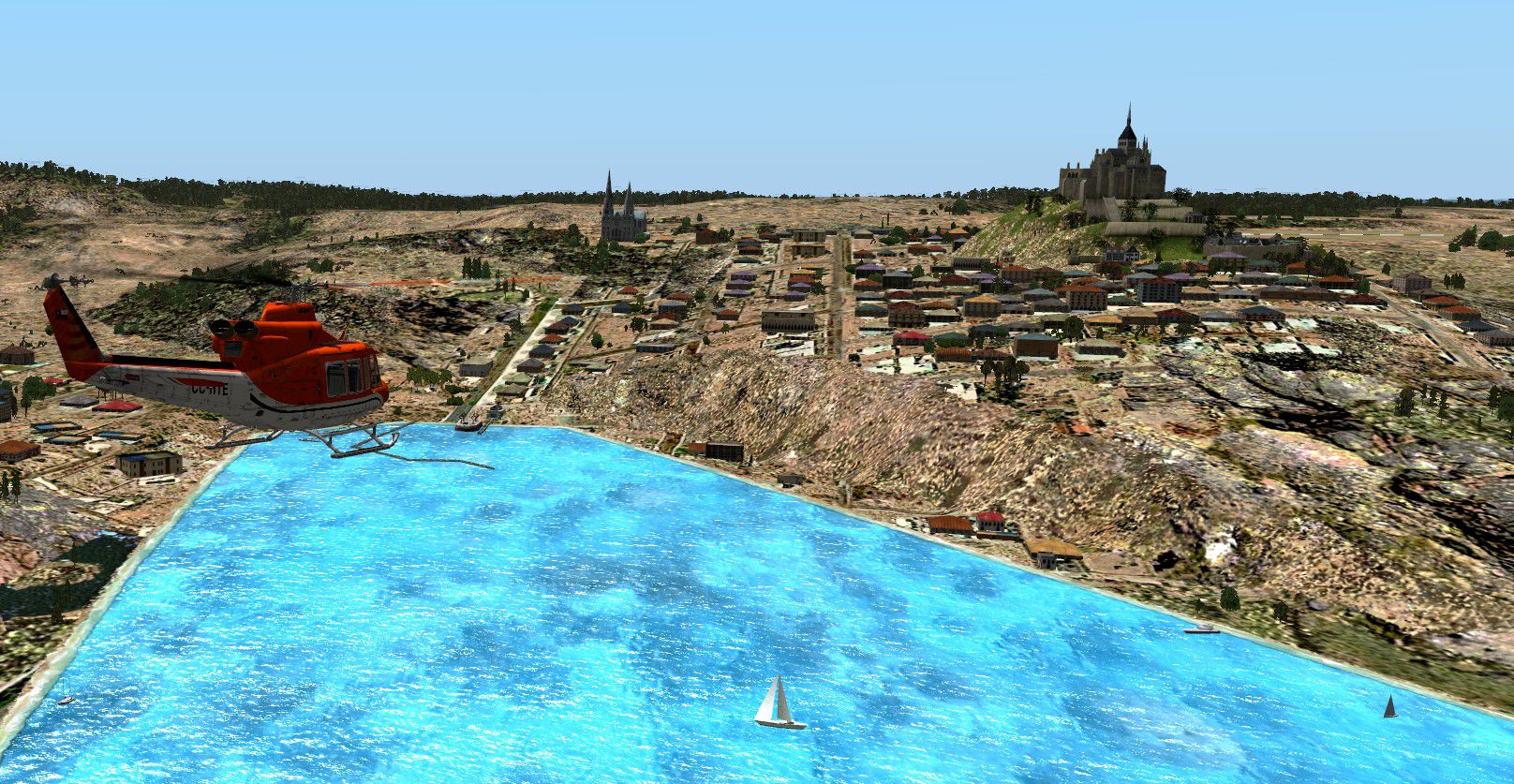
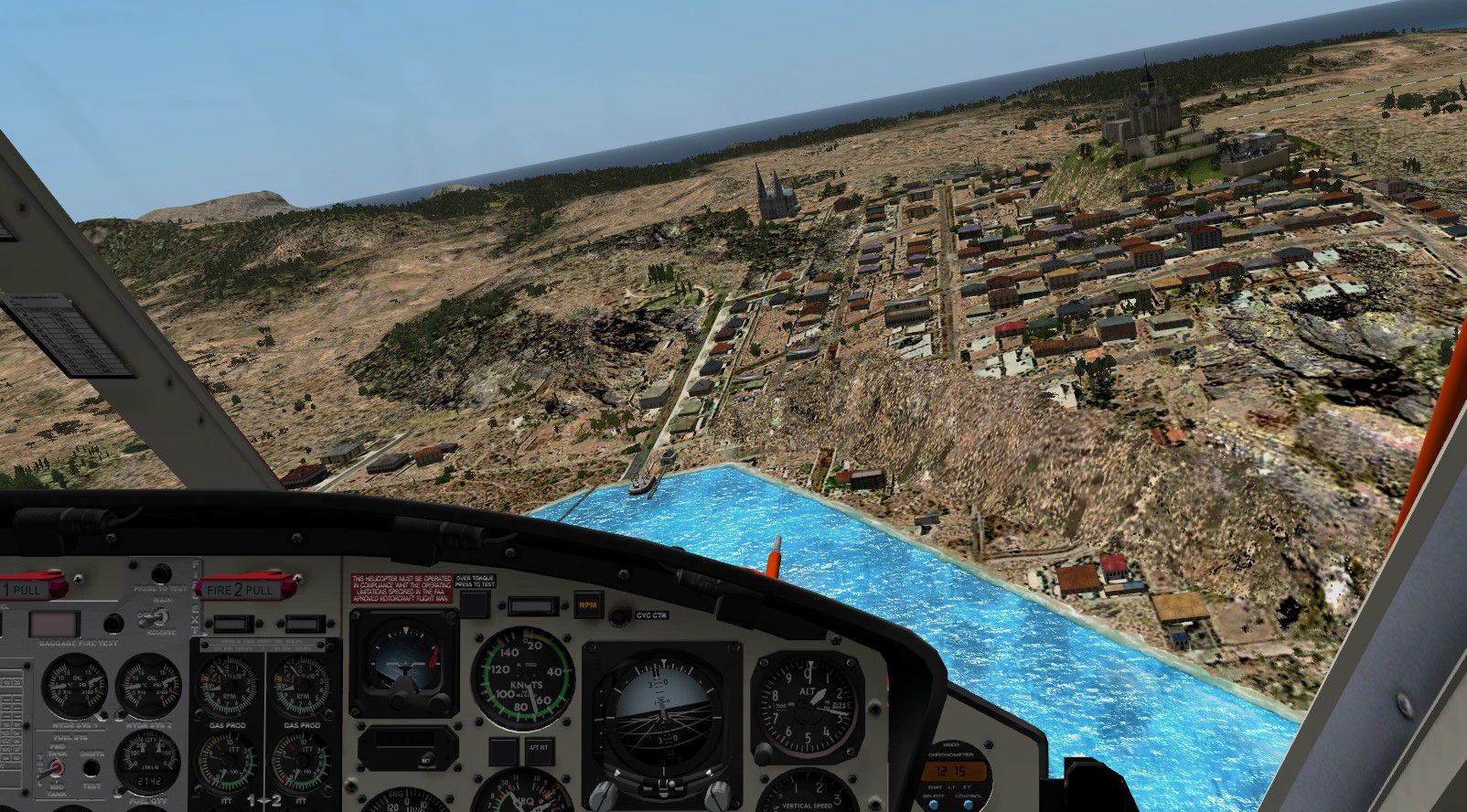
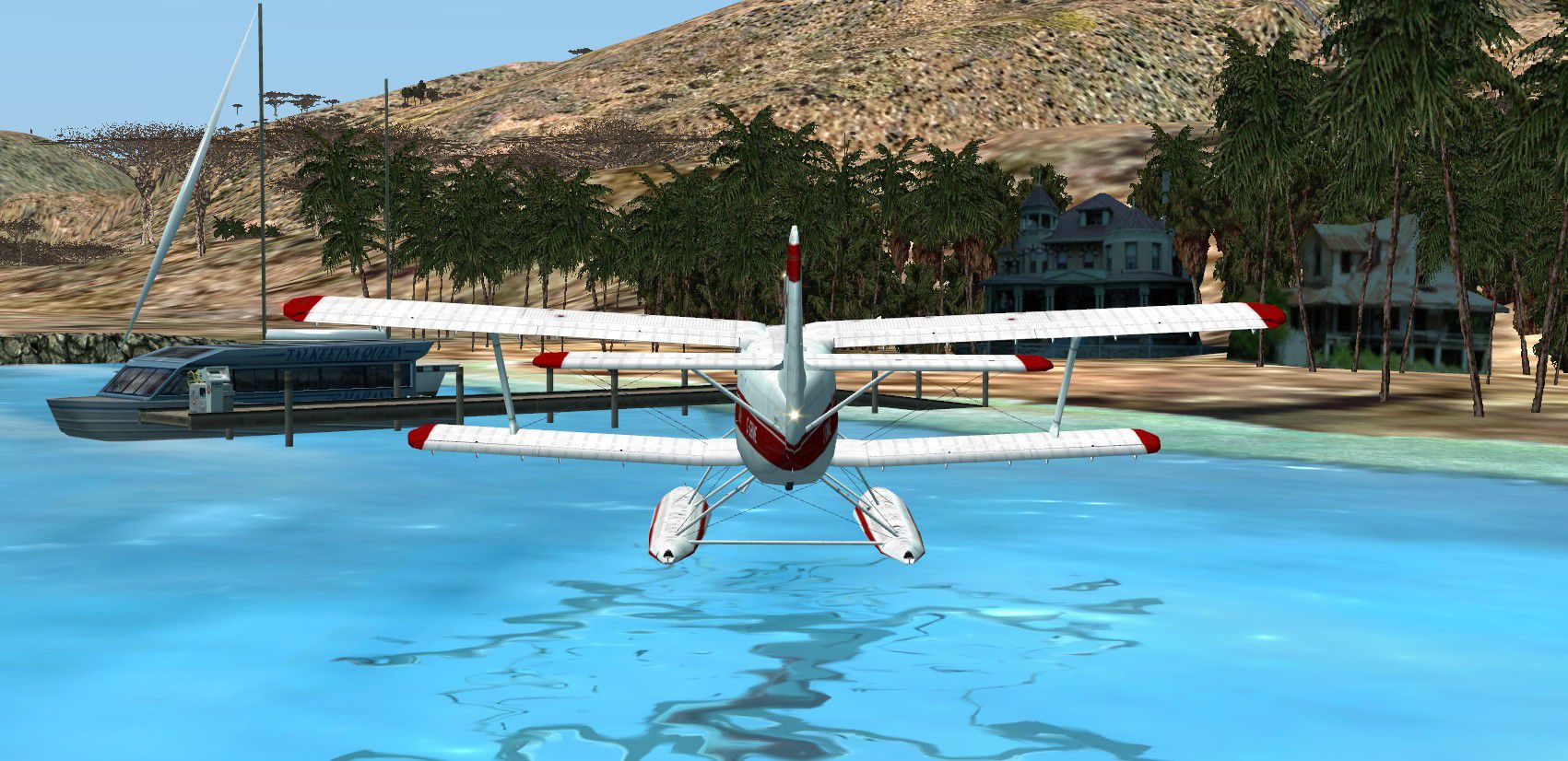
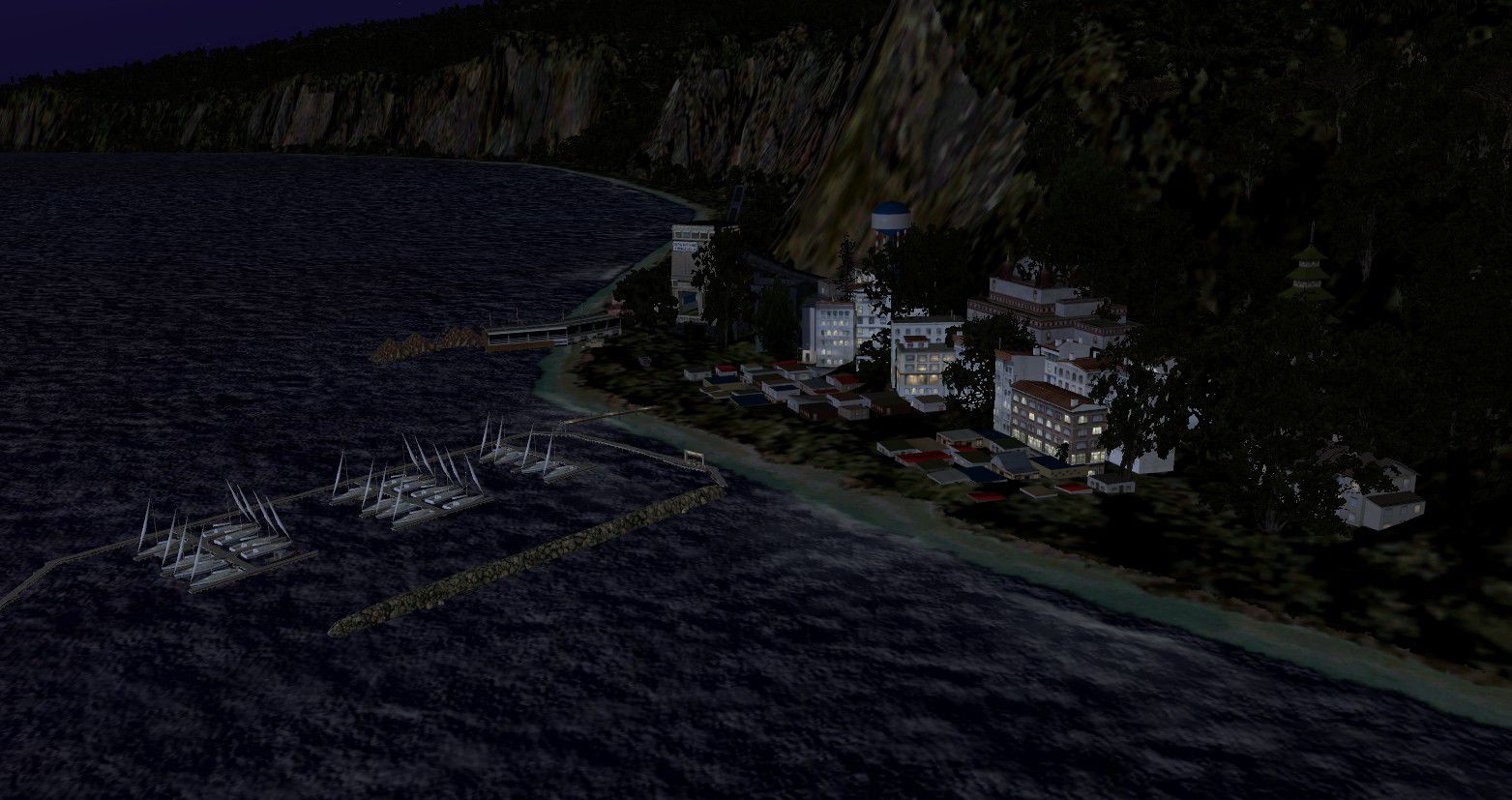
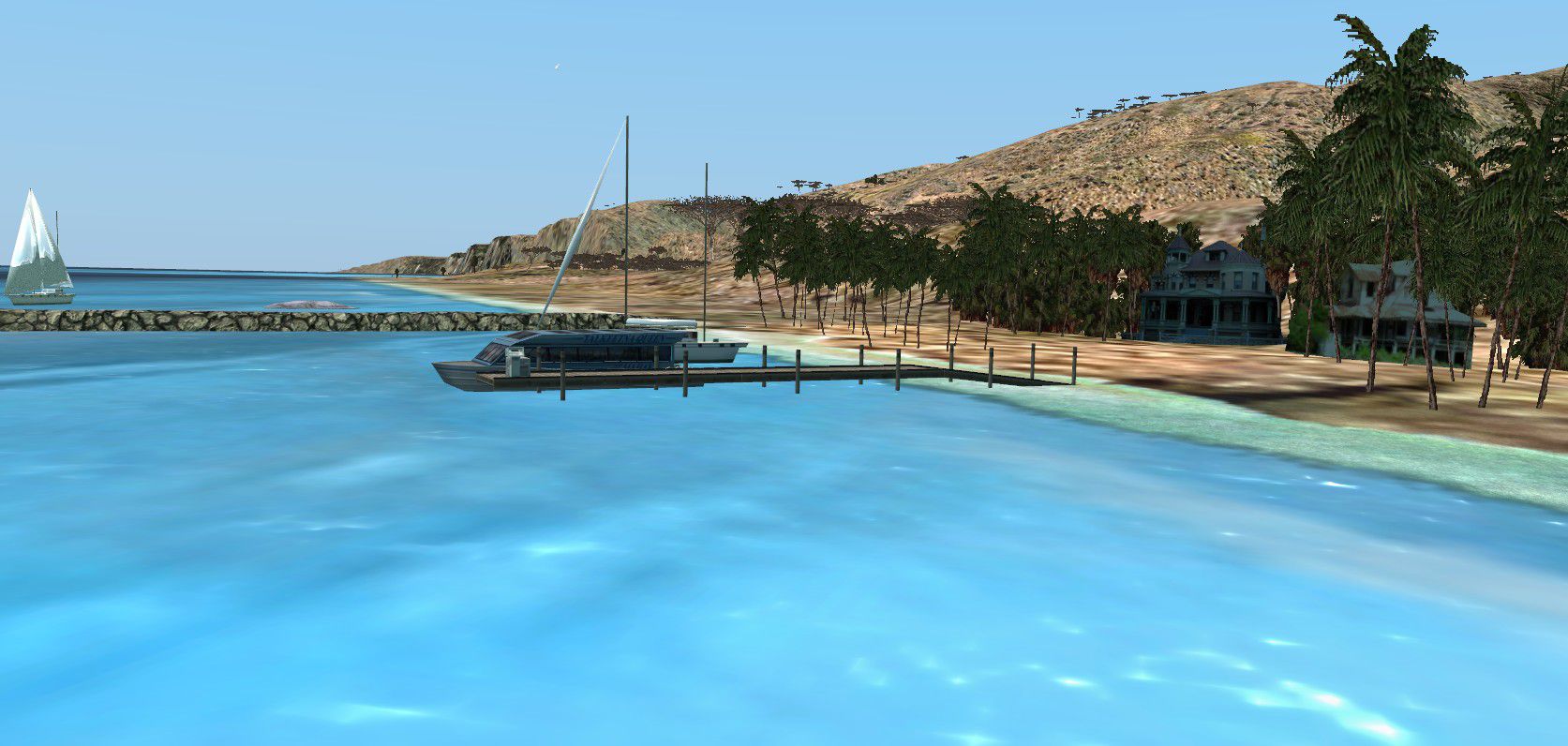
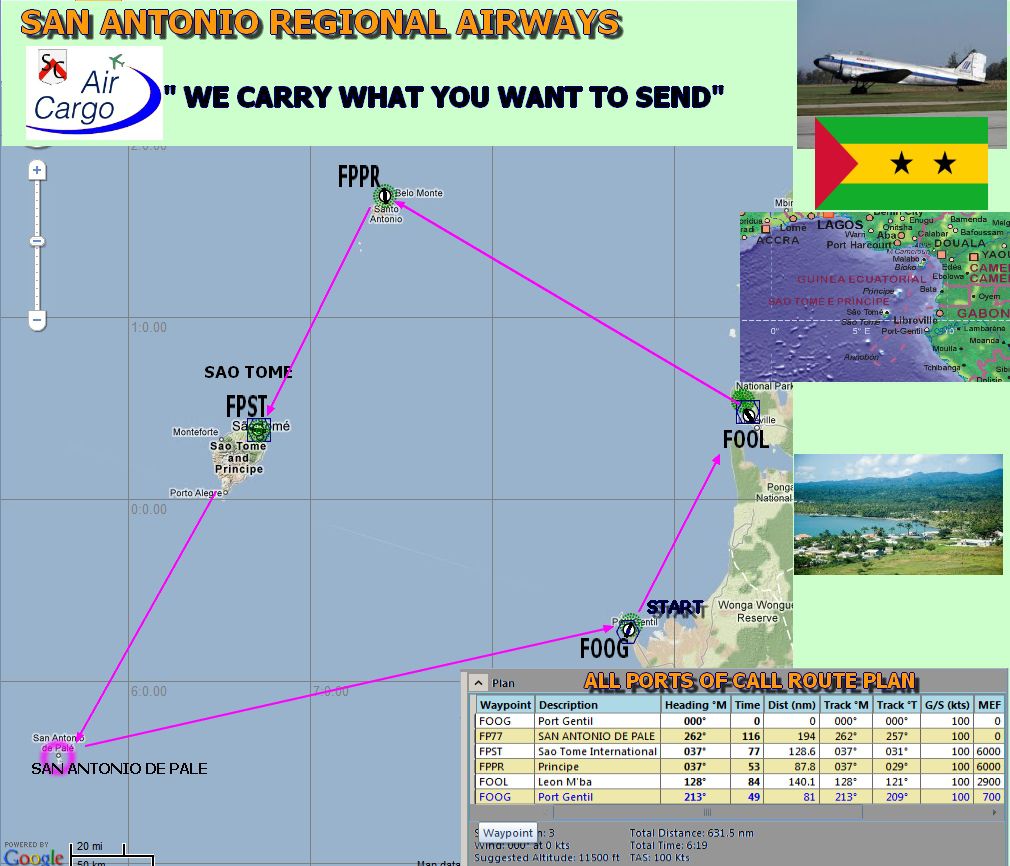
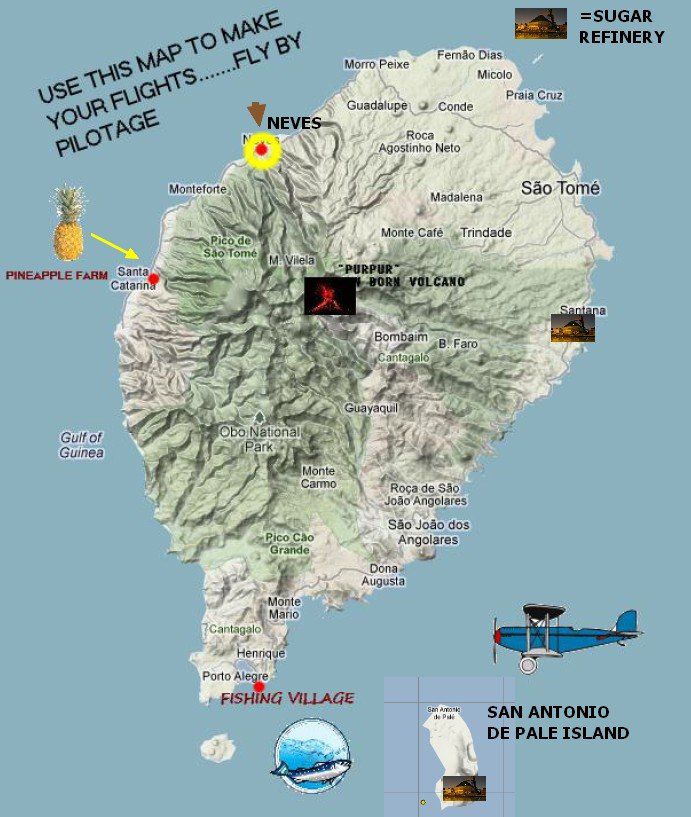
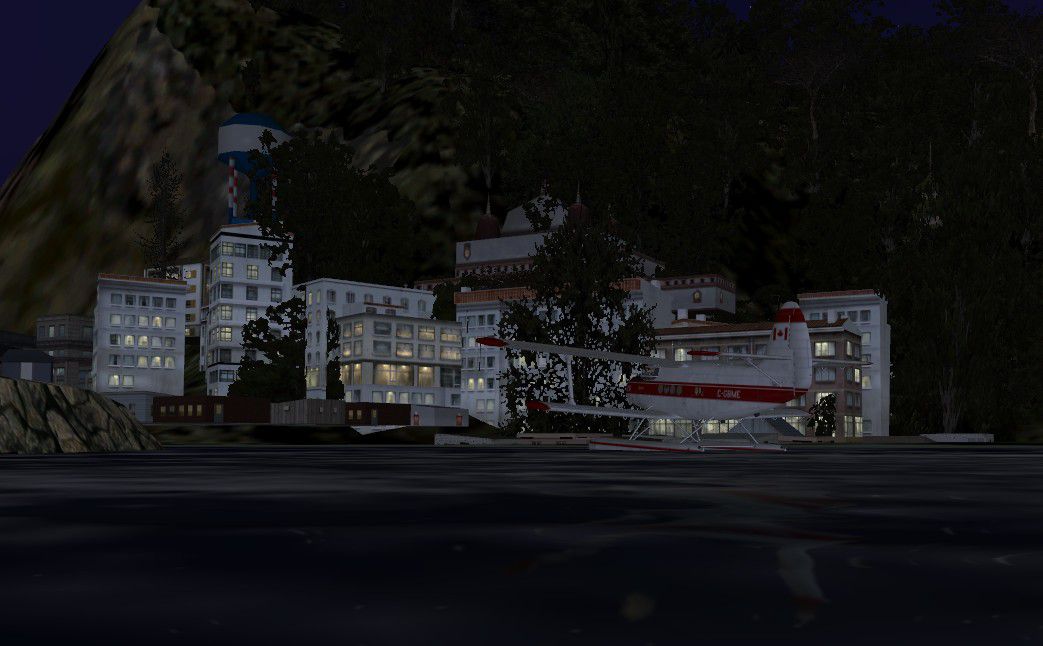
Sao Tome And Principe DeLuxe. FSX flights and scenery. Sao Tome and Principe, officially the Democratic Republic of Sao Tome and Principe, is a Portuguese-speaking island nation in the Gulf of Guinea, off the western equatorial coast of Central Africa. It consists of two islands: Sao Tome and Principe, located about 140 kilometres (87 miles) apart and about 250 and 225 kilometres (155 and 140 miles), respectively, off the northwestern coast of Gabon. Both islands are part of an extinct volcanic mountain range. New landclass and airports in Sao Tome and Principe, coastal towns and ports, private airfields at the sugar refineries and complete printed instructions of the freight and passenger routes for pilots who would like to engage their services in Africa. These islands will keep you busy for a week or more. Several lots for sale at Sao Tome International for investor who can grasp the possibilities of a new air service. South African Airways now has a weekly flight... gosh what a nice place at night is spectacular specially if you have women passengers... By Gera Godoy Canova.
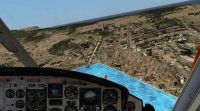
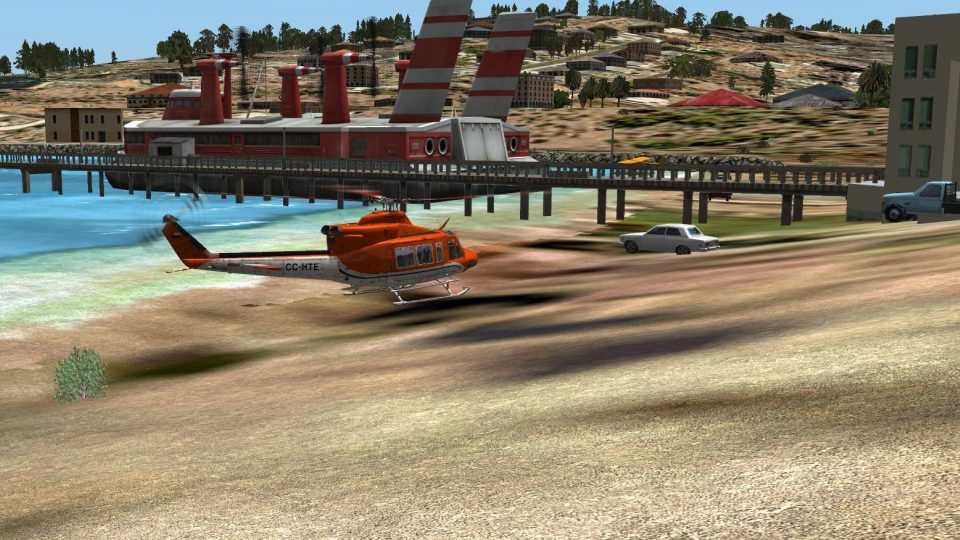
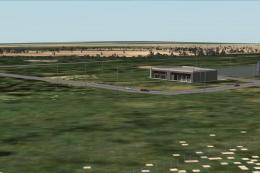
Screenshot of Sao Tome Scenery, taken from the air.
I suggest you download the freeware PLAN-G by TA Software for a greater flight now and always.
ALL AIRPORT LIGHTS PROVIDED BY PACKAGES MADE By Jim Dhaenens.
SAO TOME AND PRINCIPE DELUXE KIT.
READ THE ENCLOSED INSTRUCTIONS TO ENJOY THE SCENERY AND CARRY ON WITH THE MANY FLIGHTS YOU CAN HAVE IN THE AREA. I have not paced any of my flights nor any Flight Plan...You will have to manage your airlines with your own planes and make the necessary FLIGHT PLANS to fly around the area. The MAPS ENCLOSED will give you all the needed information concerning locations of interesting, towns and cities as well as additional airfields in the islands. I suggest you study these maps carefully and then deside which routes you want to fly. You will find new Land Class, airfields, towns and cities.
Setting up Scenery:
1) Unzip the files enclosed to any Temp Folder.
2) Place the .BGL files in the enclosed Scenery folder in -----FSX/ Addon Scenery / Scenery Directory.
3) Place the .BMP files in the enclosed Texture folder in--------------FSX/ Addon Scenery/ Texture Directory.
4).PLEASE READ INSTRUCTIONS, EXTRA FLIGHTS MANUAL AND CHECK ALL THE MAPS BEFORE YOu START TO provide the needed air services to SAO TOME AND PRINCIPE DELUXE.
5) Now open FSX AND MOVE YOUR FIRST AIRCRAFT TO SAO TOME INTERNATIONAL TO START.
Thank you for downloading THE deluxe KIT.
Gera.
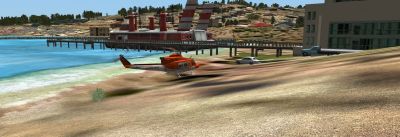
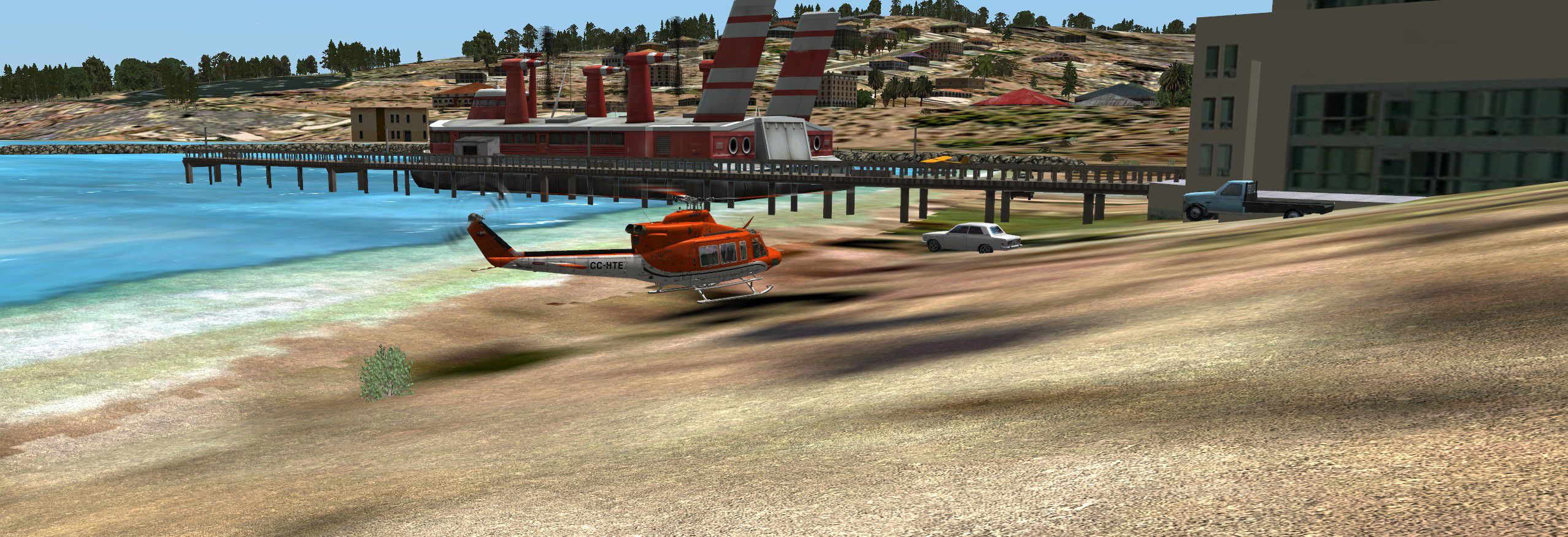
Screenshot of Sao Tome Scenery, taken by the pier.
Free for all simmers · 8.52 MB · Scanned clean Oct 2026
Download speed: Free tier is capped at 0.5 Mbps (this file takes approximately 2 mins at the cap). PRO members download at full line speed.
FSX\Addon Scenery\ containing scenery and texture sub-folders.readme.txt or README file. It tells you exactly where files go, what dependencies are needed, and any quirks specific to this add-on.Use these coordinates to fly directly to this location once the mod is installed.
0.37940000,6.71290000
Launch FSX or Prepar3D and use Flights → Load to open the downloaded .pln file. Your aircraft will be positioned at this location.
The archive saoto.zip has 51 files and directories contained within it.
This list displays the first 500 files in the package. If the package has more, you will need to download it to view them.
| Filename/Directory | File Date | File Size |
|---|---|---|
| HELI TO SAN ANTONIO.jpg | 02.04.12 | 476.94 kB |
| NEVES.jpg | 02.03.12 | 380.86 kB |
| NEVES 2.jpg | 02.03.12 | 221.90 kB |
| ROUTES MAP...AND FLIGHT PLANS.jpg | 01.29.12 | 444.72 kB |
| SAN ANTONIO BY THE PIER.jpg | 02.04.12 | 745.66 kB |
| SAN ANTONIO VILLAGE AND CASTLE.jpg | 02.04.12 | 537.18 kB |
| SANTA CATARINA.jpg | 02.04.12 | 264.83 kB |
| SANTA CATARINA-II.jpg | 02.04.12 | 111.04 kB |
| THE TEMPLES OF SAN ANTONIO.jpg | 02.04.12 | 518.17 kB |
| THE TEMPLES OF SAN ANTONIO FROM ABOVE.jpg | 02.04.12 | 1.60 MB |
| SCENERY | 02.04.12 | 0 B |
| AVIO-ESTATIC-33.bgl | 10.10.11 | 4.59 MB |
| CASA-SELVA-DER.bgl | 03.13.11 | 6.39 kB |
| CASA-SELVA-IZQ.bgl | 03.13.11 | 4.98 kB |
| CASOTA.bgl | 01.25.11 | 8.48 kB |
| CVX_AZUCAR1.BGL | 02.04.12 | 282 B |
| CVX_PROJECT.BGL | 09.20.11 | 228 B |
| HANGARES-ABIERTOS.bgl | 10.05.11 | 12.05 kB |
| LC_4931.bgl | 02.04.12 | 304 B |
| LC_ANTONIO.bgl | 02.04.12 | 296 B |
| LC_isla1.bgl | 09.19.11 | 289 B |
| LC_ispueb.bgl | 09.19.11 | 290 B |
| LC_SAO01.bgl | 09.19.11 | 327 B |
| LC_SAO0TRO.bgl | 09.19.11 | 331 B |
| lightstoo.bgl | 11.30.10 | 458.33 kB |
| MARSHALL-02.bgl | 12.26.11 | 12.13 kB |
| PISTARUS8.bgl | 08.28.10 | 4.13 kB |
| ROTULO-SAOTOME.bgl | 01.29.12 | 3.20 kB |
| ROTULO-SAOTOME.txt | 01.29.12 | 35 B |
| Runway_markings.bgl | 02.16.09 | 196.58 kB |
| SAOTOMEYPRINCIPE.bgl | 02.04.12 | 53.56 kB |
| TEXTURE | 02.04.12 | 0 B |
| CASA--SELVA1_00.bmp | 03.13.11 | 85.40 kB |
| CASOTA_00.bmp | 01.25.11 | 85.40 kB |
| HANGAR-172.bmp | 10.05.11 | 65.05 kB |
| HANGAR-320.bmp | 10.05.11 | 17.05 kB |
| lights1.dds | 11.16.10 | 32.12 kB |
| lights2.dds | 11.17.10 | 32.12 kB |
| MARSHALL-02_00.bmp | 12.26.11 | 341.40 kB |
| PISTARUS23.bmp | 08.28.10 | 257.05 kB |
| ROTULO-SAOTOME_00.bmp | 01.29.12 | 341.40 kB |
| lightobj.bgl | 11.06.08 | 643.63 kB |
| CVX_AZUCAR-2.BGL | 02.04.12 | 282 B |
| LC_POAHI.bgl | 02.04.12 | 304 B |
| IMPORTANT SITES AND AIRFIELDS REFERENCE MAP.jpg | 02.04.12 | 110.04 kB |
| SAO TOME Y PRINCIPE EXTRA FLIGHTS.pdf | 02.04.12 | 226.83 kB |
| SAO TOME AND PRINCIPE INSTRUCTIONS.pdf | 02.04.12 | 79.07 kB |
| READ ME FIRST.txt | 02.05.12 | 1.68 kB |
| file_id.diz | 02.04.12 | 96 B |
| flyawaysimulation.txt | 10.29.13 | 959 B |
| Go to Fly Away Simulation.url | 01.22.16 | 52 B |
Only PRO members can place votes.
More FSX & P3D add-ons hand-picked based on this download.
FSX Scenery
Andaman And Nicobar Deluxe. Andaman and Nicobar are a large group of nearly 6…
 FSX Scenery
This enhanced rendition of the Sao Luis airfield in Brazil brings a meticulou…
 FSX Scenery
Sao Joao Del Rei Airport. This scenery improves details to Prefeito Octavi de…
 FSX Scenery
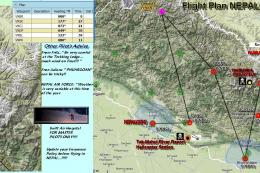
This package brings additional scenery, missions, and flights to the Nepal ar…
 FSX Scenery
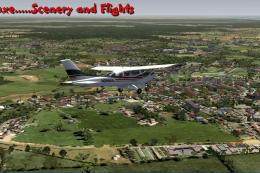
Scenery Guatemala DeLuxe Part 1. FSX scenery and flights: This is the first p…
 FSX Scenery
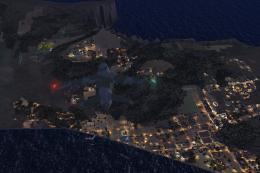
Adams Island DeLuxe, New Zealand. Adams Island is part of Auckland Islands ar…
 FSX Scenery
Scenery Arunachal Pradesh DeLuxe. Arunachal Pradesh is a federated state of I…
 FSX Scenery
Works with the Caribbean meshs in LOD 10 (MESHANTILLES.ZIP). Features redesig…
Be the first to leave a comment on this download.
Be the first to share your thoughts on this download.