Skip to content

MSFS · Default aircraft (free) · Liveries

Boeing 737 MAX 8 Liveries for MSFS

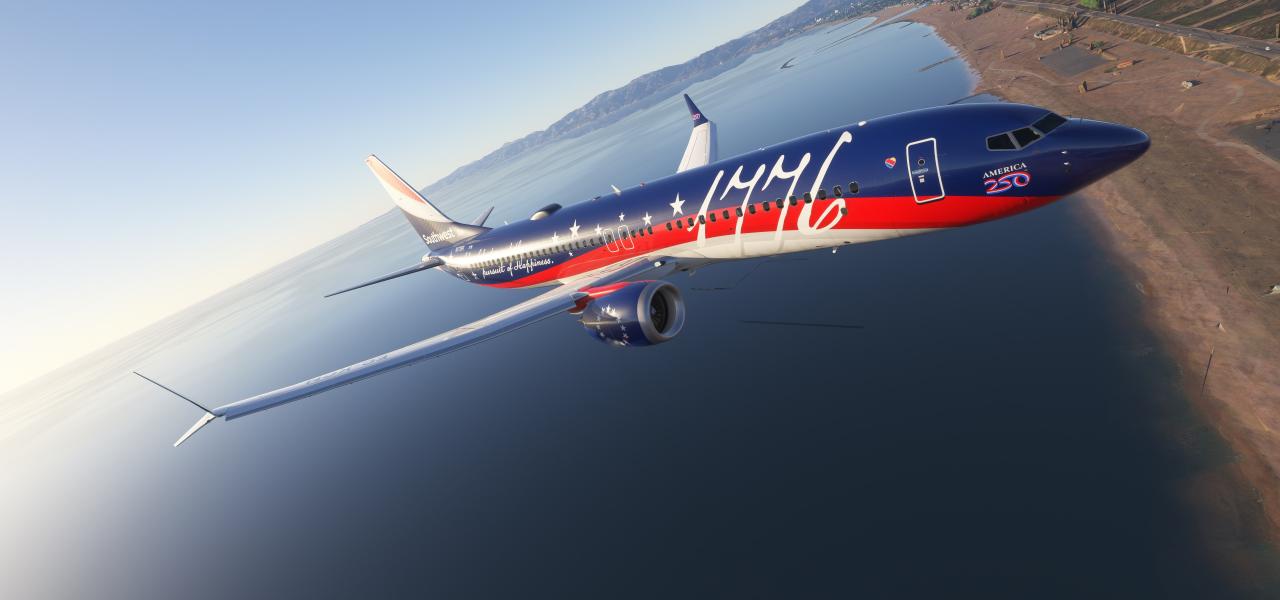
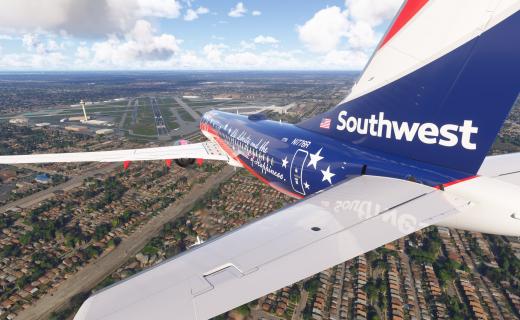
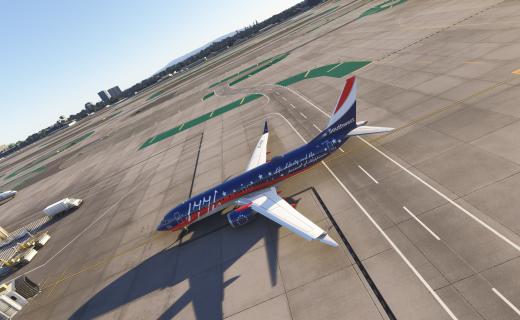
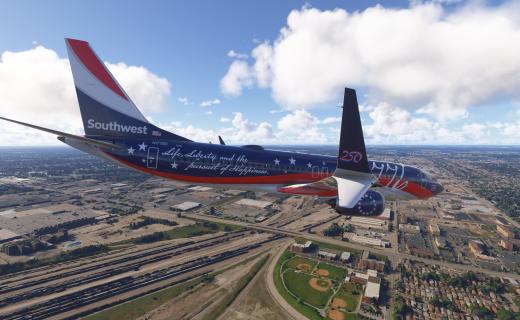
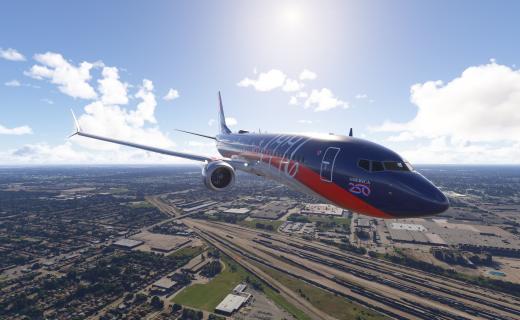
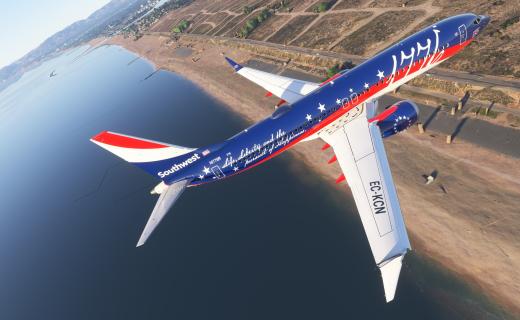
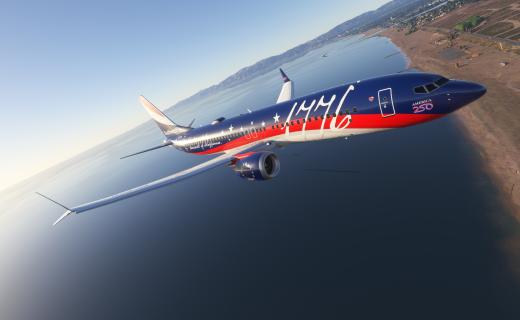
Southwest’s N1776R 250th Anniversary scheme brings a commemorative airline identity to the 737 MAX 8. The livery represents a named registration and celebration rather than a standard fleet scheme.

1livery
133downloads
7 Nov 2026latest livery
Default aircraft (free)The Boeing 737 MAX 8 is included with the simulator, so these liveries need nothing else installed.

The Boeing 737 MAX 8 livery

About the Boeing 737 MAX 8

The Boeing 737 MAX 8 is a twin-engine, single-aisle airliner used for short- and medium-haul passenger services by low-cost and full-service carriers. It occupies the same broad size category as the earlier 737-800, with CFM LEAP-1B engines and distinctive split-tip winglets setting it apart. Also designated 737-8, it belongs to the MAX generation rather than the preceding 737 Next Generation family.

The 737 MAX 8 ships with the simulator’s Standard edition, so owners already have the aircraft and need nothing else to use it. The free Southwest N1776R 250th Anniversary livery gives it a commemorative identity for airline flying, letting you represent a particular Southwest aircraft rather than simply choosing the carrier’s standard fleet colors.

More MSFS aircraft with liveries

Browse all 33 MSFS aircraft with liveries

Boeing 737 MAX 8 liveries: questions and answers

Do I need to buy anything to use these Boeing 737 MAX 8 liveries?

No. The Boeing 737 MAX 8 comes with MSFS, so a livery from this page works with the simulator as it is. Check each listing for the simulator version and edition it was made for.

How do I install liveries for the Boeing 737 MAX 8 in MSFS?

In most cases you unzip the download and copy the folder inside it into your Community folder, then restart the simulator; the livery then appears in the aircraft's livery list. Every listing carries the developer's own install notes, and those take priority. Our MSFS install guides cover finding the Community folder.

Do these liveries work in both MSFS 2020 and MSFS 2024?

It depends on the livery. Each listing states the simulator versions it supports, so check that line before you download.

Are the Boeing 737 MAX 8 liveries here free?

Yes. Every livery on Fly Away Simulation is a free download and you do not need an account. More are added as developers publish them.

Can I publish my own livery for the Boeing 737 MAX 8 here?

Yes. Developers publish through the Fly Away Simulation creator portal. Upload the livery with a few screenshots and it is listed on this page once our editors have checked it.

Fly Away Creators

Painted a livery for the Boeing 737 MAX 8?

Publish it here. Every release is reviewed by our editors before it goes live, and you get your own dashboard to track downloads.

  • Human-reviewed, never auto-published
  • Screenshots, listing & hosting handled for you
  • Live download stats on your dashboard
Open the Creators portal

Free for freeware developers · every release reviewed by our editors