Skip to content

MSFS · Default aircraft (free) · Liveries

Cessna 152 Liveries for MSFS

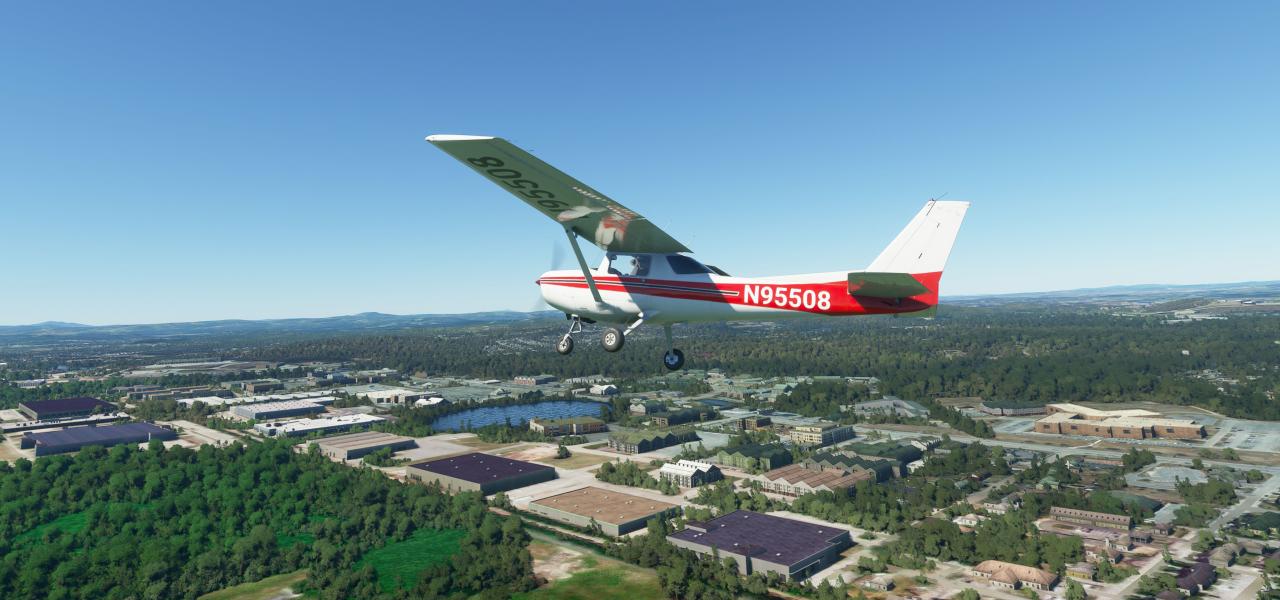
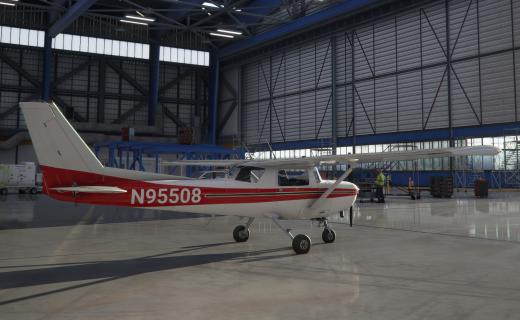
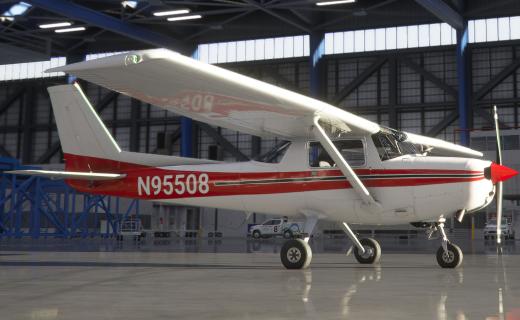
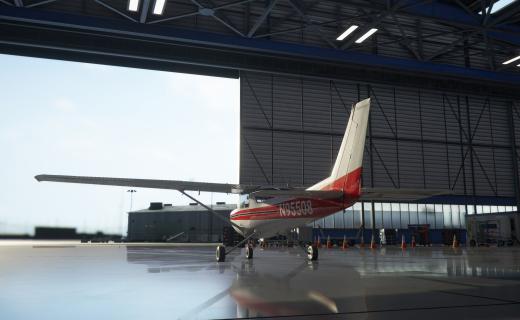
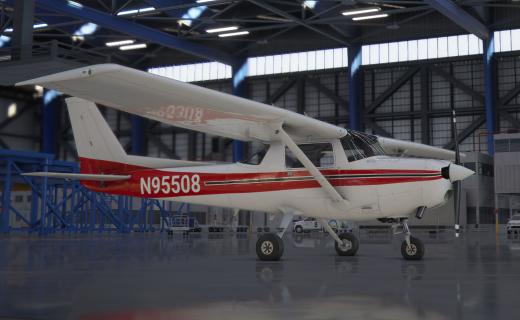
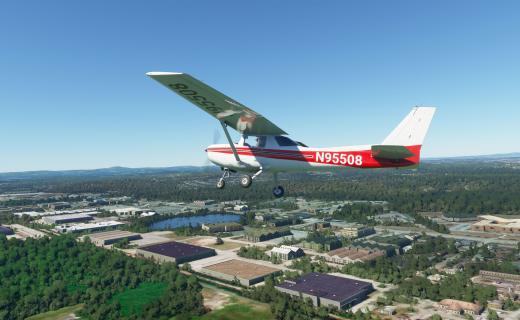
The Cessna C-152 II repaint of N95508 brings a registration-specific scheme to this familiar two-seat trainer. It gives simmers an individual aircraft identity for pattern work and short cross-country flights.

1livery
2.1Kdownloads
10 Sep 2020latest livery
Default aircraft (free)The Cessna 152 is included with the simulator, so these liveries need nothing else installed.

The Cessna 152 livery

MSFS Cessna C-152 II N95508 Repaint in MSFS
7

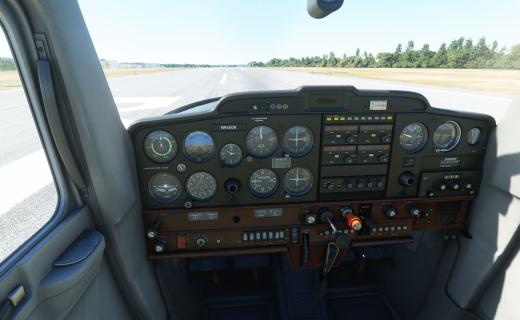
MSFS Cessna C-152 II N95508 Repaint

A Cessna 152 variant carries registration N95508, operated at Boire Field in Nashua, New Hampshire during mid-1990s private training, and was exported to Poland in 2007. The package includes three hub image files, a…

27.34 MB2.1K downloadsAdded Sep 2020
About the Cessna 152

The Cessna 152 is a two-seat, high-wing piston airplane widely used for flight training and personal flying. Its fixed tricycle landing gear and side-by-side seating suit the everyday work of flying schools, from first lessons to solo navigation exercises. Developed from the Cessna 150, it uses a Lycoming O-235 engine rather than its predecessor’s Continental O-200.

The Cessna 152 ships with the simulator’s Standard edition, so owners already have the aircraft and need nothing else to use its liveries. The free N95508 repaint, listed as a C-152 II scheme, adds a particular registration’s identity to training flights, pattern sessions, and short trips between nearby airfields.

More MSFS aircraft with liveries

Browse all 33 MSFS aircraft with liveries

Cessna 152 liveries: questions and answers

Do I need to buy anything to use these Cessna 152 liveries?

No. The Cessna 152 comes with MSFS, so a livery from this page works with the simulator as it is. Check each listing for the simulator version and edition it was made for.

How do I install liveries for the Cessna 152 in MSFS?

In most cases you unzip the download and copy the folder inside it into your Community folder, then restart the simulator; the livery then appears in the aircraft's livery list. Every listing carries the developer's own install notes, and those take priority. Our MSFS install guides cover finding the Community folder.

Do these liveries work in both MSFS 2020 and MSFS 2024?

It depends on the livery. Each listing states the simulator versions it supports, so check that line before you download.

Are the Cessna 152 liveries here free?

Yes. Every livery on Fly Away Simulation is a free download and you do not need an account. More are added as developers publish them.

Can I publish my own livery for the Cessna 152 here?

Yes. Developers publish through the Fly Away Simulation creator portal. Upload the livery with a few screenshots and it is listed on this page once our editors have checked it.

Fly Away Creators

Painted a livery for the Cessna 152?

Publish it here. Every release is reviewed by our editors before it goes live, and you get your own dashboard to track downloads.

  • Human-reviewed, never auto-published
  • Screenshots, listing & hosting handled for you
  • Live download stats on your dashboard
Open the Creators portal

Free for freeware developers · every release reviewed by our editors