Skip to content

MSFS · Payware aircraft · Liveries

Just Flight Avro RJ Liveries for MSFS

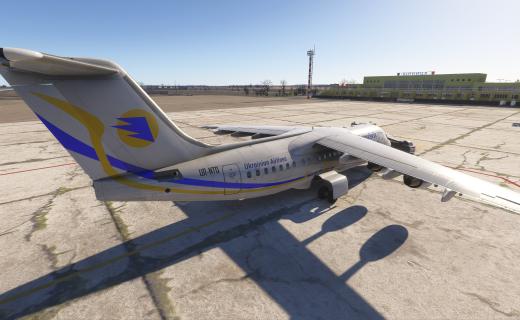
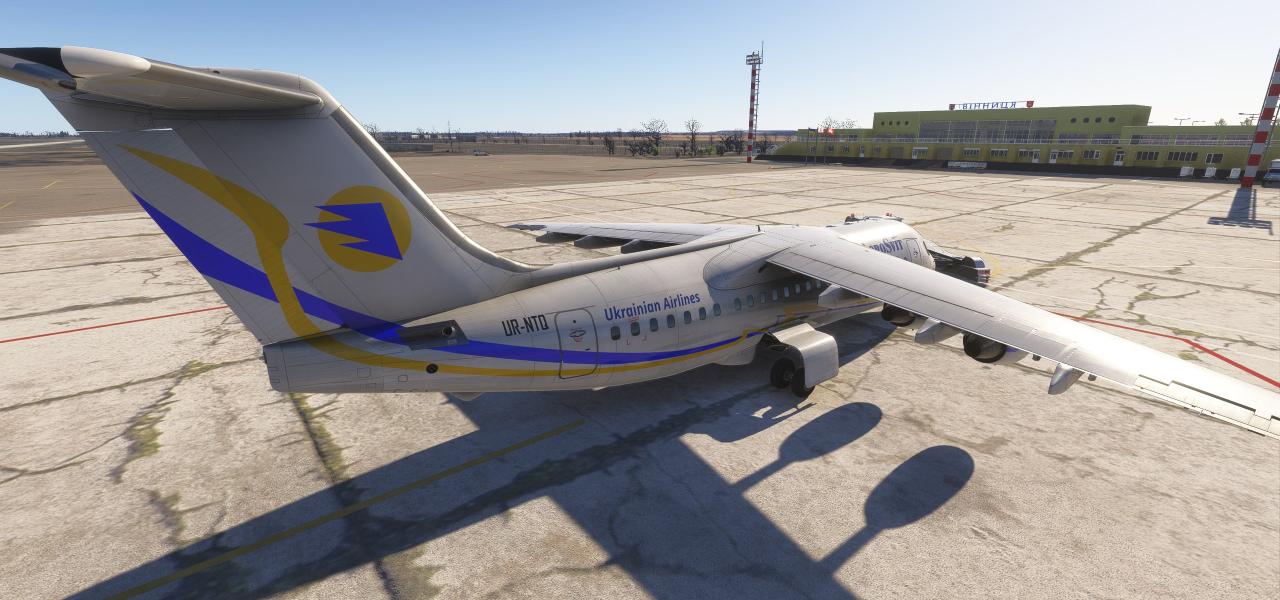
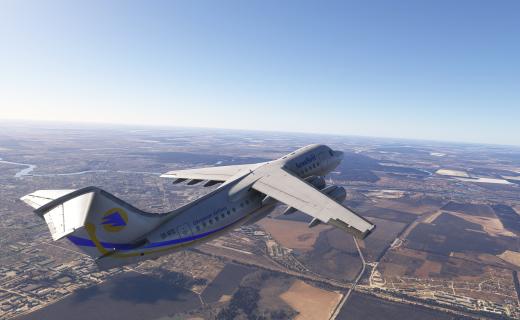
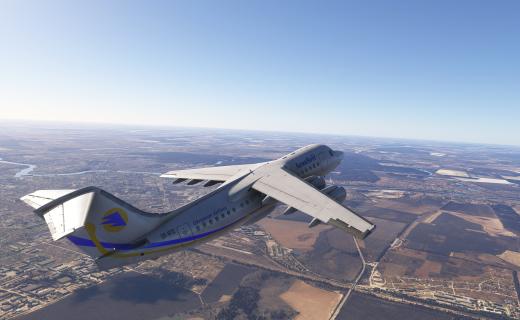
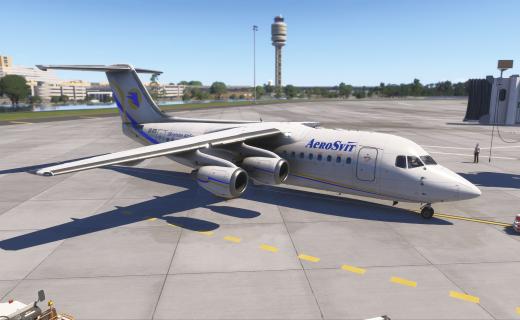
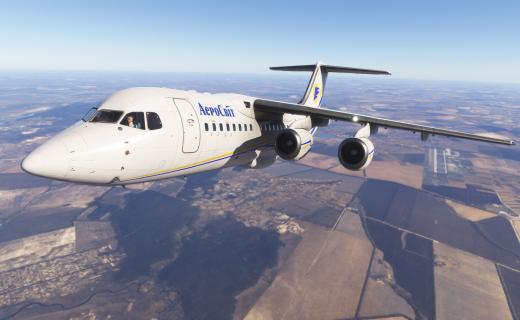
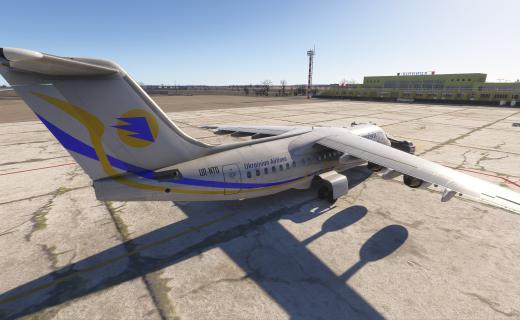
AeroSvit colors give the RJ85 a Ukrainian airline identity here, with a livery also listed for the BAe 146-200. The scheme brings a regional airline theme to the Avro’s distinctive four-engine silhouette.

2liveries
26 Nov 2026latest livery
Payware aircraftThe Just Flight Avro RJ is a payware aircraft sold separately. These are free liveries for it: textures only, so the aircraft itself has to be installed first.

All Just Flight Avro RJ liveries

2 liveries
Just Flight BAe 146-200 and Avro RJ-85 AeroSvit Livery in MSFS
New6

Just Flight BAe 146-200 and Avro RJ-85 AeroSvit Livery

By MaryanR

Fictional AeroSvit Ukrainian Airlines colors by MaryanR adapt the operator’s Antonov AN-148 appearance for two regional jets: the BAe 146-200 Professional and the Avro RJ-85. Each version requires the corresponding…

123.05 MB0 downloadsAdded Nov 2026

About the Just Flight Avro RJ

The Avro RJ is a family of four-engine regional jetliners developed from the BAe 146, retaining its high wing, T-tail and large rear airbrake. Updated engines and cockpit avionics distinguish the RJ generation from its predecessor. The RJ70, RJ85 and RJ100 serve different capacity needs, with the family suited to short-haul airline work and operations at airports with constrained approaches.

Just Flight’s Avro RJ is a payware aircraft for Microsoft Flight Simulator, sold separately by its maker, and must be installed before adding these free liveries. The AeroSvit scheme gives the RJ85 a Ukrainian airline identity for simulated regional services; its listing also names the BAe 146-200, the corresponding size in the earlier aircraft family.

More MSFS aircraft with liveries

Browse all 33 MSFS aircraft with liveries

Just Flight Avro RJ liveries: questions and answers

Do I need to own the Just Flight Avro RJ to use these liveries?

Yes. The Just Flight Avro RJ is a payware aircraft that is sold separately. The liveries on this page are free, but they are textures for that aircraft and do nothing without it.

How do I install liveries for the Just Flight Avro RJ in MSFS?

In most cases you unzip the download and copy the folder inside it into your Community folder, then restart the simulator; the livery then appears in the aircraft's livery list. Every listing carries the developer's own install notes, and those take priority. Our MSFS install guides cover finding the Community folder.

Do these liveries work in both MSFS 2020 and MSFS 2024?

It depends on the livery. Each listing states the simulator versions it supports, so check that line before you download.

Are the Just Flight Avro RJ liveries here free?

Yes. Every livery on Fly Away Simulation is a free download and you do not need an account. There are 2 for this aircraft at the moment, and new ones are added as developers publish them.

Can I publish my own livery for the Just Flight Avro RJ here?

Yes. Developers publish through the Fly Away Simulation creator portal. Upload the livery with a few screenshots and it is listed on this page once our editors have checked it.

Fly Away Creators

Painted a livery for the Just Flight Avro RJ?

Publish it here. Every release is reviewed by our editors before it goes live, and you get your own dashboard to track downloads.

  • Human-reviewed, never auto-published
  • Screenshots, listing & hosting handled for you
  • Live download stats on your dashboard
Open the Creators portal

Free for freeware developers · every release reviewed by our editors