

 MSFS Civil Jet Aircraft
Just Flight BAe 146-200 and Avro RJ-85 AeroSvit Livery
MaryanR has painted an AeroSvit Ukrainian Airlines livery for the Just Flight…
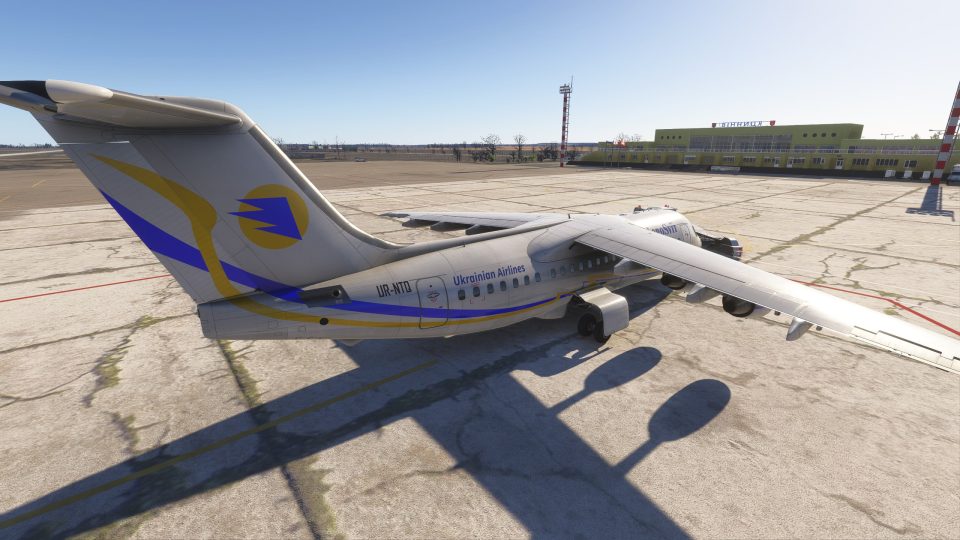
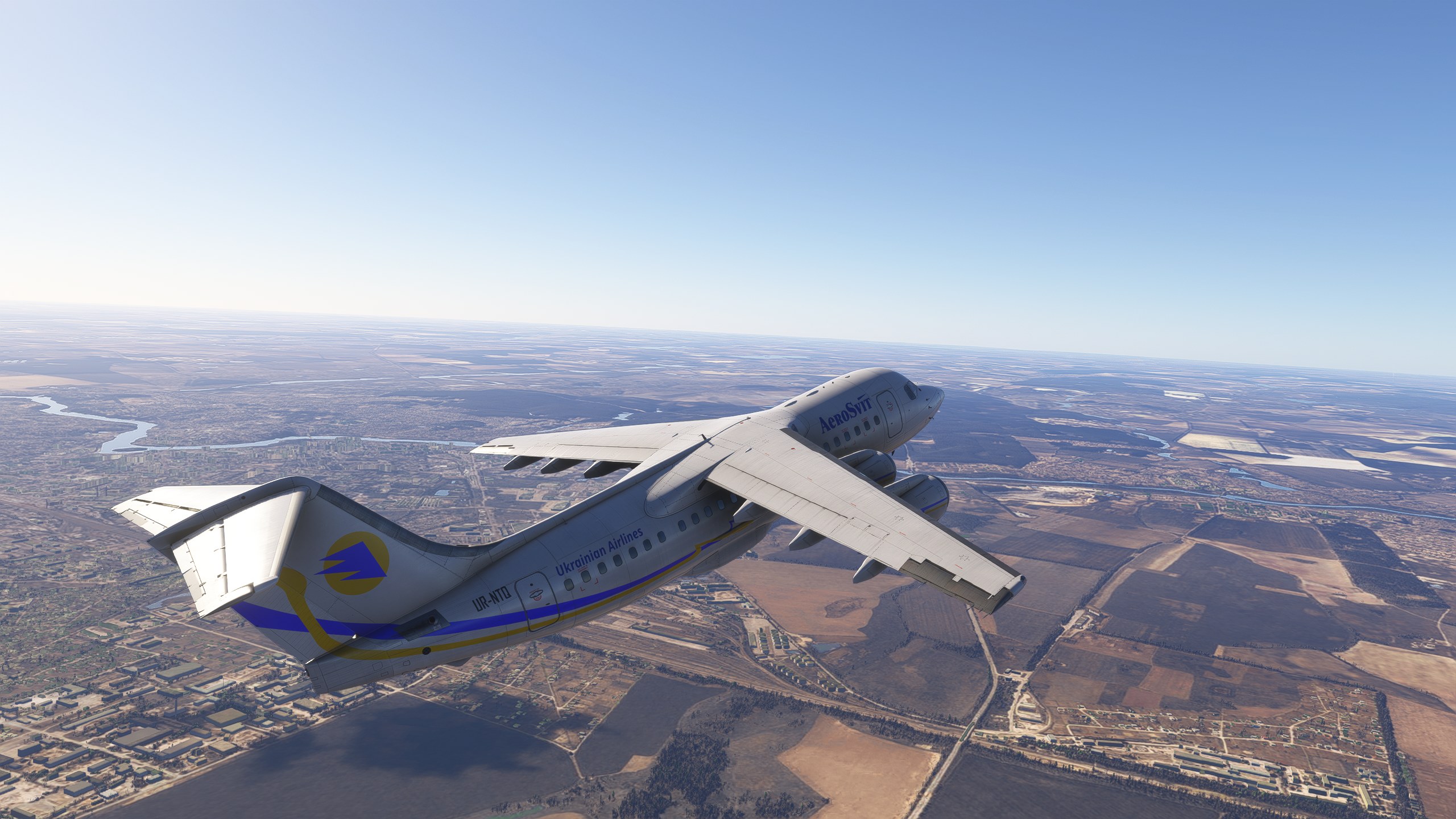
A fictional AeroSvit Ukrainian Airlines livery brings colors inspired by the carrier’s Antonov An-148 to the BAe 146-200 and Avro RJ-85 in Microsoft Flight Simulator 2020. The repaint adapts the Ukrainian operator’s distinctive scheme to both regional jets and requires the corresponding Just Flight aircraft.
 Rate
 By MaryanR
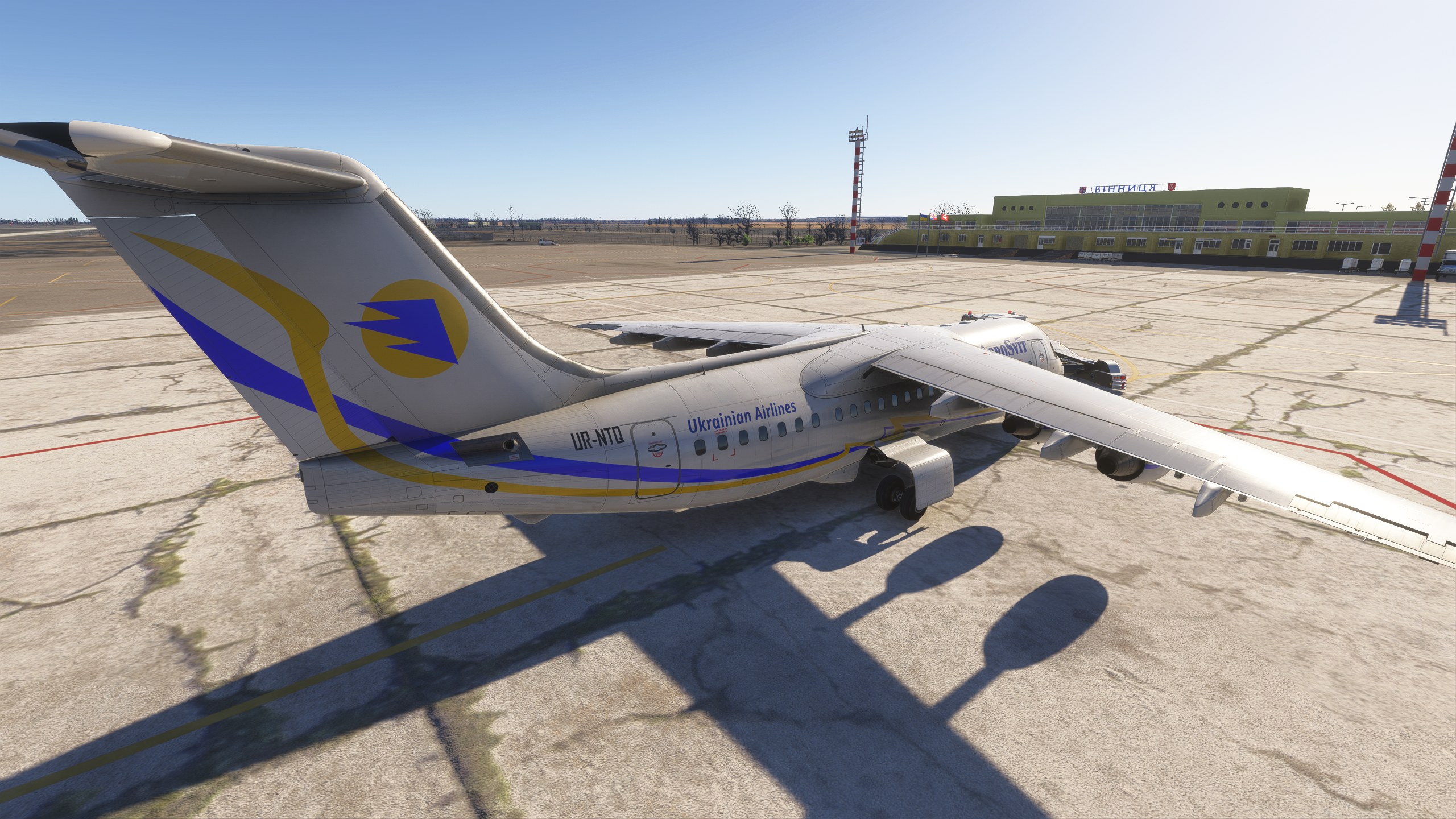
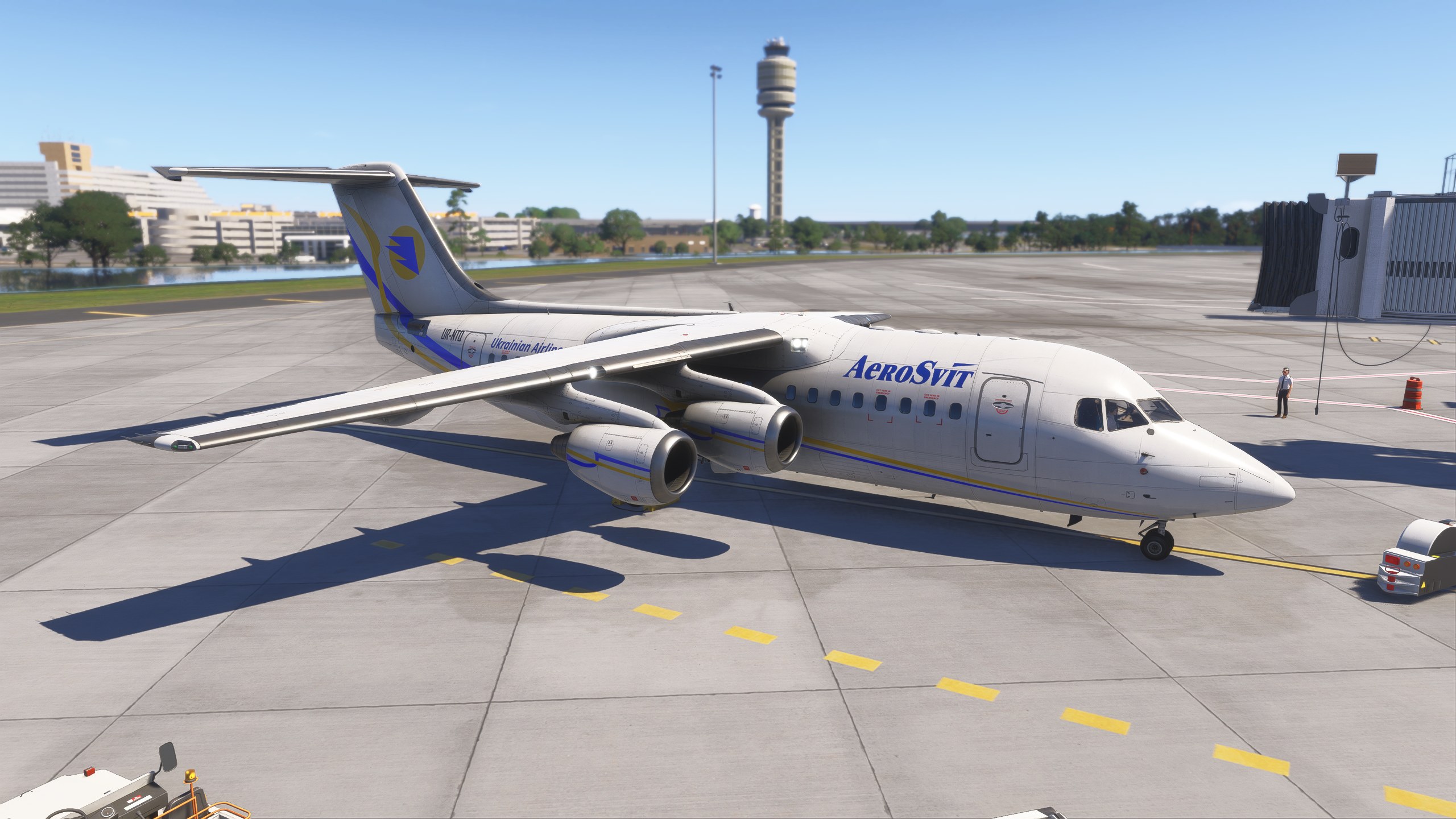
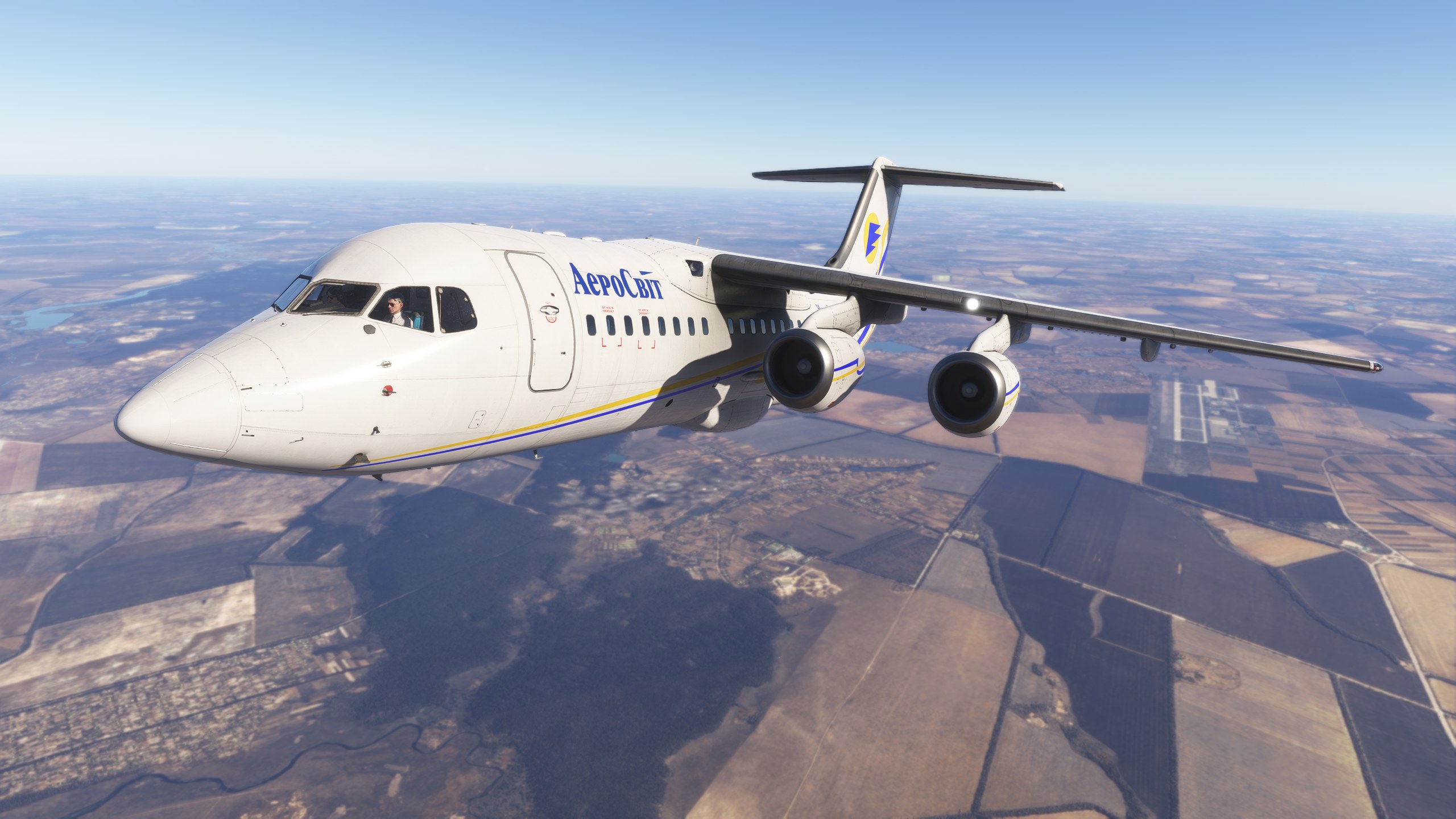
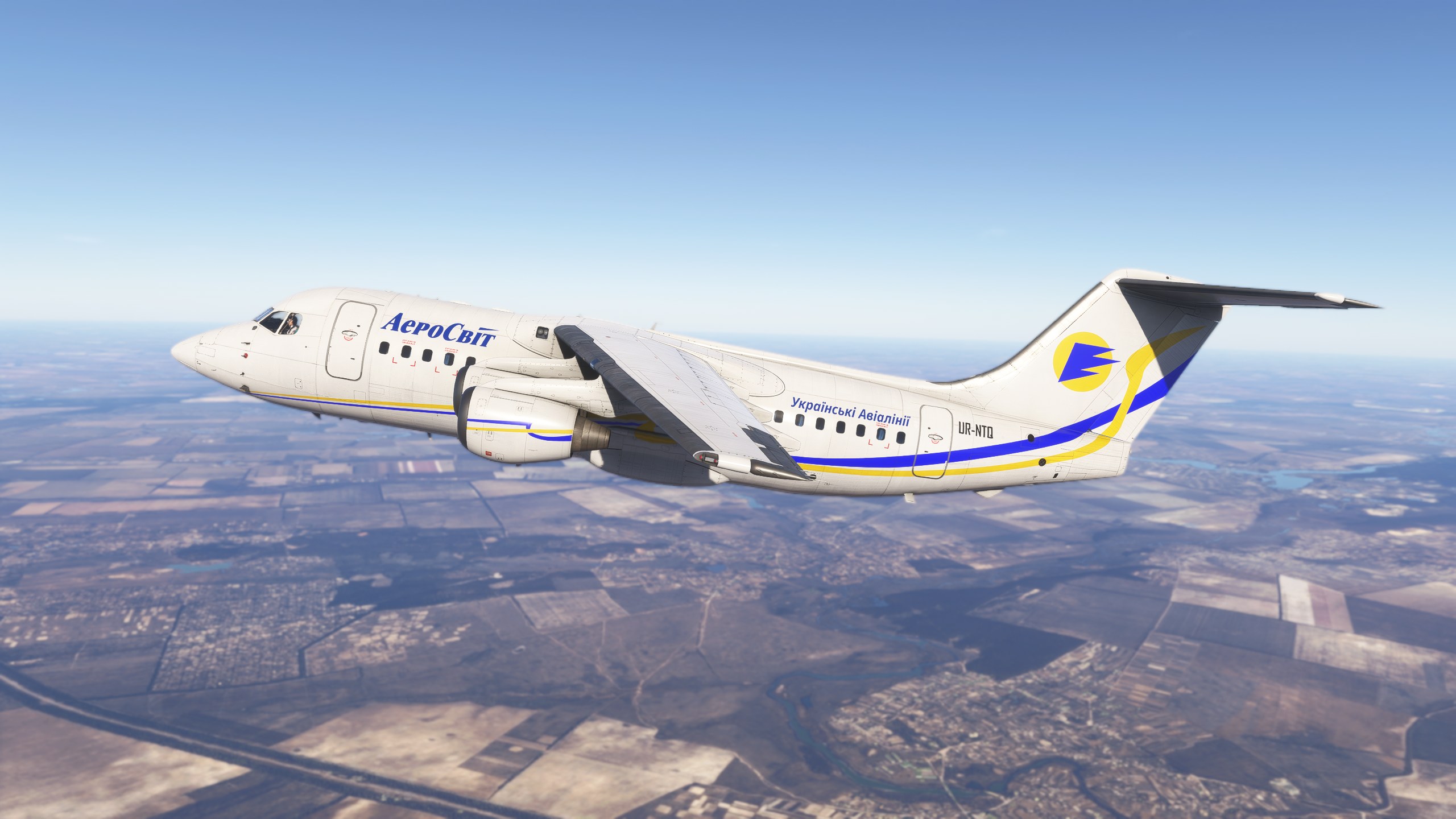
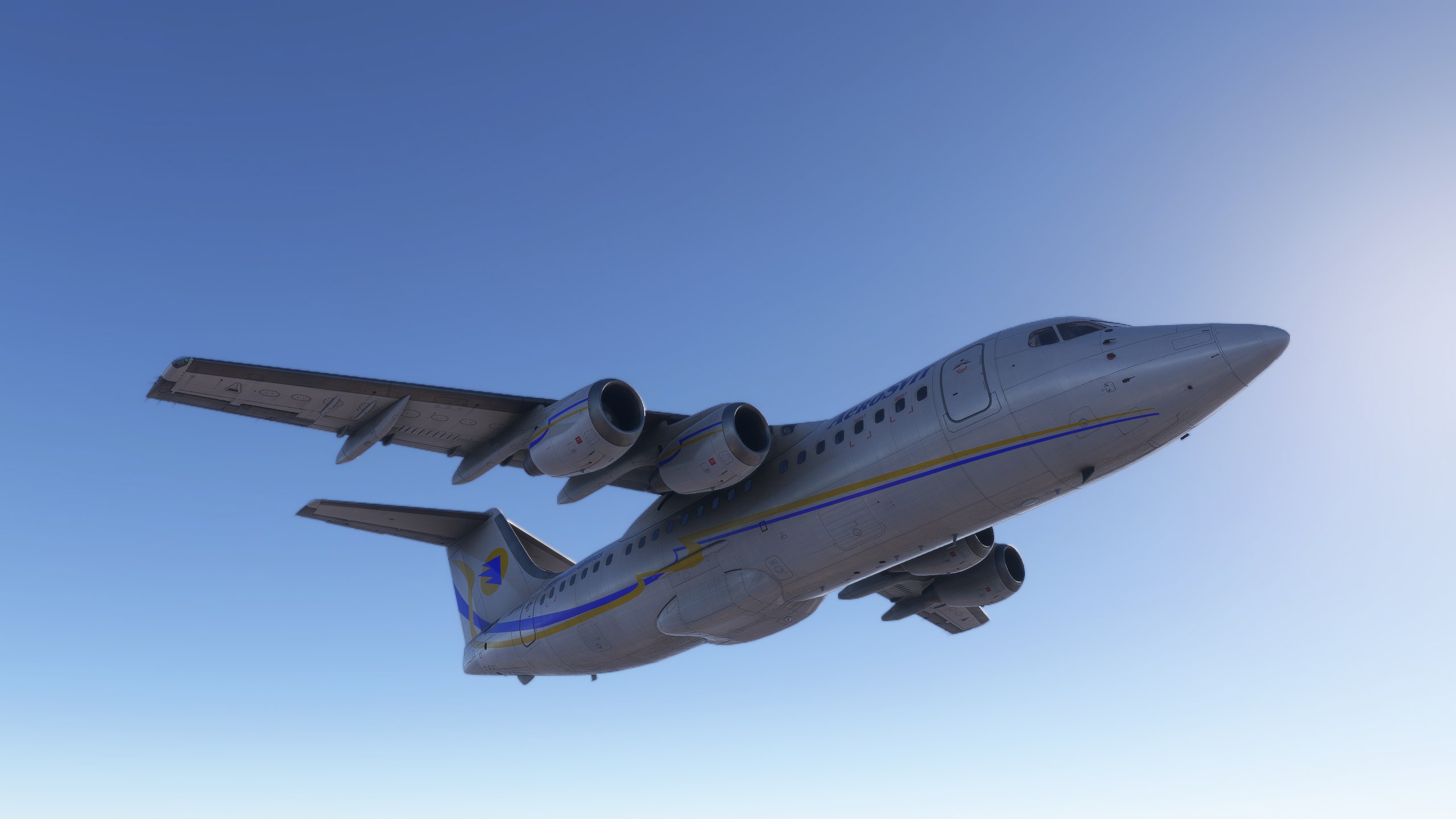

Orbiting the jet in the exterior view, I stopped near the nose: the blue-and-yellow lines continue onto the engine nacelles. That small touch makes the four engines feel part of the scheme, rather than interruptions to it. I like that attention to the airframe.
AeroSvit wouldn’t be my choice for recreating a documented 146 service, but I’m happy to use it for a fictional airline flight. The adaptation looks considered enough to sell the idea. Giving both the 146-200 and RJ-85 the same operator identity also appeals to me; I can switch between them without abandoning that imaginary fleet.
MaryanR’s fictional AeroSvit Ukrainian Airlines livery fits both the Just Flight BAe 146-200 Professional and Avro RJ-85 in Microsoft Flight Simulator 2020. Inspired by the airline’s Antonov AN-148, it adapts a real Ukrainian operator’s colors to these two regional jets.
You’ll need to purchase the corresponding Just Flight payware aircraft to use its repaint. Neither aircraft model ships with this download.
For installation, choose the MSFS 2020 download and unpack it into your Community folder. This listing covers MSFS 2020 only.
Free for all simmers · 123.05 MB · Scanned clean Nov 2026
Download speed: Free tier is capped at 2 Mbps (this file takes approximately 9 mins at the cap). PRO members download at full line speed.
Initial release.
%LOCALAPPDATA%\Packages\Microsoft.FlightSimulator_8wekyb3d8bbwe\LocalCache\Packages\Community\. Steam version: %APPDATA%\Microsoft Flight Simulator\Packages\Community\. Tip: enable Developer Mode in MSFS to see your exact Community folder path.readme.txt or README file. It tells you exactly where files go, what dependencies are needed, and any quirks specific to this add-on.I'm a flight simulation enthusiast with a deep interest in aviation, especially the history of Ukrainian aviation. Microsoft Flight Simulator is where those two passions meet for me.
Are you MaryanR? Sign in to Fly Away Creators for download stats, comment replies and updates. Make add-ons? Publish them here.
Only PRO members can place votes.
More MSFS add-ons hand-picked based on this download.
MSFS Civil Jet Aircraft
MaryanR has painted an AeroSvit Ukrainian Airlines livery for the Just Flight…
 MSFS Civil Jet Aircraft
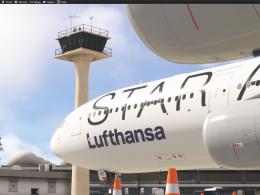
dmeh_liveries (DMeh) has painted two requested Lufthansa Star Alliance liveri…
 MSFS Civil Jet Aircraft
TexturasBrasileiras has painted Varig PP-VTR for the BlueBird Boeing 757-200 …
 MSFS Civil Jet Aircraft
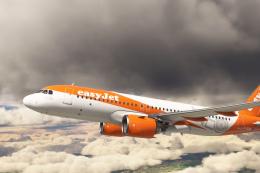
An add-on for MSFS 2020 brings the easyJet A320neo registration G-UZHA livery…
 MSFS Civil Jet Aircraft
A complete freeware add-on for Microsoft Flight Simulator (MSFS) 2020 release…
 MSFS Civil Jet Aircraft
A high-definition Southwest Airlines livery/repaint for the default Microsoft…
 MSFS Civil Jet Aircraft
A livery pack for the default Airbus A320neo in Microsoft Flight Simulator (M…
 MSFS Civil Jet Aircraft
A pack containing a complete rendition of 8K resolution liveries for the defa…
Be the first to leave a comment on this download.
Be the first to share your thoughts on this download.