

 Albania
  FSX Scenery
California Complete Photoreal
This is a complete package containing photoreal scenery for the whole state o…
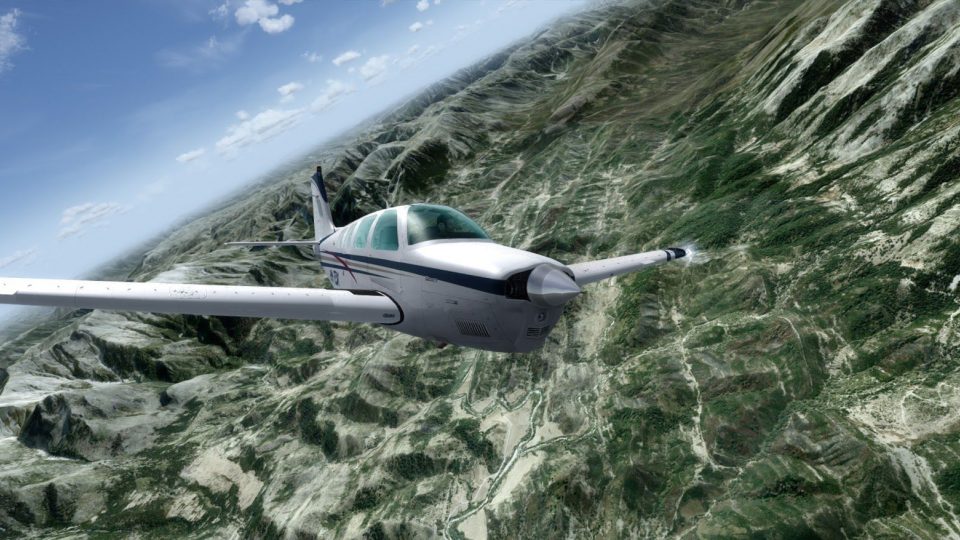
Albania comes alive with complete photoreal coverage at 2 m per pixel, refreshed landclass, accurate city placement, and distinct urban, industrial, mountain, and coastal regions. Designed for FSX, FSX: Steam Edition, and Prepar3D v4, it adds watermasking and blendmasking plus detailed Tirana landmarks, and requires a quality terrain mesh.
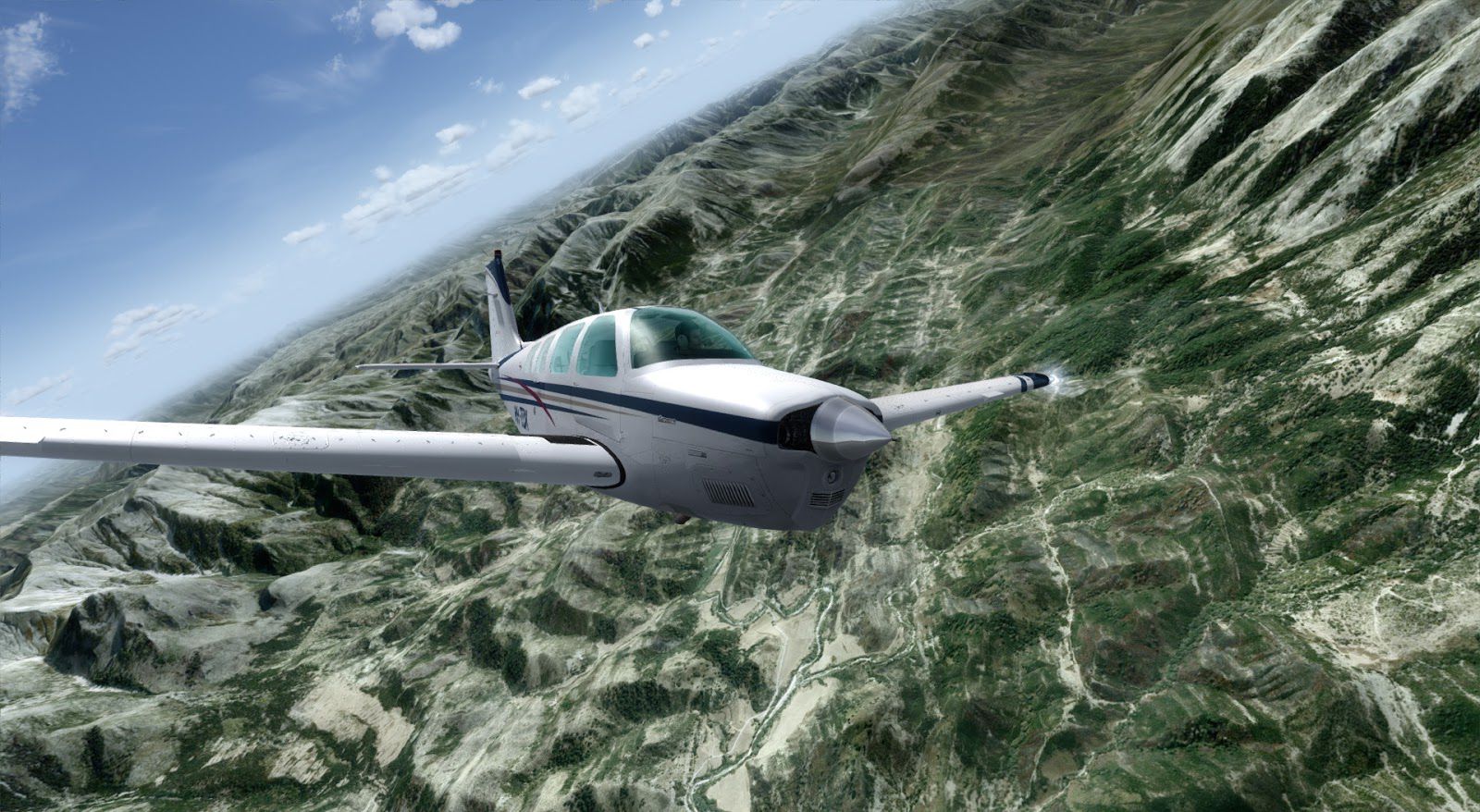
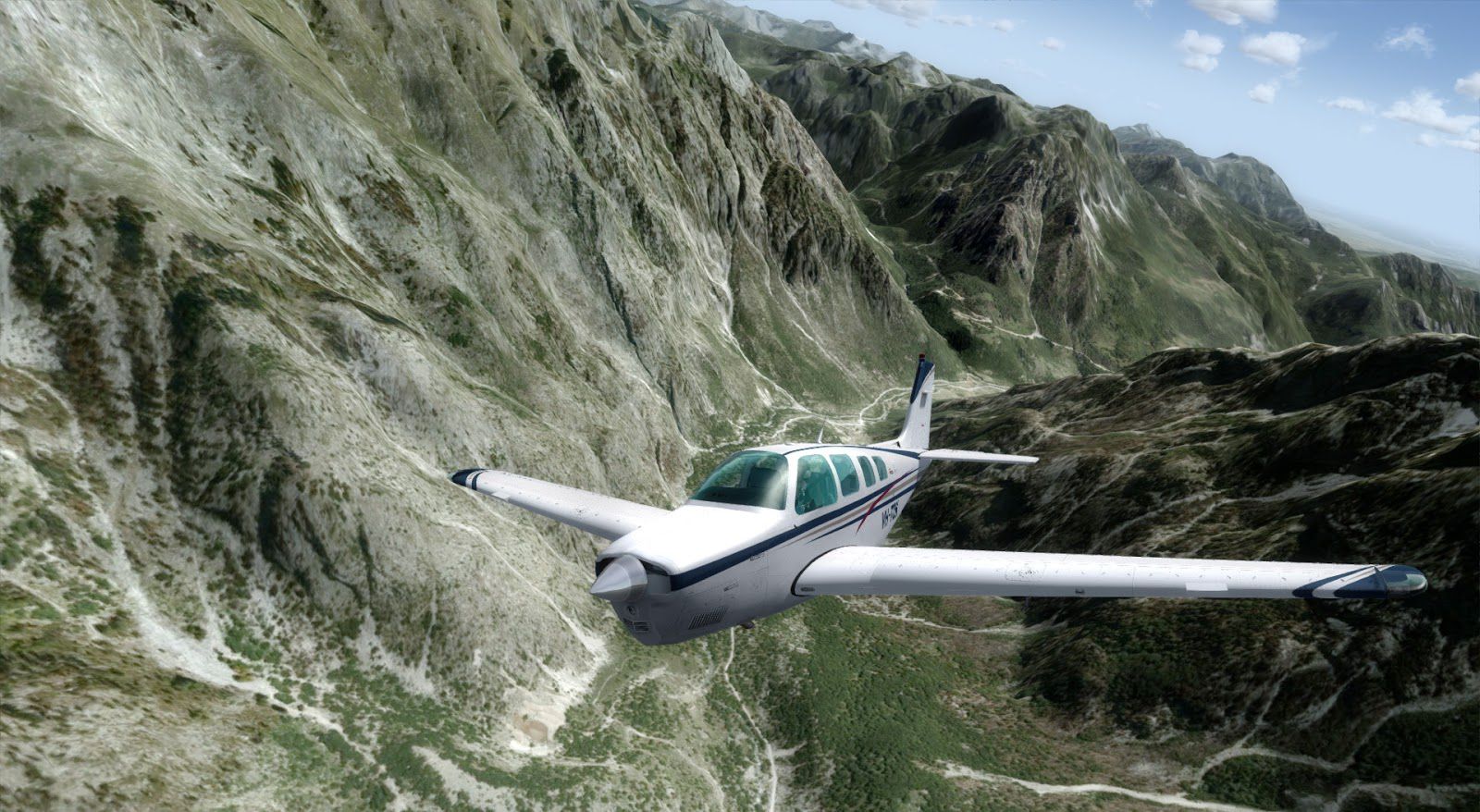
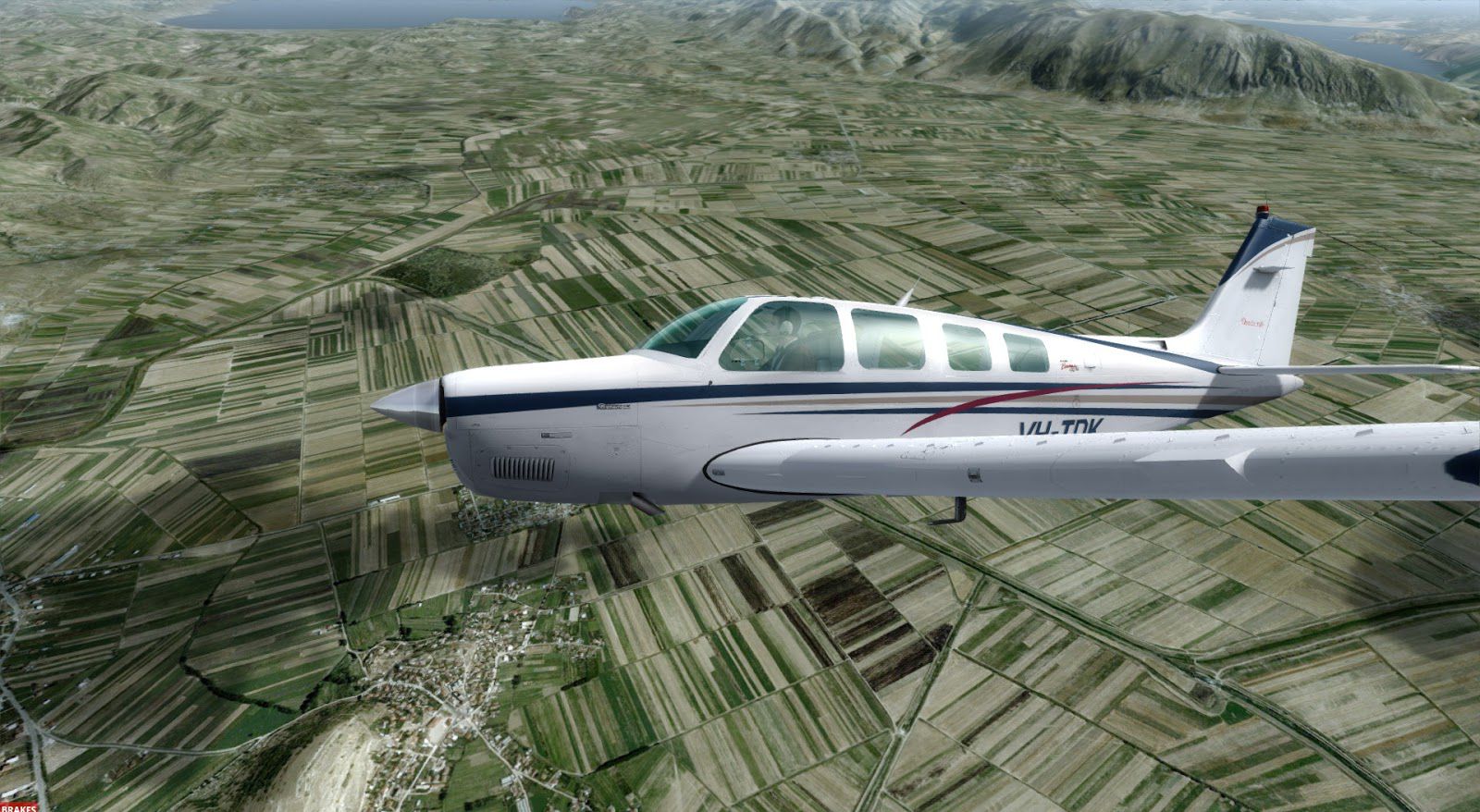

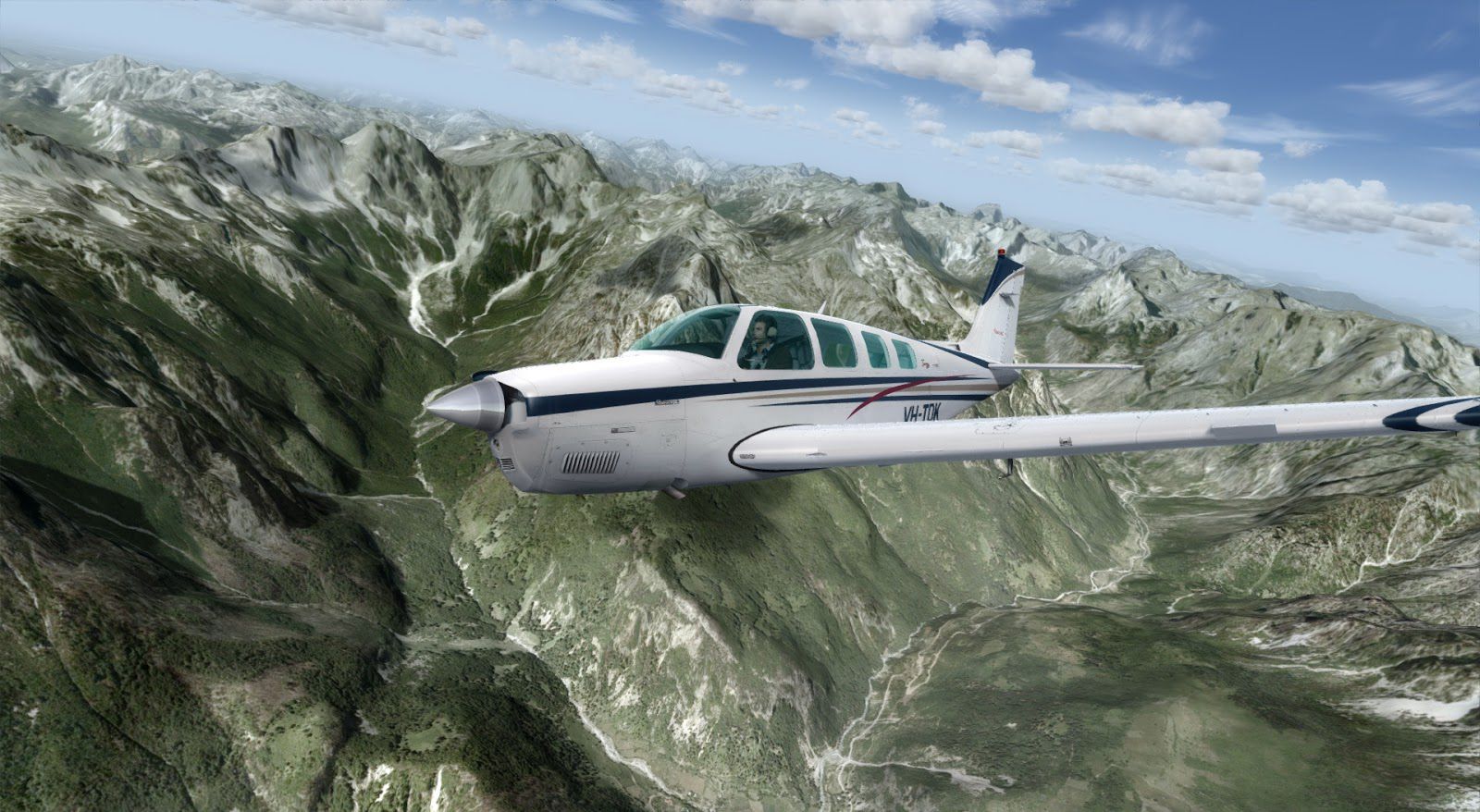
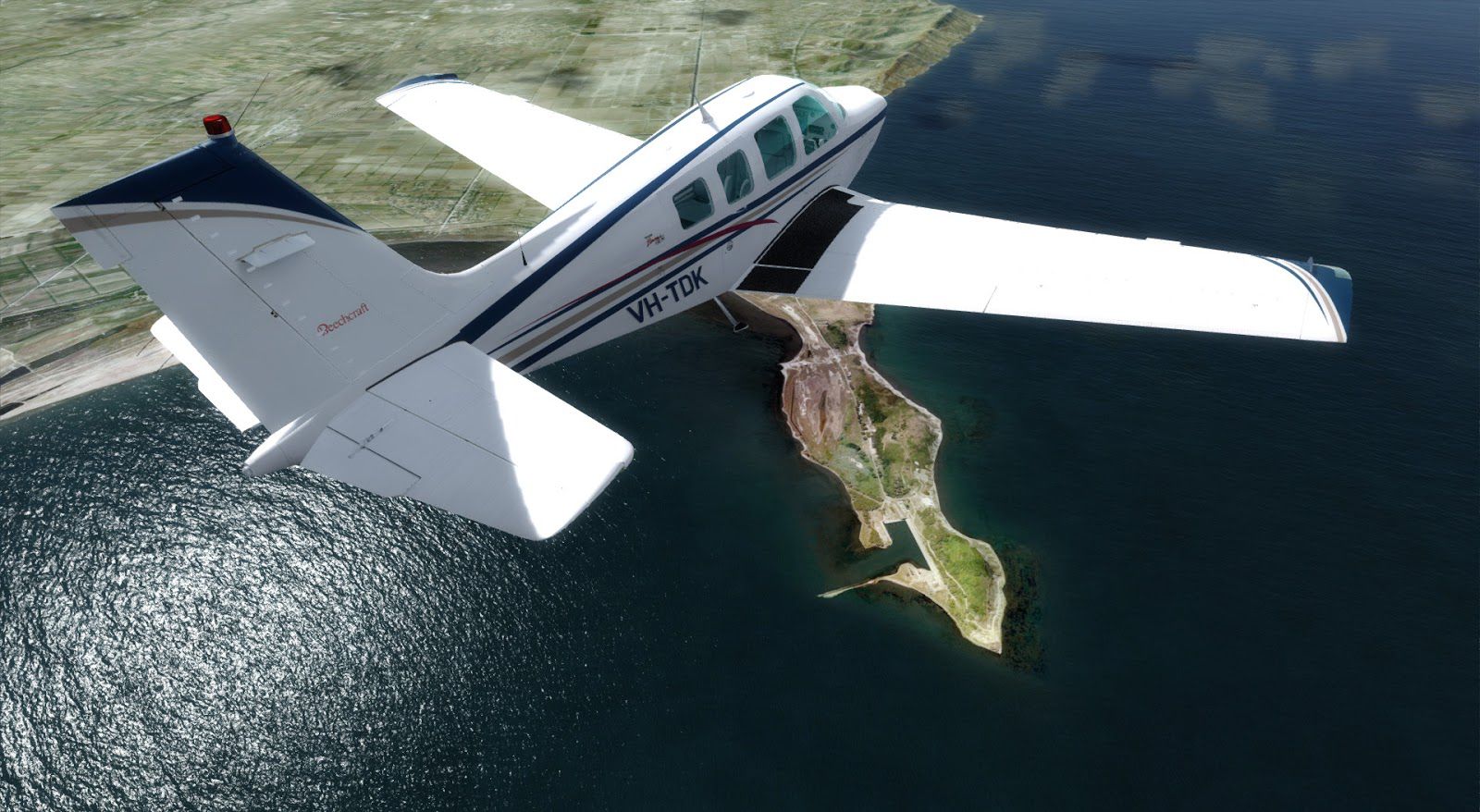
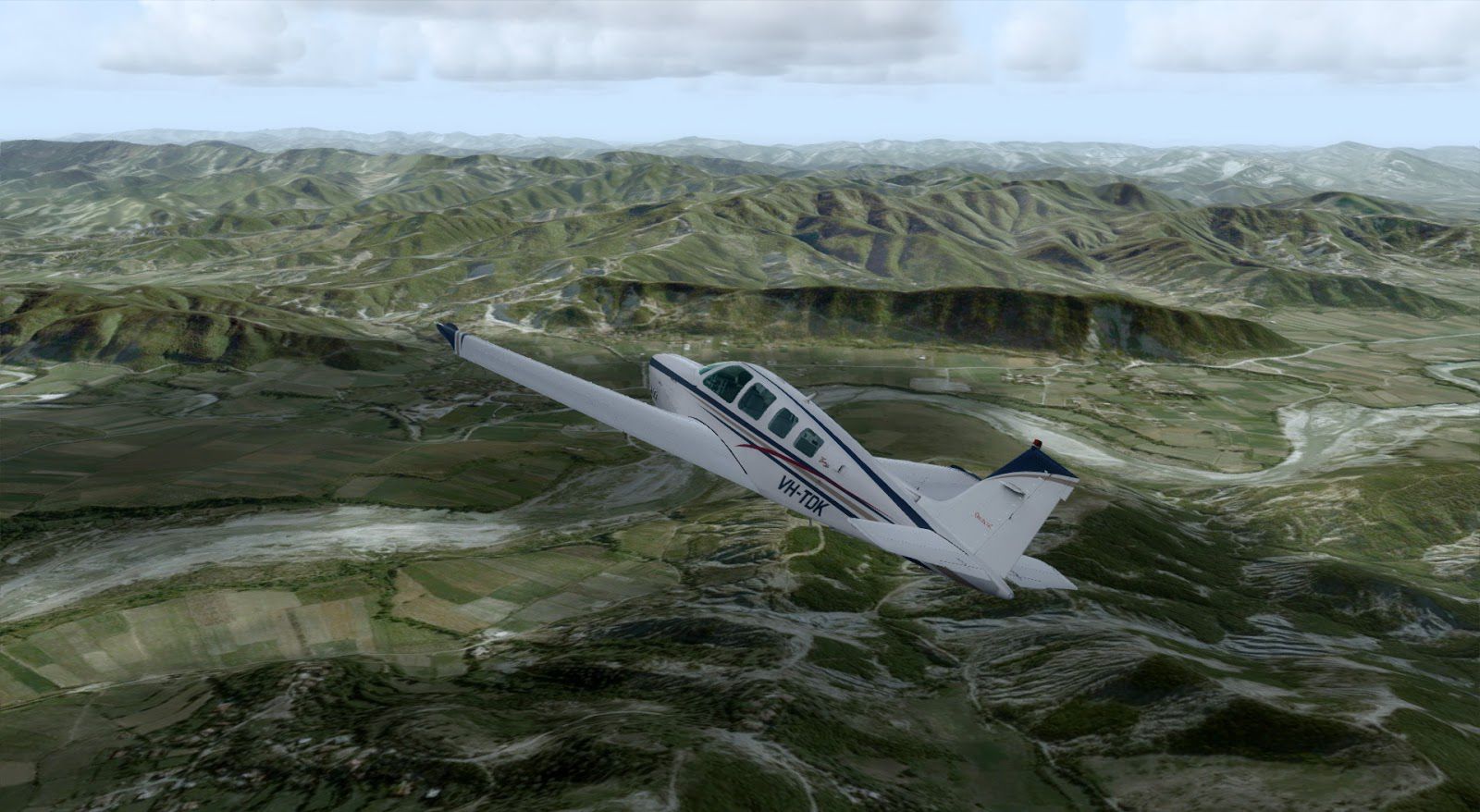
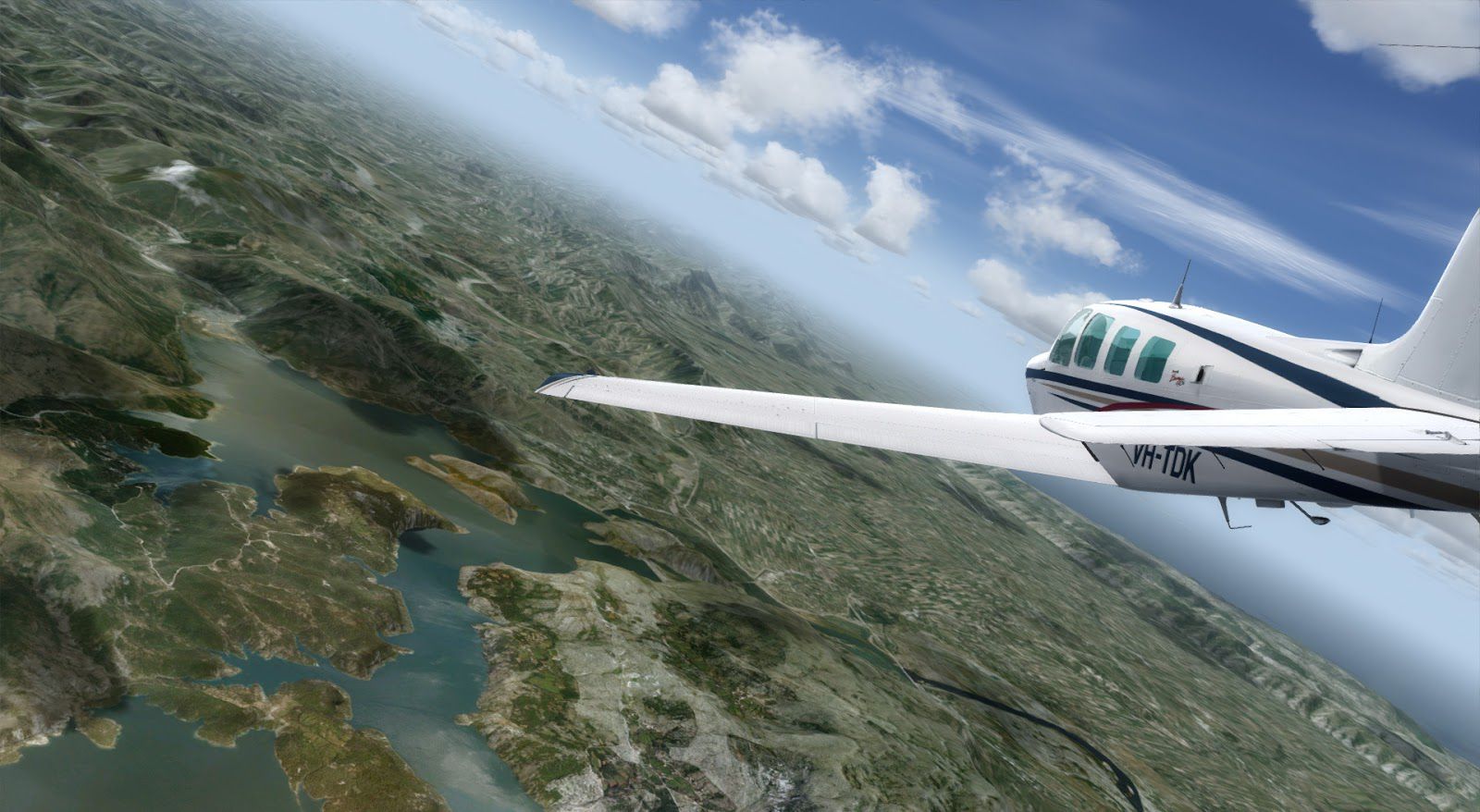
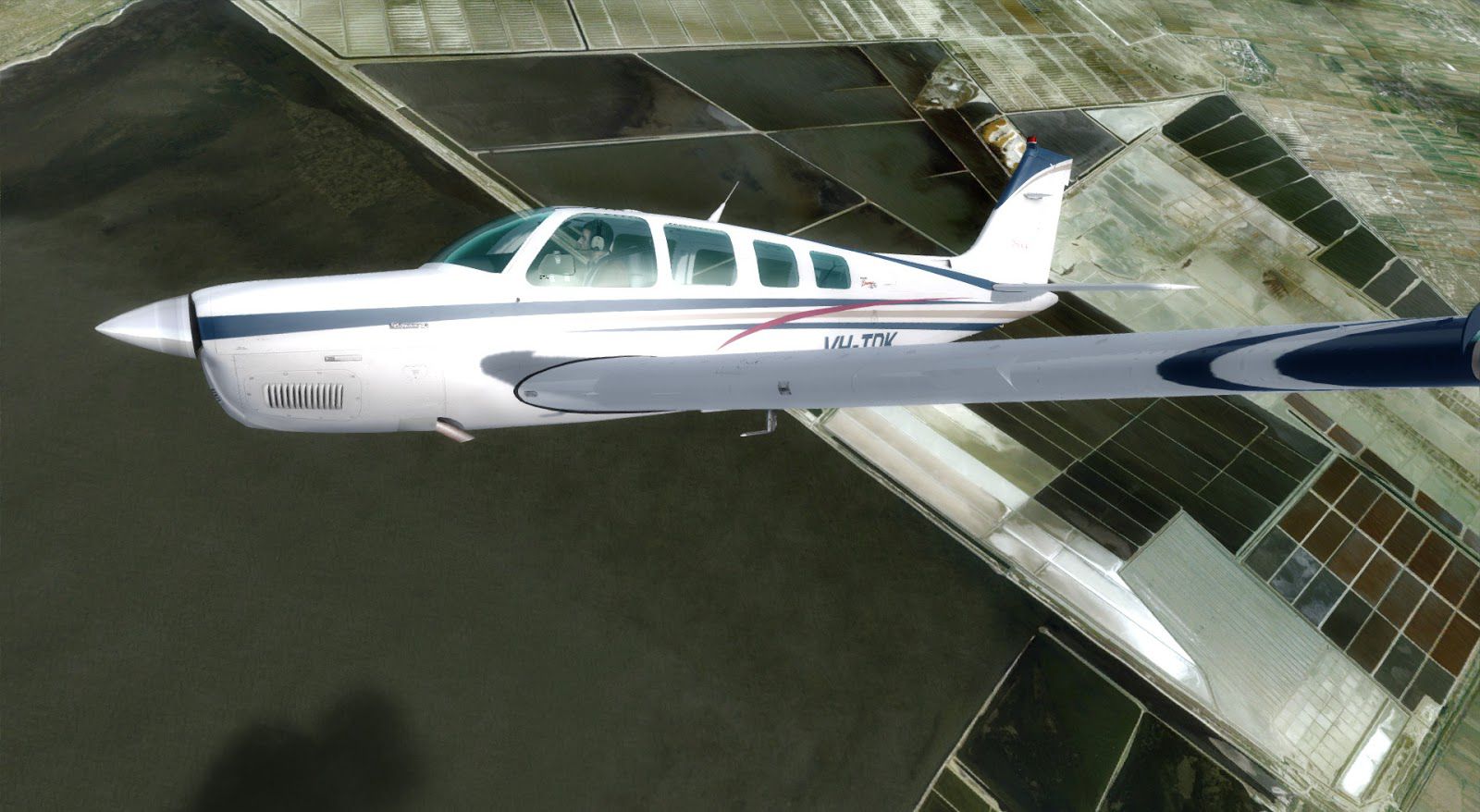
As far as nations go, the volatile but beautiful nation of Albania may be among the most interesting to visit. Users of FSX, FSX: Steam Edition and Prepar3D (including version 4) can now enjoy a flight across Albanian territory like never before.
Delivered in rich and attentive detail, you can now fly over this stunning part of Eastern Europe and see it like never before.
 Few trips can be quite as enjoyable as a flight over using this scenery add-on. The rich diversity in its landclass, terrain and building styles makes it a very interesting nation to peer over.
This add-on looks to have much-needed detail and precision to the nation, ensuring that it finally stands out from its neighbors.
Previously, other key Southern European nations such as Montenegro and Kosovo would just blend into the Albanian territory. Users of this add-on will see a wholesale change to the whole nation, with vast changes covering a whopping 28,748 square kilometers of land space.
Using impressive 2m/pixel resolution scenery, too, this covers the whole of the country and makes it look much more alive than beforehand.
Tested with FSX, FSX: Steam Editon and Prepar3D v4. This is a very large file download.
Note: This scenery would work best with a high-quality mesh texture package. We recommend FreeMeshX Global (FreeMeshX-Global-2.0.zip) which you can download here.
Developer: FTXDes (Project Open Scenery)
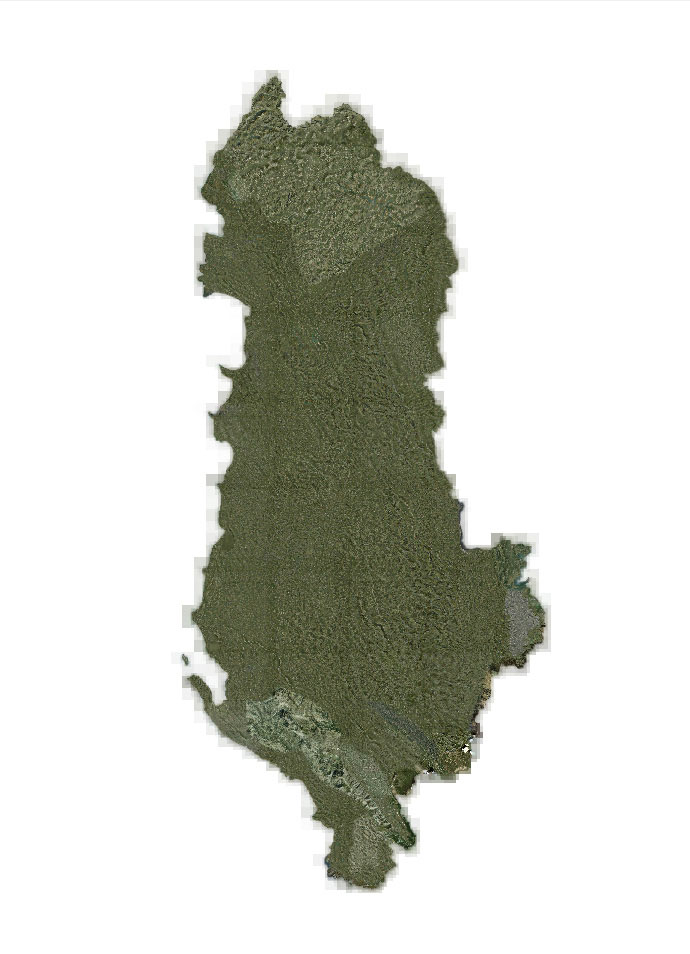
Coverage Map
Free for all simmers · 6.84 GB · Scanned clean Oct 2026
Download speed: Free tier is capped at 2 Mbps (this file takes approximately 8h 10m at the cap). PRO members download at full line speed.
This add-on may require the following files to function properly. If this is a repaint, the dependency below is likely the base aircraft package.
FSX\Addon Scenery\ containing scenery and texture sub-folders.readme.txt or README file. It tells you exactly where files go, what dependencies are needed, and any quirks specific to this add-on.Use these coordinates to fly directly to this location once the mod is installed.
41.32750000,19.81870000
Launch FSX or Prepar3D and use Flights → Load to open the downloaded .pln file. Your aircraft will be positioned at this location.
The archive albania-photoreal.zip has 70 files and directories contained within it.
This list displays the first 500 files in the package. If the package has more, you will need to download it to view them.
| Filename/Directory | File Date | File Size |
|---|---|---|
| AFCAD Albania | 12.11.18 | 0 B |
| LA10_ADEX_P3D.bgl | 09.26.16 | 528 B |
| LA10_ADEX_P3D_CVX.bgl | 09.26.16 | 376 B |
| LAGJ_ADEX_P3D.bgl | 09.26.16 | 2.19 kB |
| LAGJ_ADEX_P3D_CVX.bgl | 09.26.16 | 232 B |
| LAKO_ADEX_P3D.bgl | 09.26.16 | 540 B |
| LAKO_ADEX_P3D_CVX.bgl | 09.26.16 | 227 B |
| LAKU_ADEX_P3D.bgl | 09.26.16 | 1.91 kB |
| LAKU_ADEX_P3D_CVX.bgl | 09.26.16 | 229 B |
| LAKV_ADEX_P3D.bgl | 09.26.16 | 3.26 kB |
| LAKV_ADEX_P3D_CVX.bgl | 09.26.16 | 385 B |
| LATI_ADEX_P3D.bgl | 09.27.16 | 11.61 kB |
| LATI_ADEX_P3D_CVX.bgl | 09.27.16 | 236 B |
| Z00H_ADEX_P3D.bgl | 09.27.16 | 919 B |
| Z00H_ADEX_P3D_CVX.bgl | 09.27.16 | 237 B |
| scenery | 09.23.16 | 0 B |
| Area_Lp2_SnapOff_N039545214_N039363518_E019424252_E020053378.bgl | 05.21.16 | 63.66 MB |
| Area_Lp2_SnapOff_N039545214_N039363518_E020053378_E020282504.bgl | 05.21.16 | 149.98 MB |
| Area_Lp2_SnapOff_N040130911_N039545214_E019195126_E019424252.bgl | 05.21.16 | 37.76 MB |
| Area_Lp2_SnapOff_N040130911_N039545214_E019424252_E020053378.bgl | 05.20.16 | 204.63 MB |
| Area_Lp2_SnapOff_N040130911_N039545214_E020053378_E020282504.bgl | 05.19.16 | 224.62 MB |
| Area_Lp2_SnapOff_N040130911_N039545214_E020282504_E020511630.bgl | 05.19.16 | 73.47 MB |
| Area_Lp2_SnapOff_N040312607_N040130911_E018570000_E019195126.bgl | 05.21.16 | 9.85 MB |
| Area_Lp2_SnapOff_N040312607_N040130911_E019195126_E019424252.bgl | 05.21.16 | 201.15 MB |
| Area_Lp2_SnapOff_N040312607_N040130911_E019424252_E020053378.bgl | 05.18.16 | 260.26 MB |
| Area_Lp2_SnapOff_N040312607_N040130911_E020053378_E020282504.bgl | 05.18.16 | 259.42 MB |
| Area_Lp2_SnapOff_N040312607_N040130911_E020282504_E020511630.bgl | 05.19.16 | 217.57 MB |
| Area_Lp2_SnapOff_N040312607_N040130911_E020511630_E021140756.bgl | 05.19.16 | 16.64 MB |
| Area_Lp2_SnapOff_N040494304_N040312607_E018570000_E019195126.bgl | 05.25.16 | 4.04 MB |
| Area_Lp2_SnapOff_N040494304_N040312607_E019195126_E019424252.bgl | 05.25.16 | 235.67 MB |
| Area_Lp2_SnapOff_N040494304_N040312607_E019424252_E020053378.bgl | 05.17.16 | 253.33 MB |
| Area_Lp2_SnapOff_N040494304_N040312607_E020053378_E020282504.bgl | 05.17.16 | 257.28 MB |
| Area_Lp2_SnapOff_N040494304_N040312607_E020282504_E020511630.bgl | 05.18.16 | 263.32 MB |
| Area_Lp2_SnapOff_N040494304_N040312607_E020511630_E021140756.bgl | 05.26.16 | 111.56 MB |
| Area_Lp2_SnapOff_N041080000_N040494304_E019195126_E019424252.bgl | 05.25.16 | 182.59 MB |
| Area_Lp2_SnapOff_N041080000_N040494304_E019424252_E020053378.bgl | 05.17.16 | 252.54 MB |
| Area_Lp2_SnapOff_N041080000_N040494304_E020053378_E020282504.bgl | 05.17.16 | 263.83 MB |
| Area_Lp2_SnapOff_N041080000_N040494304_E020282504_E020511630.bgl | 05.26.16 | 162.73 MB |
| Area_Lp2_SnapOff_N041080000_N040494304_E020511630_E021140756.bgl | 05.26.16 | 29.16 MB |
| Area_Lp2_SnapOff_N041271200_N041080000_E019202000_E019434000.bgl | 05.25.16 | 191.15 MB |
| Area_Lp2_SnapOff_N041271200_N041080000_E019434000_E020070000.bgl | 05.17.16 | 279.09 MB |
| Area_Lp2_SnapOff_N041271200_N041080000_E020070000_E020302000.bgl | 05.19.16 | 283.93 MB |
| Area_Lp2_SnapOff_N041271200_N041080000_E020302000_E020534000.bgl | 05.19.16 | 28.45 MB |
| Area_Lp2_SnapOff_N041462400_N041271200_E019202000_E019434000.bgl | 05.26.16 | 134.41 MB |
| Area_Lp2_SnapOff_N041462400_N041271200_E019434000_E020070000.bgl | 05.17.16 | 278.81 MB |
| Area_Lp2_SnapOff_N041462400_N041271200_E020070000_E020302000.bgl | 05.19.16 | 275.24 MB |
| Area_Lp2_SnapOff_N041462400_N041271200_E020302000_E020534000.bgl | 05.19.16 | 18.55 MB |
| Area_Lp2_SnapOff_N042053600_N041462400_E019202000_E019434000.bgl | 05.26.16 | 228.31 MB |
| Area_Lp2_SnapOff_N042053600_N041462400_E019434000_E020070000.bgl | 05.17.16 | 289.83 MB |
| Area_Lp2_SnapOff_N042053600_N041462400_E020070000_E020302000.bgl | 05.17.16 | 278.32 MB |
| Area_Lp2_SnapOff_N042053600_N041462400_E020302000_E020534000.bgl | 05.19.16 | 61.27 MB |
| Area_Lp2_SnapOff_N042244800_N042053600_E019202000_E019434000.bgl | 05.26.16 | 229.08 MB |
| Area_Lp2_SnapOff_N042244800_N042053600_E019434000_E020070000.bgl | 05.17.16 | 290.25 MB |
| Area_Lp2_SnapOff_N042244800_N042053600_E020070000_E020302000.bgl | 05.20.16 | 213.33 MB |
| Area_Lp2_SnapOff_N042244800_N042053600_E020302000_E020534000.bgl | 05.20.16 | 19.16 MB |
| Area_Lp2_SnapOff_N042440000_N042244800_E019202000_E019434000.bgl | 05.20.16 | 83.05 MB |
| Area_Lp2_SnapOff_N042440000_N042244800_E019434000_E020070000.bgl | 05.20.16 | 97.38 MB |
| Area_Lp2_SnapOff_N042440000_N042244800_E020070000_E020302000.bgl | 05.19.16 | 22.59 MB |
| Screenshots | 12.11.18 | 0 B |
| 1.jpg | 12.11.18 | 254.58 kB |
| 2.jpg | 12.11.18 | 334.22 kB |
| 3.jpg | 12.11.18 | 256.10 kB |
| 4.jpg | 12.11.18 | 298.17 kB |
| 5.jpg | 12.11.18 | 218.73 kB |
| 6.jpg | 12.11.18 | 403.74 kB |
| 7.jpg | 12.11.18 | 332.38 kB |
| 8.jpg | 12.11.18 | 352.27 kB |
| 9.jpg | 12.11.18 | 350.25 kB |
| flyawaysimulation.txt | 10.29.13 | 959 B |
| Go to Fly Away Simulation.url | 01.22.16 | 52 B |
Only PRO members can place votes.
More FSX & P3D add-ons hand-picked based on this download.
FSX Scenery
This is a complete package containing photoreal scenery for the whole state o…
 FSX Scenery
A complete and fully featured photoreal, airport, building, and autogen scene…
 FSX Scenery
Take a trip to the small nation of Malta in any simulation package, and you w…
 FSX Scenery
A trip to the Southern European nation of Cyprus in a flight simulator should…
 FSX Scenery
This is a complete package containing photoreal scenery for the whole state o…
 FSX Scenery
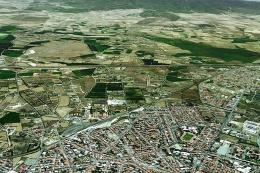
A complete photoreal scenery add-on for Microsoft Flight Simulator X covering…
 FSX Scenery
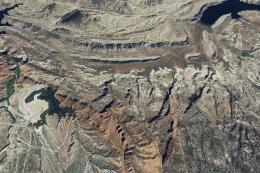
This is a complete package containing photoreal scenery for the whole state o…
 FSX Scenery
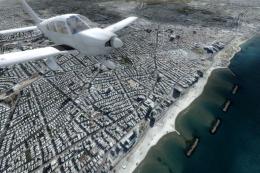
For those looking to help make their FSX, FSX: Steam Edition and Prepar3D exp…
Read what other simmers think, or add your own.


I agree - I've installed multiple other mods/upgrades, and the file structure in the zip file does not make it clear where to put the structure/what needs adding to the scenery library. Please add a simple readme file. I'll hold off on this one until I can see what to do...

Please can you tell me where I have to put the Area.bgl files? I only know that AFCAD .bgl files go into Addon Scenery/scenery. Thanks a lot.
