

 FSX Turboprops
DHL Cessna C208B Grand Caravan
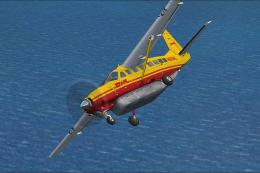
Experience a detailed DHL-themed paint scheme for the default Cessna 208B Gra…
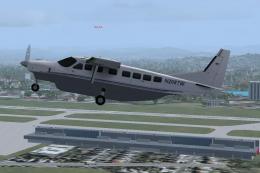
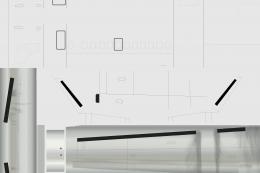
Cessna 208B Grand Caravan repaints become quicker and cleaner with this layered paint kit for the default FSX aircraft, supplied in both XCF and PSD formats for Gimp or Photoshop workflows. Clearly labeled layers map key joins and mirrored areas on the fuselage, wings, gear, and stabilizers, streamlining accurate livery design.
 Rate
Rate
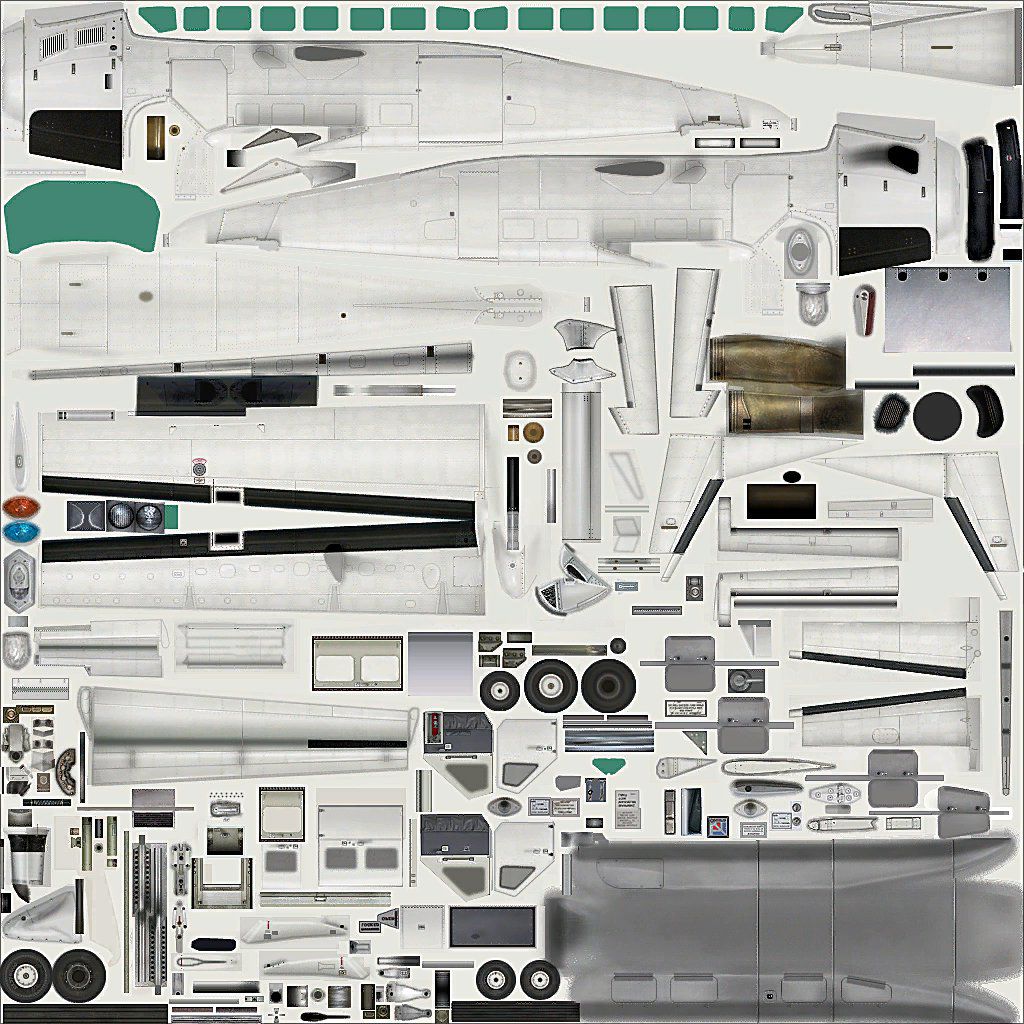
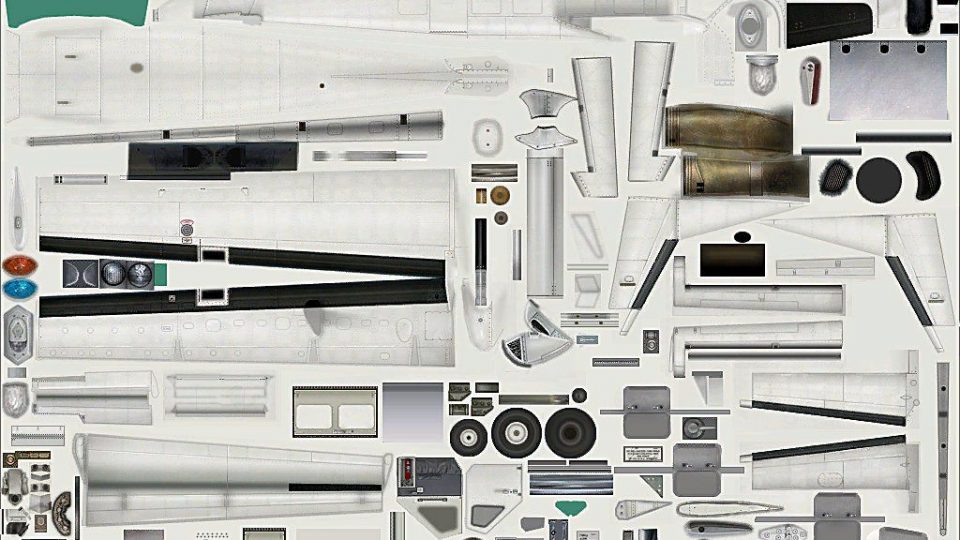
This is a layered paintkit for the default FSX Cessna 208 Grand Caravan, in XCF and PSD format. By Max Franke.
Cessna C208B Caravan Layered Paint Kit.
These are the layered paitkits:
TEMPLATE.xcf This is the original Gimp 2.6 file. I don't have Photoshop so I do all my repaints and paintkits with Gimp. It's a wonderful piece of freeware and I really commend it to all those who don't want to buy Photoshop. TEMPLATE.psd This is the Photoshop file. It's exactly the same. I exported it from Gimp and it should work properly in Photoshop. If not, please do send me an email and tell me.
I have written what's what into the image in a separate layer which can be hidden. This is what abbreviations mean:
CtF Connection to fuselage.
LGM Left side gets mirrored from right side.
Con Connection.
Up is down Upper side in template/texture image is on the down side in the plane.
Right is up Same as above.
Hstabs Horizontal stabilizers.
fgctf Front gear connection to fuse (Connection between front gear and fuselage).
CWtF Connection from the wing to the fuselage.
CtW Connection to wing.
This paintkit is freeware.
Max Franke
Free for all simmers · 9.34 MB · Scanned clean Oct 2026
Download speed: Free tier is capped at 0.5 Mbps (this file takes approximately 3 mins at the cap). PRO members download at full line speed.
texture.{airline}) inside FSX\SimObjects\Airplanes\{base-aircraft}\.aircraft.cfg in Notepad. Add a new [fltsim.X] section per the readme.readme.txt or README file. It tells you exactly where files go, what dependencies are needed, and any quirks specific to this add-on.The archive fsx_c208b_lpk.zip has 9 files and directories contained within it.
This list displays the first 500 files in the package. If the package has more, you will need to download it to view them.
| Filename/Directory | File Date | File Size |
|---|---|---|
| FILE_ID.DIZ | 03.11.11 | 148 B |
| preview.jpg | 03.11.11 | 240.91 kB |
| readme.txt | 03.11.11 | 1.28 kB |
| TEMPLATE.psd | 03.11.11 | 7.85 MB |
| TEMPLATE.xcf | 03.11.11 | 6.15 MB |
| thumbnail.gif | 03.11.11 | 15.52 kB |
| trans.bmp | 03.11.11 | 1.00 MB |
| flyawaysimulation.txt | 10.29.13 | 959 B |
| Go to Fly Away Simulation.url | 01.22.16 | 52 B |
Only PRO members can place votes.
More FSX & P3D add-ons hand-picked based on this download.
FSX Turboprops
Experience a detailed DHL-themed paint scheme for the default Cessna 208B Gra…
 FSX Turboprops
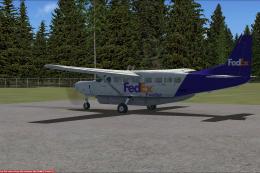
Textures only for the default FSX Cessna 208. Its a repaint of FedEx Feeder. …
 FSX Turboprops
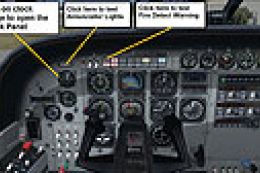
Cessna C208B Caravan Damage Mod v1. This modification adds to your default Ca…
 FSX Turboprops
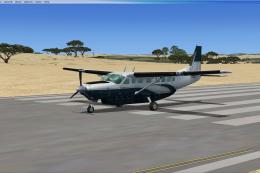
Executive repaint for the default FSX Cessna C208 Caravan. This aircraft has …
 FSX Turboprops
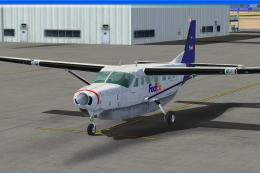
FedEx Feeder Cessna C208B. Textures only for the default Cessna 208 Caravan. …
 FSX Turboprops
A repaint of Henry Tomkiewicz's Cessna C208B Caravan in Tradewind Aviation co…
 FSX Turboprops
Saab 340B Paint Kit. An unofficial "better than nothing" paintkit for Brett H…
 FSX Turboprops
Layered PSD files for the FSX Basler BT67. By Manfred Jahn. Section of Basler…
Be the first to leave a comment on this download.
Be the first to share your thoughts on this download.