

 FSX Turboprops
Saab 340B
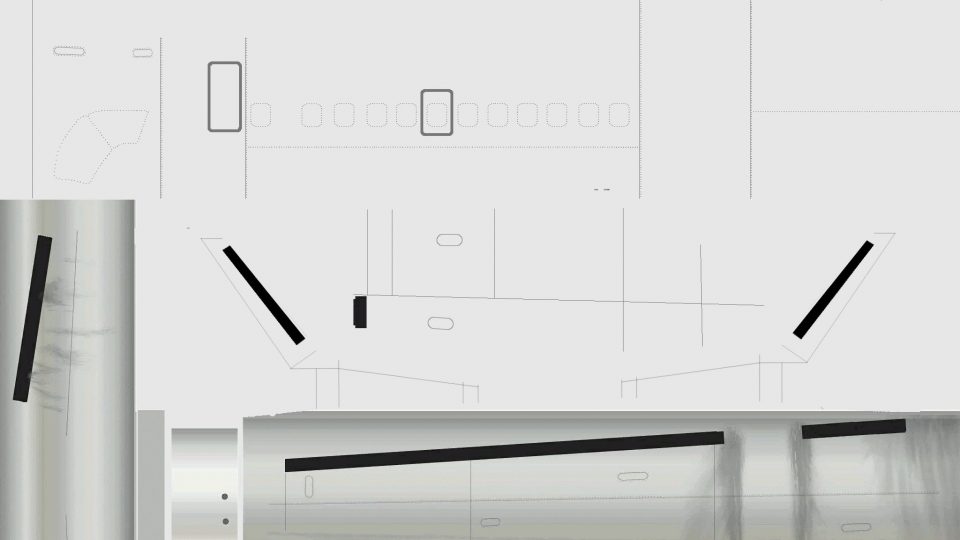
Saab 340B 34 seat twin turbo-prop short/medium range commuter airliner. The S…
Saab 340B repainting gets much easier with this community paint kit for Brett Henderson’s model in FSX, supplying layered templates for Photoshop, GIMP, and Paint.NET plus unlayered alternatives in common image formats. Version 1.1 refines engine mapping, fixes key fuselage lines, and includes previews and thumbnails for quick livery work.
 Rate
Rate
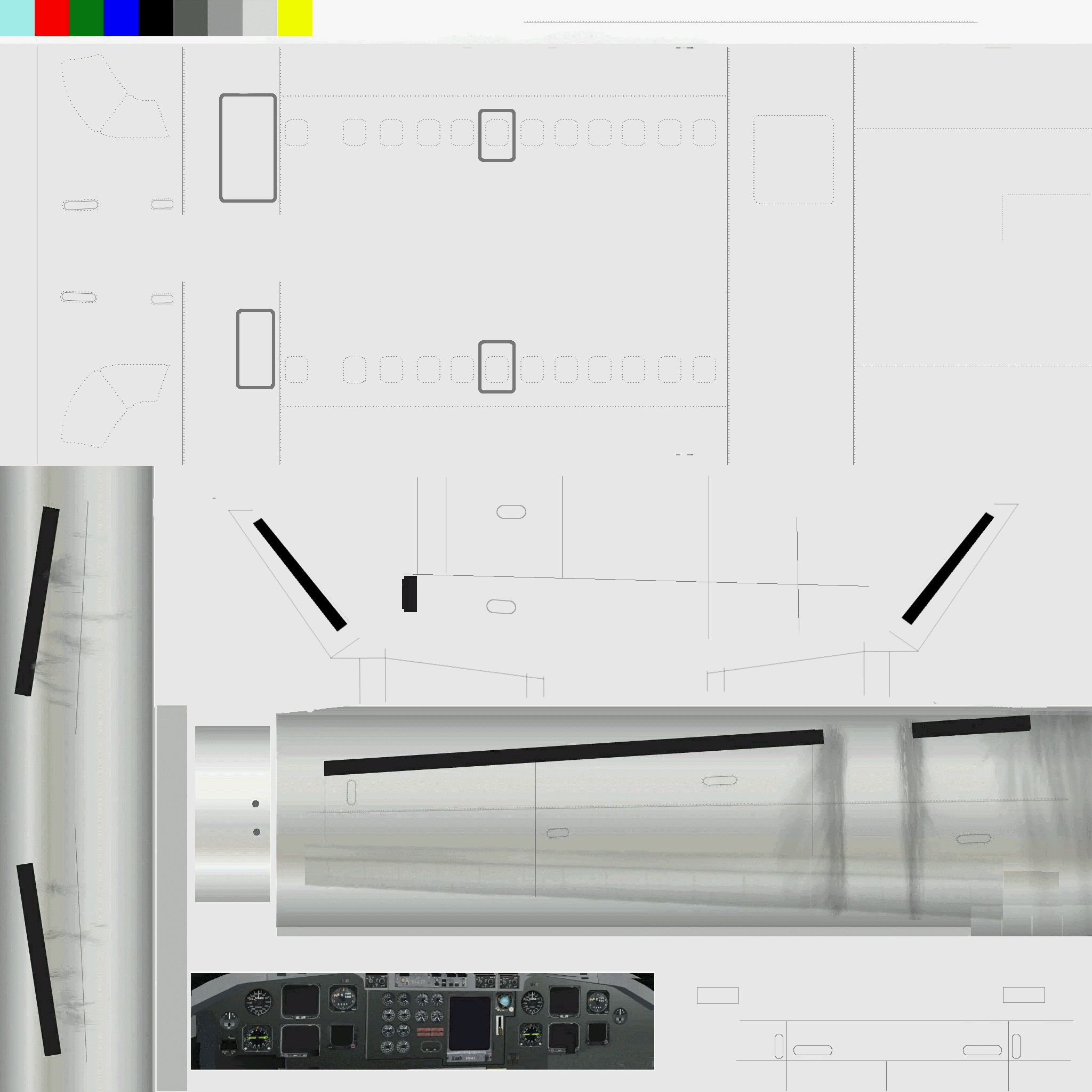

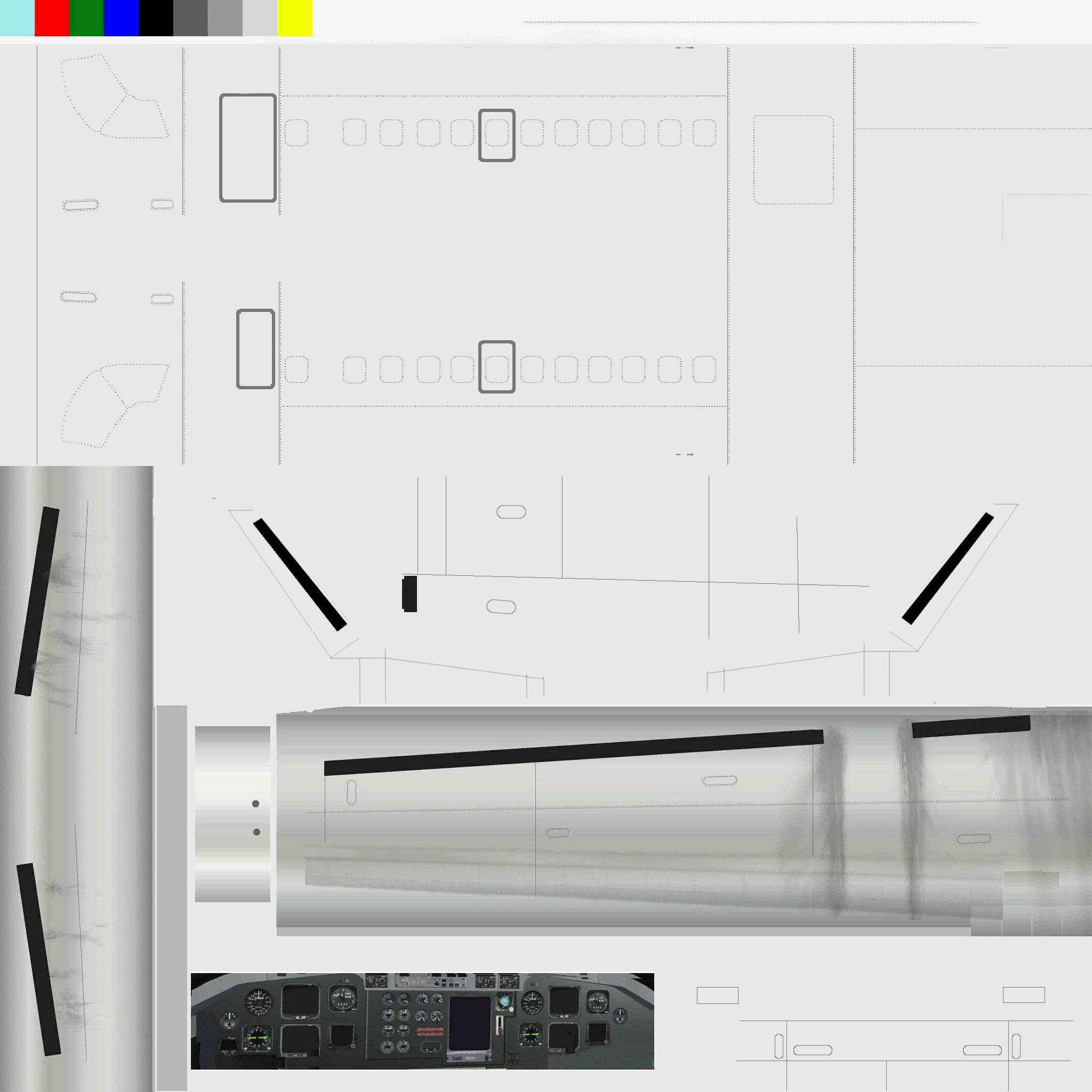
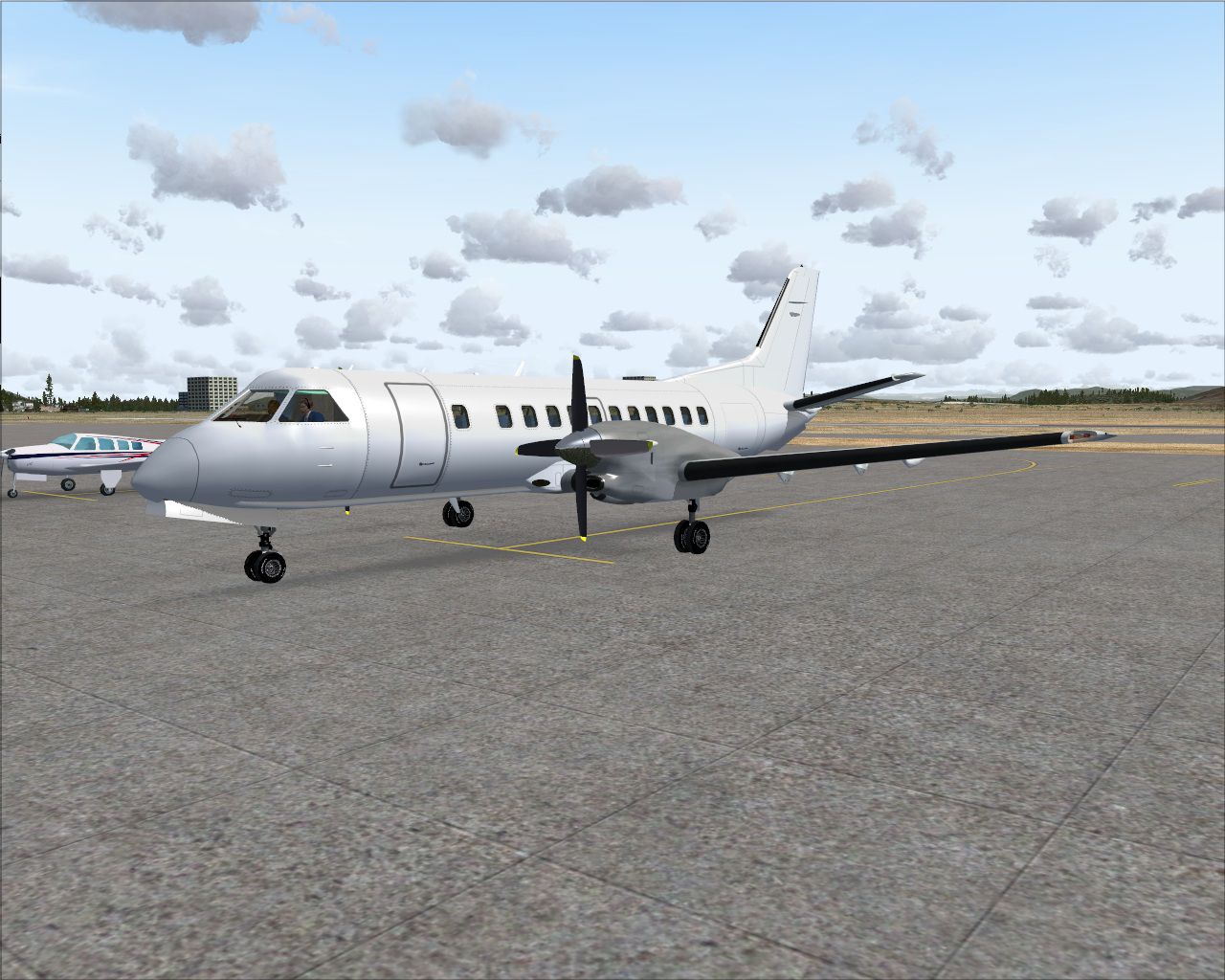
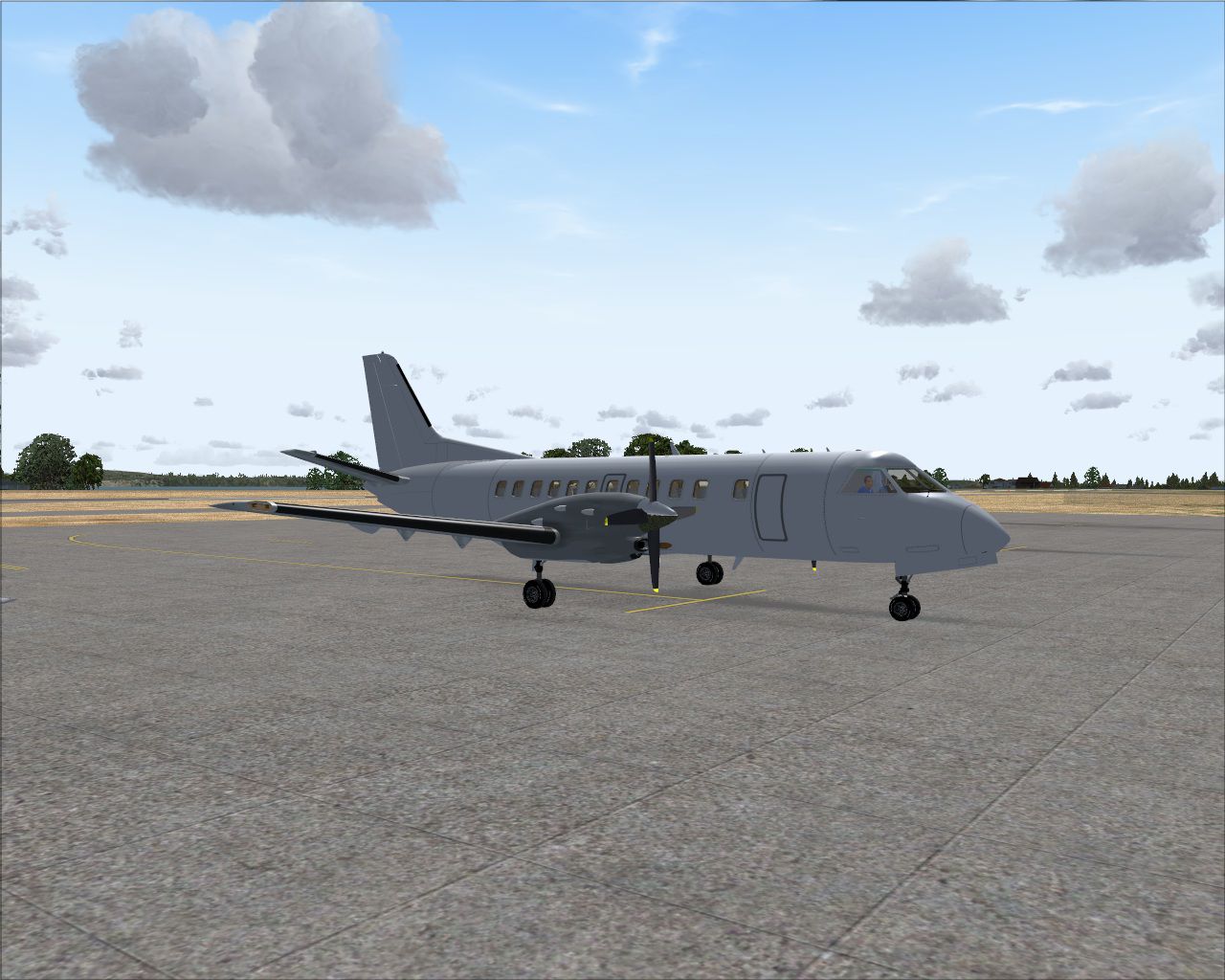
Saab 340B Paint Kit. An unofficial "better than nothing" paintkit for Brett Henderson's Saab 340. Layered and unlayered versions in various formats (.psd,. xcf, .pdn, .jpg, etc.) included. Version 1.1. By Bjoern Kesten.
Screenshot of Saab 340B on the ground.
//Repaint Templates for Brett Henderson's Saab 340B (Version 1.1)//
This paintkit isn't much, but better than nothing. At least until Brett releases an official version.
Please read the "layer names" section as well. It contains some information about the layers in the texture files to make painting a bit easier.
// Contents //
- Layered paint kit for Photoshop, Gimp and Paint.net (the latter two are freeware!).
- Unlayered paintkit for everyone else (WARNING! Only if you've got masochistic tendencies! Better get Gimp or Paint.net!).
- Preview images and thumbnails.
- This Readme.
// Changes in 1.1 //
- Made the engine more easily repaintable
- Corrected an erroneous panel line and emergency exit line placement on the right side of the fuselage.
- Minor changes to this readme.
- Renamed the folder "BMP + JPEG" to "Unlayered Formats" and added .gif, .png and .tga versions of this paintkit.
// Formats provided //
- Photoshop (.psd)
- Gimp (.xcf)
- Paint.net (.pdn)
- Ye goode olde Bitmap (.bmp)
- For whatever reasons also JPEG (.jpg), GIF (.gif), Targa (.tga) and Portable Network Graphics (.png)
// Layer names //
From top to bottom, as you will see them in the painting program:
"Misc 2"
Various stuff, not sure what it belongs to.
"Fuselage"
The fuselage, top is the airplane's left side, bottom is the right side.
"Vert Stab R"
Right side of the vertical stabilizer. Except from being mirrored from the left stabilizer, the right stabilizer is also a bit smaller than the left one (layer size: 810*406px).
"Engine"
The engine, the black thing on the bottom left is the turbine's air inlet.
"Vert Stab L"
Vertical stabilizer left side.
"Elev"
Elevator.
"Wings"
The wings.
"Misc"
Various stuff, not sure what this is mapped to.
"Panel"
The panel seen in the exterior model's cockpit.
"Gear doors + Lo"
The nose gear doors and the lower fuselage at the wingroot. The two rectangles on top of the layer are actually placeholders for any aircraft numbers. They're at the forward end of the doors. This should give you some kind of reference if you have to paint them.
"Background"
More important than it sounds!
Make sure to fill this layer in the fuselage color or you WILL get black bits on the rear fuselage and the small "wings" on the vertical stabilizer.
// Credits //
- Brett Henderson (original textures)
- Carl Hudson (Nextjet repaint on which this paintkit is partially based)
- Bjorn Kesten (fiddling, layering, riveting, panel lining, copy-pasting, swearing, yelling at the texture layout)
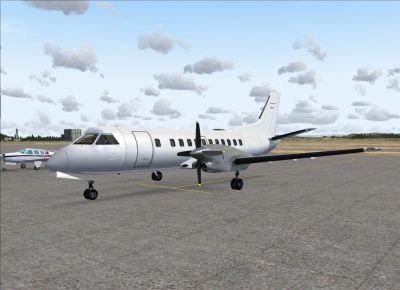
Screenshot of Saab 340B on the ground.
Free for all simmers · 5.29 MB · Scanned clean Oct 2026
Download speed: Free tier is capped at 0.5 Mbps (this file takes approximately 1 min at the cap). PRO members download at full line speed.
texture.{airline}) inside FSX\SimObjects\Airplanes\{base-aircraft}\.aircraft.cfg in Notepad. Add a new [fltsim.X] section per the readme.readme.txt or README file. It tells you exactly where files go, what dependencies are needed, and any quirks specific to this add-on.The archive fsxs340bpkit11.zip has 19 files and directories contained within it.
This list displays the first 500 files in the package. If the package has more, you will need to download it to view them.
| Filename/Directory | File Date | File Size |
|---|---|---|
| Gimp | 09.06.09 | 0 B |
| s340_1_T.xcf | 09.06.09 | 1.54 MB |
| Paint.net | 09.06.09 | 0 B |
| s340_1_T.pdn | 09.06.09 | 2.54 MB |
| Photoshop | 09.06.09 | 0 B |
| s340_1_T.psd | 09.06.09 | 3.23 MB |
| Readme.txt | 09.06.09 | 2.68 kB |
| SF340BPK_150.jpg | 09.01.09 | 11.01 kB |
| SF340BPK_300.jpeg | 09.01.09 | 33.59 kB |
| SF340PK_1.jpg | 09.01.09 | 303.85 kB |
| SF340PK_2.jpg | 09.01.09 | 342.31 kB |
| Unlayered Formats | 09.06.09 | 0 B |
| s340_1_T.bmp | 09.06.09 | 12.00 MB |
| s340_1_T.gif | 09.06.09 | 515.45 kB |
| s340_1_T.jpg | 09.06.09 | 838.68 kB |
| s340_1_T.png | 09.06.09 | 508.76 kB |
| s340_1_T.tga | 09.06.09 | 12.00 MB |
| flyawaysimulation.txt | 10.29.13 | 959 B |
| Go to Fly Away Simulation.url | 01.22.16 | 52 B |
Only PRO members can place votes.
More FSX & P3D add-ons hand-picked based on this download.
FSX Turboprops
Saab 340B 34 seat twin turbo-prop short/medium range commuter airliner. The S…
 FSX Turboprops
This repaint offers a detailed depiction of the Regional Express (REX) SAAB 3…
 FSX Turboprops
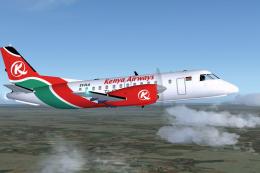
Kenya Airways SAAB 340B. Model by Mike Stone. By Moses Achoka. Screenshot of …
 FSX Turboprops
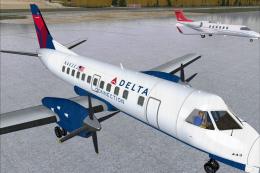
Delta Connection Saab 340B. This is a repaint of a Saab 340 in Delta Connecti…
 FSX Turboprops
US Airways Saab 340B. Model by Mike Stone. Repaint by Dan Milsop. Screenshot …
 FSX Turboprops
This is one of the short range aircraft in the livery of Stellweg Airlines, m…
 FSX Turboprops
The aircraft, coded VH-EKN, is a regional short connection airliner of Ansett…
 FSX Turboprops
This repaint showcases an early Hazelton Airlines livery for a SAAB 340B, reg…
Be the first to leave a comment on this download.
Be the first to share your thoughts on this download.