

 FS2004 Civil Jet Aircraft
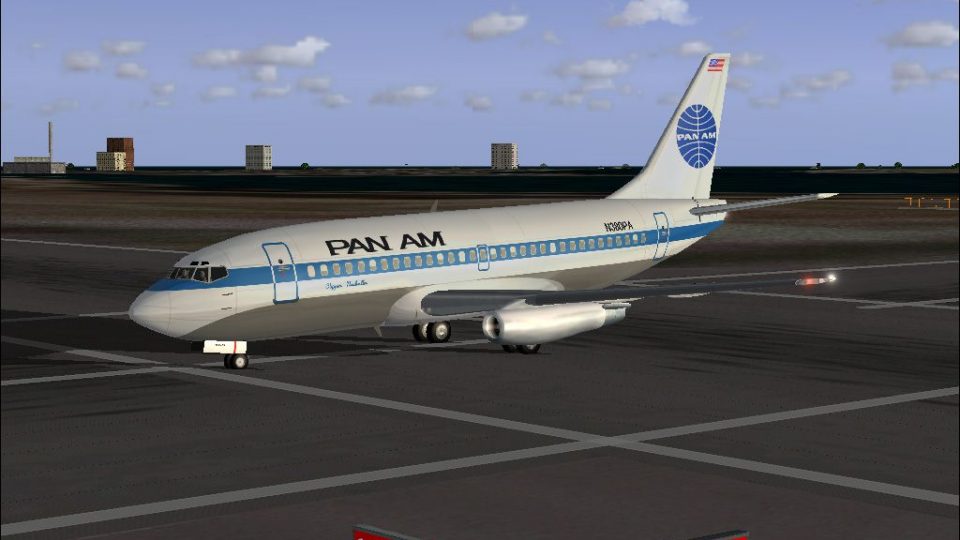
Pan Am Boeing 737-275 N380PA
Pan American World Airways "Clipper Neukolln", registration N380PA. Model by …
Pan Am Boeing 737-275 repaint update corrects engine and cargo door textures while aligning the aircraft identification to the -275 variant for sharper visual accuracy in Flight Simulator 2004. It also refreshes key configuration and air files for smoother selection and behavior, and requires FFX_PAA.ZIP.
 Rate
Rate
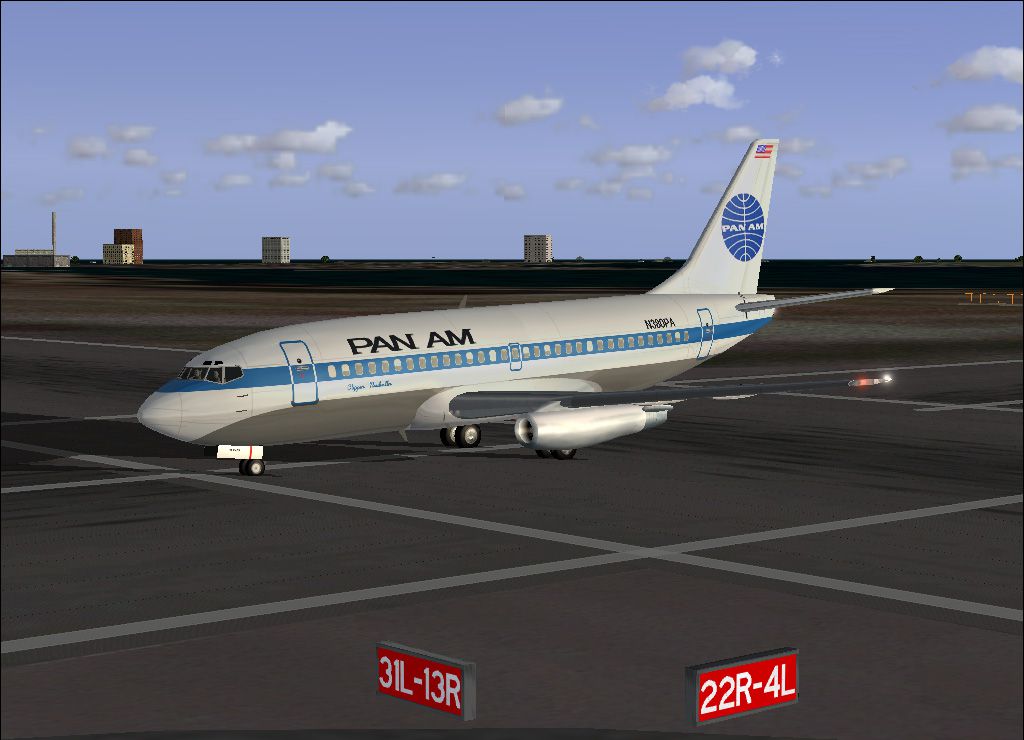
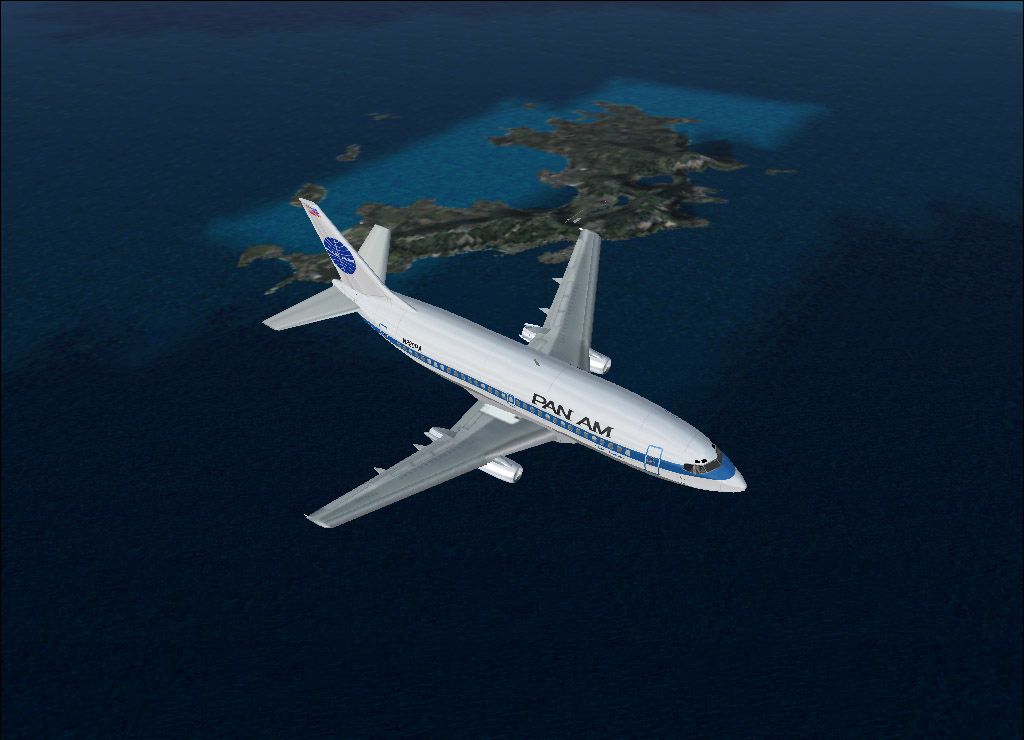
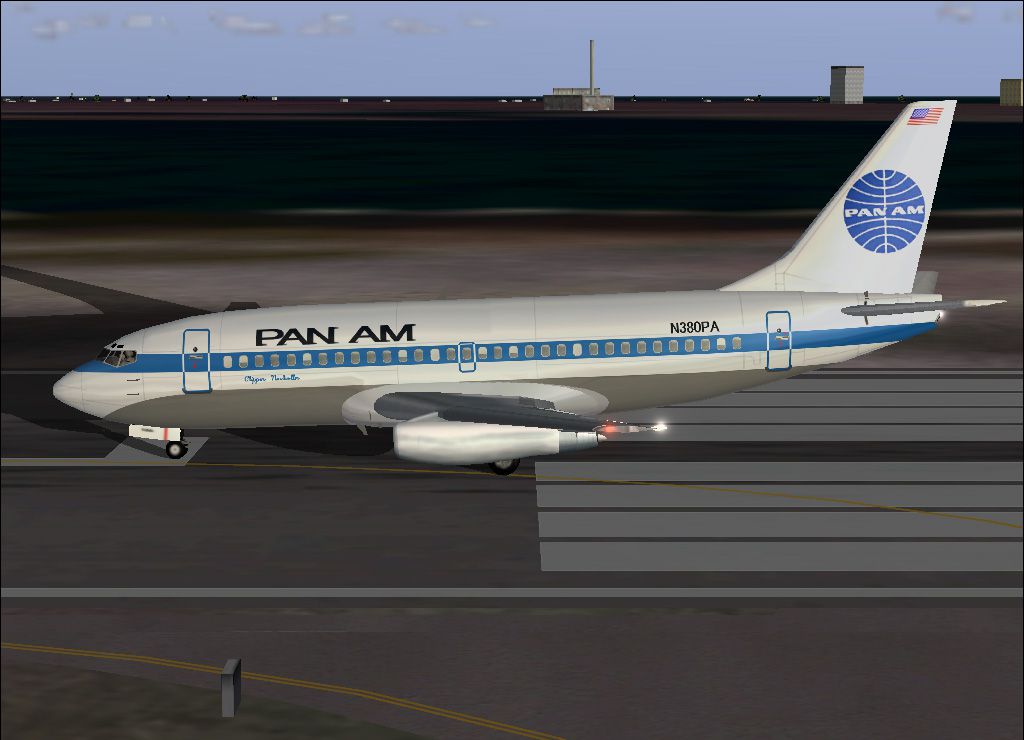
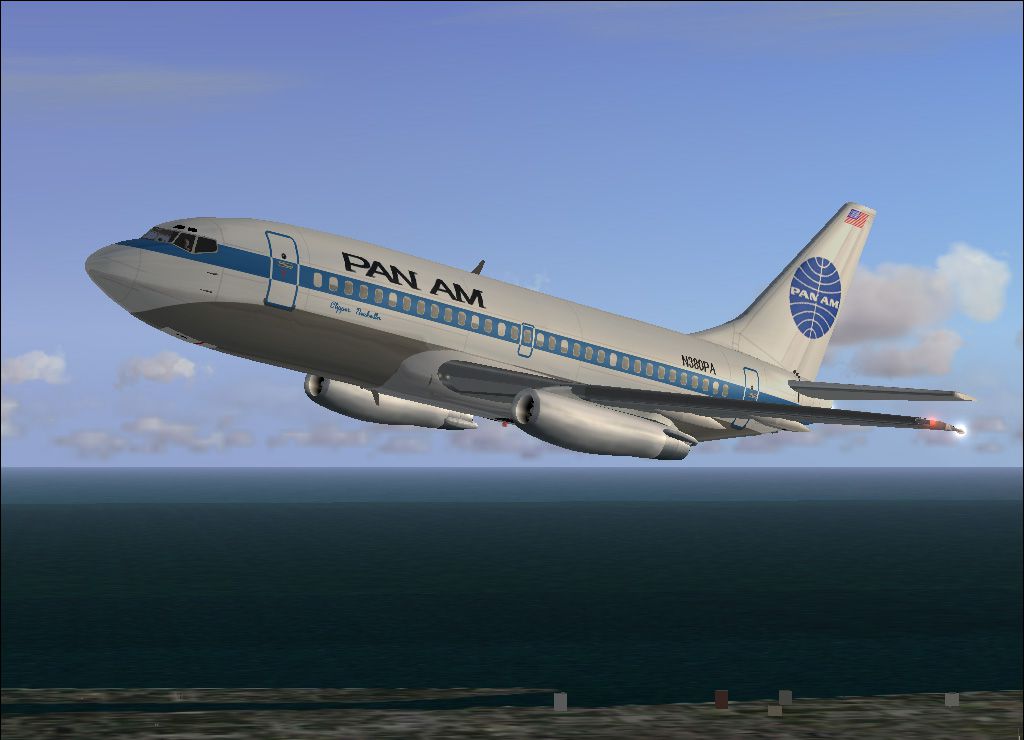
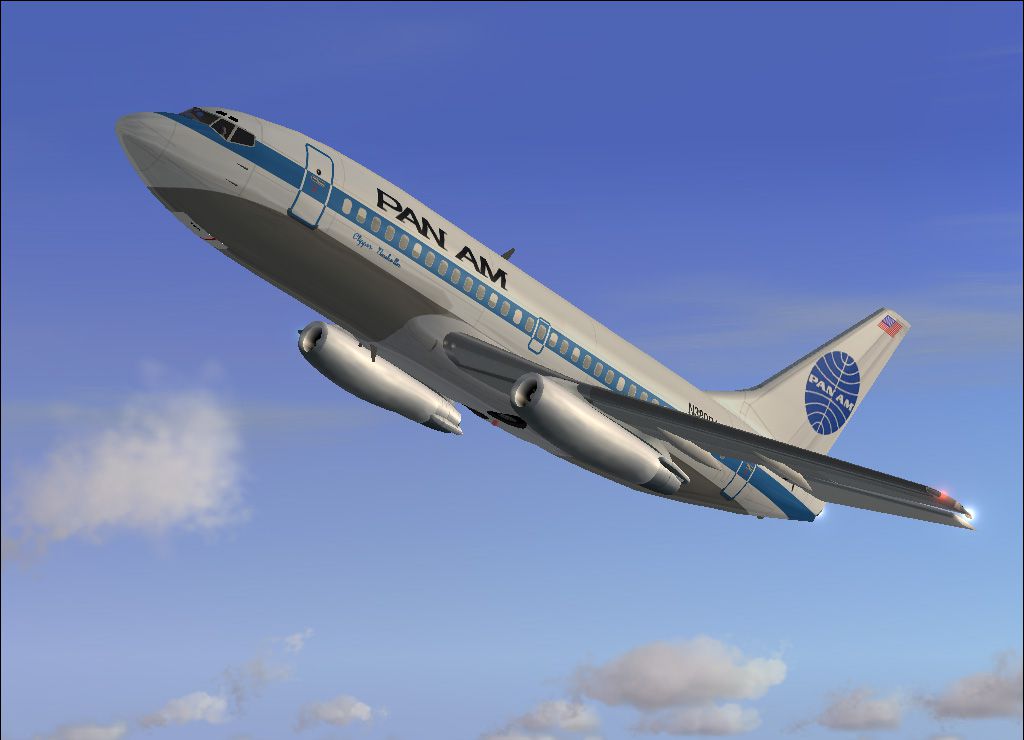
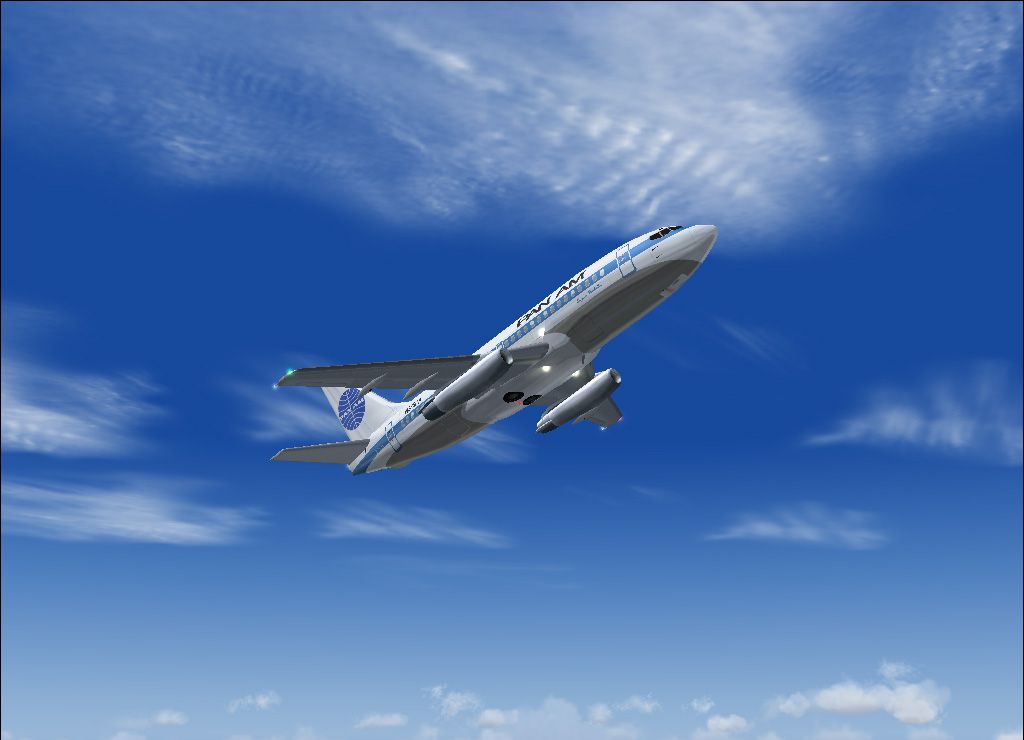
Pan Am Boeing 737-275 Update for use with FFX_PAA.ZIP. Fixes engine and cargo door texture. By Aki Matsumura.
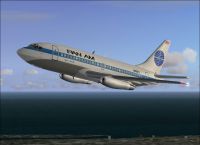
Screenshot of Pan Am Boeing 737-275 in flight.
To replace incorrect engine & cargo door texture for my PanAm B737-221.
Also this aircraft wasn't B737-221it was B737-275. Sorry.
Installation:
*If Aircraft does NOT moving on select screen, You should change sim=***** section.
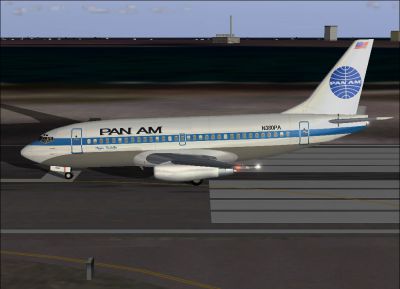
Screenshot of Pan Am Boeing 737-275 on runway.
Free for all simmers · 1018.62 KB · Scanned clean Oct 2026
Download speed: Free tier is capped at 0.5 Mbps. PRO members download at full line speed.
This add-on may require the following files to function properly. If this is a repaint, the dependency below is likely the base aircraft package.
FS9\Aircraft\, FS9\Addon Scenery\, FS9\Gauges\, or FS9\Effects\.readme.txt or README file. It tells you exactly where files go, what dependencies are needed, and any quirks specific to this add-on.The archive paa_fix.zip has 25 files and directories contained within it.
This list displays the first 500 files in the package. If the package has more, you will need to download it to view them.
| Filename/Directory | File Date | File Size |
|---|---|---|
| ENGINES_T.bmp | 05.18.03 | 256.07 kB |
| MISC_T.bmp | 09.14.03 | 257.04 kB |
| B732FUSE_T.BMP | 09.14.03 | 1.00 MB |
| B737TAIL_L.BMP | 03.16.03 | 64.07 kB |
| B732FUSE_L.BMP | 03.16.03 | 1.00 MB |
| Read Me.txt | 09.14.03 | 1.23 kB |
| AIRCRAFT.CFG | 09.14.03 | 15.82 kB |
| MD80_BCNL.fx | 02.15.03 | 3.13 kB |
| fx_fxwing2.fx | 03.12.03 | 1.09 kB |
| MD80_BCNU.fx | 02.15.03 | 3.13 kB |
| MD80_INSPEC2.fx | 03.14.03 | 3.47 kB |
| MD80_NAVG.fx | 03.14.03 | 3.45 kB |
| MD80_NAVR.fx | 03.14.03 | 3.45 kB |
| MD80_STROBE.fx | 02.26.03 | 3.46 kB |
| CAPT_045.JPG | 09.14.03 | 138.40 kB |
| FFX_PanAm_fix.gif | 09.14.03 | 10.61 kB |
| CAPT_055.JPG | 09.14.03 | 115.07 kB |
| CAPT_052.JPG | 09.14.03 | 127.00 kB |
| 7372.air | 03.22.03 | 8.17 kB |
| CAPT_051.JPG | 09.14.03 | 150.22 kB |
| CAPT_050.JPG | 09.14.03 | 183.80 kB |
| CAPT_049.JPG | 09.14.03 | 157.38 kB |
| Thumbs.db | 09.14.03 | 28.00 kB |
| flyawaysimulation.txt | 10.29.13 | 959 B |
| Go to Fly Away Simulation.url | 01.22.16 | 52 B |
Only PRO members can place votes.
More FS2004 add-ons hand-picked based on this download.
FS2004 Civil Jet Aircraft
Pan American World Airways "Clipper Neukolln", registration N380PA. Model by …
 FS2004 Civil Jet Aircraft
Pan Am Boeing 737-700 with winglets, registration N389PA. Textures only, requ…
 FS2004 Civil Jet Aircraft
Textures only for the Kittyhawk Studios B737-800 (KH738LAW.ZIP). Pan American…
 FS2004 Civil Jet Aircraft
For AI traffic. The 707-420 was a version of the Boeing 707 powered by Rolls …
 FS2004 Civil Jet Aircraft
This freeware release introduces a meticulously reworked rendition of the Boe…
 FS2004 Civil Jet Aircraft
A repaint for Project Open Sky's B747-200 in Pan American's old colors. By Ji…
 FS2004 Civil Jet Aircraft
Experience the classic Pan Am Boeing 747-200 in its recognizable billboard pa…
 FS2004 Civil Jet Aircraft
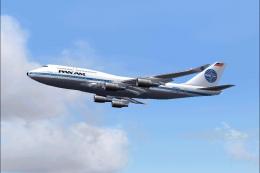
Pan American never owned the B747-400 but this is how it might have looked in…
Be the first to leave a comment on this download.
Be the first to share your thoughts on this download.