

 FS2004 Civil Jet Aircraft
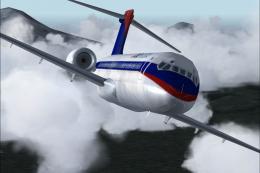
FS2004/FS2002 Boeing 717-200 Delta Airlines - Old & New colors
Take a flight in the one of the newist edditions to the Boeing fleet, The 717…
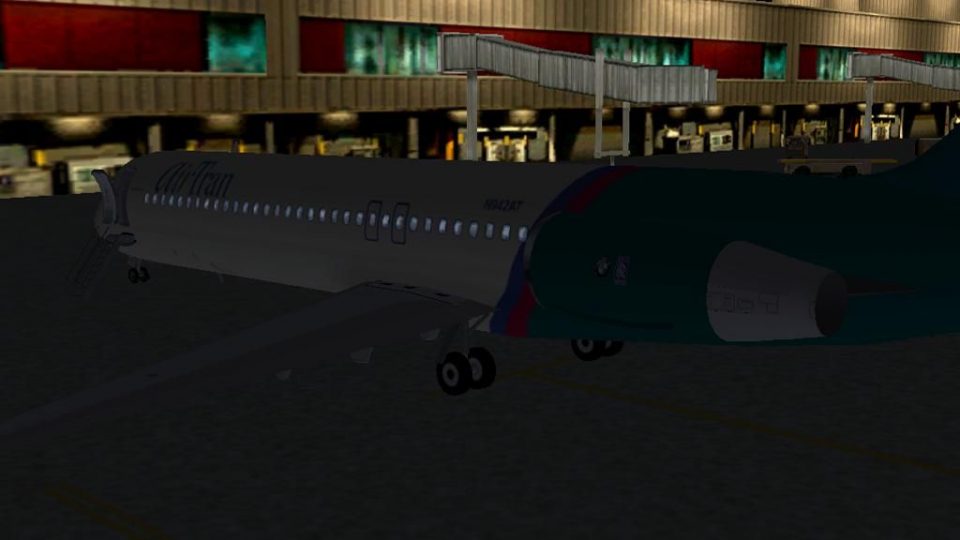
AirTran Airways’ Boeing 717-200 for FS2004 delivers an animated airliner experience with opening passenger and cargo doors, working forward airstairs, and dynamic virtual cabin views. Expect night lighting, moving control surfaces, spinning fan blades, rolling wheels, thrust reversers, detailed 3D gear bays, and semi-photoreal transparent textures.
 Rate
Rate
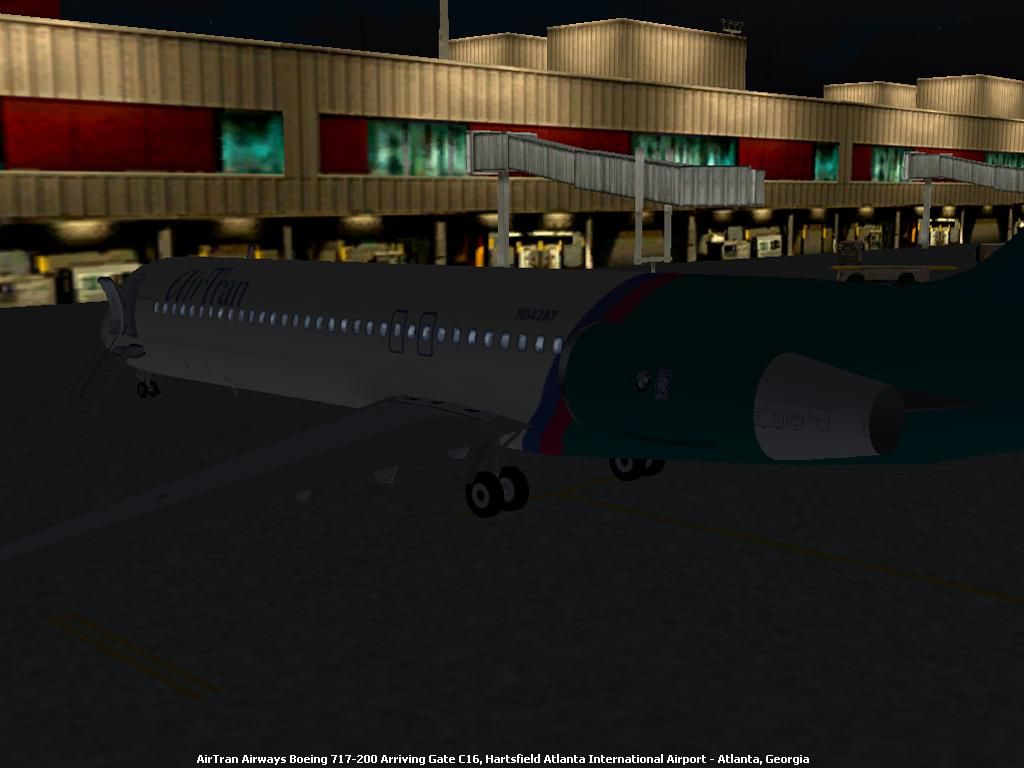
Features include opening passenger door, working forward airstairs, dynamic virtual cabin views. By Tommy Griffin. Originally designed by Nathan Tenney and Sam Chin.
Screenshot of AirTran Airways Boeing 717-200 on the ground.
Includes working doors, airstairs, night lighting, moving control surfaces, fan blades, rolling wheels, and thrust reversers, 3D gear bays, and transparent semi-photoreal textures.
Instructions:
Simply unzip "b717_200" into the folder "C:\Program Files\Flight Simulator 9\Aircraft". You needn't install a panel, as I have modified this aircraft to use the default 737 panel.
Door Operation:
To open the passenger and cargo doors, press "Shift+E." To extend/retract the forward airstairs, press "Shift+E" then quickly press "2."
Not affiliated with, or endorsed by AMR Corporation, or any other organization's markings which may appear on the aircraft.
Free for all simmers · 956.98 KB · Scanned clean Oct 2026
Download speed: Free tier is capped at 0.5 Mbps. PRO members download at full line speed.
FS9\Aircraft\, FS9\Addon Scenery\, FS9\Gauges\, or FS9\Effects\.readme.txt or README file. It tells you exactly where files go, what dependencies are needed, and any quirks specific to this add-on.The archive b717atrn.zip has 51 files and directories contained within it.
This list displays the first 500 files in the package. If the package has more, you will need to download it to view them.
| Filename/Directory | File Date | File Size |
|---|---|---|
| Aircraft.cfg | 10.11.03 | 6.92 kB |
| b717_200.air | 12.06.01 | 8.53 kB |
| model | 10.11.03 | 0 B |
| fl717v2.mdl | 03.21.02 | 1.16 MB |
| Model.cfg | 03.27.02 | 26 B |
| panel | 10.11.03 | 0 B |
| panel.cfg | 08.25.03 | 32 B |
| sound | 10.11.03 | 0 B |
| Sound.cfg | 01.31.02 | 38 B |
| texture | 10.11.03 | 0 B |
| aft_blkhd.bmp | 08.13.01 | 33.05 kB |
| cabin_l.bmp | 03.20.02 | 682.76 kB |
| cabin_t.bmp | 03.20.02 | 682.76 kB |
| cabinx.bmp | 03.10.02 | 65.05 kB |
| capt.bmp | 08.24.01 | 17.05 kB |
| cone_l.bmp | 01.27.02 | 21.43 kB |
| cone_t.bmp | 01.17.02 | 64.07 kB |
| console.bmp | 03.18.02 | 65.05 kB |
| door_l.bmp | 01.27.02 | 21.43 kB |
| door_t.bmp | 03.27.02 | 21.40 kB |
| ds_tire.bmp | 02.24.00 | 65.05 kB |
| eng_l.bmp | 01.27.02 | 21.43 kB |
| engl_l.bmp | 01.27.02 | 21.43 kB |
| engl_t.bmp | 03.27.02 | 85.40 kB |
| engr_l.bmp | 01.27.02 | 21.43 kB |
| engr_t.bmp | 03.27.02 | 85.40 kB |
| exit_l.bmp | 03.20.02 | 42.76 kB |
| exit_t.bmp | 03.20.02 | 42.76 kB |
| f12_l.bmp | 01.24.02 | 682.76 kB |
| f12_t.bmp | 03.27.02 | 682.73 kB |
| f34_l.bmp | 02.01.02 | 682.76 kB |
| f34_t.bmp | 03.27.02 | 682.73 kB |
| fo.bmp | 08.24.01 | 17.05 kB |
| fseat.bmp | 03.27.02 | 17.05 kB |
| hstab_l.bmp | 01.27.02 | 21.43 kB |
| hstab_t.bmp | 03.03.02 | 21.43 kB |
| int_door.bmp | 02.19.02 | 17.05 kB |
| pilotshirt.bmp | 07.27.01 | 65.05 kB |
| seat.bmp | 03.01.02 | 17.05 kB |
| tail_l.bmp | 03.18.02 | 341.40 kB |
| tail_t.bmp | 03.27.02 | 341.40 kB |
| vc.bmp | 03.27.02 | 129.05 kB |
| vc2.bmp | 03.16.02 | 257.05 kB |
| vcint.bmp | 03.27.02 | 257.05 kB |
| wing_l.bmp | 01.27.02 | 21.43 kB |
| wing_t.bmp | 01.26.02 | 64.07 kB |
| B717 AirTran 2.JPG | 10.10.03 | 62.10 kB |
| file_id.diz | 10.11.03 | 233 B |
| readme.txt | 10.11.03 | 1.29 kB |
| flyawaysimulation.txt | 10.29.13 | 959 B |
| Go to Fly Away Simulation.url | 01.22.16 | 52 B |
Only PRO members can place votes.
More FS2004 add-ons hand-picked based on this download.
FS2004 Civil Jet Aircraft
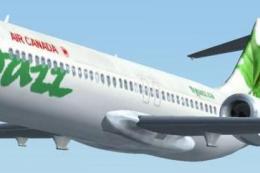
Take a flight in the one of the newist edditions to the Boeing fleet, The 717…
 FS2004 Civil Jet Aircraft
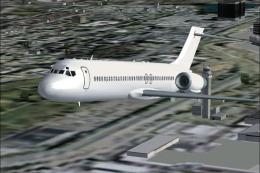
Discover a refined rendition of the Boeing 717-200 presented in the distincti…
 FS2004 Civil Jet Aircraft
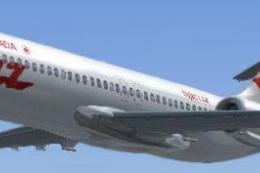
Take a flight in one of Boeing's newest additions,the Boeing 717-200.This is …
 FS2004 Civil Jet Aircraft
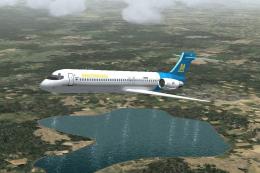
Experience the sleek short-haul Boeing 717-200 in Air Canada Jazz’s distincti…
 FS2004 Civil Jet Aircraft
The first Italian virtual airline since 1996. Updated visual model originally…
 FS2004 Civil Jet Aircraft
A new aircraft.cfg for the Perfect Flight B717-200, changed to more closely m…
 FS2004 Civil Jet Aircraft
A repaint of FSPainter's Canadair CRJ200 in AirTrans (JetConnect - Air Wiscon…
 FS2004 Civil Jet Aircraft
A repaint of FSPainter's Airbus A320-200 in AirTran's new color scheme. Compl…
Be the first to leave a comment on this download.
Be the first to share your thoughts on this download.