

 FS2004 Civil Jet Aircraft
Volare Airbus A330-200
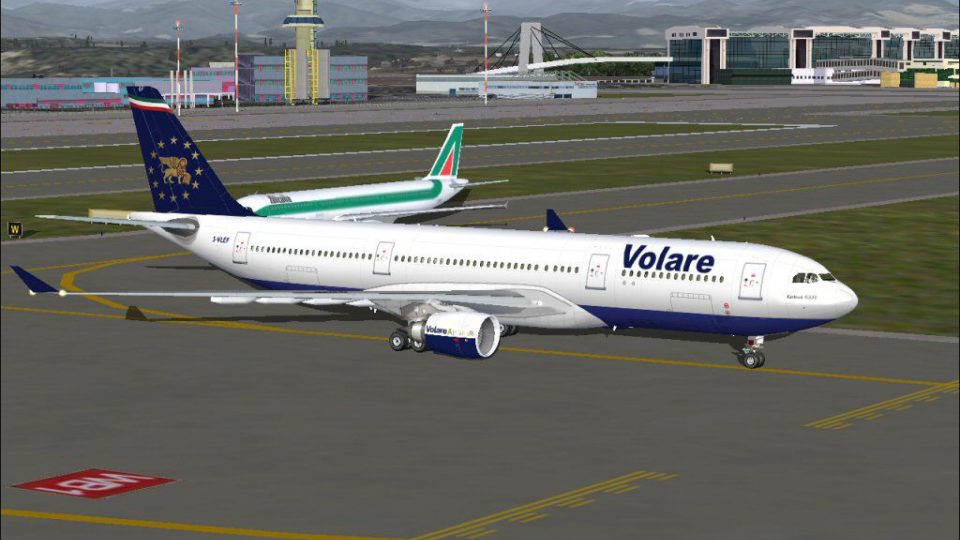
This freeware repaint provides a Volare Airlines Airbus A330-200 livery (regi…
Volare Airlines Airbus A330-200 repaint I-VLEF brings a faithful Italian wide-body look with crisp markings, balanced color tones, and registration-specific details matched to the airframe’s geometry for smooth results. Built for Microsoft Flight Simulator 2004, it requires the Phoenix Simulation Software A330-200 base package.
 Rate
Rate
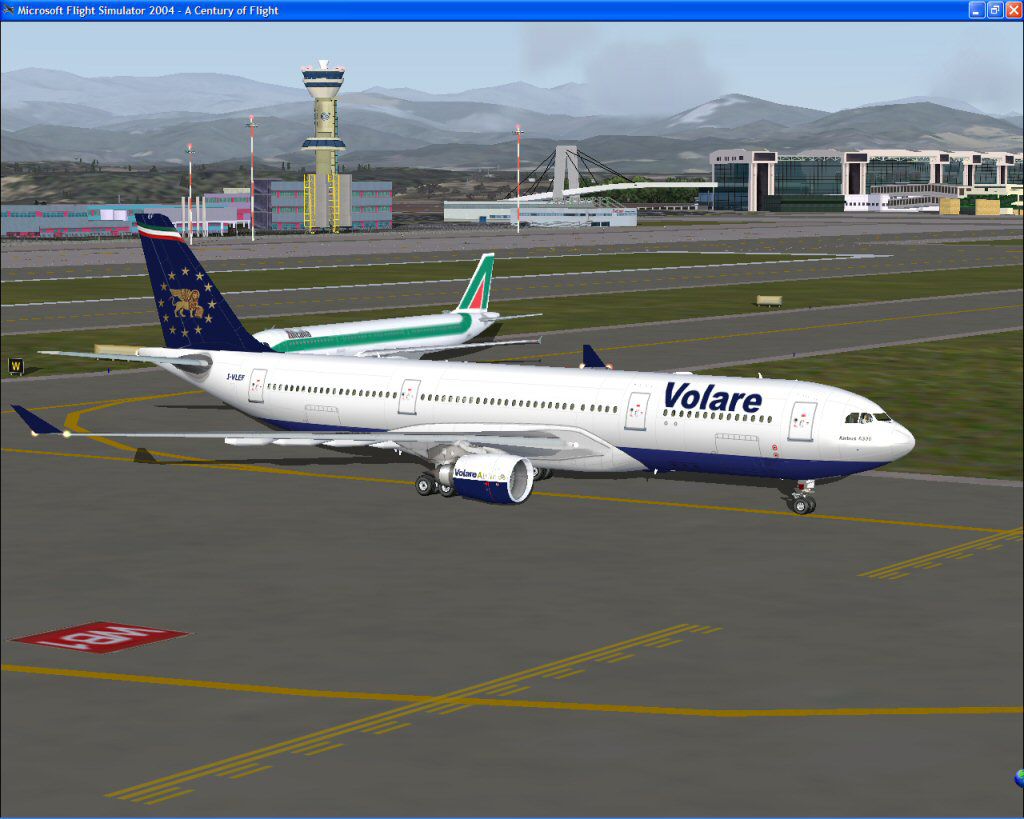
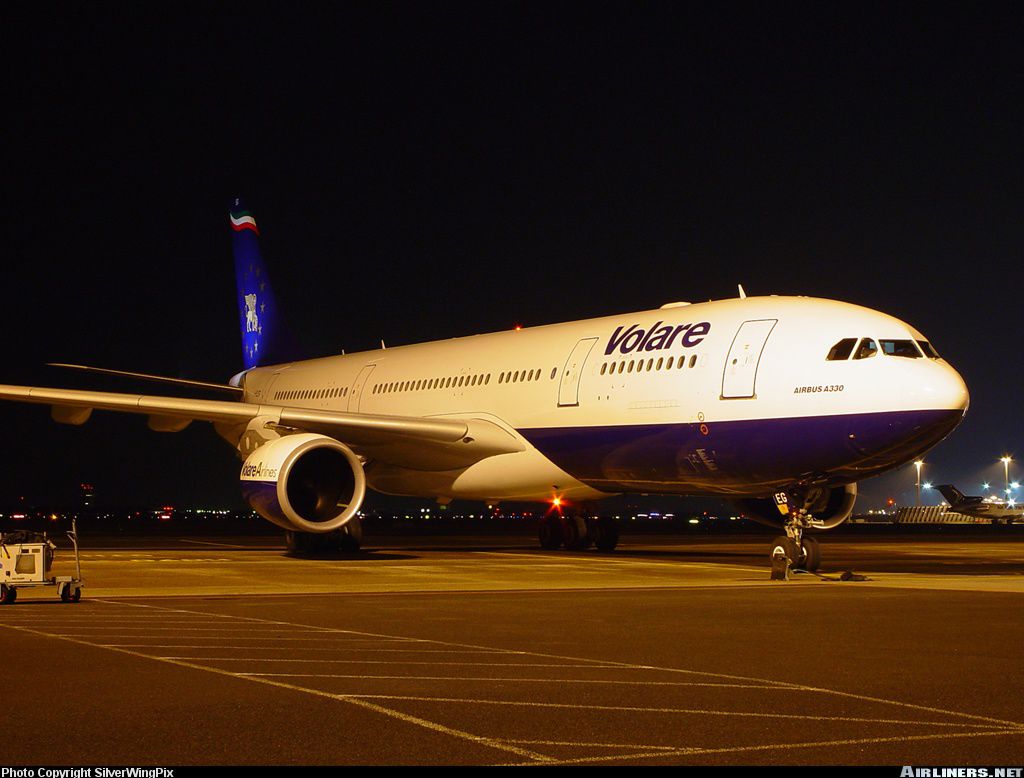
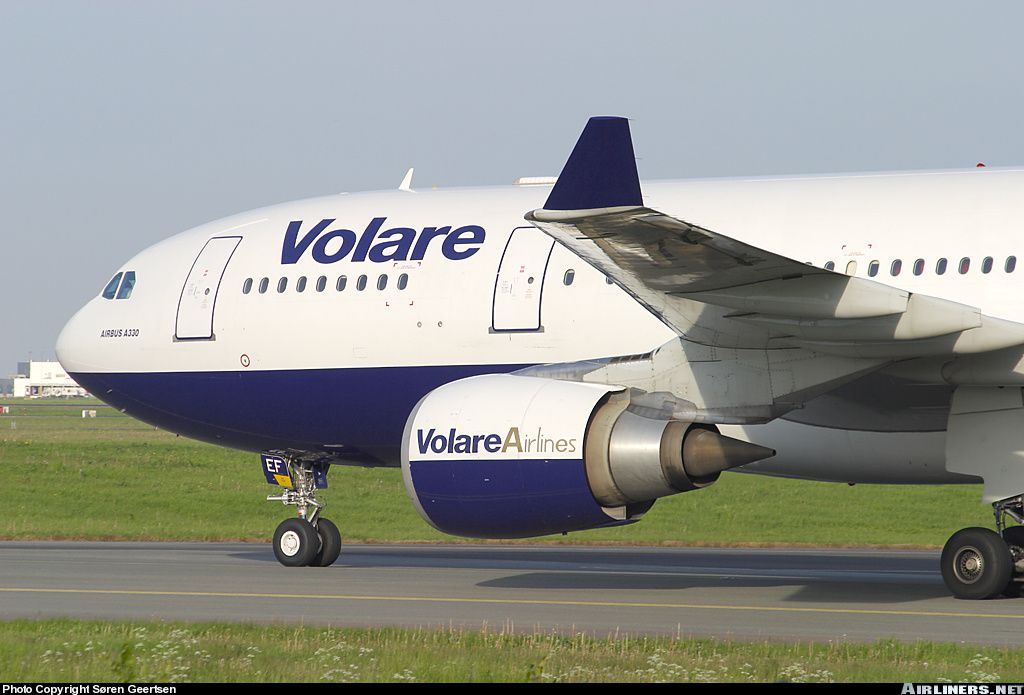
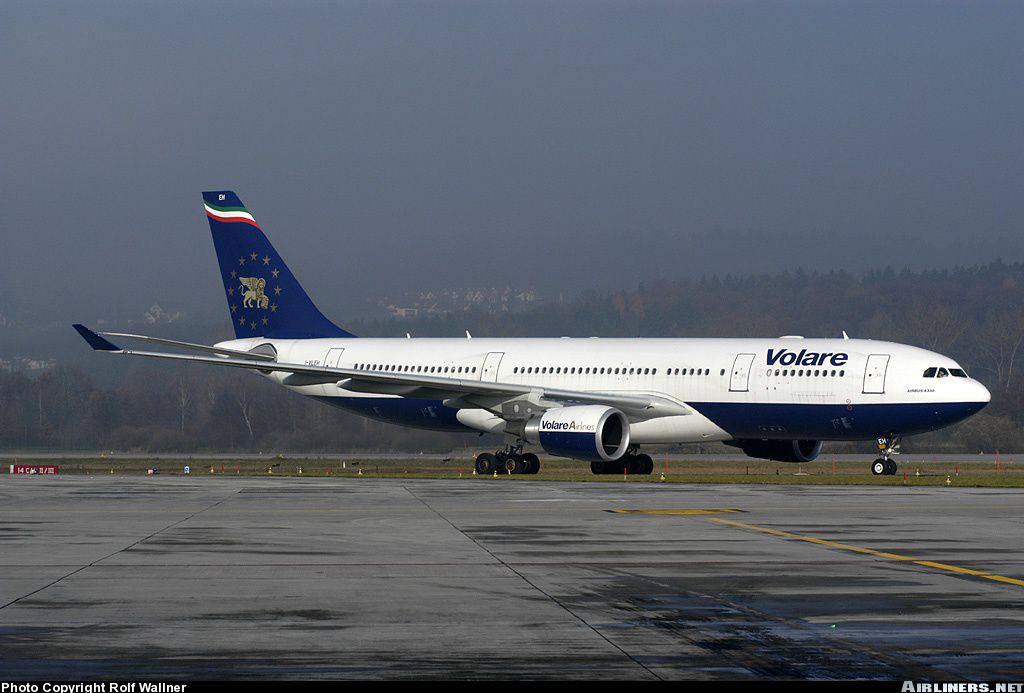
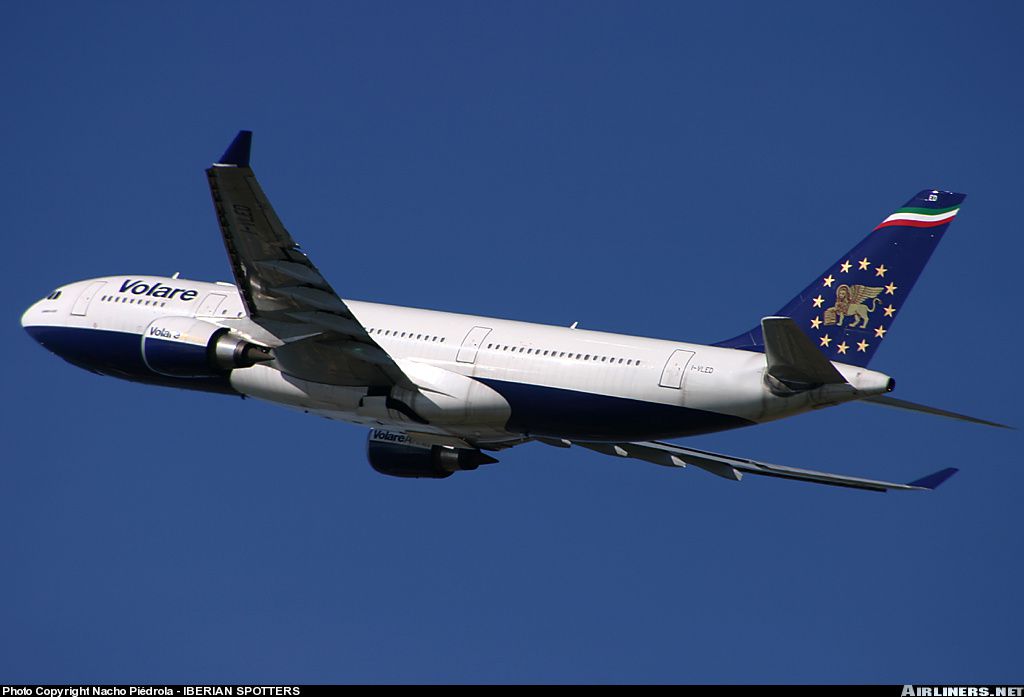
This freeware package features a detailed Volare Airlines Airbus A330-200 repaint that requires the payware Phoenix Simulation Software (PSS) A330-200 add-on, designed for Microsoft Flight Simulator 2004. Repainted by Flavio Tebaldi, it showcases a faithful recreation of the Volare Airlines livery, capturing meticulous details that appeal to avid virtual aviation enthusiasts. Users must install the PSS base model separately before adding this retexturing.
The Airbus A330-200 is a twin-engine, wide-body airliner engineered for medium to long-haul routes. Its robust General Electric powerplants (written in aircraft.cfg as “GE”) ensure efficient performance, while the airframe’s aerodynamic profile enhances flight dynamics and fuel economy. Volare Airlines, an Italian operator, once employed Airbus aircraft for its route network, focusing on passenger satisfaction and operational reliability. This repaint reflects those real-world markings on a virtual platform.

Screenshot of Volare Airlines Airbus A330-200 on the ground.
This repaint has been artfully created by Flavio Tebaldi to capture signature design elements, color schemes, and registration details (I-VLEF) authentic to Volare Airlines. The Phoenix Simulation Software model underpins the textures, ensuring accurate geometry alignment and compatibility. All modifications have been integrated seamlessly to replicate the distinctive branding while maintaining optimal simulator performance.
To integrate the Volare Airlines A330-200 repaint into your simulator environment, follow these steps carefully:
Aircraft/PSS-A330-200.Aircraft.cfg file (found in the same PSS-A330-200 directory) with a text editor.[fltsim.x] with the next available sequence number. For instance, if your existing entries end at [fltsim.2], use [fltsim.3] below.[fltsim.x]
title=PSS A330-200 GE Volare
ui_variation=PSS A330-200 GE Volare Airlines
sim=A332
ui_type=A330-200 GE
sound=GE
model=GE332
texture=A332GE-VOLARE
atc_airline=Volare
panel=
checklists=
atc_id=I-VLEF
atc_flight_number=PS332
atc_heavy=0
ui_manufacturer=Airbus
visual_damage=1
description=PSS A330/A340 Pro Series With R.E.A.L Features. 2002 PHOENIX SIMULATION SOFTWARE
This texture package does not include the original payware PSS A330-200 model. To access this repaint, you must own and install the base Phoenix Simulation Software package separately. Although every effort has been made to ensure stability, the creator (Flavio Tebaldi) assumes no responsibility for any potential issues that may occur on your personal system. Furthermore, redistribution of these textures is strictly prohibited without prior permission from Phoenix Simulation Software.
Free for all simmers · 2.36 MB · Scanned clean Oct 2026
Download speed: Free tier is capped at 0.5 Mbps. PRO members download at full line speed.
FS9\Aircraft\, FS9\Addon Scenery\, FS9\Gauges\, or FS9\Effects\.readme.txt or README file. It tells you exactly where files go, what dependencies are needed, and any quirks specific to this add-on.The archive tx332vol.zip has 14 files and directories contained within it.
This list displays the first 500 files in the package. If the package has more, you will need to download it to view them.
| Filename/Directory | File Date | File Size |
|---|---|---|
| A332GE-VOLARE.INF | 12.04.03 | 63 B |
| engine_GE_t.bmp | 12.05.03 | 4.00 MB |
| PSS33_main_t.bmp | 12.05.03 | 4.00 MB |
| wing330_t.bmp | 12.05.03 | 4.00 MB |
| AirlinersNetPhotoID462876.jpg | 12.04.03 | 194.65 kB |
| AirlinersNetPhotoID324925.jpg | 12.04.03 | 219.95 kB |
| AirlinersNetPhotoID369188.jpg | 12.04.03 | 254.84 kB |
| AirlinersNetPhotoID456121.jpg | 12.04.03 | 165.45 kB |
| Air Europe S.p.A. TimeTable.pdf | 12.05.03 | 686.80 kB |
| texture.A332GE-VOLARE | 12.04.03 | 0 B |
| A332-MXP-35L.jpg | 12.05.03 | 119.50 kB |
| A332GE-Volare.txt | 12.05.03 | 1.21 kB |
| flyawaysimulation.txt | 10.29.13 | 959 B |
| Go to Fly Away Simulation.url | 01.22.16 | 52 B |
Only PRO members can place votes.
More FS2004 add-ons hand-picked based on this download.
FS2004 Civil Jet Aircraft
This freeware repaint provides a Volare Airlines Airbus A330-200 livery (regi…
 FS2004 Civil Jet Aircraft
Fully animated control surfaces.Fully independent suspension Dynamic flexing …
 FS2004 Civil Jet Aircraft
Emirates Airlines Airbus A330-200 RR, registration A6-EKZ. Model by Project O…
 FS2004 Civil Jet Aircraft
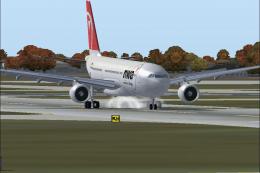
A330-200 PW, registration N852NW. Textures only. Model by Project Open Sky. R…
 FS2004 Civil Jet Aircraft
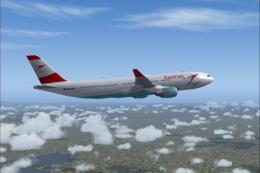
Expand your FS2004 fleet with this Austrian Airlines Airbus A330-200. Painted…
 FS2004 Civil Jet Aircraft
Korean Airlines Airbus A330-200 (dirty). Model by Project Open Sky. Repainted…
 FS2004 Civil Jet Aircraft
Malaysian Airlines Airbus A330-200 PW, registration 9M-MKV. Textures only. Mo…
FS2004 Civil Jet Aircraft
Model by Project Open Sky. Livery by Karl Vermeire. Just unzip the main file …
Be the first to leave a comment on this download.
Be the first to share your thoughts on this download.