

 FS2004 Civil Jet Aircraft
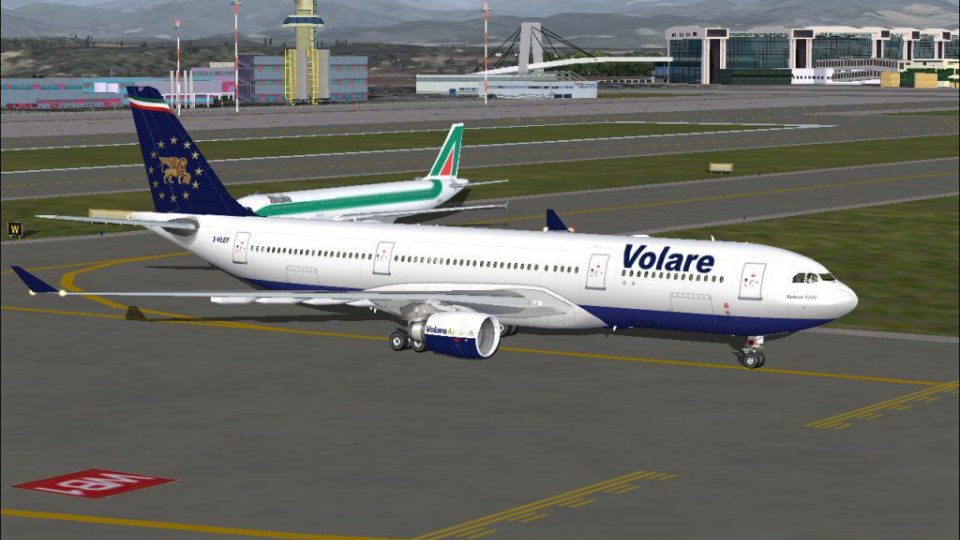
Volare Airlines Airbus A330-200 I-VLEF
This freeware package features a detailed Volare Airlines Airbus A330-200 rep…
Volare Airlines colors come alive on the Airbus A330-200 with registration I-VLEF, featuring crisp fuselage titles, tail artwork, and airline-specific markings that suit long-haul operations. Built for Microsoft Flight Simulator 2004, the repaint requires the Phoenix Simulation Software (PSS) Airbus A330-200 payware model and includes textures only.
 Rate
Rate

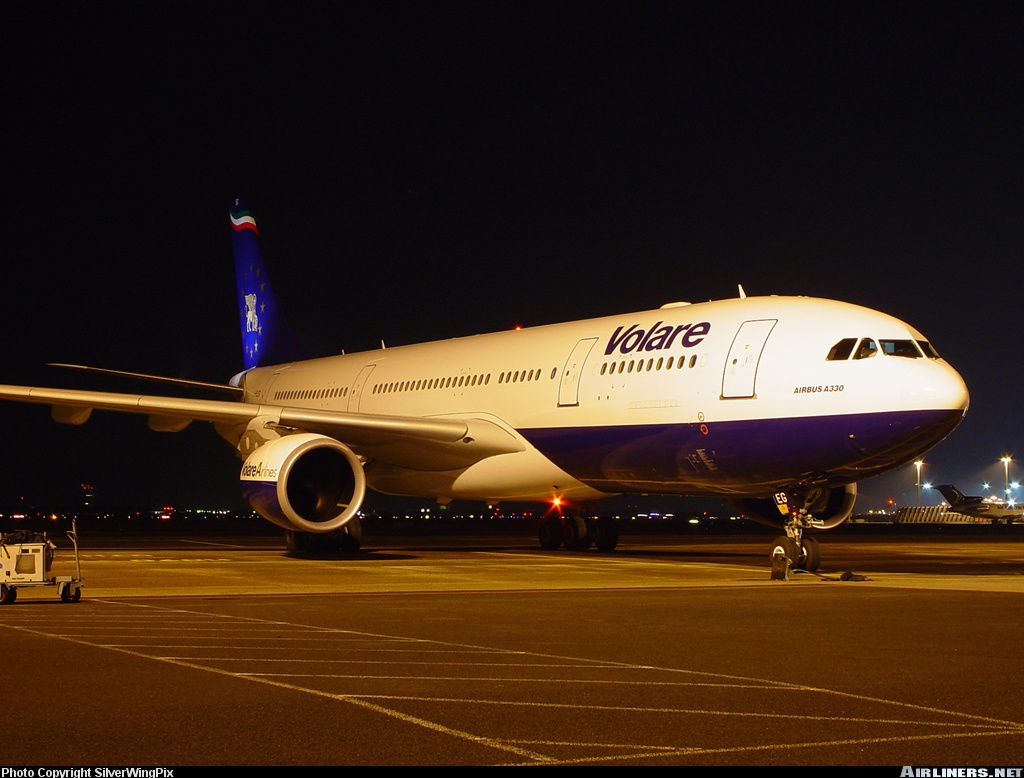
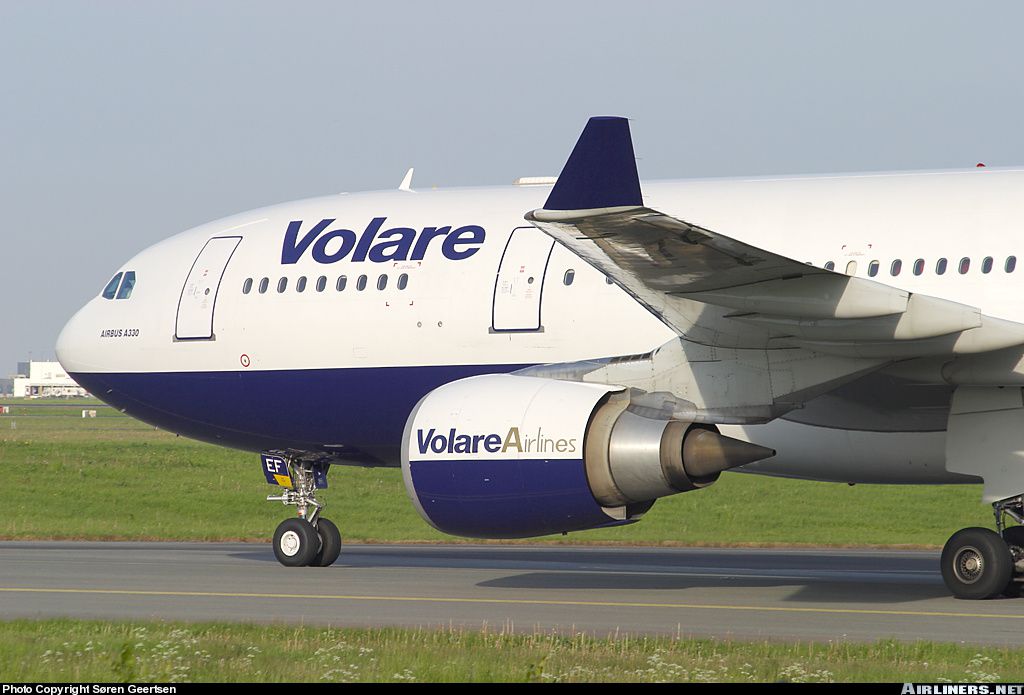
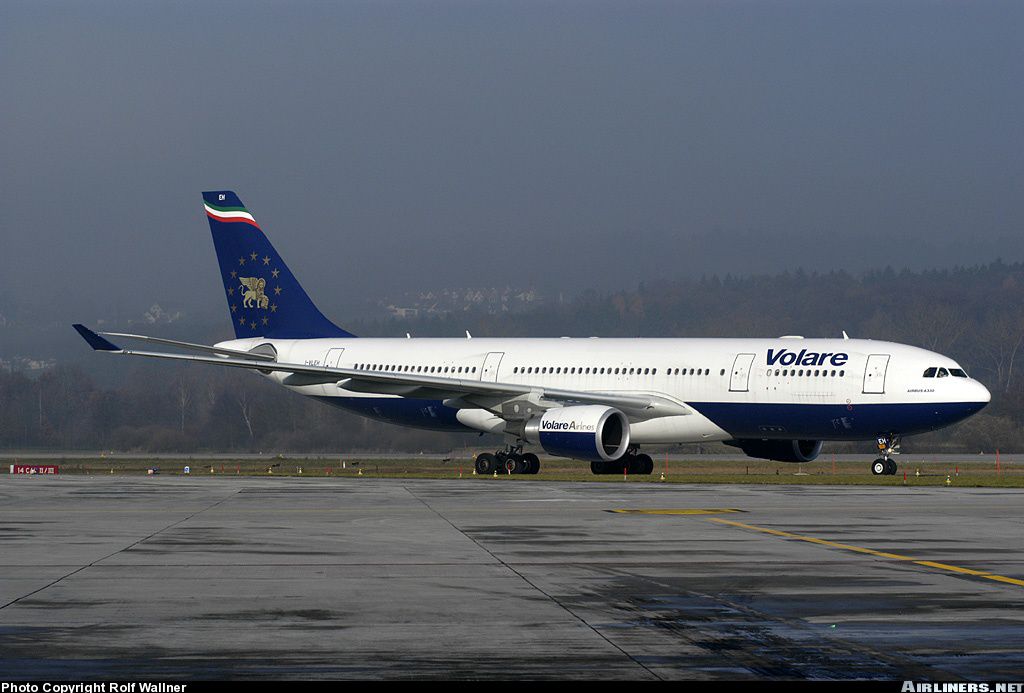
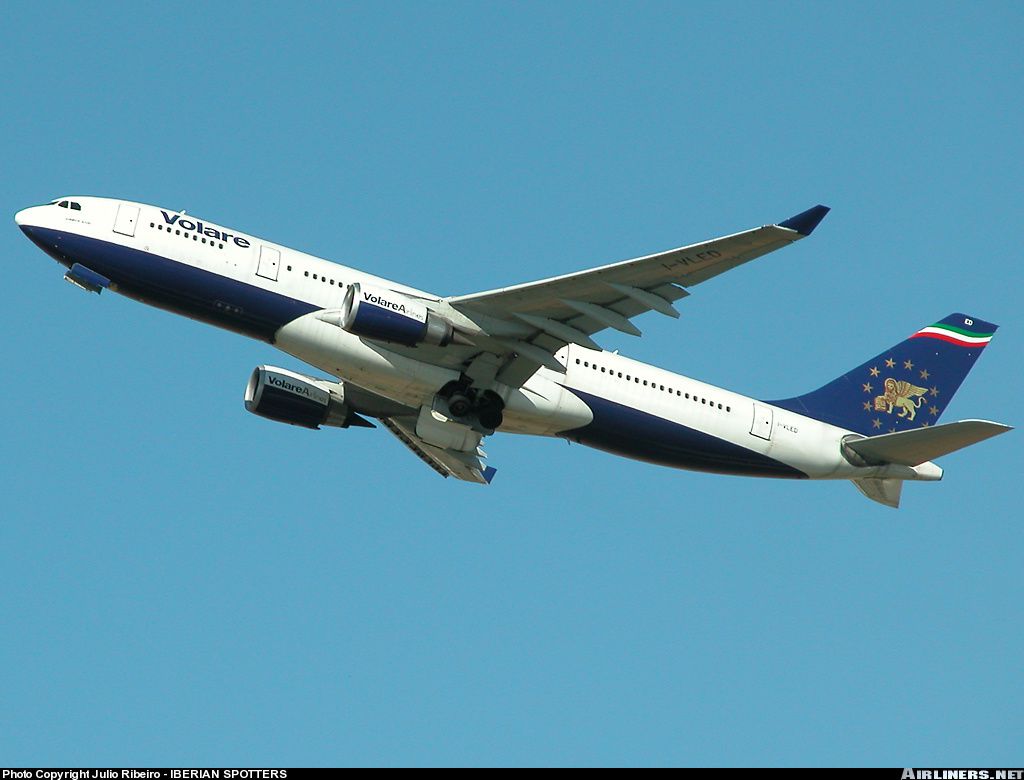
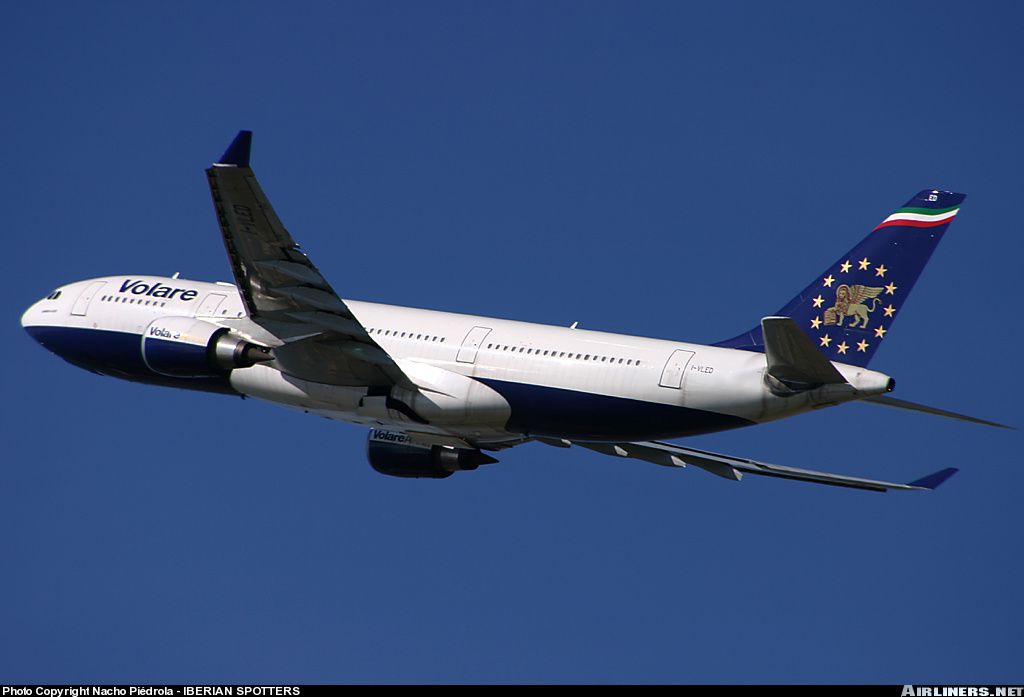

This freeware repaint provides a Volare Airlines Airbus A330-200 livery (registration I-VLEF) specifically designed for Microsoft Flight Simulator 2004, requiring the payware Phoenix Simulation Software (PSS) Airbus A330-200 model. Created by developer Flavio Tebaldi and drawing inspiration from Volare’s real-world operations, these textures accurately capture the airline’s distinctive look and do not include the original aircraft package.
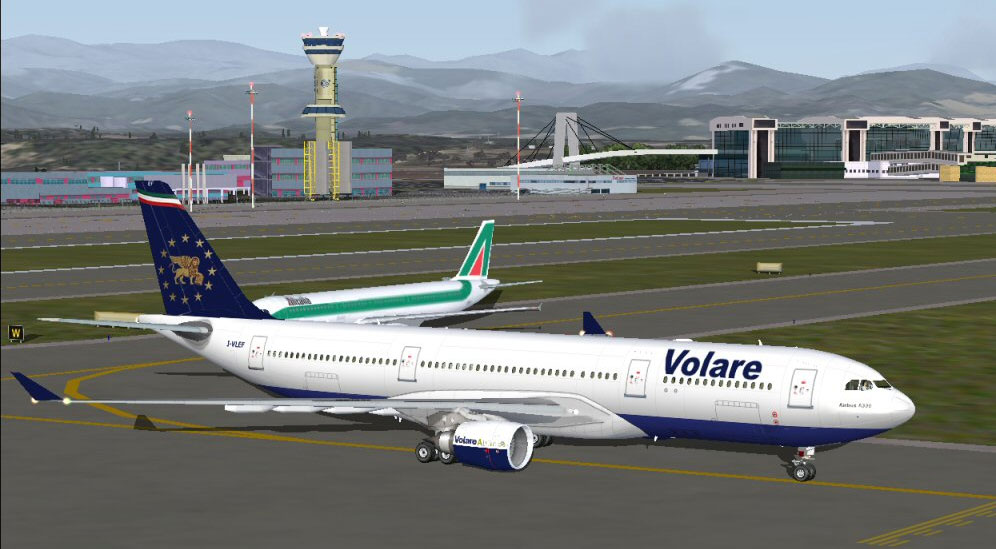
Visual preview of the Volare A330 repaint at cruise altitude.
The Airbus A330-200 is a wide-body, twin-engine long-haul airliner engineered for performance and efficiency. Volare Airlines, once based in Italy, utilized such aircraft for both charter and scheduled services. This particular repaint reimagines the I-VLEF registration, aligning cockpit and exterior elements with Volare’s authentic branding. The result is a detailed recreation that showcases unique fuselage markings, tail design, and airline-specific styling.
This add-on consists of texture files only. It requires the PSS Airbus A330-200 payware package for functionality. Enthusiasts can obtain the model through a suitable reseller, such as SimShack. Neither the base model nor the payware files are included.
FS2004/Aircraft/PSS-A330-200.Aircraft.cfg file found in FS2004/Aircraft/PSS-A330-200.Aircraft.cfg, replacing [fltsim.x] with the next available sequence number (e.g., if the last entry is [fltsim.2], use [fltsim.3]). Keep all references to the new texture folder consistent with your PSS directory structure.
[fltsim.x]
title=PSS A330-200 GE Volare
ui_variation=PSS A330-200 GE Volare Airlines
sim=A332
ui_type=A330-200 GE
sound=GE
model=GE332
texture=A332GE-VOLARE
atc_airline=Volare Airlines
panel=
checklists=
atc_id=I-VLEF
atc_flight_number=PS332
atc_heavy=0
ui_manufacturer=Airbus
visual_damage=1
description=PSS A330/A340 Pro Series With R.E.A.L Features. 2002 PHOENIX SIMULATION SOFTWARE
This repaint was produced by Flavio Tebaldi, building on the original aircraft files by Phoenix Simulation Software. All user operations occur at one’s own discretion. Any distribution of this package without proper authorization is not permitted. For enthusiasts seeking improved airline realism within Microsoft Flight Simulator 2004, this add-on offers a meticulously rendered Volare livery that stays true to the carrier’s color scheme and heritage.
Free for all simmers · 2.82 MB · Scanned clean Sep 2026
Download speed: Free tier is capped at 0.5 Mbps. PRO members download at full line speed.
FS9\Aircraft\, FS9\Addon Scenery\, FS9\Gauges\, or FS9\Effects\.readme.txt or README file. It tells you exactly where files go, what dependencies are needed, and any quirks specific to this add-on.The archive a332va.zip has 17 files and directories contained within it.
This list displays the first 500 files in the package. If the package has more, you will need to download it to view them.
| Filename/Directory | File Date | File Size |
|---|---|---|
| A332GE-VOLARE.INF | 12.04.03 | 63 B |
| engine_GE_t.bmp | 12.05.03 | 4.00 MB |
| PSS33_main_t.bmp | 12.06.03 | 4.00 MB |
| wing330_t.bmp | 12.05.03 | 4.00 MB |
| AirlinersNetPhotoID462876.jpg | 12.04.03 | 194.65 kB |
| AirlinersNetPhotoID324925.jpg | 12.04.03 | 219.95 kB |
| AirlinersNetPhotoID369188.jpg | 12.04.03 | 254.84 kB |
| AirlinersNetPhotoID456121.jpg | 12.04.03 | 165.45 kB |
| Air Europe S.p.A. TimeTable.pdf | 12.05.03 | 686.80 kB |
| texture.A332GE-VOLARE | 12.04.03 | 0 B |
| A332GE-Volare.txt | 12.05.03 | 1.22 kB |
| AirlinersNetPhotoID459158.jpg | 12.04.03 | 309.38 kB |
| AirlinersNetPhotoID439270.jpg | 12.04.03 | 163.80 kB |
| A332-MXP-35L.jpg | 12.05.03 | 119.50 kB |
| A332-MXP-35L_small.jpg | 12.11.03 | 6.50 kB |
| flyawaysimulation.txt | 10.29.13 | 959 B |
| Go to Fly Away Simulation.url | 01.22.16 | 52 B |
Only PRO members can place votes.
More FS2004 add-ons hand-picked based on this download.
FS2004 Civil Jet Aircraft
This freeware package features a detailed Volare Airlines Airbus A330-200 rep…
 FS2004 Civil Jet Aircraft
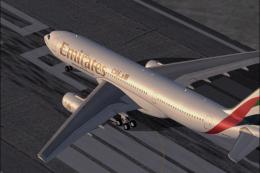
This comprehensive freeware package brings the Emirates Airbus A330-200, regi…
 FS2004 Civil Jet Aircraft
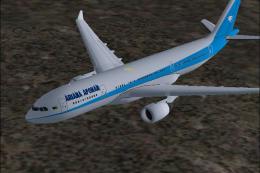
Enjoy a meticulously updated Airbus A330-200 and -300 package designed for Mi…
 FS2004 Civil Jet Aircraft
Fully animated control surfaces.Fully independent suspension Dynamic flexing …
 FS2004 Civil Jet Aircraft
Airbus A330-200 Airtours / MyTravel hybrid. A repaint of Project Open Sky's A…
 FS2004 Civil Jet Aircraft
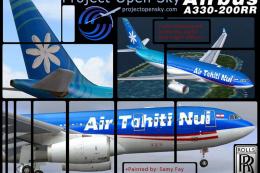
Lufthansa Airbus A330-200, registration D-AIMC. Has added dirt on the paint f…
 FS2004 Civil Jet Aircraft
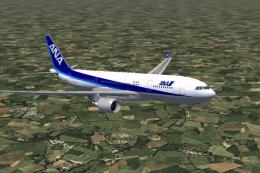
Project Open Sky’s Airbus A330-200 equipped with Rolls Royce engines. Painted…
 FS2004 Civil Jet Aircraft
Model by Project Open Sky. All Nippon Airways livery by Julien Scavini. Scree…
Be the first to leave a comment on this download.
Be the first to share your thoughts on this download.