

 FS2004 Civil Jet Aircraft
POSKY 757-200 Wing Views
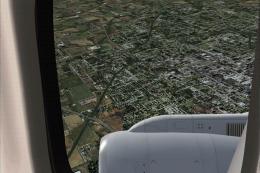
Wing and engine views for the Project Open Sky Boeing 757-200. In these views…
POSKY’s Boeing 757-200 and 757-300 gain a more functional virtual cockpit in FS2004 with added gauges and cockpit controls, including fuel status, Nav/GPS switching, pitch trim, autobrake, and dedicated toggles for throttle, avionics, and GPS displays. Light, pitot heat, and deice switches round out day-to-day handling.
 Rate
Rate
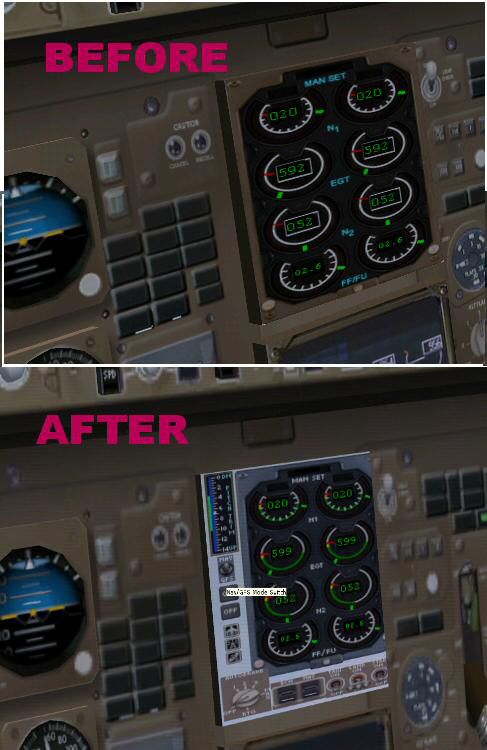
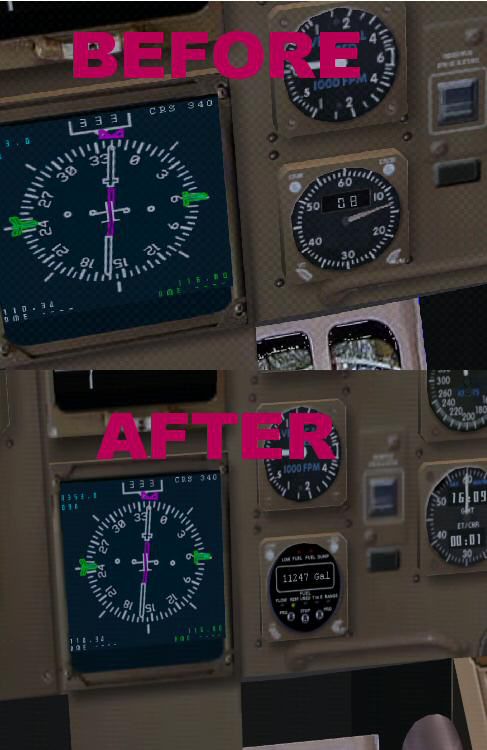
Adds more gauges to the Project Open Sky Boeing 757-200 and Boeing 757-300 virtual cockpit. Included are fuel status gauge, switch nav/GPS, pitch trim indicator, beacon-nav-light switch, nose-light switch, strobe-light switch, taxi-light switch, pitot heat switch, deice switch, throttle display toggle, avionics display toggle, GPS display toggle, autobrake. By Gerardo Valdivia.

Screenshot of Boeing 757 improved virtual cockpit.
POSKY 757-200 and 757-300 are great planes to fly. But the Virtual Cockpit has some limitations, due to the design of the model itself.
These set of instructions can`t modify this... but you can have a few more gauges in this Virtual Cockpit if you follow them.
Add this gauges to your Virtual Cockpit:
Free for all simmers · 230.61 KB · Scanned clean Oct 2026
Download speed: Free tier is capped at 0.5 Mbps. PRO members download at full line speed.
FS9\Aircraft\, FS9\Addon Scenery\, FS9\Gauges\, or FS9\Effects\.readme.txt or README file. It tells you exactly where files go, what dependencies are needed, and any quirks specific to this add-on.The archive po75gaug.zip has 9 files and directories contained within it.
This list displays the first 500 files in the package. If the package has more, you will need to download it to view them.
| Filename/Directory | File Date | File Size |
|---|---|---|
| INSTRUCTIONS_TO_UPGRADE.txt | 01.31.04 | 4.15 kB |
| TC.FUELSTATUSCG.gau | 10.12.99 | 284.00 kB |
| panel1.jpg | 01.31.04 | 53.99 kB |
| panel2.jpg | 01.31.04 | 51.64 kB |
| panel1.gif | 01.31.04 | 12.14 kB |
| description.txt | 01.31.04 | 701 B |
| posky757_more_gauges_vc | 01.31.04 | 0 B |
| flyawaysimulation.txt | 10.29.13 | 959 B |
| Go to Fly Away Simulation.url | 01.22.16 | 52 B |
Only PRO members can place votes.
More FS2004 add-ons hand-picked based on this download.
FS2004 Civil Jet Aircraft
Wing and engine views for the Project Open Sky Boeing 757-200. In these views…
 FS2004 Civil Jet Aircraft
This freeware release offers a detailed Boeing 747-200 model painted in a rea…
 FS2004 Civil Jet Aircraft
Features three models and over 30 different repaints of the Project Open Sky …
 FS2004 Civil Jet Aircraft
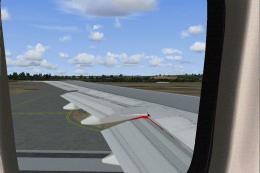
Wing views for the Project Open Sky Boeing 747-200. Recommended for use with …
 FS2004 Civil Jet Aircraft
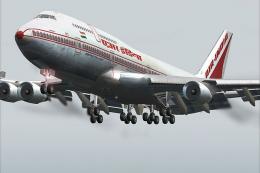
This is the 3rd and final release in the "Ultimate Air India" 747 series this…
 FS2004 Civil Jet Aircraft
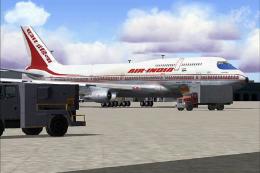
The 4th release in the "Project Ultimate Air India" series, using the new pro…
 FS2004 Civil Jet Aircraft
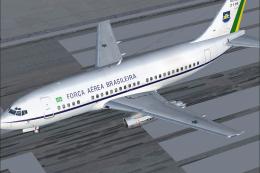
This complete freeware package features a Brazilian Air Force Boeing 737-200,…
 FS2004 Civil Jet Aircraft
Reduces and changes the color of the night lighting in the default B737-400 v…
Be the first to leave a comment on this download.
Be the first to share your thoughts on this download.