

 FS2004 Civil Jet Aircraft
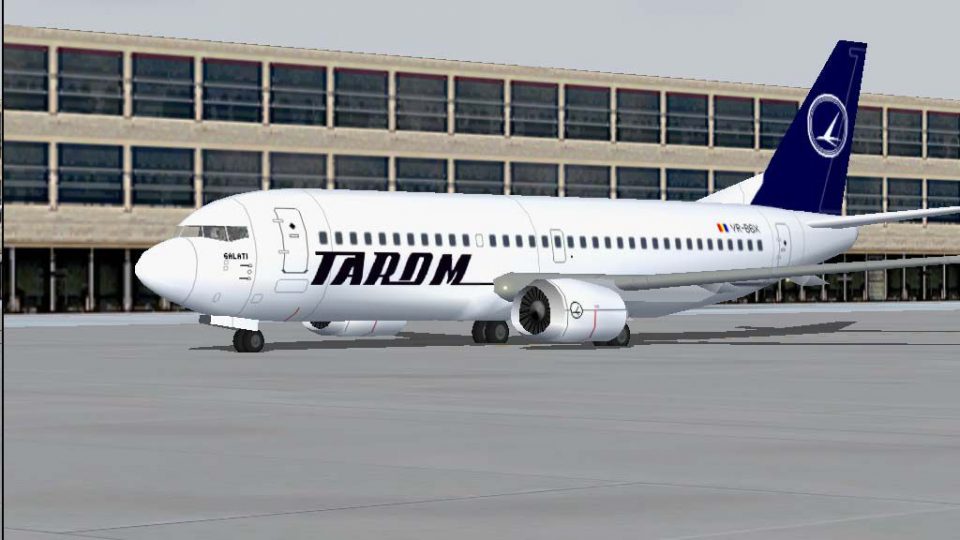
Tarom Boeing 737-300 YR-BGD
Tarom Boeing 737-300, registration YR-BGD, 2001 special. Model by FFX. Repain…
TAROM Boeing 737-36Q YR-BGX “Galati” brings classic Romanian airline detail to Microsoft Flight Simulator 2004 with a complete texture set, revised 737-300 airfile, and 64 authentic routes plus added ATR42-500 services for richer traffic. Designed for Just Flight Traffic 2004, it enhances immersion with accurate schedules and performance.
 Rate
Rate
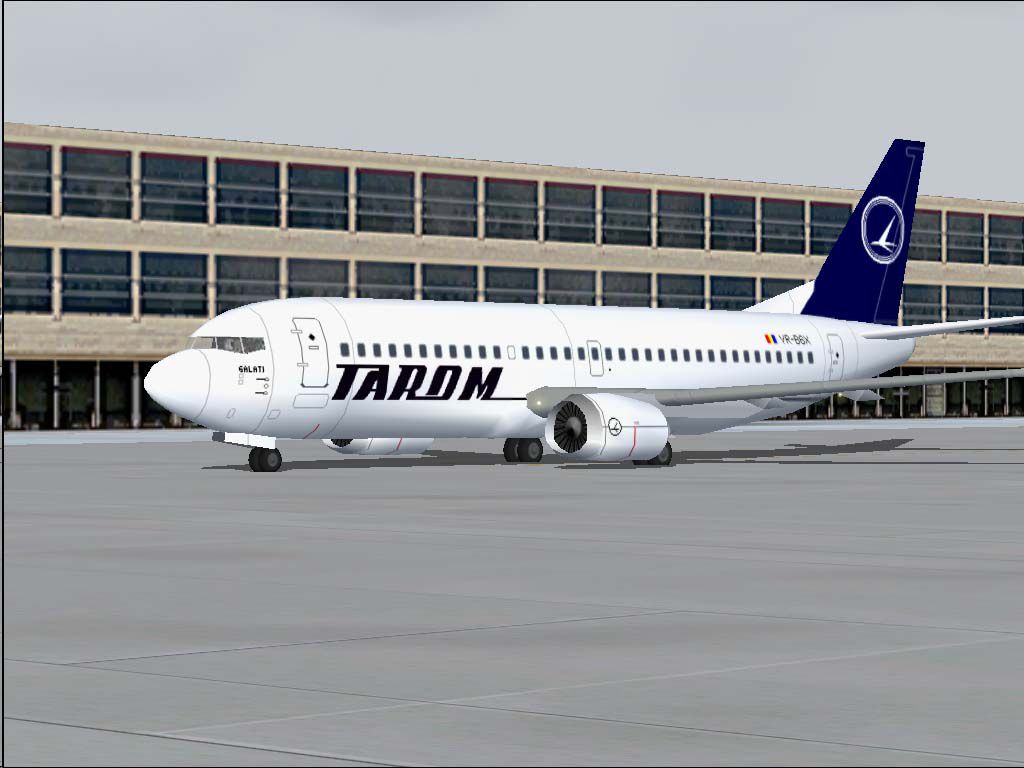
This complete freeware package provides a high-fidelity TAROM Boeing 737-36Q in Microsoft Flight Simulator 2004, featuring the Romanian registration YR-BGX, also known as “Galati.” Created by Daniel Nole, it is designed for use with Just Flight’s Traffic 2004 and includes new flight plans, updated performance files, and a fully realized texture set reflecting TAROM’s classic livery. Enthusiasts will appreciate the additional ATR42-500 services included in the flight schedules. This entry introduces the real-world carrier’s routes within the simulator, offering an engaging way to experience TAROM’s short- to medium-haul operations.
The 737-36Q variant belongs to the “Classic” series of the highly successful Boeing 737 family. In this rendition, the paint scheme accurately reproduces TAROM’s bold color palette, incorporating national insignia and airline branding elements that match the actual aircraft. The fuselage’s “Galati” nickname is displayed on the forward section, paralleling real-life markings. Enthusiasts familiar with Romanian aviation history will appreciate these precise aesthetic choices.
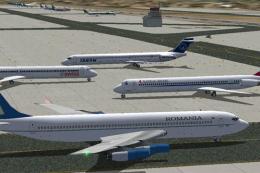
Screenshot of TAROM Boeing 737-36Q on the ground in the simulator.
This release comes with 64 custom TAROM routes integrated for use with traffic add-ons, covering a set of domestic and international destinations flown by B.737-300s and ATR42-500s. These flight plans accurately represent real-world scheduling from TAROM’s operational history, making them valuable for sim pilots who want more authentic traffic patterns and enhanced immersion.
An all-new, revised AirFile dated 23-04-04 is incorporated to fine-tune the Boeing 737-300 flight dynamics within the simulator. This update enhances handling and performance parameters, reflecting more realistic climb rates, fuel consumption, and weight distribution. Pilots will notice the difference when performing standard procedures such as takeoffs, landings, and in-flight maneuvers.
This creation is the work of Daniel Nole, who meticulously designed and assembled the textures and routes to improve immersion. His commitment to precise historical and technical detail ensures that simmers can enjoy an accurate representation of this renowned Romanian airline’s operations.
Free for all simmers · 420.56 KB · Scanned clean Sep 2026
Download speed: Free tier is capped at 0.5 Mbps. PRO members download at full line speed.
FS9\Aircraft\, FS9\Addon Scenery\, FS9\Gauges\, or FS9\Effects\.readme.txt or README file. It tells you exactly where files go, what dependencies are needed, and any quirks specific to this add-on.The archive ro7372.zip has 14 files and directories contained within it.
This list displays the first 500 files in the package. If the package has more, you will need to download it to view them.
| Filename/Directory | File Date | File Size |
|---|---|---|
| Flight Plans | 04.23.04 | 0 B |
| Tarom.txt | 04.24.04 | 1.65 kB |
| JFAIB733 | 04.23.04 | 0 B |
| aircraft.cfg | 04.23.04 | 31.79 kB |
| JFAIB733.air | 04.17.04 | 8.50 kB |
| texture.tarom2.zip | 04.23.04 | 163.89 kB |
| JFTFB733 | 04.23.04 | 0 B |
| aircraft.cfg | 04.23.04 | 32.35 kB |
| JFTFB733.air | 04.17.04 | 8.50 kB |
| texture.tarom2.zip | 04.23.04 | 163.89 kB |
| readme.txt | 04.24.04 | 4.98 kB |
| YR-BGX.jpg | 04.23.04 | 74.69 kB |
| flyawaysimulation.txt | 10.29.13 | 959 B |
| Go to Fly Away Simulation.url | 01.22.16 | 52 B |
Only PRO members can place votes.
More FS2004 add-ons hand-picked based on this download.
FS2004 Civil Jet Aircraft
Tarom Boeing 737-300, registration YR-BGD, 2001 special. Model by FFX. Repain…
 FS2004 Civil Jet Aircraft
A repaint of the default B737-400 by Elias Nemlander. Installation Unzip the …
 FS2004 Civil Jet Aircraft
This highly detailed freeware enhancement introduces TAROM’s Boeing 737-38J, …
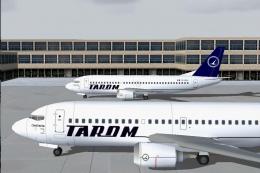 FS2004 Civil Jet Aircraft
This freeware package presents a Boeing 737-38J in TAROM colors, registration…
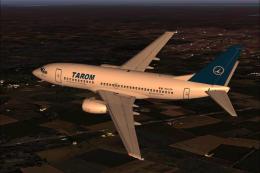 FS2004 Civil Jet Aircraft
TAROM is proud of a long and distinguished record in worldwide commercial avi…
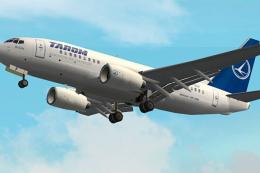 FS2004 Civil Jet Aircraft
TAROM Boeing 737-700 primarily for use as AI traffic. Aircraft model and base…
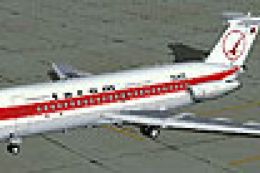 FS2004 Civil Jet Aircraft
Textures only. Original model by David Maltby. Repaint by R. Kreibich. Screen…
 FS2004 Civil Jet Aircraft
A B707-3K1C in Romavia's governmental livery. This B707 is registered to Roma…
Be the first to leave a comment on this download.
Be the first to share your thoughts on this download.