

 FS2004 Civil Jet Aircraft
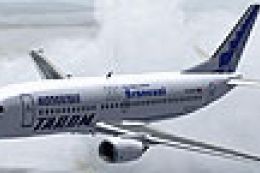
TAROM Boeing 737-38J YR-BGC
This freeware package presents a Boeing 737-38J in TAROM colors, registration…
TAROM Boeing 737-38J YR-BGA “Alba Iulia” brings a crisp classic-series repaint and tuned flight dynamics to Microsoft Flight Simulator 2004, with scheduling depth for airline-style operations. Optimized for Just Flight Traffic 2004, it includes a revised airfile and 64 prebuilt TAROM routes for 737-300 and ATR42-500 services.
 Rate
Rate
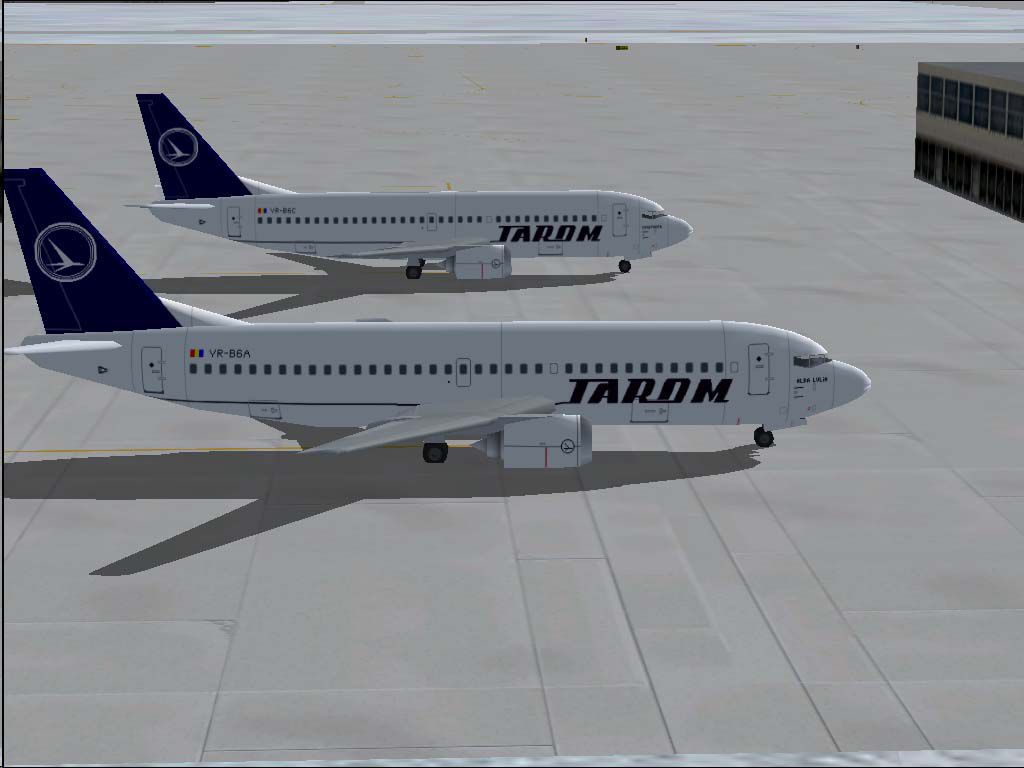
This highly detailed freeware enhancement introduces TAROM’s Boeing 737-38J, registration YR-BGA titled “Alba Iulia,” crafted for seamless integration within Microsoft Flight Simulator 2004 and optimized for Just Flight's Traffic 2004. Developed by Daniel Nole, this package includes an updated flight dynamics file tailored to the 737-300. Moreover, it offers 64 preconfigured TAROM routes utilizing both 737-300s and ATR42-500s, allowing virtual pilots to immerse themselves in the operations of Romania’s national airline.
The Boeing 737-38J is part of the classic 737 series often recognized for its efficient short-to-medium haul performance. In TAROM’s configuration, this jet can handle passenger capacities well-suited for regional and European routes. With twin underwing turbofan engines and proven reliability, the aircraft provides robust performance in a variety of operational environments. The livery reflects TAROM’s recognizable branding, paying homage to Romanian heritage through the “Alba Iulia” naming convention.
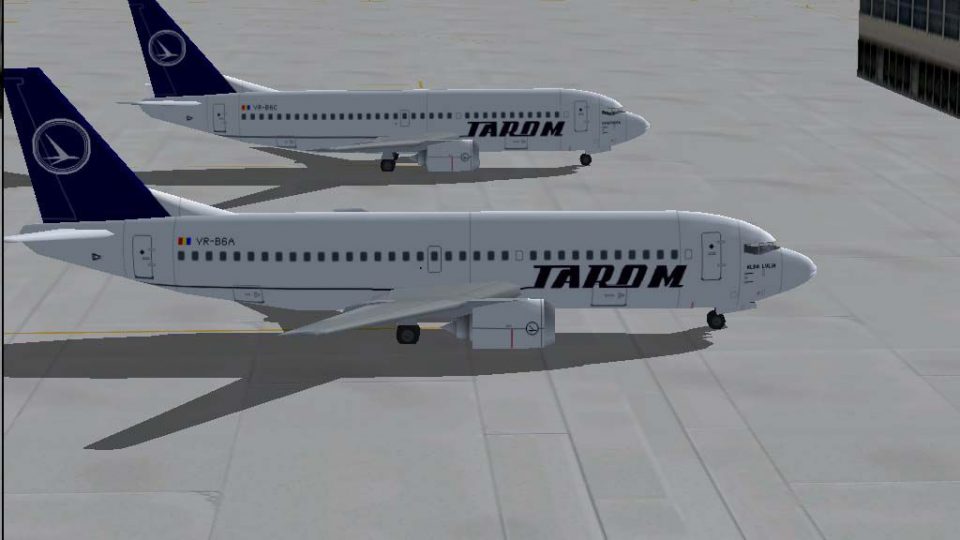
TAROM Boeing 737-38J on the ground.
Enclosed within the package are flight plan files featuring 64 TAROM services, meticulously scheduled using B737-300s and ATR42-500s. These routes reflect typical operations across Romanian and European destinations. By incorporating these plans, enthusiasts gain an authentic traffic flow that highlights TAROM’s connectivity and scheduling nuances.
An entirely revised AirFile (dated 23-04-04) supplements this release with adjustments specific to the 737-300’s flight characteristics. These refinements enhance the flight model for more precise control responses, improved handling, and faithful engine performance. Pilots will note the optimized takeoff profiles, fuel consumption rates, and climb performance parameters aligning closely with real-world data.
Those seeking deeper immersion will appreciate how the package fully captures the regional and international operations of TAROM. The ATR42-500 flight plans also allow enthusiasts to explore various short domestic hops, bridging the experience between modern jet routes and turboprop coverage.
Painstakingly prepared by Daniel Nole, this freeware release stands out by pairing visually stunning TAROM repaints with robust technical features. For anyone looking to expand their Microsoft Flight Simulator 2004 fleet with a unique slice of Romanian aviation, this Boeing 737-38J package offers an engaging and authentic flying experience.
Free for all simmers · 407.13 KB · Scanned clean Oct 2026
Download speed: Free tier is capped at 0.5 Mbps. PRO members download at full line speed.
FS9\Aircraft\, FS9\Addon Scenery\, FS9\Gauges\, or FS9\Effects\.readme.txt or README file. It tells you exactly where files go, what dependencies are needed, and any quirks specific to this add-on.The archive ro7371.zip has 14 files and directories contained within it.
This list displays the first 500 files in the package. If the package has more, you will need to download it to view them.
| Filename/Directory | File Date | File Size |
|---|---|---|
| Flight Plans | 04.23.04 | 0 B |
| Tarom.txt | 04.24.04 | 1.65 kB |
| JFAIB733 | 04.23.04 | 0 B |
| aircraft.cfg | 04.23.04 | 31.79 kB |
| JFAIB733.air | 04.17.04 | 8.50 kB |
| texture.tarom1.zip | 04.23.04 | 164.01 kB |
| JFTFB733 | 04.23.04 | 0 B |
| aircraft.cfg | 04.23.04 | 32.35 kB |
| JFTFB733.air | 04.17.04 | 8.50 kB |
| texture.tarom1.zip | 04.23.04 | 164.01 kB |
| readme.txt | 04.24.04 | 4.88 kB |
| YR-BGA.jpg | 04.23.04 | 59.66 kB |
| flyawaysimulation.txt | 10.29.13 | 959 B |
| Go to Fly Away Simulation.url | 01.22.16 | 52 B |
Only PRO members can place votes.
More FS2004 add-ons hand-picked based on this download.
FS2004 Civil Jet Aircraft
This freeware package presents a Boeing 737-38J in TAROM colors, registration…
 FS2004 Civil Jet Aircraft
Tarom Boeing 737-300, registration YR-BGD, 2001 special. Model by FFX. Repain…
 FS2004 Civil Jet Aircraft
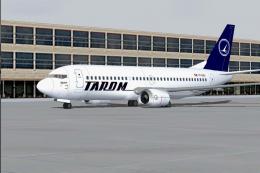
A repaint of the default B737-400 by Elias Nemlander. Installation Unzip the …
 FS2004 Civil Jet Aircraft
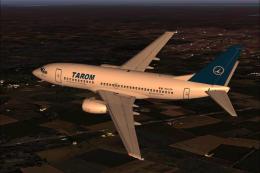
This complete freeware package provides a high-fidelity TAROM Boeing 737-36Q …
 FS2004 Civil Jet Aircraft
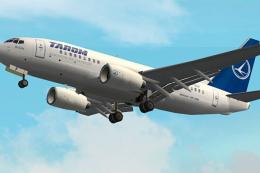
TAROM is proud of a long and distinguished record in worldwide commercial avi…
 FS2004 Civil Jet Aircraft
TAROM Boeing 737-700 primarily for use as AI traffic. Aircraft model and base…
 FS2004 Civil Jet Aircraft
Textures only. Original model by David Maltby. Repaint by R. Kreibich. Screen…
 FS2004 Civil Jet Aircraft
A B707-3K1C in Romavia's governmental livery. This B707 is registered to Roma…
Be the first to leave a comment on this download.
Be the first to share your thoughts on this download.