

 FS2004 Civil Jet Aircraft
Swiss Embraer ERJ-145 LU HB-JAU
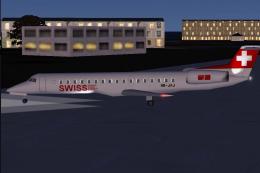
This repaint and flight model package features the Swiss-registered Embraer E…
Swiss Embraer ERJ-145 LU HB-JAK brings authentic Swiss International Air Lines visuals to Just Flight Traffic 2004, with a detailed repaint, a reworked ERJ-145 flight model tuned for thrust, weight, and aerodynamics, plus 150+ regional schedules to enrich AI operations and route variety in Microsoft Flight Simulator 2004.
 Rate
Rate
This freeware package introduces a Swiss Embraer ERJ-145 LU HB-JAK for Just Flight’s Traffic 2004. It provides a complete repaint, an enhanced flight model, and an expanded set of regional routes for those seeking additional realism in Microsoft Flight Simulator 2004.
Embraer ERJ-145 aircraft are widely recognized for their efficient regional operations and distinctive stretched-fuselage design. Boasting seating for up to 50 passengers, this popular twin-engine commuter jet delivers strong performance on short to medium routes. In this repaint, Swiss International Air Lines markings capture the airline’s characteristic aesthetic, reflecting the sleek design language that emerged when Swiss was formed in the early 2000s.
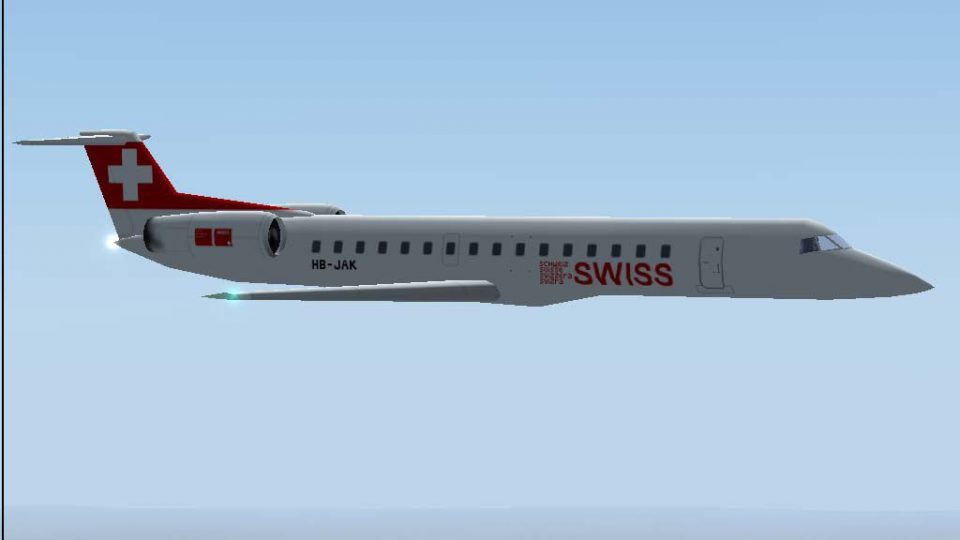
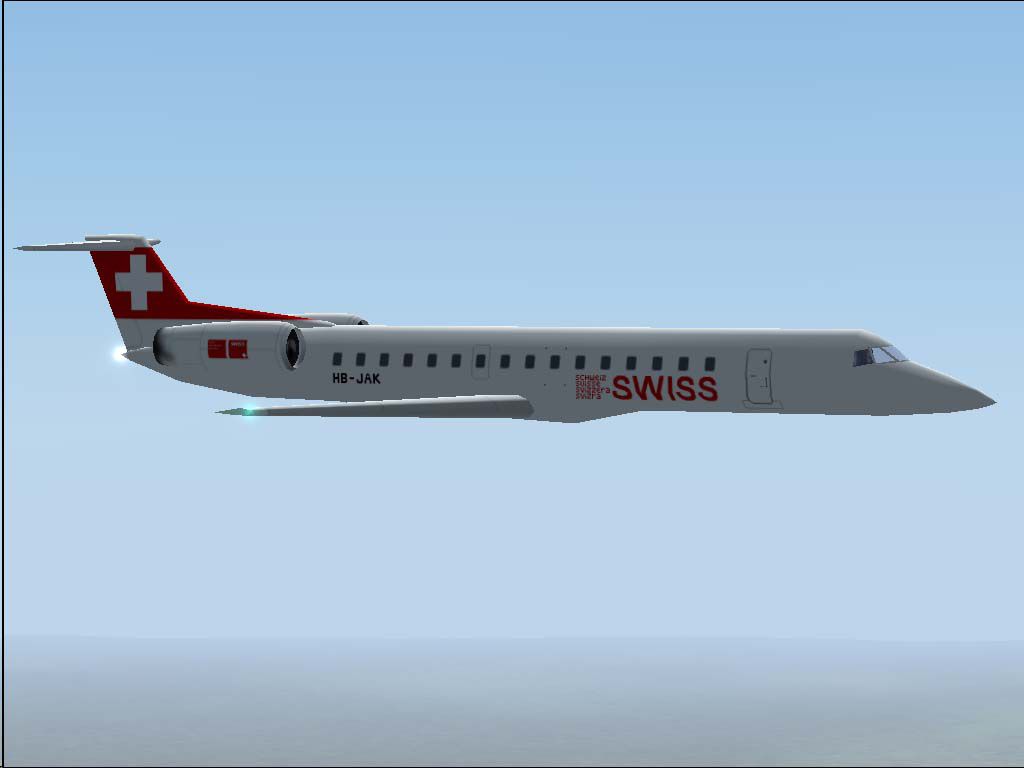
Screenshot of the Swiss Embraer ERJ-145 LU in cruise flight with Traffic 2004.
This modification is expertly crafted by developer Daniel Nole. The repaint reproduces the real-world livery associated with the Swiss “Staffelegg” banner, offering an authentic exterior enhanced by precise detailing around the fuselage and stabilizers. Meanwhile, the aircraft’s flight model has undergone a major overhaul to align engine thrust, weight distribution, and aerodynamics with the actual ERJ-145 specifications. This upgrade addresses the default Traffic 2004 configuration, which originally utilized Boeing 737-400 settings.
The package also includes over 150 additional flight plans that reflect the typical routes assigned to an Embraer ERJ-145. These new itineraries highlight the aircraft’s exceptional capability to serve short-haul and mid-range sectors. Passengers can experience stops at airports known for handling smaller regional jets, providing more traffic variety and immersive operations across multiple departure points.
All files found in this package are designed for seamless installation under Microsoft Flight Simulator 2004 with Just Flight’s Traffic 2004. Please perform the following steps:
aircraft folder within your main FS2004 installation.JFAIERJ and copy the newly provided Swiss3 texture folder, the aircraft configuration block, and—if desired—the revised AirFile into this directory.By incorporating this Swiss Embraer ERJ-145 LU HB-JAK add-on, sim pilots can explore accurate short-hop services while benefiting from highly tuned aerodynamics and engine responsiveness. The refined visuals, combined with a broad spectrum of scheduled flights, introduce a diverse range of operational scenarios—ideal for those who enjoy meticulous flight planning within their virtual skies.
Free for all simmers · 319.05 KB · Scanned clean Oct 2026
Download speed: Free tier is capped at 0.5 Mbps. PRO members download at full line speed.
FS9\Aircraft\, FS9\Addon Scenery\, FS9\Gauges\, or FS9\Effects\.readme.txt or README file. It tells you exactly where files go, what dependencies are needed, and any quirks specific to this add-on.The archive lxer1453.zip has 14 files and directories contained within it.
This list displays the first 500 files in the package. If the package has more, you will need to download it to view them.
| Filename/Directory | File Date | File Size |
|---|---|---|
| Flight Plans | 05.03.04 | 0 B |
| Swiss.txt | 05.03.04 | 4.56 kB |
| HB-JAK.jpg | 05.03.04 | 33.67 kB |
| JFAIERJ | 05.03.04 | 0 B |
| aircraft.cfg | 05.02.04 | 12.22 kB |
| JFAIERJ.air | 05.02.04 | 9.38 kB |
| texture.swiss3.zip | 05.03.04 | 139.90 kB |
| JFTFERJ | 05.03.04 | 0 B |
| aircraft.cfg | 05.02.04 | 12.25 kB |
| JFTFERJ.air | 05.02.04 | 9.38 kB |
| texture.swiss3.zip | 05.03.04 | 139.90 kB |
| readme.txt | 05.03.04 | 5.48 kB |
| flyawaysimulation.txt | 10.29.13 | 959 B |
| Go to Fly Away Simulation.url | 01.22.16 | 52 B |
Only PRO members can place votes.
More FS2004 add-ons hand-picked based on this download.
FS2004 Civil Jet Aircraft
This repaint and flight model package features the Swiss-registered Embraer E…
 FS2004 Civil Jet Aircraft
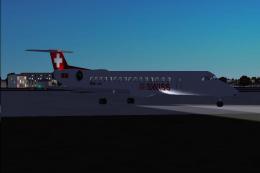
This Swiss-themed Embraer ERJ-145 LU freeware package, labeled “Albishorn,” m…
 FS2004 Civil Jet Aircraft
This freeware package brings you a high-fidelity Swiss Embraer ERJ-145LU HB-J…
 FS2004 Civil Jet Aircraft
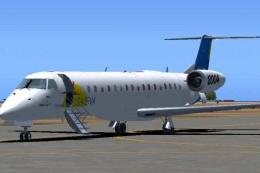
Satena actually uses two ERJ 145, covering some Colombian regional destinatio…
 FS2004 Civil Jet Aircraft
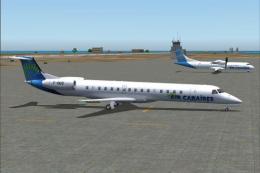
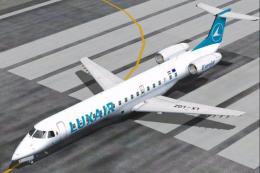
Textures only, requires Dreamwings ERJ-145 base package. Repaint by Olivier G…
 FS2004 Civil Jet Aircraft
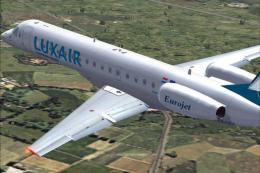
Textures only, requires Dreamwings ERJ-145 base package. This is the first ai…
 FS2004 Civil Jet Aircraft
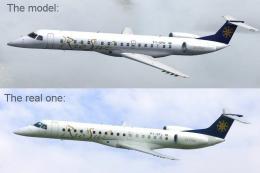
Textures only, requires Feelthere ERJ145 base package. First aircraft to spor…
 FS2004 Civil Jet Aircraft
Textures only, requires Dreamwings ERJ-145 base package. Repaint by Olivier G…
Be the first to leave a comment on this download.
Be the first to share your thoughts on this download.