

 FS2004 Civil Jet Aircraft
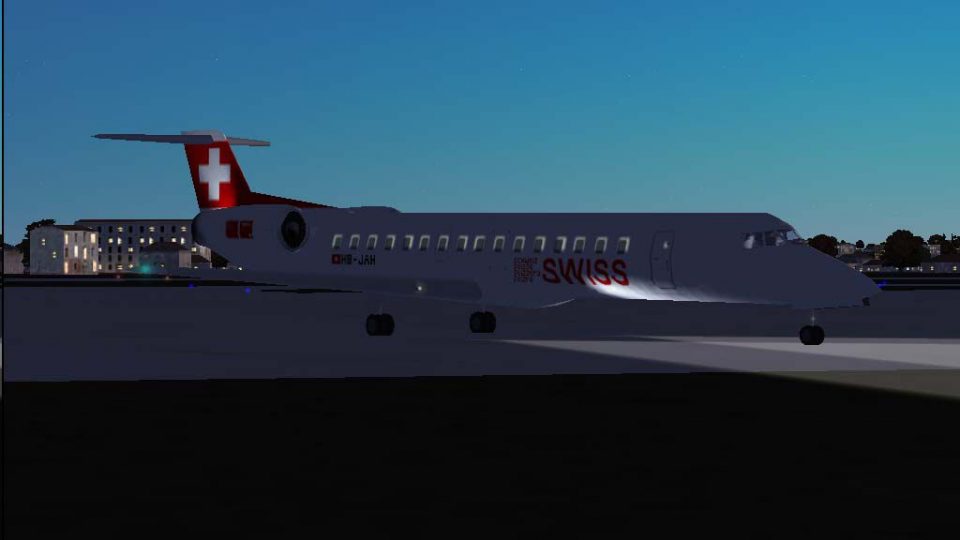
Swiss Embraer ERJ-145 LU HB-JAU
This repaint and flight model package features the Swiss-registered Embraer E…
Swiss Embraer ERJ-145LU HB-JAH brings the “Chatillon” livery to Microsoft Flight Simulator 2004 with a refined AirFile that tunes engine thrust, weights, aerodynamics, and fuel burn for more authentic regional performance. Expanded Traffic 2004 flight plans add 150+ Swiss-style European routes; requires Just Flight Traffic 2004.
 Rate
Rate
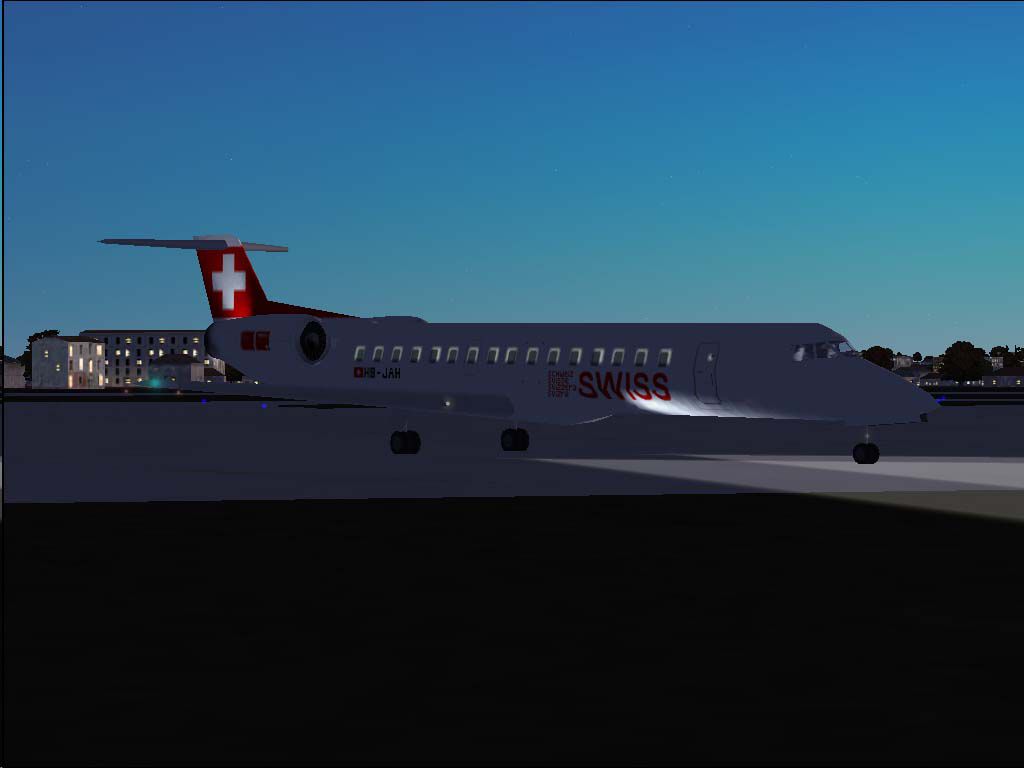
This freeware package brings you a high-fidelity Swiss Embraer ERJ-145LU HB-JAH repaint and updated flight model tailored for Microsoft Flight Simulator 2004. Originally created for Just Flight's Traffic 2004, this release incorporates extensive route expansions, an overhauled AirFile, and the signature "Chatillon" livery. Repaint and flight model modifications are provided by developer Daniel Nole. Enthusiasts will appreciate the accuracy of the modified engine power and weight parameters, which align more closely with real-world ERJ-145 performance.
The Embraer ERJ-145 series is well-known for its versatile operation on short and medium-haul routes, and Swiss International Air Lines has utilized it to connect major European destinations. This rendition of HB-JAH captures the airline’s visual identity and includes performance enhancements designed to elevate regional flying in Microsoft Flight Simulator 2004. The upgraded engine thrust values, aerodynamic coefficients, and revised payload settings aim for precise control and authentic fuel consumption metrics.
Screenshot of Swiss Embraer ERJ-145 LU on the ground.
Included in the download is an expanded set of flight plans, adding over 150 ERJ-145-specific routes. These meticulously integrated schedules allow virtual pilots to simulate Swiss-branded operations reaching regional airports throughout Europe. Each plan leverages the improved flight dynamics to ensure takeoff climbs, cruise handling, and descent behavior accurately represent Embraer’s real-world performance.
This comprehensive freeware package is fully self-contained and does not require any external add-ons beyond Traffic 2004. By integrating the refined AirFile and elaborate route expansions, you can experience the Embraer ERJ-145 the way Swiss intended it to be flown. The developers, led by Daniel Nole, have ensured that every technical detail aligns with regional jet realism while honoring the airline’s distinctive presence in the skies.
Free for all simmers · 324.59 KB · Scanned clean Oct 2026
Download speed: Free tier is capped at 0.5 Mbps. PRO members download at full line speed.
FS9\Aircraft\, FS9\Addon Scenery\, FS9\Gauges\, or FS9\Effects\.readme.txt or README file. It tells you exactly where files go, what dependencies are needed, and any quirks specific to this add-on.The archive lxer1452.zip has 14 files and directories contained within it.
This list displays the first 500 files in the package. If the package has more, you will need to download it to view them.
| Filename/Directory | File Date | File Size |
|---|---|---|
| Flight Plans | 05.03.04 | 0 B |
| Swiss.txt | 05.03.04 | 4.56 kB |
| HB-JAH.jpg | 05.03.04 | 33.97 kB |
| JFAIERJ | 05.03.04 | 0 B |
| aircraft.cfg | 05.02.04 | 12.22 kB |
| JFAIERJ.air | 05.02.04 | 9.38 kB |
| texture.swiss2.zip | 05.03.04 | 140.22 kB |
| JFTFERJ | 05.03.04 | 0 B |
| aircraft.cfg | 05.02.04 | 12.25 kB |
| JFTFERJ.air | 05.02.04 | 9.38 kB |
| texture.swiss2.zip | 05.03.04 | 140.22 kB |
| readme.txt | 05.03.04 | 5.21 kB |
| flyawaysimulation.txt | 10.29.13 | 959 B |
| Go to Fly Away Simulation.url | 01.22.16 | 52 B |
Only PRO members can place votes.
More FS2004 add-ons hand-picked based on this download.
FS2004 Civil Jet Aircraft
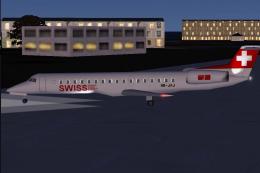
This repaint and flight model package features the Swiss-registered Embraer E…
 FS2004 Civil Jet Aircraft
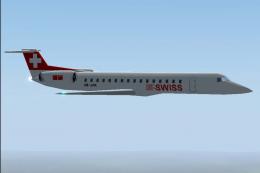
This Swiss-themed Embraer ERJ-145 LU freeware package, labeled “Albishorn,” m…
 FS2004 Civil Jet Aircraft
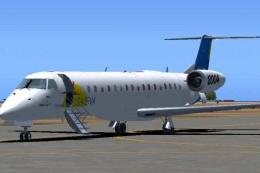
This freeware package introduces a Swiss Embraer ERJ-145 LU HB-JAK for Just F…
 FS2004 Civil Jet Aircraft
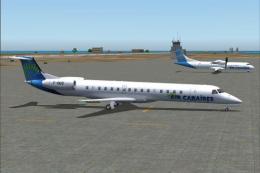
Satena actually uses two ERJ 145, covering some Colombian regional destinatio…
 FS2004 Civil Jet Aircraft
Textures only, requires Dreamwings ERJ-145 base package. Repaint by Olivier G…
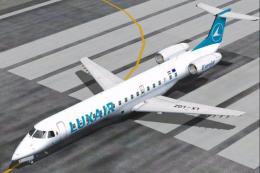 FS2004 Civil Jet Aircraft
Textures only, requires Dreamwings ERJ-145 base package. This is the first ai…
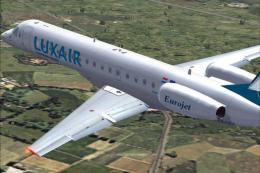 FS2004 Civil Jet Aircraft
Textures only, requires Feelthere ERJ145 base package. First aircraft to spor…
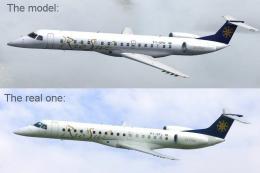 FS2004 Civil Jet Aircraft
Textures only, requires Dreamwings ERJ-145 base package. Repaint by Olivier G…
Be the first to leave a comment on this download.
Be the first to share your thoughts on this download.