

 FS2004 Civil Jet Aircraft
Boeing 737-700 BBJ (Boeing Business Jet)
This freeware release brings a refined Boeing 737-700 Business Jet (BBJ) to M…
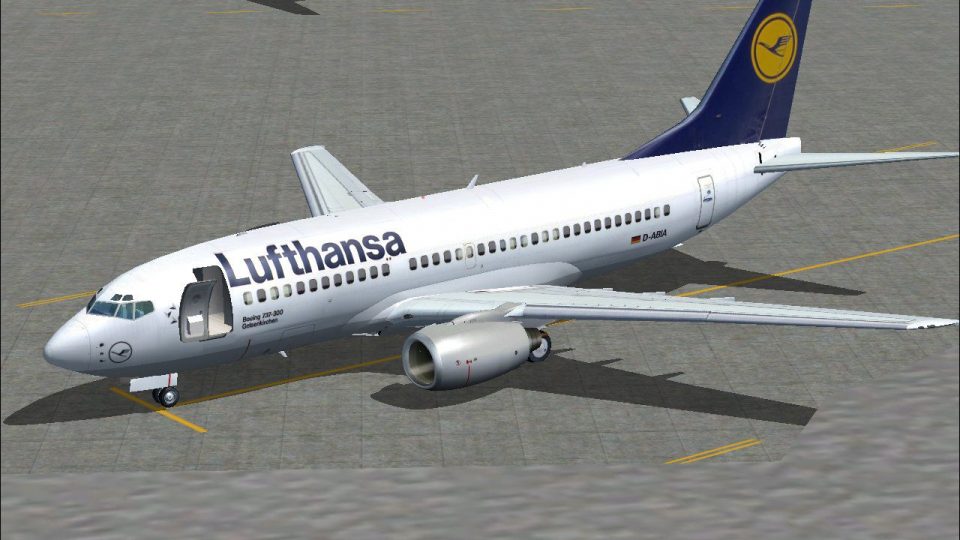
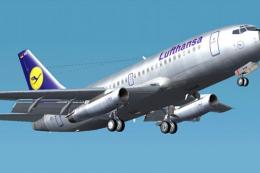
Lufthansa Boeing 737-700 repaint brings a clean, classic short- to medium-haul look to Microsoft Flight Simulator 2004, featuring accurate logos, registrations, and a no-winglets configuration with subtle shading and reflective detail for convincing metal tones. It requires the Kittyhawk freeware 737-700 base model to display these textures.
 Rate
Rate
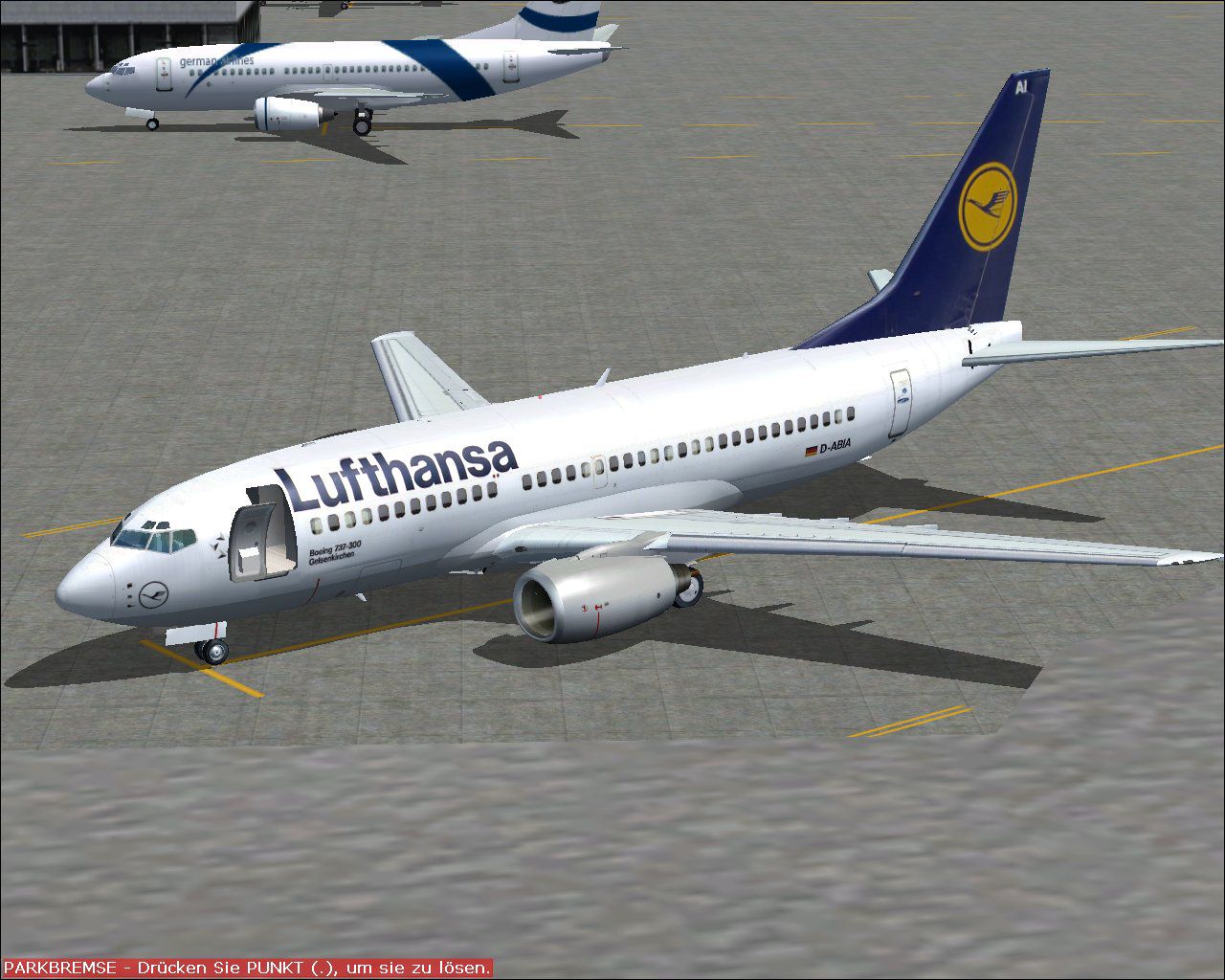
This detailed repaint depicts a classic Lufthansa Boeing 737-700 for Microsoft Flight Simulator 2004. It features carefully crafted exterior textures without winglets. The real-world 737-700 is a highly versatile twin-engine airliner used for short- to medium-haul flights across Europe and beyond. Lufthansa, as a major German carrier, has operated variants of this aircraft on numerous domestic and international routes. Model author Kittyhawk provided the original freeware base model, and this specific livery was created by Tarak Makni. You will need the base package, which can be acquired from the Fly Away Simulation repository, to utilize these textures.
Clean Fuselage Rendering: The fuselage is rendered with precision, capturing the Lufthansa brand aesthetic. Subtle shading and reflection details are included to give a realistic metallic sheen in different lighting conditions.
No Winglets Configuration: This livery focuses on the earlier 737-700 design without blended winglets, reflecting the operational look that some carriers prefer for specific route profiles.
Authentic Markings: Registration codes, logos, and Lufthansa’s distinctive tail scheme appear in the correct positions, offering a faithful representation of the airline’s paint style.
The texture mapping is highly accurate, with nuances such as window placements and standard alignment points that mirror real maintenance schematics. Smoothing groups enhance curvature around the radome and engine inlets, resulting in a refined aesthetic. Also, reflective properties are tuned to harness FS2004’s native lighting engine, bringing out minute details like rivets and panel lines when flying at various altitudes.
Screenshot displaying the Lufthansa Boeing 737-700 parked on the ramp.
The base aircraft model is designed by Kittyhawk, renowned for detailed flight simulation freeware add-ons. The ornate custom livery is the creation of Tarak Makni, who has meticulously reproduced Lufthansa’s graphics for this specific aircraft variant.
By taking advantage of this repaint, you can enjoy a highly realistic Lufthansa flying experience within FS2004. The package is entirely freeware and stands as a testament to the ongoing efforts of enthusiasts contributing to the simulated aviation community.
Free for all simmers · 2.81 MB · Scanned clean Oct 2026
Download speed: Free tier is capped at 0.5 Mbps. PRO members download at full line speed.
FS9\Aircraft\, FS9\Addon Scenery\, FS9\Gauges\, or FS9\Effects\.readme.txt or README file. It tells you exactly where files go, what dependencies are needed, and any quirks specific to this add-on.The archive lufthan2.zip has 14 files and directories contained within it.
This list displays the first 500 files in the package. If the package has more, you will need to download it to view them.
| Filename/Directory | File Date | File Size |
|---|---|---|
| 737_B_L.BMP | 08.16.04 | 1.00 MB |
| 737_B_T.bmp | 08.16.04 | 4.00 MB |
| 737INTERIOR_L.bmp | 08.16.04 | 256.07 kB |
| 737INTERIOR_T.BMP | 08.16.04 | 1.00 MB |
| 73G_FUSE_L.BMP | 08.16.04 | 4.00 MB |
| 73G_FUSE_T.bmp | 08.16.04 | 4.00 MB |
| ENGINES_L.BMP | 08.16.04 | 256.07 kB |
| ENGINES_T.bmp | 08.16.04 | 4.00 MB |
| Lufthansa.jpg | 08.16.04 | 196.75 kB |
| Thumbs.db | 08.16.04 | 18.50 kB |
| WINGS_L.BMP | 08.16.04 | 256.07 kB |
| WINGS_T.bmp | 08.16.04 | 4.00 MB |
| flyawaysimulation.txt | 10.29.13 | 959 B |
| Go to Fly Away Simulation.url | 01.22.16 | 52 B |
Only PRO members can place votes.
More FS2004 add-ons hand-picked based on this download.
FS2004 Civil Jet Aircraft
This freeware release brings a refined Boeing 737-700 Business Jet (BBJ) to M…
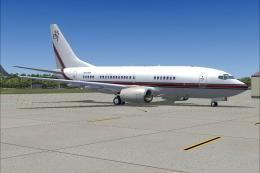 FS2004 Civil Jet Aircraft
Textures only for the Kittyhawk Productions Boeing B737-700. BBJ paint scheme…
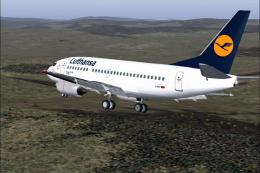 FS2004 Civil Jet Aircraft
Model by FFX. Repainted by Irhad Durakovic. Screenshot of Lufthansa Boeing 73…
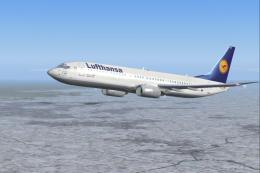 FS2004 Civil Jet Aircraft
Textures only. Model by PMDG. Livery by Ruud Joosten. Screenshot of Lufthansa…
 FS2004 Civil Jet Aircraft
A repaint of the B737-200 in the colors of Lufthansa. Model by Erick Cantu, F…
 FS2004 Civil Jet Aircraft
"Landshut", registration D-ABHM. Model by FFX. Screenshot of Lufthansa Boeing…
FS2004 Civil Jet Aircraft
A repaint of the default B737 in Star Alliance livery. By Des Braban. Install…
 FS2004 Civil Jet Aircraft
Experience an authentic rendition of a Lufthansa Boeing 737-200 (D-ABHX) deve…
Be the first to leave a comment on this download.
Be the first to share your thoughts on this download.