

 FSX General Aviation Aircraft
Aviat Pitts S-1T
Aviat Pitts S-1T. Bye bye "B", wellcome S-1T! New wings, inside and out, spor…
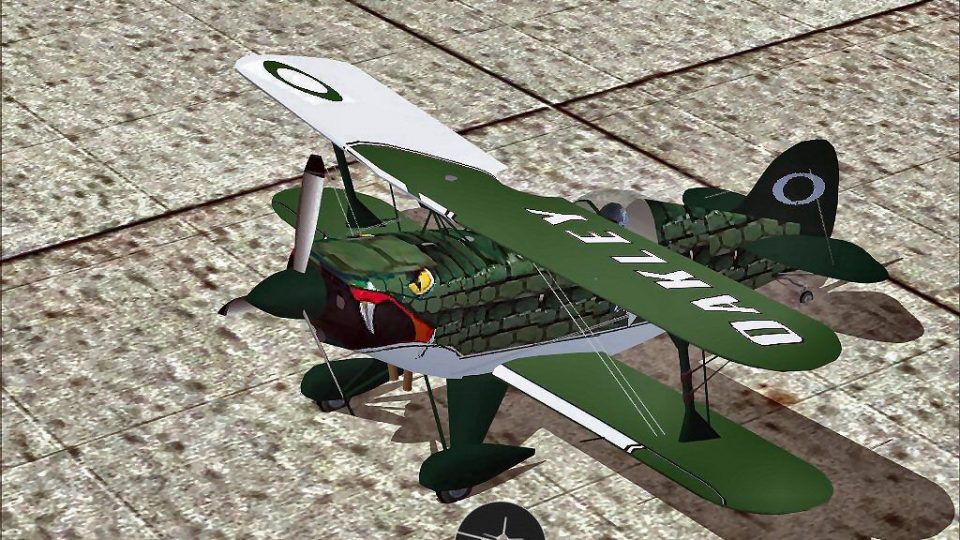
Viper Pitts S2S brings Jason Newburg’s aerobatic biplane to life with crisp repaint work, refined details, authentic audio, and a responsive flight model suited to precision routines and low-level show flying. Built for FSX, it delivers an engaging virtual cockpit experience and lively handling for practice sessions or airshow-style flights.
 Rate
Rate
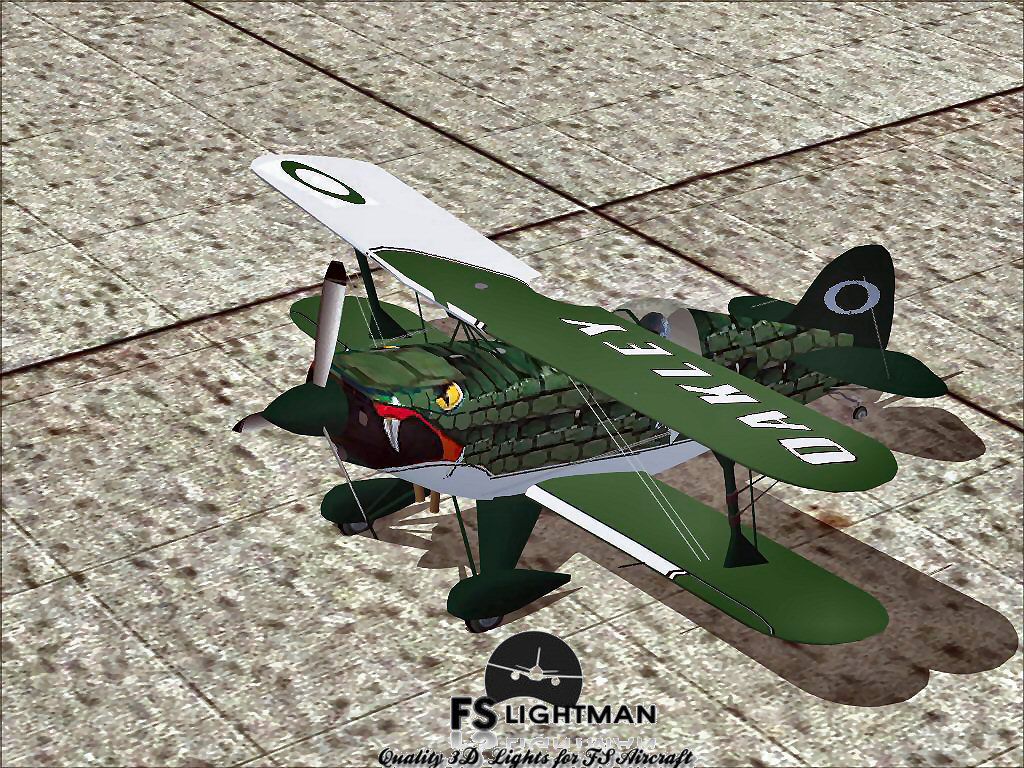
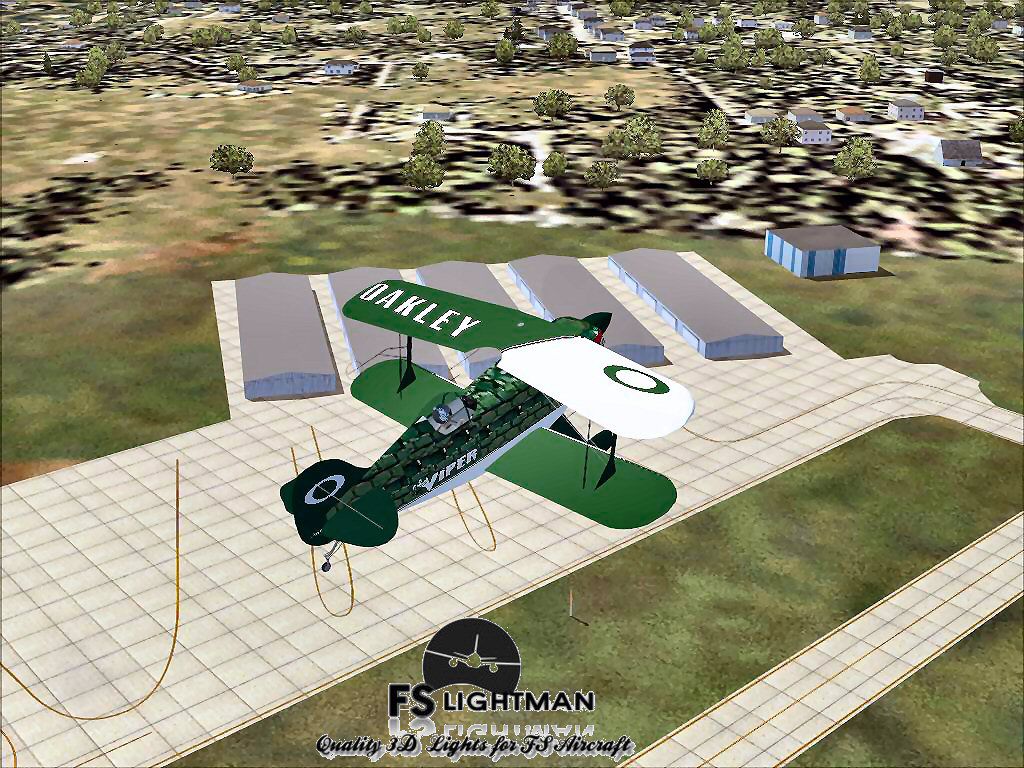
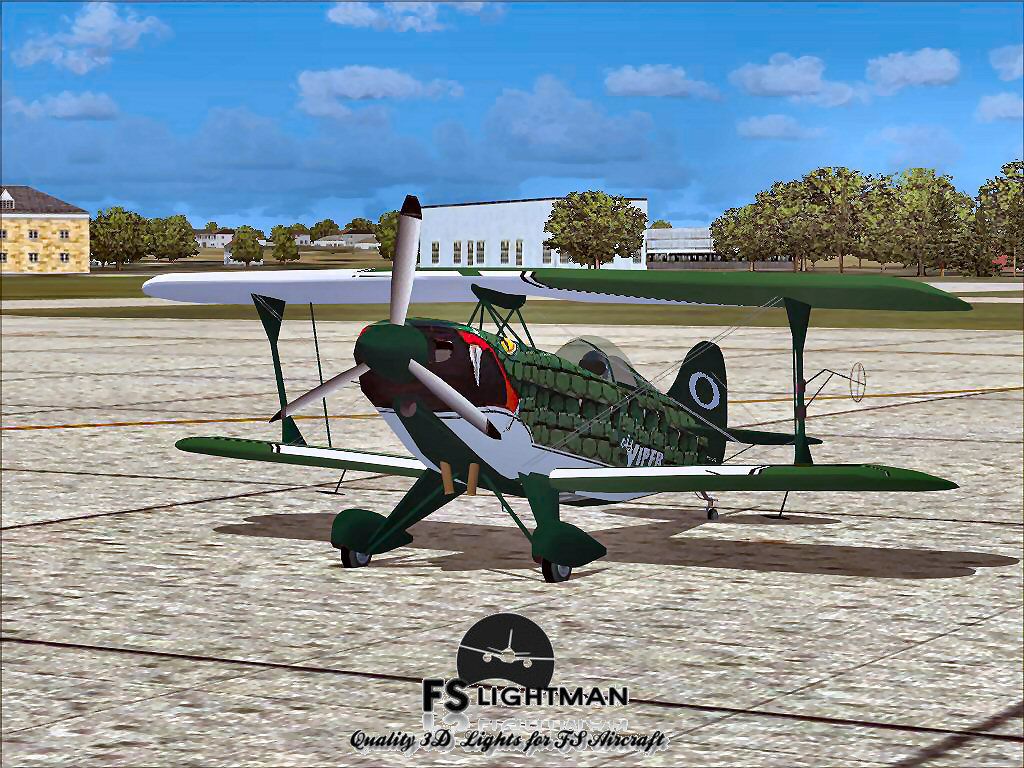
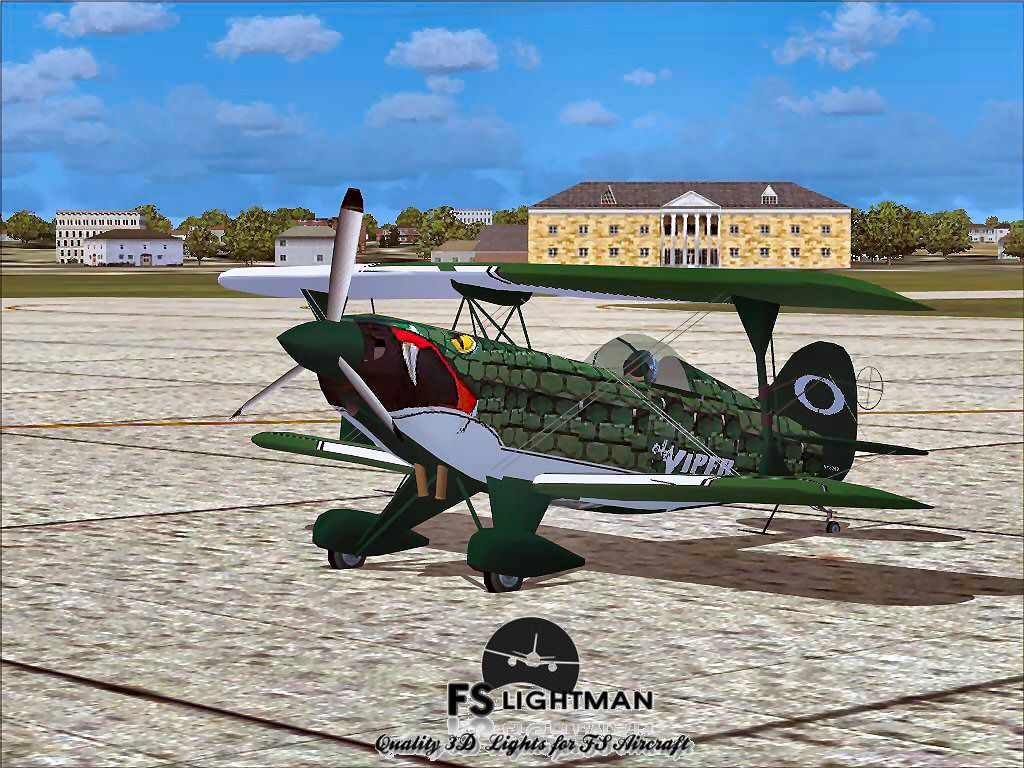
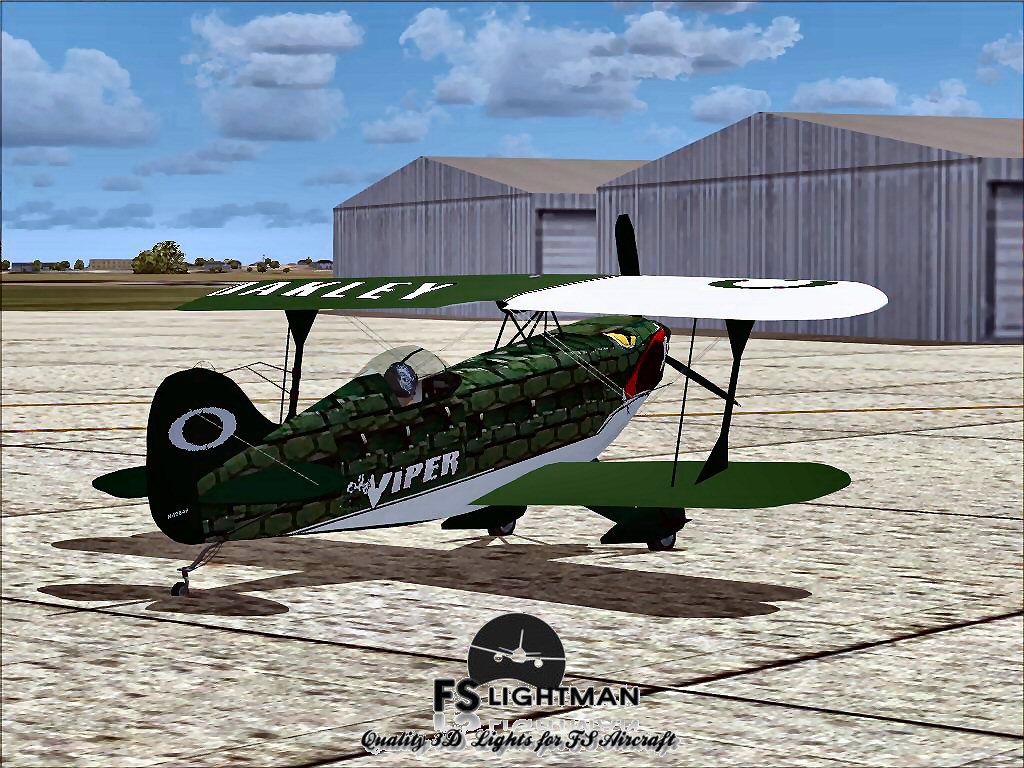

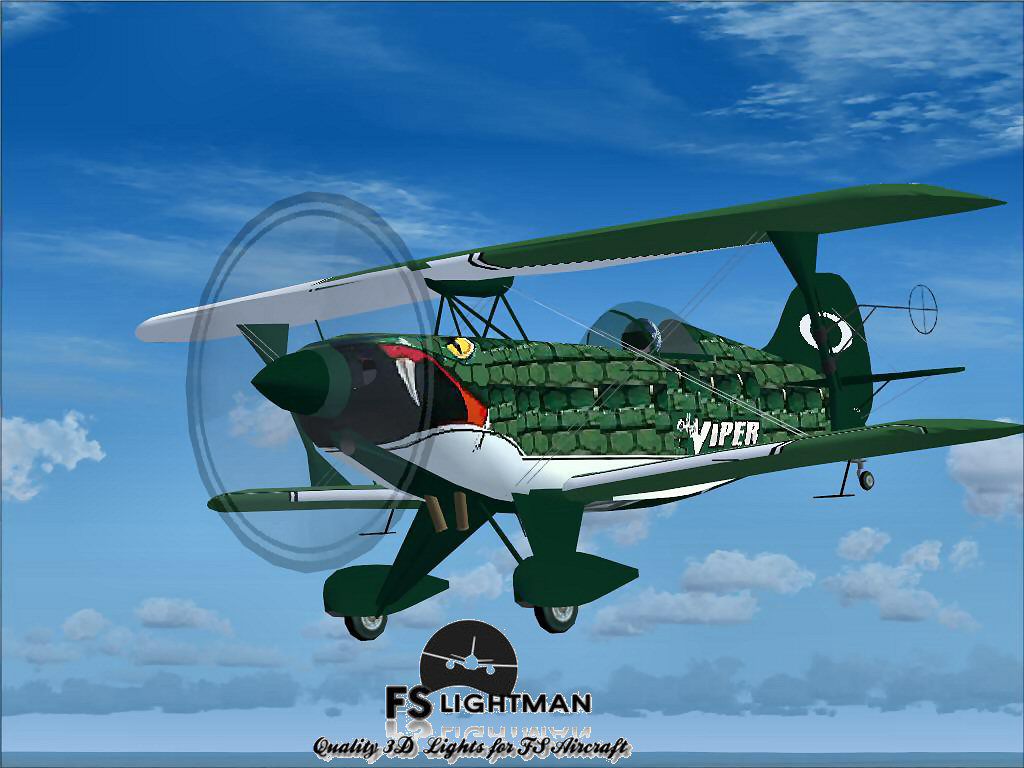
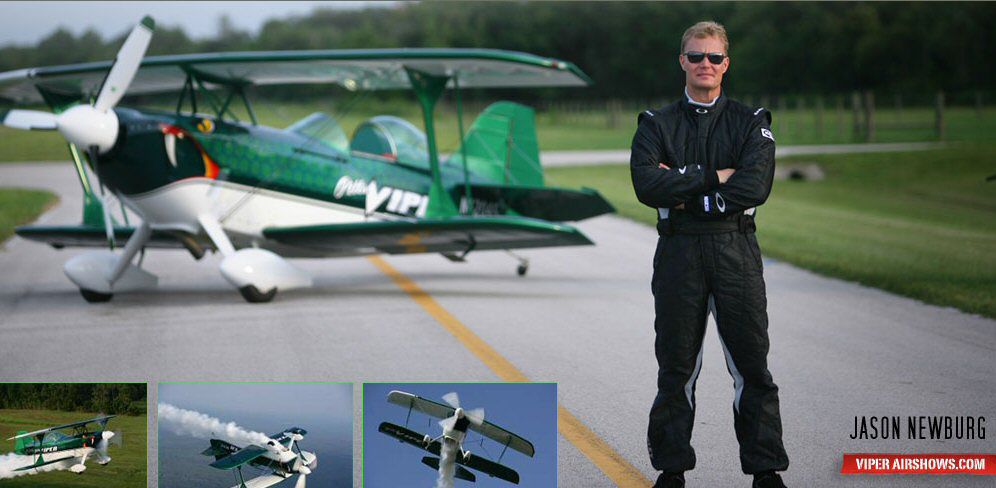
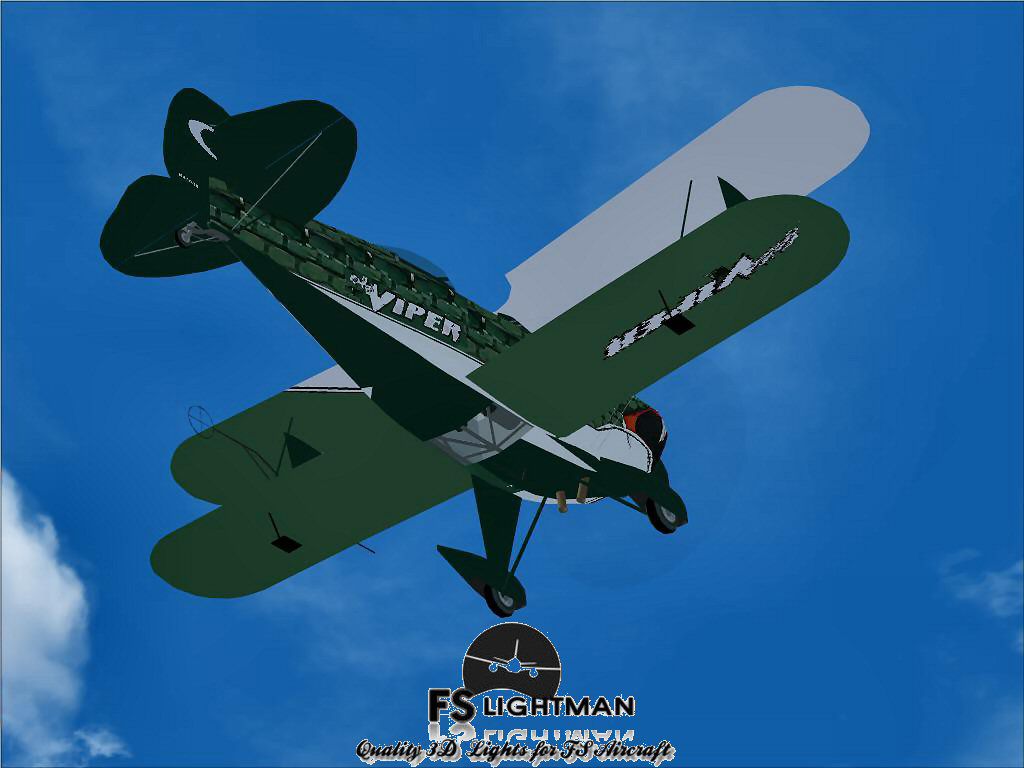
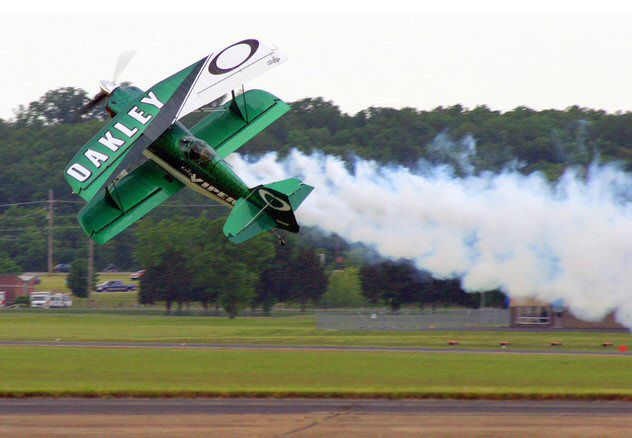
A rendition of the plane flown by Jason Newburg, world renowned aerobatic pilot. Textures and other updates by David Grindele. Plane by Mikko Maliniemi. Sounds by Aaron R. Swindle.
Screenshot of Viper Pitts S2S Aerobatic Aircraft on the ground.
This aircraft has been tested with FSX, Windows XP, Windows Vista and Windows7 32bit.. with no known issues or problems at time of release and has been scanned for viruses and malware and is virus and malware free.
As with all 3RD party addons. The FSLightman will not be held responsible for computer problems or crashes. You use this addon at your own risk.
As with any addon be SAFE and back your files up. Just in case of Computer problems or the blue screen of death.
All updates to this aircraft were provided and donated BY: Captain Dave the FSLightman.
Free for all simmers · 8.58 MB · Scanned clean Oct 2026
Download speed: Free tier is capped at 0.5 Mbps (this file takes approximately 2 mins at the cap). PRO members download at full line speed.
FSX\SimObjects\Airplanes\. The folder must contain an aircraft.cfg file. Effects go into FSX\Effects\; gauges go into FSX\Gauges\.readme.txt or README file. It tells you exactly where files go, what dependencies are needed, and any quirks specific to this add-on.The archive jnviperx.zip has 21 files and directories contained within it.
This list displays the first 500 files in the package. If the package has more, you will need to download it to view them.
| Filename/Directory | File Date | File Size |
|---|---|---|
| A2A 3D Lights & Redux Installation.txt | 10.10.10 | 728 B |
| file_id.diz | 03.28.12 | 868 B |
| Jason Newburg Flying.jpg | 03.28.12 | 49.16 kB |
| Jason Newburg.jpg | 03.28.12 | 78.79 kB |
| Jason Newburgs Pits S2S Viper 1.jpg | 03.28.12 | 205.75 kB |
| Jason Newburgs Pits S2S Viper 2.jpg | 03.28.12 | 197.65 kB |
| Jason Newburgs Pits S2S Viper 3.jpg | 03.28.12 | 268.75 kB |
| Jason Newburgs Pits S2S Viper 4.jpg | 03.28.12 | 213.20 kB |
| Jason Newburgs Pits S2S Viper 5.jpg | 03.28.12 | 228.82 kB |
| Jason Newburgs Pits S2S Viper 6.jpg | 03.28.12 | 139.63 kB |
| Jason Newburgs Pits S2S Viper 7.jpg | 03.28.12 | 75.33 kB |
| Jason Newburgs Pits S2S Viper 8.bmp | 03.28.12 | 2.25 MB |
| Jason Newburgs Pits S2S Viper 8.jpg | 03.28.12 | 108.33 kB |
| Jason Newburgs Pitts S2S Viper X.exe | 03.28.12 | 6.28 MB |
| Legal Notice.doc | 08.31.11 | 30.50 kB |
| Read Very Important.txt | 02.26.12 | 1008 B |
| Readme.txt | 03.28.12 | 782 B |
| Video Card & Monitor.txt | 02.26.12 | 284 B |
| JNVIPERX | 03.28.12 | 0 B |
| flyawaysimulation.txt | 10.29.13 | 959 B |
| Go to Fly Away Simulation.url | 01.22.16 | 52 B |
Only PRO members can place votes.
More FSX & P3D add-ons hand-picked based on this download.
FSX General Aviation Aircraft
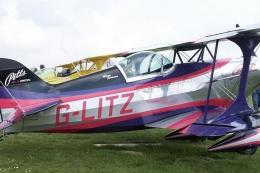
Aviat Pitts S-1T. Bye bye "B", wellcome S-1T! New wings, inside and out, spor…
 FSX General Aviation Aircraft
Textures only for the payware Addictive Simulations Pitts S1 Special aerobati…
 FSX General Aviation Aircraft
Red Bull Aerobatic Team Zlin Z-50 package. Original model by Tim Conrad.
 FSX General Aviation Aircraft
Aerobatic Sukhoi Su-31. This Russian built plane may well be the world standa…
 FSX General Aviation Aircraft
Wolf Aircraft Cyclone-Bee Gee Racer. Cyclone is a two place unlimited monopla…
 FSX General Aviation Aircraft
European Pilot Academy Aircraft. Repaints and flight plans for European Pilot…
 FSX General Aviation Aircraft
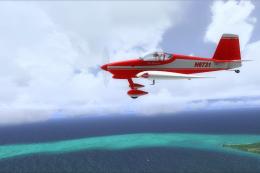
N6731 repaint for the payware BayTower Studio Vans RV7. Textures only. By Gre…
 FSX General Aviation Aircraft
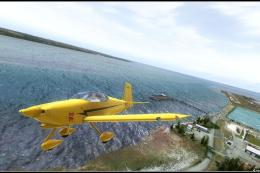
Fictional Yellow Devil repaint for the payware BayTower Studio Vans RV7. Text…
Be the first to leave a comment on this download.
Be the first to share your thoughts on this download.