

 FSX Military Aircraft
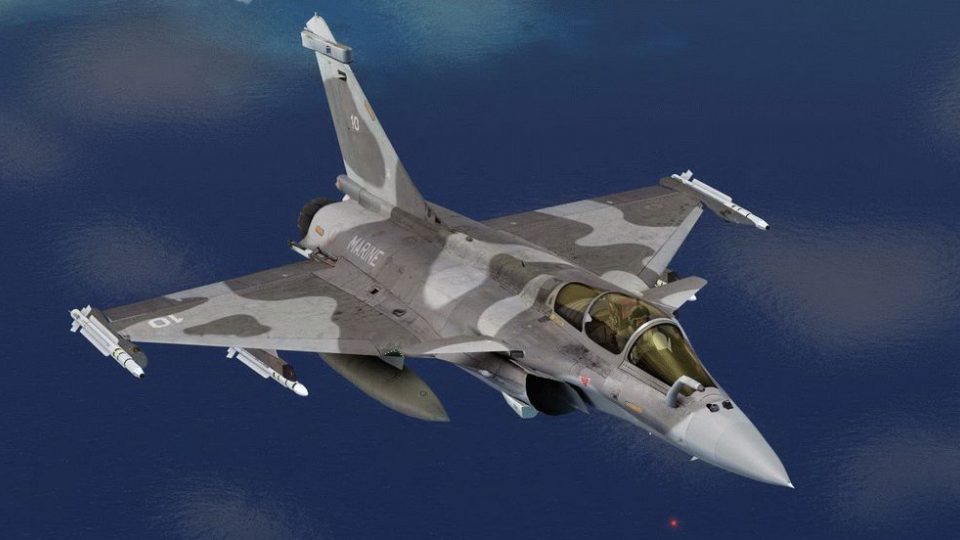
Dassault Rafale Grey Camo
Fictional grey camo texture for Thor's Hammer Rafale. Repaint by Martial Fero…
Dassault Rafale camo livery refreshes the Thors Hammer Rafale v2.2 with sharper panel lines, refined fuselage and tail textures, and authentic desert-woodland blending that flatters the delta wing and canards in flight. Designed for Microsoft Flight Simulator X, it requires the base Rafale model and delivers crisp tonal transitions for immersive close-up passes.
 Rate
Rate
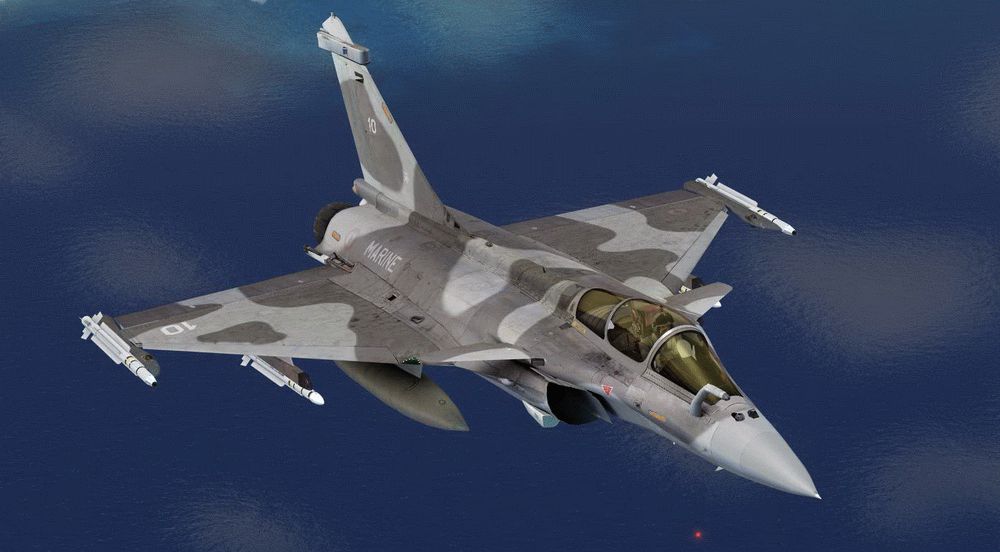
This enhanced camouflage repaint brings the Dassault Rafale to life within Microsoft Flight Simulator X, incorporating new texture details that fully integrate with the Thors Hammer Rafale’s version 2.2 release. Created by Martial Feron, this add-on highlights advanced aerodynamic contours, emphasizing the jet’s delta-wing geometry and canard design. Moreover, it reproduces the signature multi-role capabilities of the French fighter with distinct surface patterns that underscore subtle shape variations found on real-world counterparts.
The repaint features carefully adjusted layers on the fuselage, tail fin, and other exterior surfaces. It refines the color blending to capture desert and woodland environments with greater authenticity, making in-sim flight maneuvers appear even more striking. In addition, the textures showcase improved panel line work, adding a realistic element to the overall livery. Whether performing high-G maneuvers or low-speed passes, these detailed markings enhance immersion through crisp transitions between darker and lighter shades.
Screenshot showcasing the updated camouflage scheme in action.
To incorporate these textures, access the texture.camo folder included in your Rafale add-on directory. Then, copy the revised files rafale_derive_t and rafale_fuselage_t directly into that location. Ensure you confirm any overwrite prompts, so the correct camouflage graphics are applied instead of prior versions.
This download is strictly a repaint and does not include the underlying Thors Hammer Rafale model. That core file set remains available as freeware, and you can locate it in the Fly Away Simulation library if not already installed. It provides the necessary geometry and flight dynamics to enable this updated camouflage texture set. Once everything is in place, you can fully experience the Dassault Rafale’s refined form and robust capabilities in all flight phases under an appealing new look.
Free for all simmers · 1.18 MB · Scanned clean Oct 2026
Download speed: Free tier is capped at 0.5 Mbps. PRO members download at full line speed.
texture.{airline}) inside FSX\SimObjects\Airplanes\{base-aircraft}\.aircraft.cfg in Notepad. Add a new [fltsim.X] section per the readme.readme.txt or README file. It tells you exactly where files go, what dependencies are needed, and any quirks specific to this add-on.The archive rafale_camo_v2_2.zip has 8 files and directories contained within it.
This list displays the first 500 files in the package. If the package has more, you will need to download it to view them.
| Filename/Directory | File Date | File Size |
|---|---|---|
| readme.txt | 10.25.11 | 213 B |
| Screenshot - 14_10_2011 , 22_35_51.gif | 10.15.11 | 217.42 kB |
| Texture.Camo | 10.24.11 | 0 B |
| rafale_derive_t.dds | 10.24.11 | 1.00 MB |
| rafale_fuselage_t.dds | 10.24.11 | 1.00 MB |
| Rafale_Camo_V2.2 | 10.24.11 | 0 B |
| flyawaysimulation.txt | 10.29.13 | 959 B |
| Go to Fly Away Simulation.url | 01.22.16 | 52 B |
Only PRO members can place votes.
More FSX & P3D add-ons hand-picked based on this download.
FSX Military Aircraft
Fictional grey camo texture for Thor's Hammer Rafale. Repaint by Martial Fero…
 FSX Military Aircraft
FSX Dassault Rafale M, including aircraft and seven textures. Aircraft design…
 FSX Military Aircraft
French Dassault Rafale M of 12F Flotille Aeronavale, based at BAN Landivisiau…
 FSX Military Aircraft
This is an update for FSX of the Rafale M by Cyril Pioffet. Includes updated …
 FSX Military Aircraft
This is an update for FSX of the Rafale A and C aircraft by Cyril Pioffet. In…
 FSX Military Aircraft
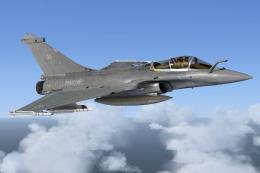
Flotille 11F, Aeronavale. Over ten years since 12F Flotille converted to the …
 FSX Military Aircraft
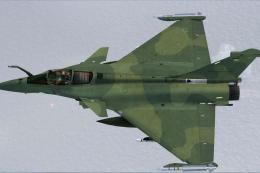
Fictional Brasil 3 texture for Thors Hammer Rafale.the folder model, panel, s…
 FSX Military Aircraft
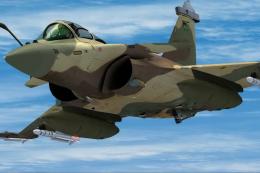
Fictional Brasil texture for Thors Hammer Rafale. Repaint by Martial Feron. S…
Be the first to leave a comment on this download.
Be the first to share your thoughts on this download.