

 FSX Military Aircraft
USAF F-15E Mudhen Driver
4th Fighter Wing Flag Ship Seymour Johnson. Model by Iris Simulation. Repaint…
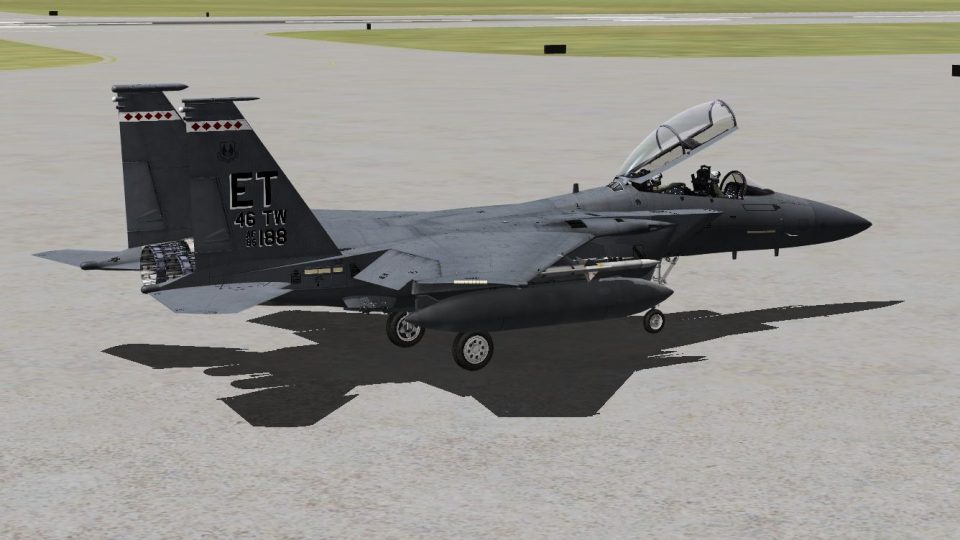
USAF F-15E Mudhen Driver repaint depicts the 40th Test Squadron, 46th Test Wing at Eglin AFB, adding authentic markings and serial styling to the IRIS Simulation model for FSX. It delivers a crisp exterior finish that fits military test operations and enhances ramp presence and formation screenshots; requires the IRIS F-15E package.
 Rate
Rate
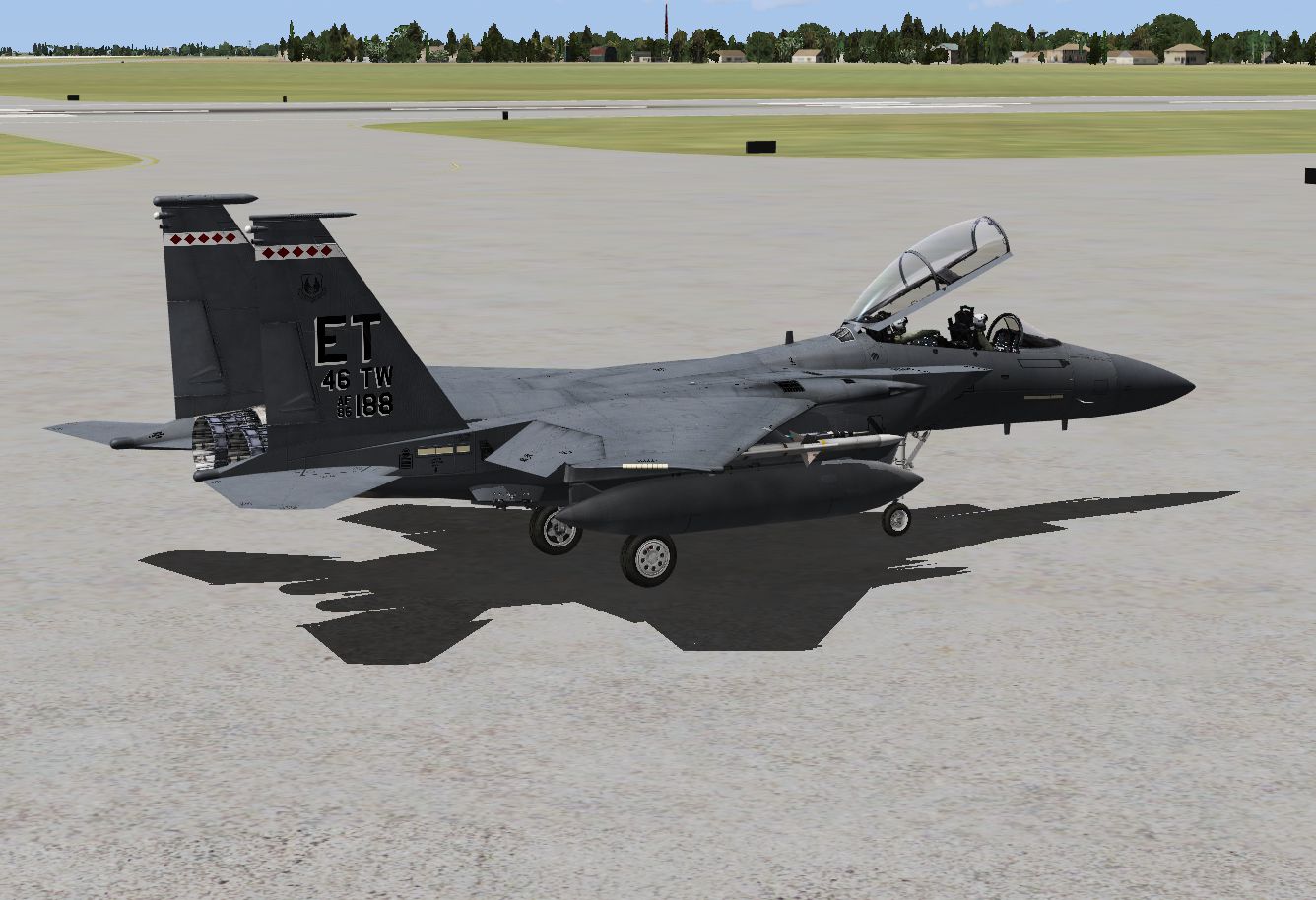

40th Test Squadron / 46th Test Wing, Eglin AFB. Model by Iris Simulation. Repaint by Herve Etienne.
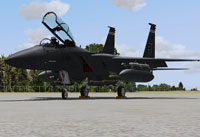
Screenshot of USAF F-15E on the ground.
None of these files will damage your computer. Please backup BEFORE you make any changes! If you don't know what you're doing then Google it!
[fltsim.xx]

title=McDonnell Douglas F-15E ET86-0188

sim=F15E_FDE

model=0

panel=

sound=

texture=ET-86-188

kb_checklists=F15_CHECK

kb_reference=F15_REF

visual_damage=1

ui_manufacturer="McDonnell Douglas"

ui_type="F-15E"

ui_variation="ET-86-188"

ui_typerole="Twin Engine Fighter Jet"

ui_createdby="IRIS Development Studios"

description="F-15E Mudhen"

atc_heavy=0

atc_id=0

atc_airline=Air Force

atc_flight_number=188

atc_parking_types=MIL_COMBAT
Free for all simmers · 15.94 MB · Scanned clean Oct 2026
Download speed: Free tier is capped at 0.5 Mbps (this file takes approximately 4 mins at the cap). PRO members download at full line speed.
texture.{airline}) inside FSX\SimObjects\Airplanes\{base-aircraft}\.aircraft.cfg in Notepad. Add a new [fltsim.X] section per the readme.readme.txt or README file. It tells you exactly where files go, what dependencies are needed, and any quirks specific to this add-on.The archive et-86-188.zip has 13 files and directories contained within it.
This list displays the first 500 files in the package. If the package has more, you will need to download it to view them.
| Filename/Directory | File Date | File Size |
|---|---|---|
| aircraft.cfg | 03.08.12 | 461 B |
| Notes.txt | 03.08.12 | 1.06 kB |
| preview1.jpg | 03.08.12 | 767.59 kB |
| preview2.jpg | 03.08.12 | 603.00 kB |
| Texture.ET-86-188 | 03.08.12 | 0 B |
| F-15E_IS_1T.dds | 02.09.12 | 8.00 MB |
| F-15E_IS_2T.dds | 02.09.12 | 8.00 MB |
| F-15E_IS_3T.dds | 02.09.12 | 8.00 MB |
| F-15E_IS_8T.dds | 02.09.12 | 2.00 MB |
| texture.cfg | 12.18.11 | 198 B |
| thumbnail.jpg | 02.14.12 | 48.77 kB |
| flyawaysimulation.txt | 10.29.13 | 959 B |
| Go to Fly Away Simulation.url | 01.22.16 | 52 B |
Only PRO members can place votes.
More FSX & P3D add-ons hand-picked based on this download.
FSX Military Aircraft
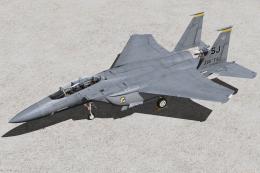
4th Fighter Wing Flag Ship Seymour Johnson. Model by Iris Simulation. Repaint…
 FSX Military Aircraft
336th Fighter Squadron Squadron "Rocketeers" / 4th Fighter Wing Seymour Johns…
 FSX Military Aircraft
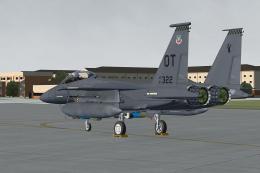
422d Test and Evaluation Squadron "Green Bats" / 53d Wing Eglin AFB FL, Model…
 FSX Military Aircraft
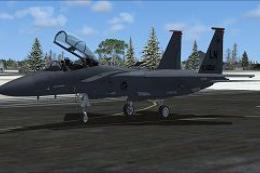
This meticulously crafted repaint enhances the IRIS F-15E Mudhen payware mode…
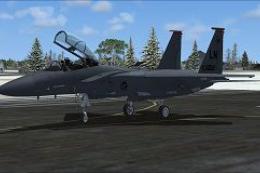 FSX Military Aircraft
This freeware repaint provides a faithful representation of the USAF F-15E La…
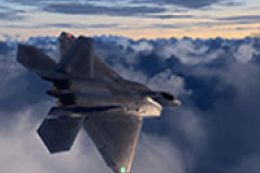 FSX Military Aircraft
Pulled from best publicly available data online, this is an attempt to create…
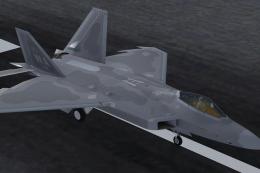 FSX Military Aircraft
This enhanced repaint offers a meticulously crafted 433rd Weapons Squadron te…
 FSX Military Aircraft
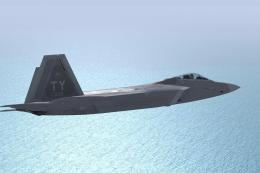
This freeware repaint is designed for the IRIS Raptor Driver payware add-on i…
Be the first to leave a comment on this download.
Be the first to share your thoughts on this download.