

 FSX Military Aircraft
Canadian Air Group CF-104 1
1980's. This is a repaint of the SimSkunkWorks F-104G to represent a CF-104 o…
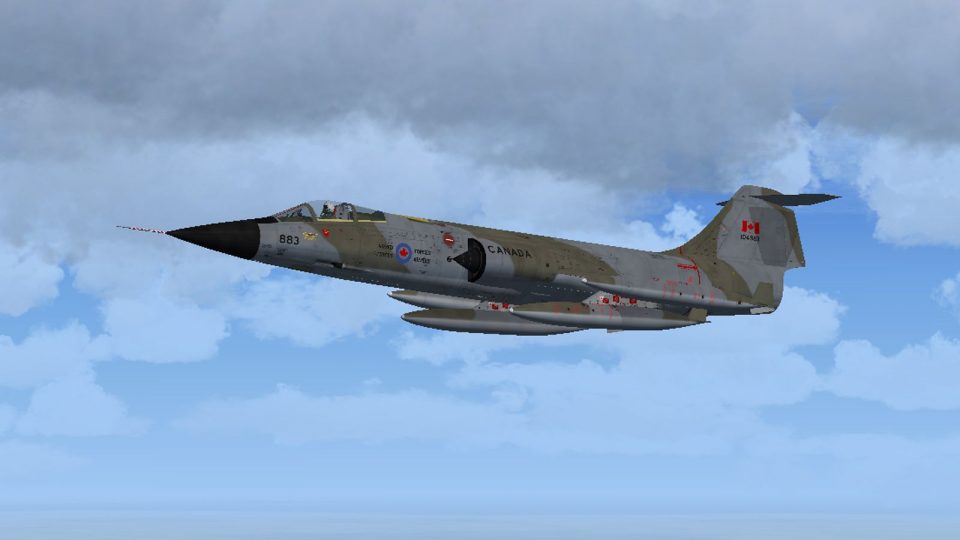
Canadian Armed Forces CF-104 104786 of No. 421 Squadron, No. 1 Canadian Air Group, appears in an early-1970s Baden-Soellingen natural-metal scheme, capturing the Starfighter’s clean, high-speed look with era-accurate markings. Designed for FSX, it requires the SimSkunkWorks F-104G base aircraft and adds an authentic Cold War RCAF lineup option.
 Rate
Rate
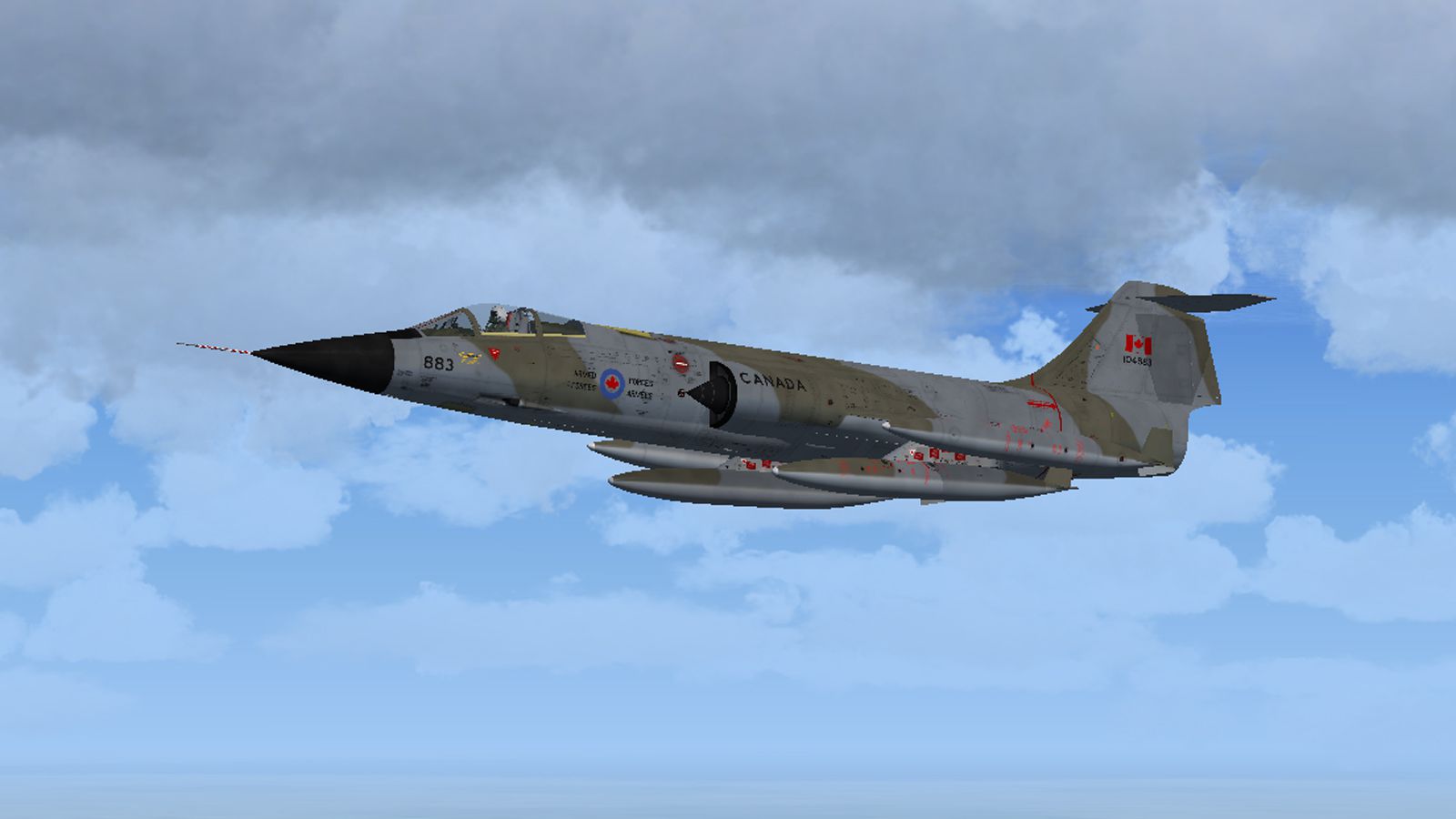
Natural metal. This is a repaint of the SimSkunkWorks F-104G to represent CF-104 104786 of No. 421 Sqdn No. 1 Canadian Air Group Canadian Armed Forces, from Baden-Soellingen, early 1970's. By Dave Quincey.
Screenshot of Canadian Air Group CF-104 in flight.
Move the 'texture.786' folder to the 'SSW-FRF-104G-TEXTURES' directory, and the '786' folder to the 'SSW-FRF-104G/texture.textures' sub-directory. Open the Aircraft.cfg file and copy and paste the following at the end of the aircraft list:
[fltsim.xx]

title=SSW F104-G CAF-786

sim=f104g_clean

model=SSW-F104G-MAP\map_reflex_m61

panel=SSW-F104G-MAP

sound=

texture=textures\786

kb_checklists=F104_check

description="Aeritalia-Lockeed F104 G Starfighter version 1\nSIM SKUNK WORKS"

kb_reference=F104_ref

ui_manufacturer=SIM SKUNK WORKS FRF-104G

ui_type=SOLO MAP FB

ui_variation=CAF 786

atc_heavy=0

atc_parking_types=MIL_COMBAT

//***********************

// do not change this line

// used by system gauge

// 012345678

atc_id=M300S0VG0

atc_flight_number=786

// do not change this line

// used by system gauge

atc_airline=SOLO

//***********************

ui_createdby="Sim Skunk Works"

visual_damage=1
Replace the xx with the next available aircraft number and save the file.
This texture set was created using the excellent paint kit by Alessandro Barbarini of SimSkunkWorks.
This repaint is freeware.
Free for all simmers · 18.77 MB · Scanned clean Oct 2026
Download speed: Free tier is capped at 0.5 Mbps (this file takes approximately 5 mins at the cap). PRO members download at full line speed.
texture.{airline}) inside FSX\SimObjects\Airplanes\{base-aircraft}\.aircraft.cfg in Notepad. Add a new [fltsim.X] section per the readme.readme.txt or README file. It tells you exactly where files go, what dependencies are needed, and any quirks specific to this add-on.The archive cf-104nm.zip has 7 files and directories contained within it.
This list displays the first 500 files in the package. If the package has more, you will need to download it to view them.
| Filename/Directory | File Date | File Size |
|---|---|---|
| CF-104 SSW1.jpg | 09.27.12 | 410.82 kB |
| Readme.txt | 09.27.12 | 2.06 kB |
| texture.786 | 09.26.12 | 0 B |
| F104G_T_01.dds | 09.25.12 | 16.00 MB |
| F104G_T_01_spec.dds | 09.17.12 | 16.00 MB |
| flyawaysimulation.txt | 10.29.13 | 959 B |
| Go to Fly Away Simulation.url | 01.22.16 | 52 B |
Only PRO members can place votes.
More FSX & P3D add-ons hand-picked based on this download.
FSX Military Aircraft
1980's. This is a repaint of the SimSkunkWorks F-104G to represent a CF-104 o…
 FSX Military Aircraft
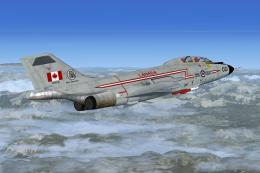
This is a repaint for the Alphasim/Virtavia CF-101B Voodoo (alphacf101bupx.zi…
 FSX Military Aircraft
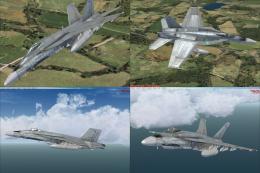
Canadian Air Force/RCAF CF-18 Squadrons low vis repaints for VRS F/A-18 Super…
 FSX Military Aircraft
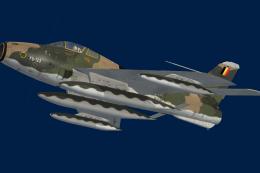
This is a repaint of the SSW Republic F84F Thunderstreak, to represent 53-676…
 FSX Military Aircraft
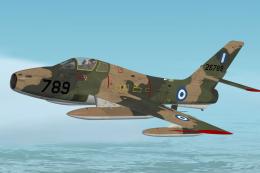
This is a repaint of the SSW Republic F84F Thunderstreak to represent F-84F-4…
 FSX Military Aircraft
This is a repaint of the excellent Milviz F-4J representing an RAF F. 3 from …
 FSX Military Aircraft
This is a repaint of the payware Milviz F-4J/S Phantom to represent F.G.1 XV5…
 FSX Military Aircraft
This file contains updates for earlier repaints of the Milviz F-4 Phantom II …
Read what other simmers think, or add your own.

It would likely show up in the list if it had this "786" file talked about in the 'readme' installation. The way this download is at the moment is useless. I'll try another CAF paint in the interim. No rating given.