


 United States of America
  FSX AFCAD Files
AFCAD File For PHNL
Honolulu International Airport, Hawaii (HI) for use with the default scenery.…
Honolulu International Airport (PHNL) gets a sharper, more operationally realistic layout with updated taxiways, parking, airline gate assignments, and support roads, plus improved control tower placement and tidier helipad positioning. Optional crosswind runway logic enables all four runways to run simultaneously for smoother AI traffic flow in Microsoft Flight Simulator X.
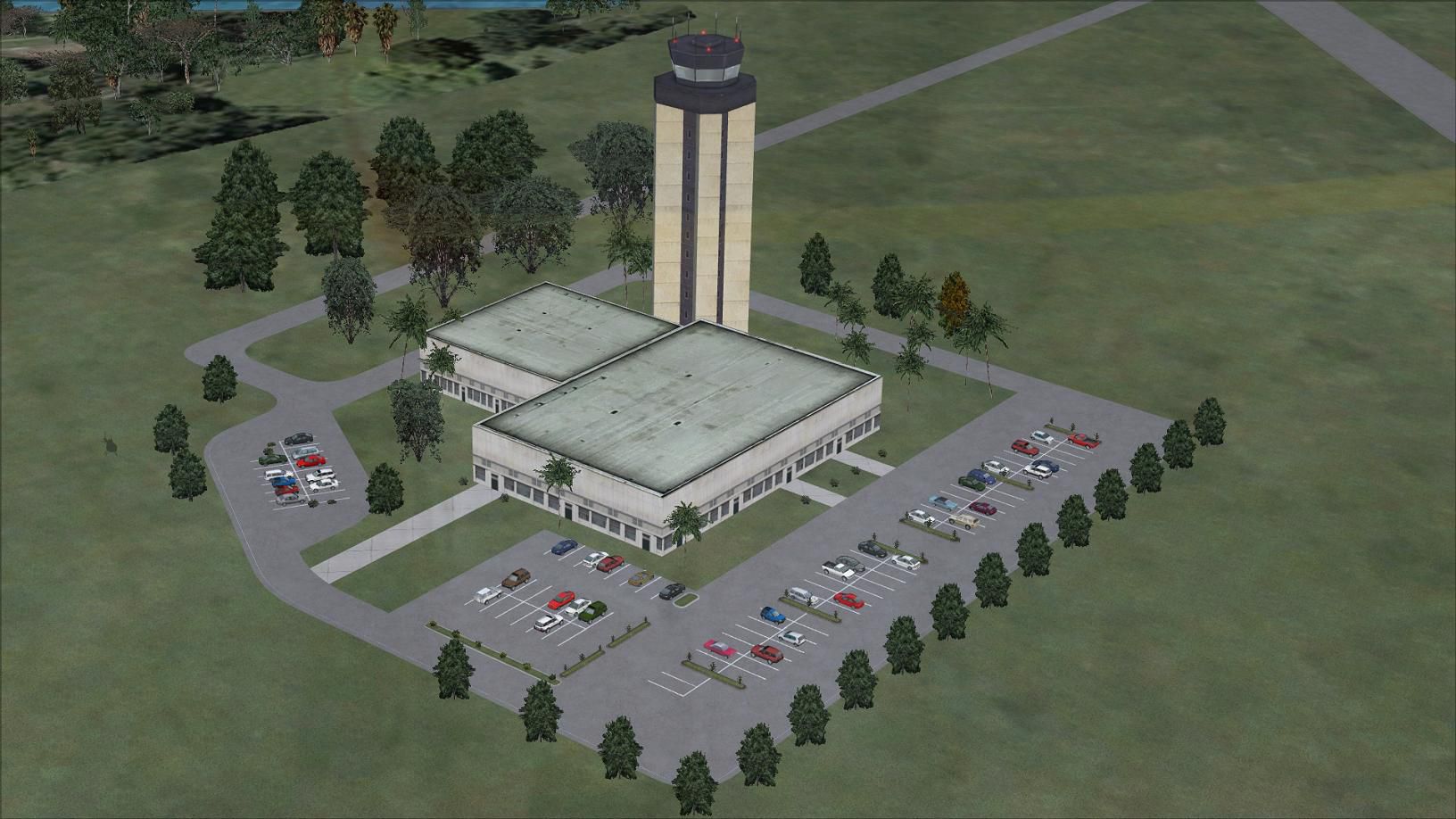
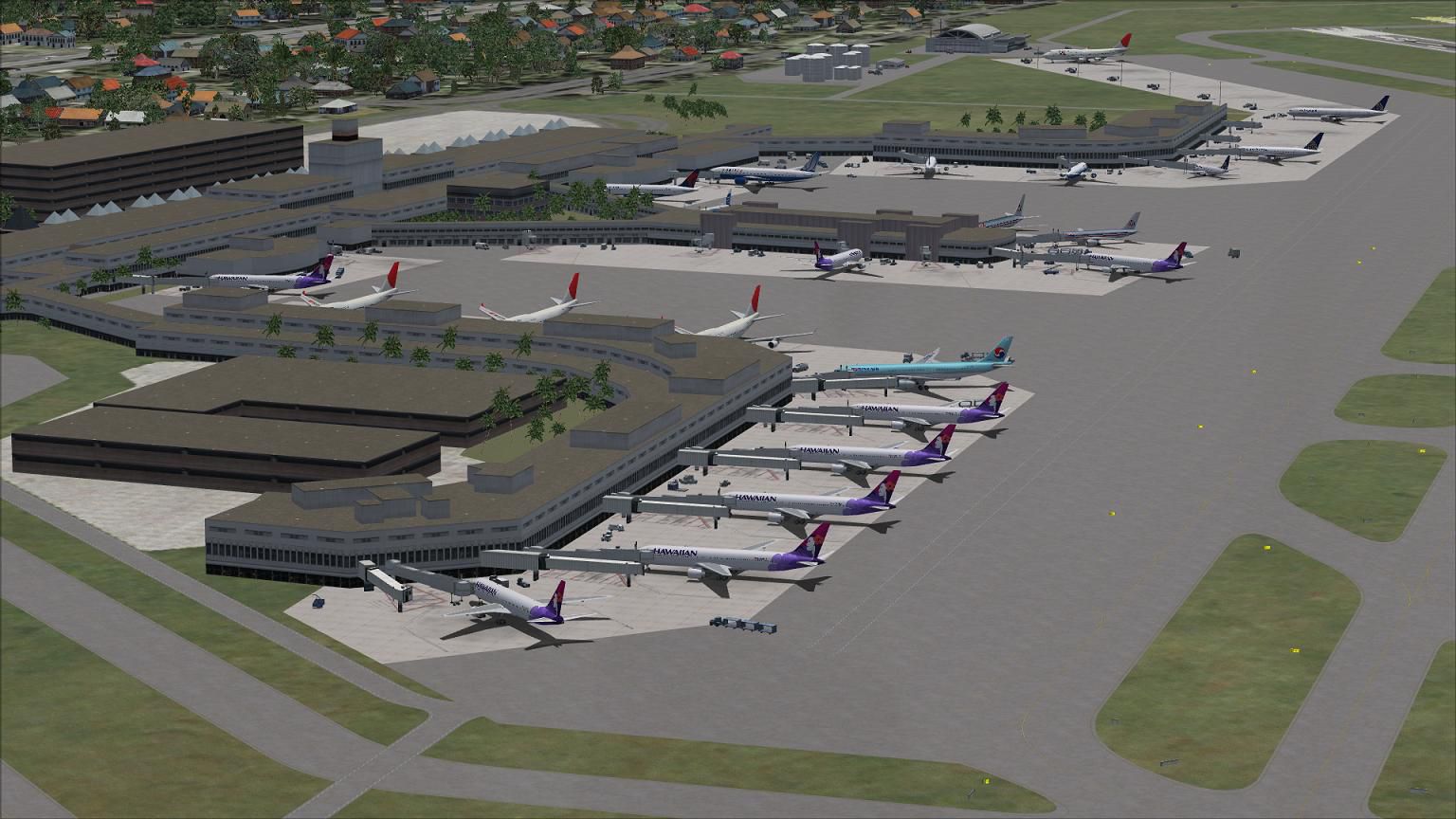
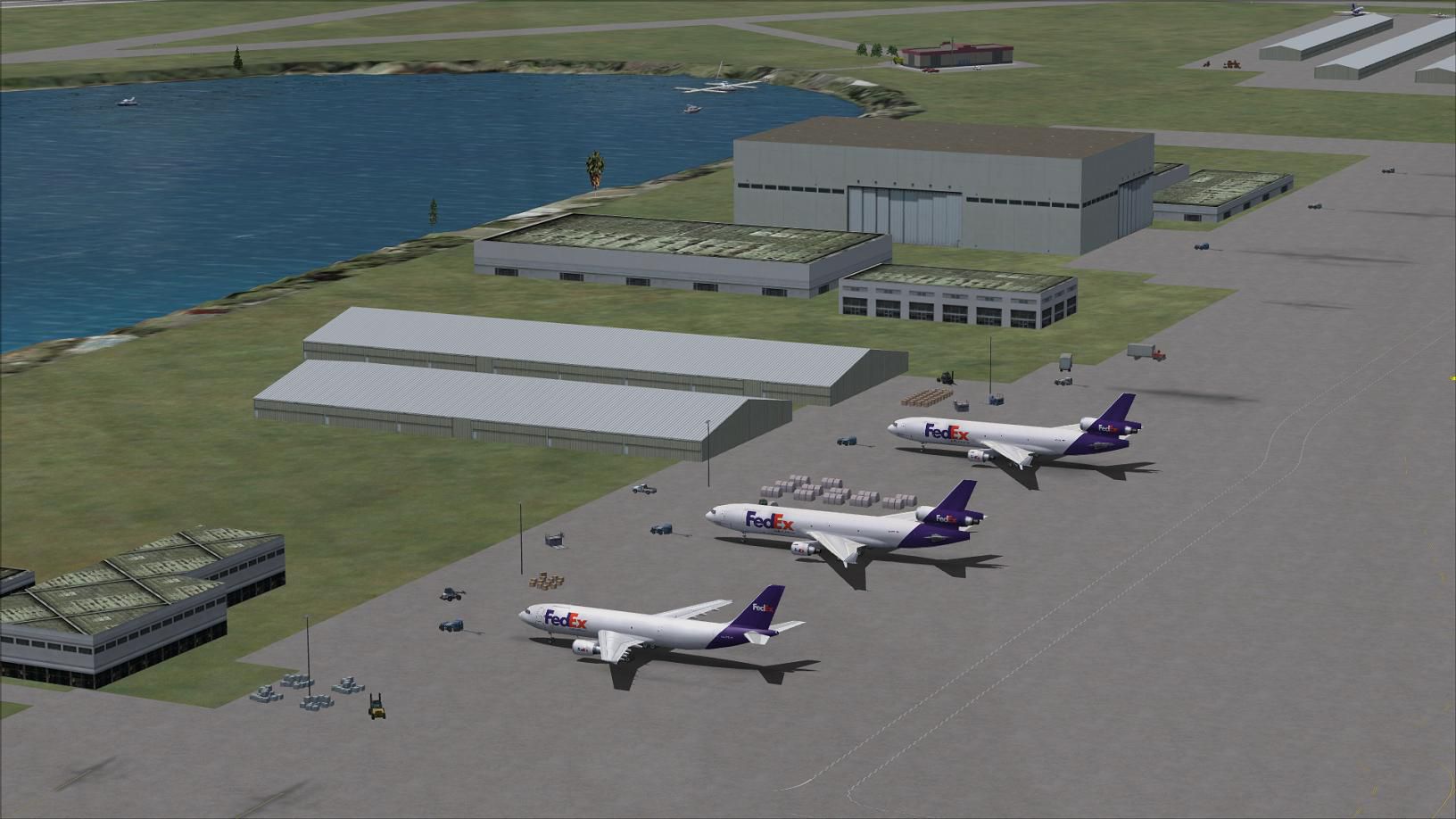
Experience a refined layout at Honolulu International Airport (PHNL) in Hawaii, USA, through this freeware AFCAD update designed by Ray Smith. This package offers custom crosswind runway usage, expanded parking, a new control tower vantage point, vital support roads, and streamlined helipad placements for a more realistic environment in Microsoft Flight Simulator X.
Honolulu International Airport (often referred to by its code PHNL) is known for servicing large passenger volumes and cargo flights across Pacific routes. This updated AFCAD focuses on maintaining traffic flow efficiency through two optional runway setups. The newly added fuel tank farm and better-populated ramp areas help replicate day-to-day airport operations more accurately. Assignments for airline gate placements have also been addressed, ensuring that carriers can park in areas that match their real-world operations.
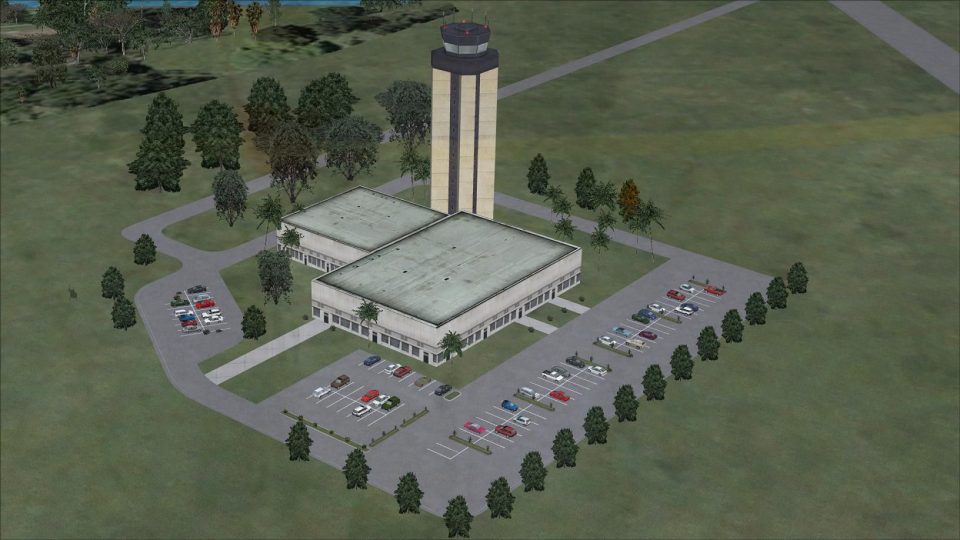
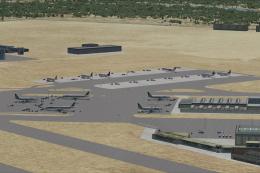
Screenshot of Honolulu International Airport, Hawaii.
The PHNL_CW_RS.BGL file implements crosswind activation, allowing every runway to handle traffic. This approach provides balanced takeoff and landing sequences under diverse weather conditions. On the other hand, the PHNL_RS.BGL file mirrors simpler default runway usage. Both configurations share identical gate and ramp assignments for convenience, but you should only activate one file at a time.
Dedicated parking spots accommodate various aircraft sizes, including commercial airliners and smaller general aviation planes. The newly integrated support vehicle roads guide ground traffic in realistic loops around the hangars, cargo ramps, and maintenance zones, minimizing runway incursions. Additionally, a designated helipad area ensures rotorcraft can land and take off with proper separation from fixed-wing operations.
Flight Simulator X/Addon Scenery/scenery folder.Flight Simulator X/Scenery/Global/scenery. This step ensures enhanced airport structures display properly....\Scenery\NAME\Texture folder to locate jfk_jetway.dds (day texture) and jfk_jetway_LM.dds (night texture). Copy both and paste them into the Scenery\Global\Texture folder. This allows you to see the extended jetways at the terminals.Use only one PHNL_RS.BGL file at a time. Multiple AFCADs targeting the same airport can disrupt parking positions and runway assignments. If you use AI traffic add-ons, ensure they are not placing an additional AFCAD layer on PHNL, as that will trigger conflicts. When tuning into ATIS with the crosswind-enabled file, you may hear details about the synthetic runways used to achieve simultaneous operations—either ignore those notations or switch back to the default PHNL_RS.BGL if you'd like to remove them.
This refined airport layout by Ray Smith highlights the dynamic environment of Honolulu International Airport, including accurate ground markings and vehicle pathways, crosswind runway functionality, and coordinated gate assignments for a more immersive setting. The result is a modernized portrayal of PHNL that aligns with real-world standards while maintaining smooth performance within the simulator.
Free for all simmers · 605.55 KB · Scanned clean Oct 2026
Download speed: Free tier is capped at 0.5 Mbps. PRO members download at full line speed.
AF2_*.bgl or AFX_*.bgl) go into FSX\Addon Scenery\Scenery\ or a dedicated AFCAD folder you create.readme.txt or README file. It tells you exactly where files go, what dependencies are needed, and any quirks specific to this add-on.Use these coordinates to fly directly to this location once the mod is installed.
21.31870000,-157.92250000
Launch FSX or Prepar3D and use Flights → Load to open the downloaded .pln file. Your aircraft will be positioned at this location.
The archive phnl_rs_fsx.zip has 10 files and directories contained within it.
This list displays the first 500 files in the package. If the package has more, you will need to download it to view them.
| Filename/Directory | File Date | File Size |
|---|---|---|
| PHNL.jpg | 10.04.12 | 172.89 kB |
| PHNL1.jpg | 10.04.12 | 186.84 kB |
| PHNL2.jpg | 10.04.12 | 150.78 kB |
| PHNL_CW_RS.BGL | 10.04.12 | 83.97 kB |
| PHNL_OBJ.BGL | 10.04.12 | 147.34 kB |
| PHNL_RS.BGL | 10.04.12 | 83.77 kB |
| ReadMe.txt | 10.01.12 | 3.83 kB |
| FSX_phnl_rs | 10.04.12 | 0 B |
| flyawaysimulation.txt | 10.29.13 | 959 B |
| Go to Fly Away Simulation.url | 01.22.16 | 52 B |
Only PRO members can place votes.
More FSX & P3D add-ons hand-picked based on this download.
FSX AFCAD Files
Honolulu International Airport, Hawaii (HI) for use with the default scenery.…
 FSX AFCAD Files
Los Angeles International Airport (LAX), California (CA), USA. This airport u…
 FSX AFCAD Files
Enhance Kastrup Airport (EKCH) in Copenhagen, Denmark with this freeware upgr…
 FSX AFCAD Files
This enhanced update for Schiphol (EHAM) in Amsterdam focuses on reconstructi…
 FSX AFCAD Files
This update refines and expands the default rendition of El Prat Internationa…
 FSX AFCAD Files
Experience a refined rendition of Madrid’s Barajas International Airport in S…
 FSX AFCAD Files
This freeware update completely restructures and refines LIRF (Fiumicino Inte…
 FSX AFCAD Files
Experience a refined layout while flying into Vantaa International Airport (E…
Read what other simmers think, or add your own.

Hello, I have some issues, I am using FSX Steam, but some buildings don't appear, only the gates. and some other add-ons the buildings appear at an exact angle. But on this add-on, it never appears.