


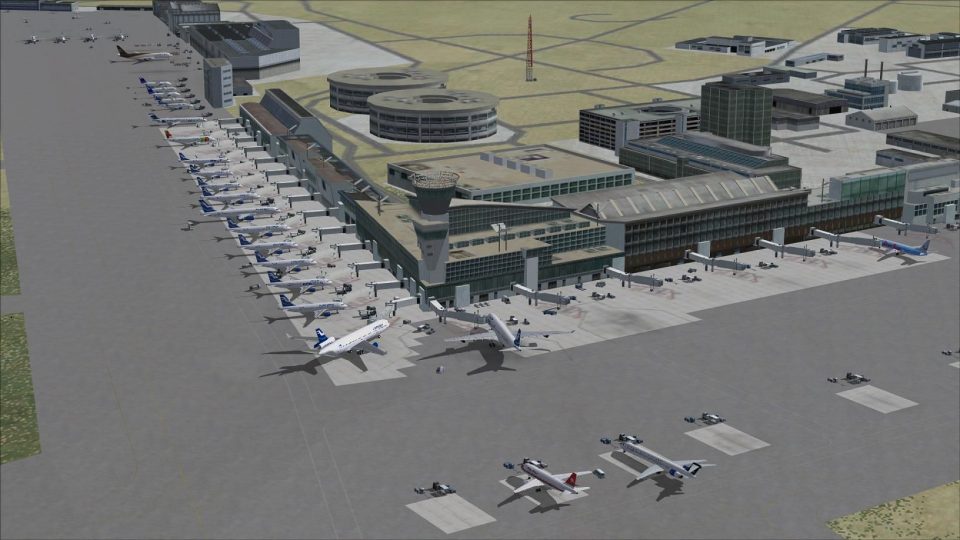
 Finland
  FSX AFCAD Files
AFCAD File For EFHK
Experience a refined and carefully crafted depiction of EFHK, commonly referr…
Helsinki Vantaa (EFHK) gets a more chart-accurate AFCAD with revised taxiways, signage, and ground markings, plus additional parking, improved service vehicle routes, and a rooftop-style tower viewpoint. Choose standard runway behavior or an optional crosswind configuration that enables triple-runway arrivals and departures in Microsoft Flight Simulator X.

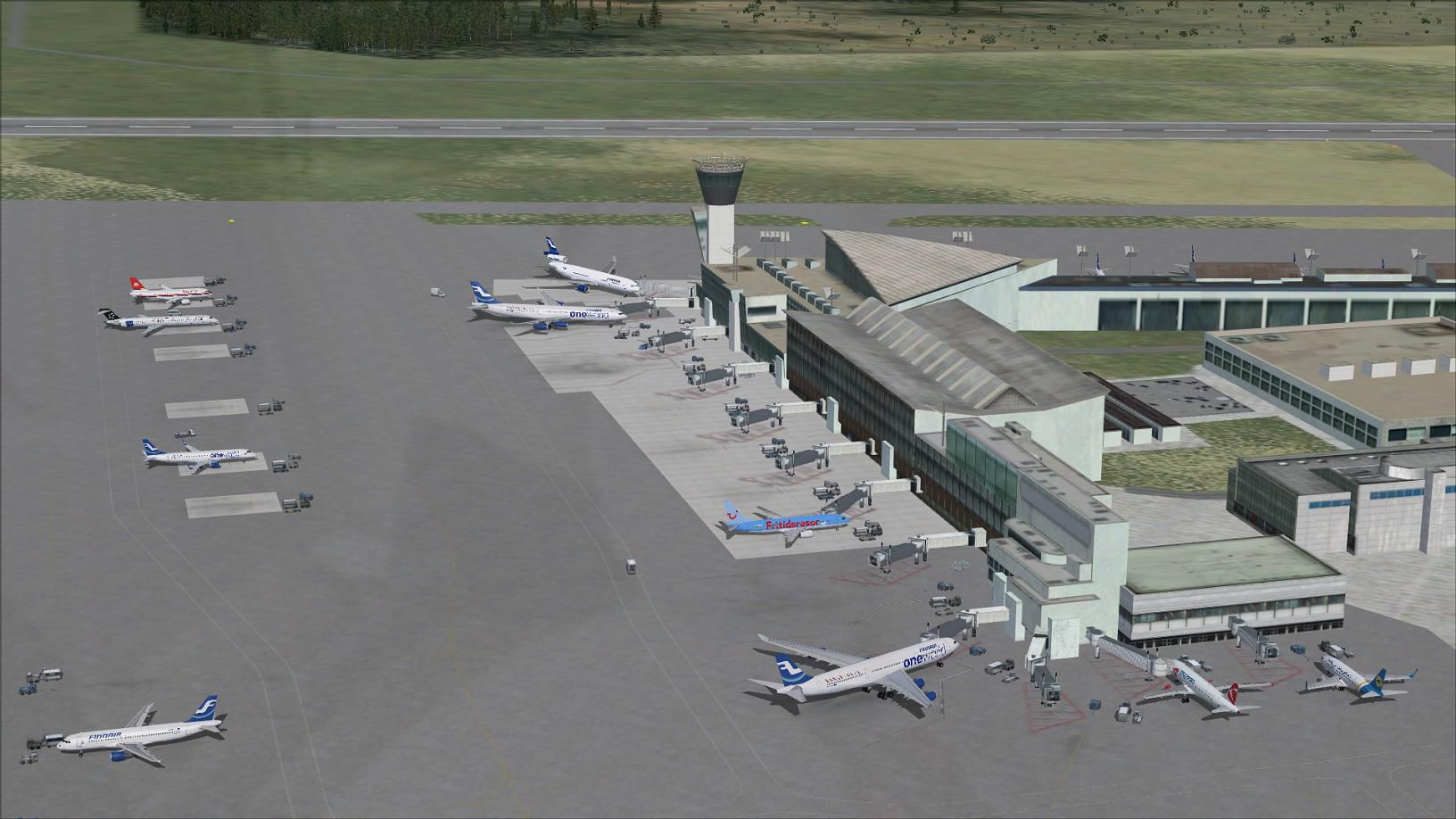
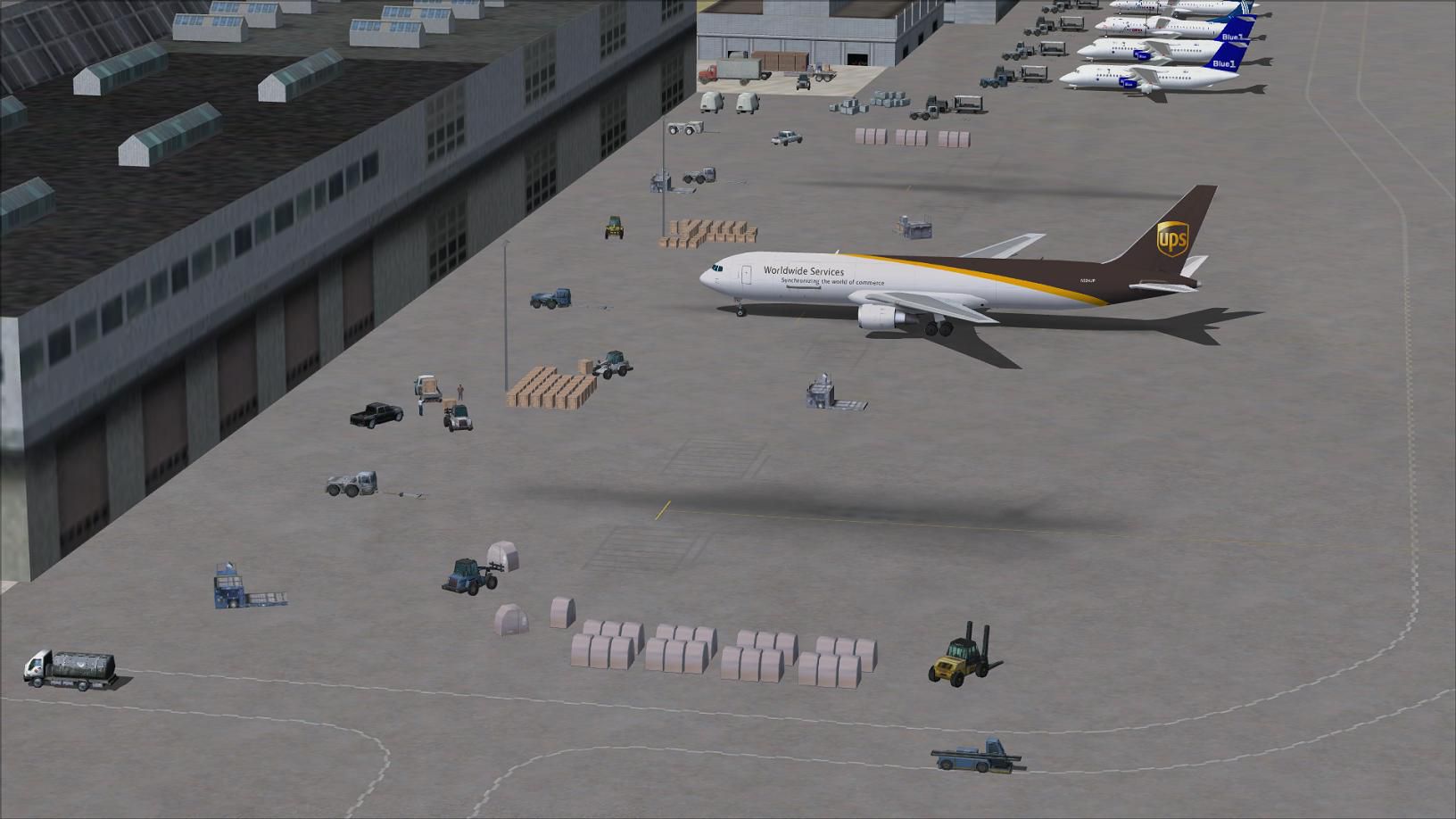
Experience a refined layout while flying into Vantaa International Airport (EFHK) in Helsinki, Finland. This update, crafted by Ray Smith, brings expanded runway options and meticulously accurate ground markings for Microsoft Flight Simulator X. You will discover optional crosswind runway activation, numerous parking additions, and updated support vehicle paths designed to align with the latest aerodrome charts. The vantage point from the virtual control tower now provides an immersive rooftop perspective, enhancing your situational awareness when active in tower view.
The revamped files accurately reflect Vantaa Airport’s real-world layout, including recent changes in taxiways and signage. Two distinct BGL files manage the runway usage pattern:
Regardless of which operational file you select, all gate assignments remain consistent. Both files enhance real-world accuracy with ample parking positions for a range of aircraft sizes.
This package contains a total of four BGL files, each with a dedicated function:
To view added jetway extensions, copy jfk_jetway.dds (day) and jfk_jetway_LM.dds (night) from the FSX/Scenery/NAME/Texture folder into FSX/Scenery/Global/Texture. If you have completed this step for another airport by Ray Smith, you can skip it.
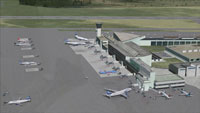
Screenshot of Vantaa International Airport, Helsinki.
Only one runway file (EFHK_RS.BGL or EFHK_CW_RS.BGL) must remain active within Addon Scenery/scenery at any time. Having multiple AFCADs for the same airport can lead to conflicts. Also, keep in mind the crosswind setup triggers additional runway entries in ATIS communication, which can be disregarded if you prefer the expanded parallel operation benefits.
To restore the default airport, remove the installed BGL files from the relevant folders. Once these files are deleted, Microsoft Flight Simulator X will revert to its original depiction of Helsinki's Vantaa International Airport.
This modification, authored by Ray Smith, is offered as freeware to enhance your simulator experience. The airport itself, also known as Helsinki-Vantaa, is situated close to the city center and is the principal international gateway in Finland, handling significant passenger traffic and diverse airline operations. This updated AFCAD aims to replicate the real-world complexity of EFHK, providing a more engaging and authentic virtual flight environment.
Free for all simmers · 544.01 KB · Scanned clean Oct 2026
Download speed: Free tier is capped at 0.5 Mbps. PRO members download at full line speed.
AF2_*.bgl or AFX_*.bgl) go into FSX\Addon Scenery\Scenery\ or a dedicated AFCAD folder you create.readme.txt or README file. It tells you exactly where files go, what dependencies are needed, and any quirks specific to this add-on.Use these coordinates to fly directly to this location once the mod is installed.
60.31720000,24.96330000
Launch FSX or Prepar3D and use Flights → Load to open the downloaded .pln file. Your aircraft will be positioned at this location.
The archive efhk_rs_fsx.zip has 11 files and directories contained within it.
This list displays the first 500 files in the package. If the package has more, you will need to download it to view them.
| Filename/Directory | File Date | File Size |
|---|---|---|
| EFHK.jpg | 11.08.12 | 176.36 kB |
| EFHK1.jpg | 11.08.12 | 167.34 kB |
| EFHK2.jpg | 11.08.12 | 130.25 kB |
| EFHK_CVX.bgl | 11.09.12 | 322 B |
| EFHK_CW_RS.BGL | 11.09.12 | 82.46 kB |
| EFHK_OBJ.BGL | 11.09.12 | 49.90 kB |
| EFHK_RS.BGL | 11.09.12 | 82.00 kB |
| ReadMe.txt | 11.09.12 | 4.01 kB |
| FSX_efhk_rs | 11.09.12 | 0 B |
| flyawaysimulation.txt | 10.29.13 | 959 B |
| Go to Fly Away Simulation.url | 01.22.16 | 52 B |
Only PRO members can place votes.
More FSX & P3D add-ons hand-picked based on this download.
FSX AFCAD Files
Experience a refined and carefully crafted depiction of EFHK, commonly referr…
 FSX AFCAD Files
Los Angeles International Airport (LAX), California (CA), USA. This airport u…
 FSX AFCAD Files
Enhance Kastrup Airport (EKCH) in Copenhagen, Denmark with this freeware upgr…
 FSX AFCAD Files
This enhanced update for Schiphol (EHAM) in Amsterdam focuses on reconstructi…
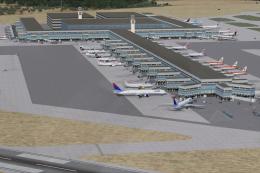 FSX AFCAD Files
This update refines and expands the default rendition of El Prat Internationa…
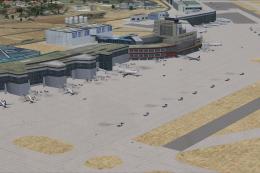 FSX AFCAD Files
Experience a refined rendition of Madrid’s Barajas International Airport in S…
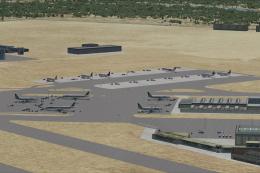 FSX AFCAD Files
This freeware update completely restructures and refines LIRF (Fiumicino Inte…
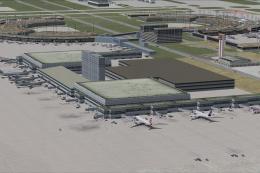 FSX AFCAD Files
Dallas/Fort Worth International Airport, Texas (TX), USA. This airport update…
Be the first to leave a comment on this download.
Be the first to share your thoughts on this download.