

 FSX Historic & Vintage Aircraft
Ryan ST-M (Floats) "Italy"
Experience a meticulously crafted float-livery adaptation for the Ryan ST-M f…
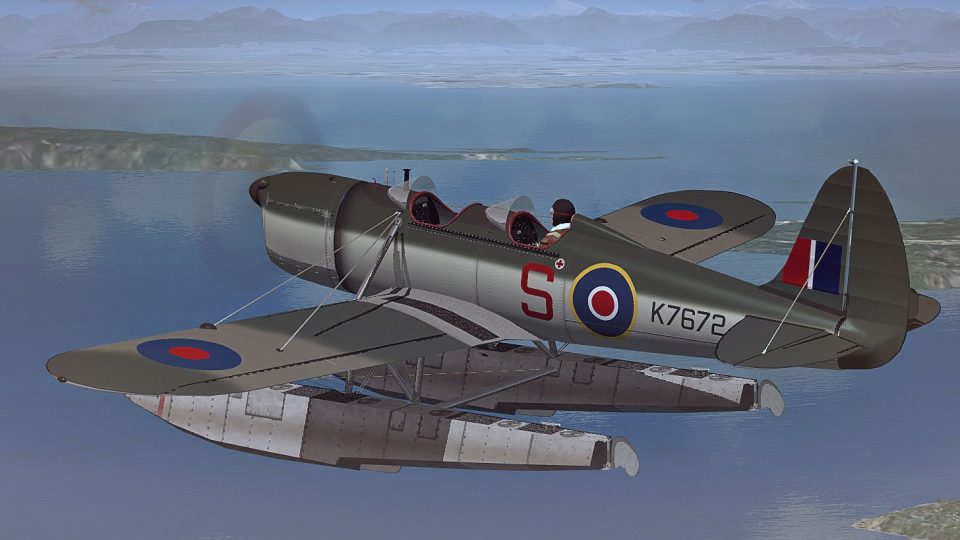
Ryan ST-M on floats gains a polished Royal Air Force repaint that evokes late-1930s military trainers, with crisp markings, subtle weathering, and period-minded detailing across fuselage and float rigging. Built for Microsoft Flight Simulator X, it requires the Golden Age Simulations Ryan ST-M (Floats) payware model and keeps the aircraft’s classic lines intact.
 Rate
Rate
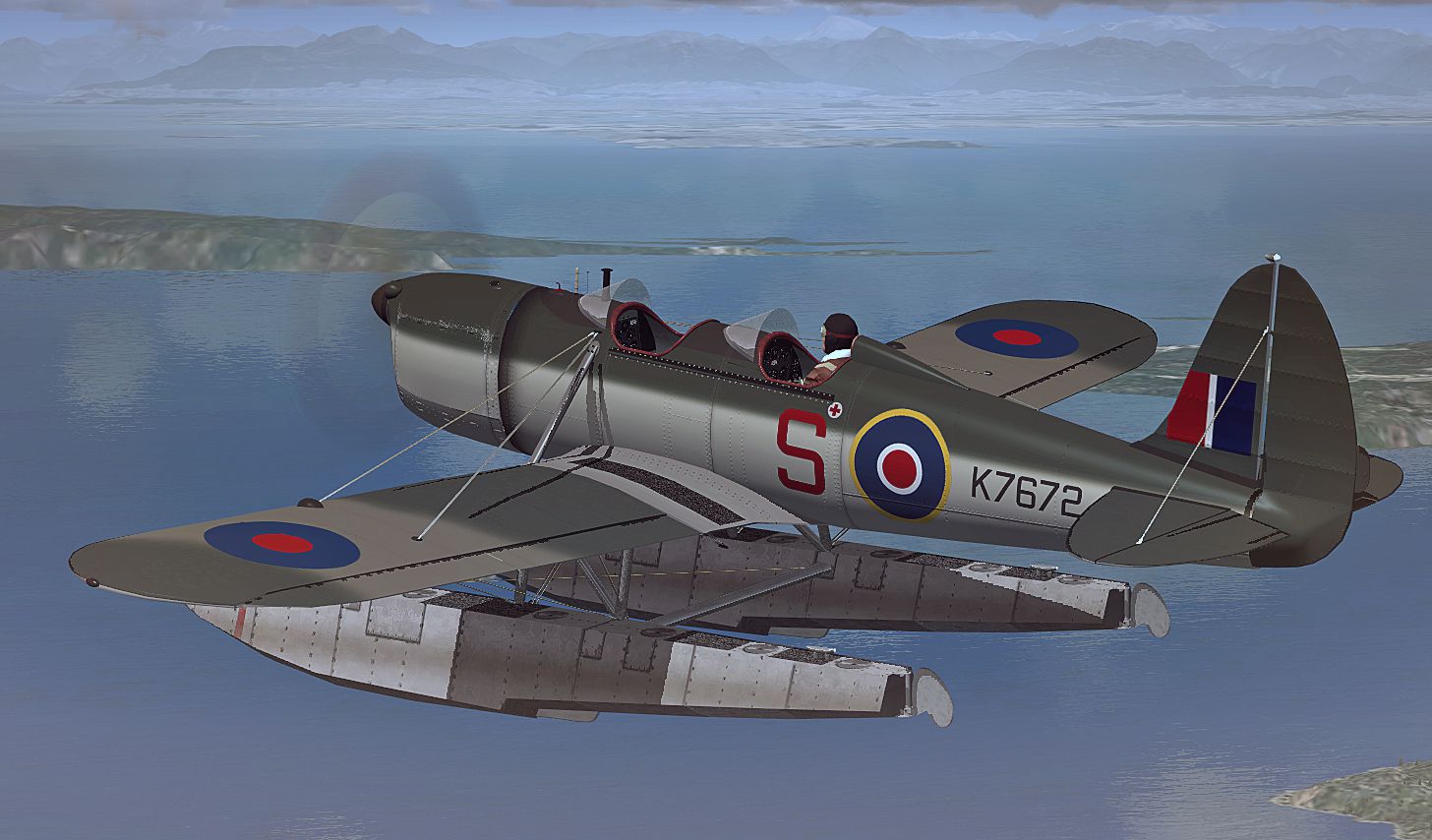
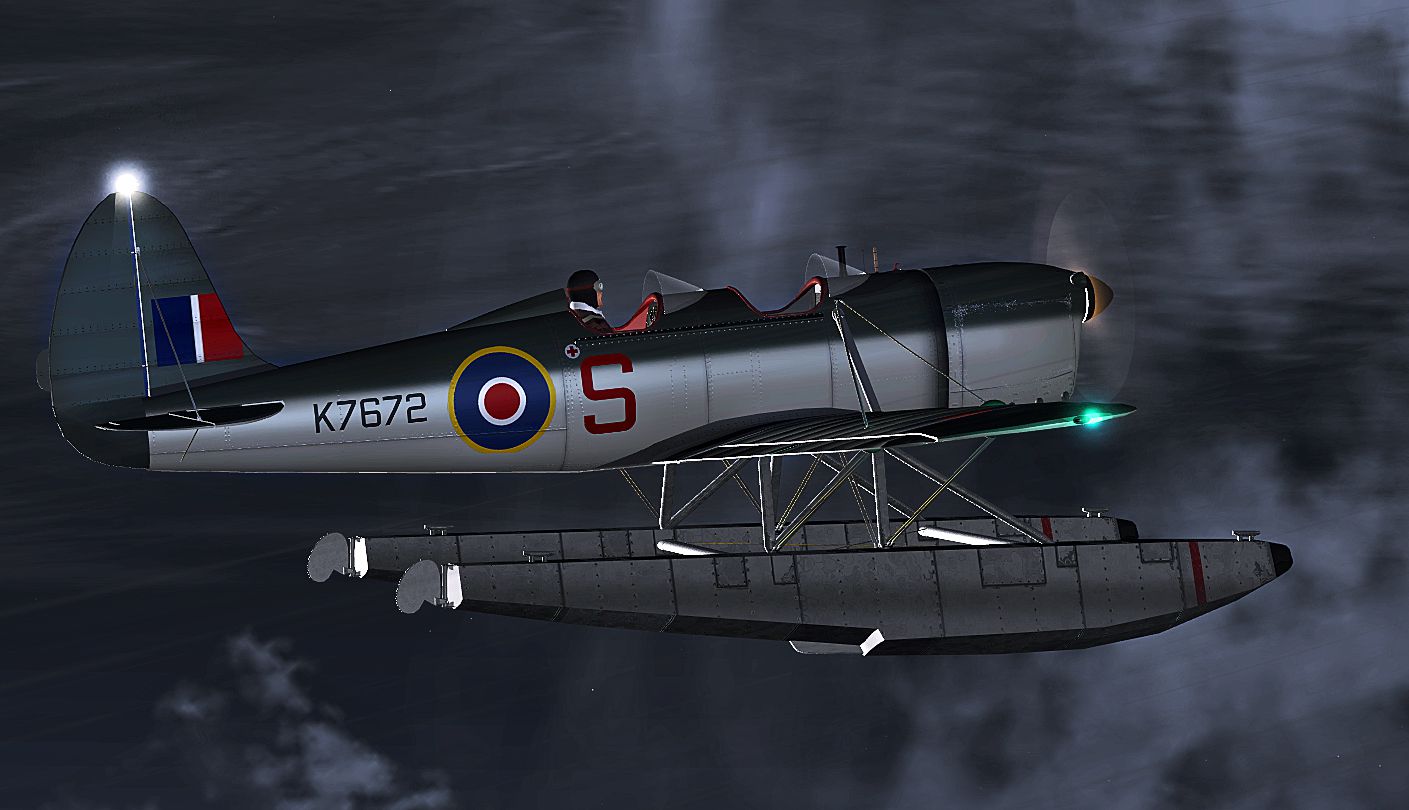
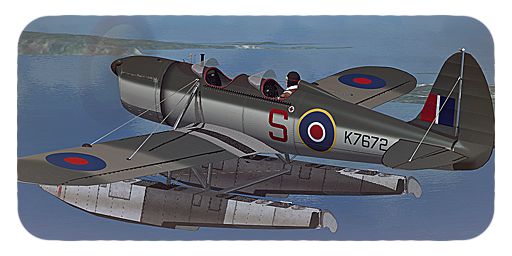
Immerse yourself in a vintage aviation experience by adding this float-capable Ryan ST-M repaint in Royal Air Force markings to your simulator. This particular update, prepared by B. Lechner for the Golden Age Simulations payware package, offers a classic look reminiscent of training aircraft used by several military services in the late 1930s. Designed for Microsoft Flight Simulator X enthusiasts looking to expand their historical hangar, this repaint retains the authentic lines of the ST-M while introducing a polished RAF scheme.
The ST-M (Sport Trainer-Military) was developed by the Ryan Aeronautical Company, founded by T. Claude Ryan. Best known for earlier designs linked to famous aviators, Ryan continued refining light trainer concepts. The ST-M line saw service as a reliable platform for flight instruction, benefitting from its responsive controls and low operating weight. Select variants were eventually equipped with floats, making them exceptionally versatile for short takeoffs and landings on coastal or lakeside bases.
This repaint reflects the Royal Air Force livery that some Ryan trainers were known to carry. Its distinctive markings and subtle panel lines aim to capture the spirit of mid-20th century trainers. Although not as common as landplane trainers, float-equipped aircraft were occasionally utilized for water operations, extending the ST-M’s operational flexibility.
-Royal-Air-Force-fsx-1.jpg)
Preview of the RAF-themed Ryan ST-M flying over open water.
[FLTSIM.XX]

title = Ryan ST-M -- R O Y A L A I R F O R C E --

sim = Ryan ST-M

model =

panel =

sound =

texture = _RAF

kb_reference = ST_ref

kb_checklists = ST_Check

atc_id =

ui_manufacturer = Ryan

ui_type = ST-MS-2 Float

ui_variation = RAF

ui_createdby = Golden Age Simulations

description = ST-M
Special thanks to Golden Age Simulations for developing the original aircraft model and to B. Lechner for creating this repaint. All rights remain with their respective owners and creators.
Free for all simmers · 5.67 MB · Scanned clean Oct 2026
Download speed: Free tier is capped at 0.5 Mbps (this file takes approximately 2 mins at the cap). PRO members download at full line speed.
texture.{airline}) inside FSX\SimObjects\Airplanes\{base-aircraft}\.aircraft.cfg in Notepad. Add a new [fltsim.X] section per the readme.readme.txt or README file. It tells you exactly where files go, what dependencies are needed, and any quirks specific to this add-on.The archive ryan_st-m_raf.zip has 48 files and directories contained within it.
This list displays the first 500 files in the package. If the package has more, you will need to download it to view them.
| Filename/Directory | File Date | File Size |
|---|---|---|
| Readme.txt | 08.03.12 | 1.39 kB |
| Screens | 08.03.12 | 0 B |
| K7672 - 005.jpg | 08.03.12 | 657.95 kB |
| K7672 - 011.jpg | 08.03.12 | 901.01 kB |
| texture._RAF | 08.03.12 | 0 B |
| chrome_steel.dds | 04.29.12 | 64.12 kB |
| ENGINE TURNING.DDS | 07.27.12 | 256.12 kB |
| ENGINE_MENASCO_PIRATE.DDS | 07.28.12 | 1.00 MB |
| ENGINE_MENASCO_PIRATE_SPEC.DDS | 07.27.12 | 256.12 kB |
| exhaust.dds | 12.03.11 | 64.12 kB |
| fuel.dds | 12.03.11 | 64.12 kB |
| GAS PILOT_2.DDS | 07.27.12 | 256.12 kB |
| GAUGEMAP_STA.DDS | 07.27.12 | 256.12 kB |
| GAUGEMAP_STAF.DDS | 07.27.12 | 256.12 kB |
| glass.ster.dds | 12.03.11 | 64.12 kB |
| HEATED_CHROME.DDS | 07.29.12 | 64.12 kB |
| Kinner_prop_fast.dds | 07.14.12 | 256.12 kB |
| STA front subpanel.dds | 06.06.12 | 1.00 MB |
| STA_1.DDS | 08.03.12 | 4.00 MB |
| STA_1_BUMP.DDS | 07.27.12 | 1.00 MB |
| STA_1_SPEC.DDS | 08.03.12 | 4.00 MB |
| STA_2.DDS | 08.03.12 | 1.00 MB |
| STA_2_BUMP.DDS | 07.27.12 | 1.00 MB |
| STA_2_SPEC.DDS | 08.03.12 | 1.00 MB |
| STA_3.DDS | 08.03.12 | 1.00 MB |
| STA_3_BUMP.DDS | 07.27.12 | 1.00 MB |
| STA_3_SPEC.DDS | 08.03.12 | 1.00 MB |
| STA_4.DDS | 08.03.12 | 1.00 MB |
| STA_4_BUMP.DDS | 07.28.12 | 1.00 MB |
| STA_4_SPEC.DDS | 08.03.12 | 1.00 MB |
| STA_COCKPIT.DDS | 07.28.12 | 1.00 MB |
| STA_COCKPIT_INT.DDS | 07.28.12 | 1.00 MB |
| STA_COCKPIT_INT_SPEC.DDS | 07.28.12 | 1.00 MB |
| STA_INTERIOR.DDS | 07.28.12 | 1.00 MB |
| STA_INTERIOR_SPEC.DDS | 07.28.12 | 1.00 MB |
| STA_PANEL.DDS | 07.28.12 | 256.12 kB |
| STA_PARTS.DDS | 07.28.12 | 1.00 MB |
| STA_PARTS_2.DDS | 07.28.12 | 1.00 MB |
| STA_PARTS_SPEC.DDS | 07.28.12 | 1.00 MB |
| STA_REAR_PANEL.DDS | 07.28.12 | 1.00 MB |
| STA_REAR_SUPANEL.DDS | 07.28.12 | 256.12 kB |
| STM_FLOATS.DDS | 07.30.12 | 1.00 MB |
| STM_floats.Spec.dds | 06.04.12 | 4.00 MB |
| STM_FLOATS_BUMP.DDS | 07.28.12 | 1.00 MB |
| THUMBNAIL.JPG | 08.03.12 | 141.33 kB |
| TYRE_WHEEL_T.DDS | 07.28.12 | 256.12 kB |
| flyawaysimulation.txt | 10.29.13 | 959 B |
| Go to Fly Away Simulation.url | 01.22.16 | 52 B |
Only PRO members can place votes.
More FSX & P3D add-ons hand-picked based on this download.
FSX Historic & Vintage Aircraft
Experience a meticulously crafted float-livery adaptation for the Ryan ST-M f…
 FSX Historic & Vintage Aircraft
This is a repaint for Golden Age Simulations Ryan ST-M (floats). Repaint only…
 FSX Historic & Vintage Aircraft
This is a repaint for Golden Age Simulations Ryan ST-M (floats). Textures onl…
 FSX Historic & Vintage Aircraft
V1.1 with fixed altimeter. Uses stock FS2004 gauges, effects and sounds. Mode…
 FSX Historic & Vintage Aircraft
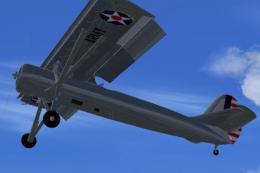
The YO-51 was a prewar USAAC attempt to create a STOL aircraft. This is a nat…
 FSX Historic & Vintage Aircraft
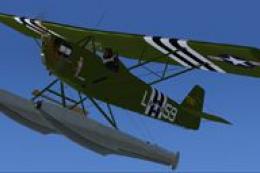
The Corben Ace Baby on amphibious floats offers an intriguing blend of 1920s-…
 FSX Historic & Vintage Aircraft
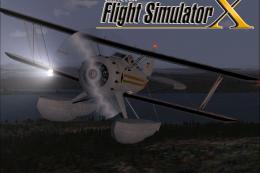
This freeware add-on features a classic Waco airframe equipped with floats, a…
 FSX Historic & Vintage Aircraft
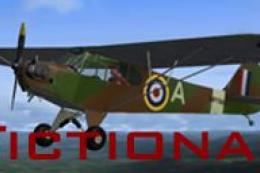
Royal Air Force AOP Cub (fictional). A fictional texture representing an RAF …
Be the first to leave a comment on this download.
Be the first to share your thoughts on this download.