

 FSX Historic & Vintage Aircraft
Ryan ST-M (Floats) "Italy"
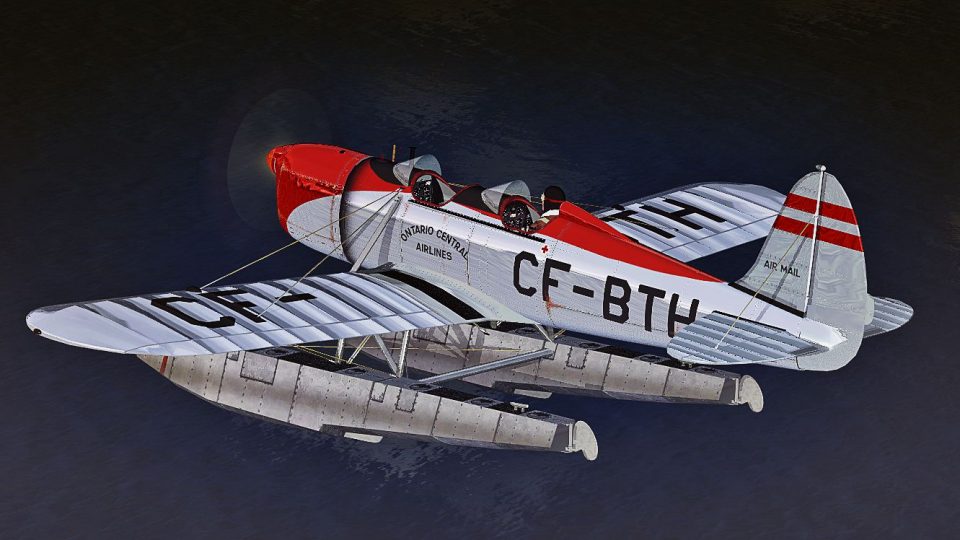
Experience a meticulously crafted float-livery adaptation for the Ryan ST-M f…
Ryan ST-M CF-BTH floatplane livery adds an Ontario Central Airlines scheme with crisp markings and period-appropriate details that suit bush flying and water operations in Microsoft Flight Simulator X. The repaint complements the model’s classic lines and includes matching textures for an authentic look, and it requires the Golden Age Simulations Ryan ST-M (floats).
 Rate
Rate
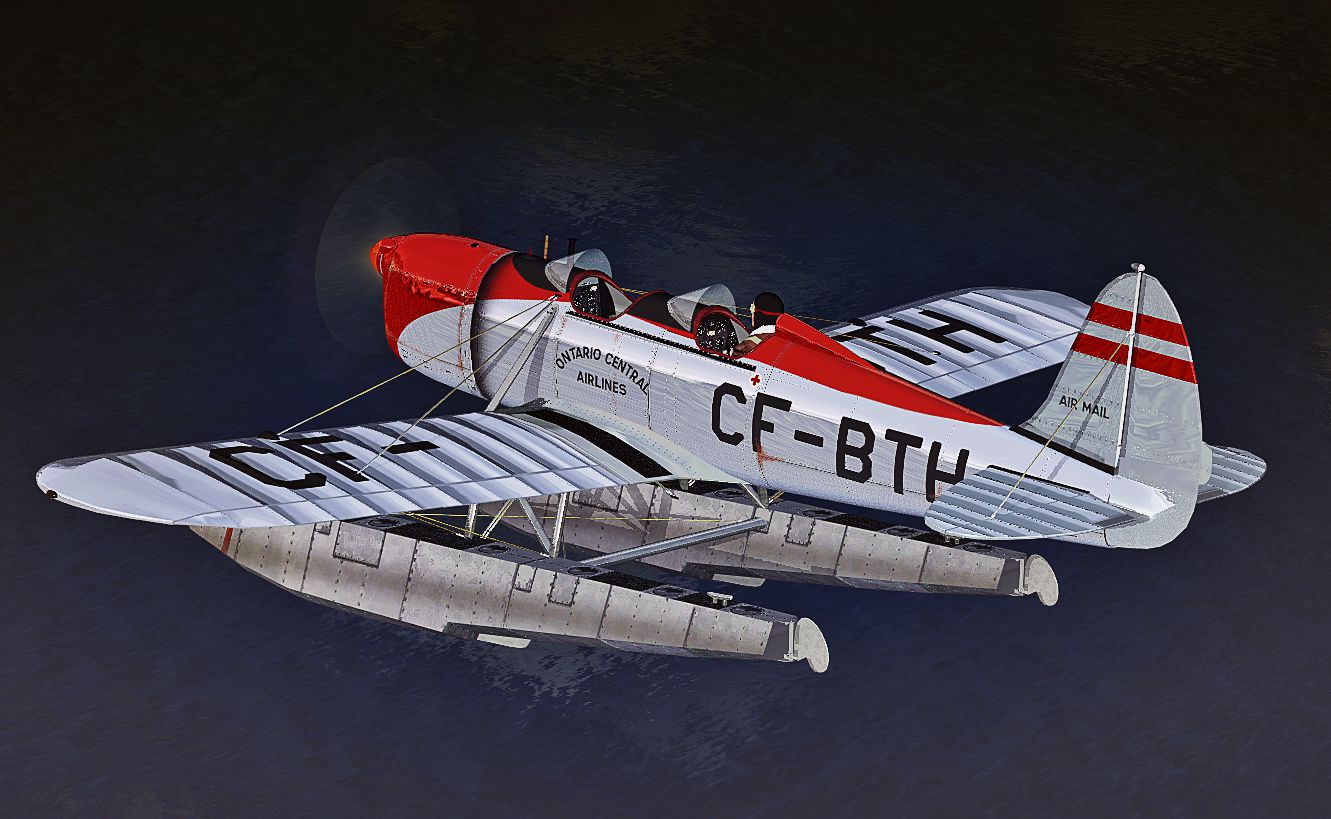
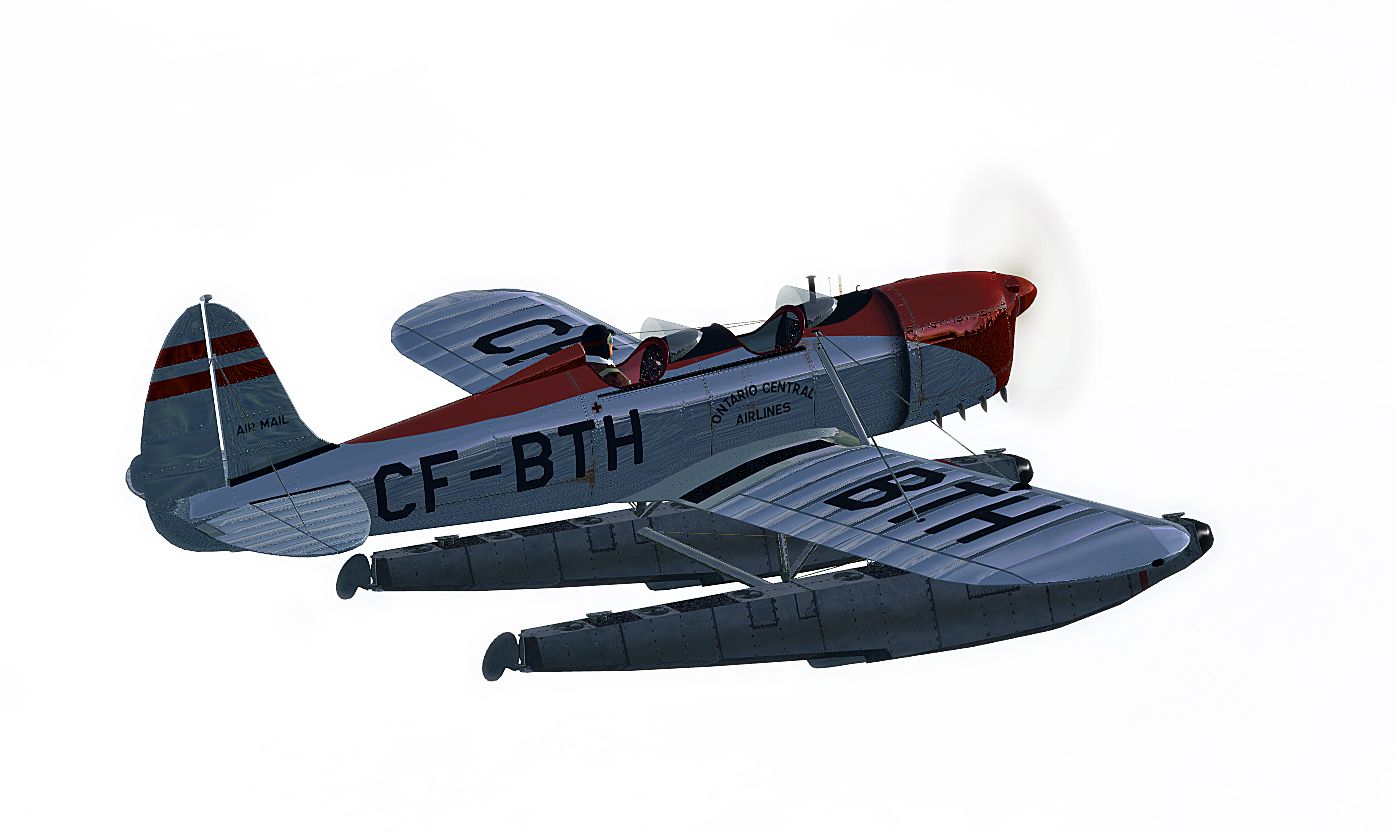
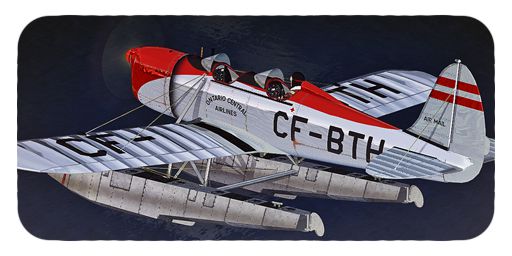
This is a repaint for Golden Age Simulations Ryan ST-M (floats). Repaint only. By B. Lechner.
-CF-BTH-fsx-1.jpg)
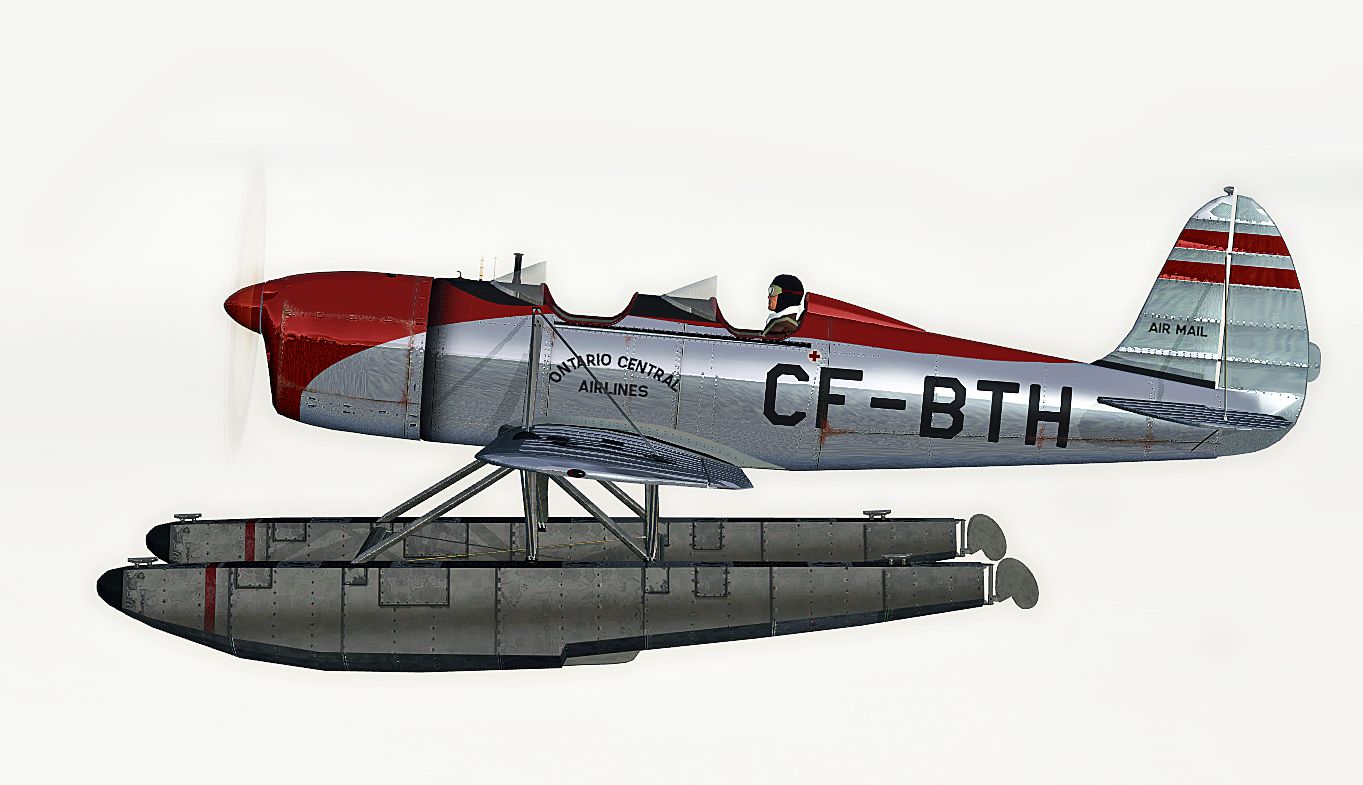
Side profile of Ryan ST-M CF-BTH.
[FLTSIM.XX]

title = Ryan ST-M -- O N T A R I O C E N T R A L A I R L I N E S --

sim = Ryan ST-M

model =

panel =

sound =

texture = _CF-BTH

kb_reference = ST_ref

kb_checklists = ST_Check

atc_id =

ui_manufacturer = Ryan

ui_type = ST-MS-2 Float

ui_variation = CF-BTH

ui_createdby = Golden Age Simulations

description = ST-M
Free for all simmers · 6.64 MB · Scanned clean Oct 2026
Download speed: Free tier is capped at 0.5 Mbps (this file takes approximately 2 mins at the cap). PRO members download at full line speed.
texture.{airline}) inside FSX\SimObjects\Airplanes\{base-aircraft}\.aircraft.cfg in Notepad. Add a new [fltsim.X] section per the readme.readme.txt or README file. It tells you exactly where files go, what dependencies are needed, and any quirks specific to this add-on.The archive ryan_st-m_cf-bth.zip has 49 files and directories contained within it.
This list displays the first 500 files in the package. If the package has more, you will need to download it to view them.
| Filename/Directory | File Date | File Size |
|---|---|---|
| Readme.txt | 08.05.12 | 1.42 kB |
| Screens | 08.05.12 | 0 B |
| CH-BTH - 011.jpg | 08.03.12 | 484.71 kB |
| CH-BTH - 012.jpg | 08.03.12 | 521.14 kB |
| CH-BTH - 013.jpg | 08.03.12 | 906.47 kB |
| texture._CF-BTH | 08.03.12 | 0 B |
| chrome_steel.dds | 04.29.12 | 64.12 kB |
| ENGINE TURNING.DDS | 07.27.12 | 256.12 kB |
| ENGINE_MENASCO_PIRATE.DDS | 07.28.12 | 1.00 MB |
| ENGINE_MENASCO_PIRATE_SPEC.DDS | 07.27.12 | 256.12 kB |
| exhaust.dds | 12.03.11 | 64.12 kB |
| fuel.dds | 12.03.11 | 64.12 kB |
| GAS PILOT_2.DDS | 07.27.12 | 256.12 kB |
| GAUGEMAP_STA.DDS | 07.27.12 | 256.12 kB |
| GAUGEMAP_STAF.DDS | 07.27.12 | 256.12 kB |
| glass.ster.dds | 12.03.11 | 64.12 kB |
| HEATED_CHROME.DDS | 07.29.12 | 64.12 kB |
| Kinner_prop_fast.dds | 07.14.12 | 256.12 kB |
| STA front subpanel.dds | 06.06.12 | 1.00 MB |
| STA_1.DDS | 08.03.12 | 4.00 MB |
| STA_1_BUMP.DDS | 07.27.12 | 1.00 MB |
| STA_1_SPEC.DDS | 08.03.12 | 4.00 MB |
| STA_2.DDS | 08.03.12 | 1.00 MB |
| STA_2_BUMP.DDS | 07.27.12 | 1.00 MB |
| STA_2_SPEC.DDS | 08.03.12 | 1.00 MB |
| STA_3.DDS | 08.03.12 | 1.00 MB |
| STA_3_BUMP.DDS | 07.27.12 | 1.00 MB |
| STA_3_SPEC.DDS | 08.03.12 | 1.00 MB |
| STA_4.DDS | 08.03.12 | 1.00 MB |
| STA_4_BUMP.DDS | 07.28.12 | 1.00 MB |
| STA_4_SPEC.DDS | 08.03.12 | 1.00 MB |
| STA_COCKPIT.DDS | 07.28.12 | 1.00 MB |
| STA_COCKPIT_INT.DDS | 07.28.12 | 1.00 MB |
| STA_COCKPIT_INT_SPEC.DDS | 07.28.12 | 1.00 MB |
| STA_INTERIOR.DDS | 07.28.12 | 1.00 MB |
| STA_INTERIOR_SPEC.DDS | 07.28.12 | 1.00 MB |
| STA_PANEL.DDS | 07.28.12 | 256.12 kB |
| STA_PARTS.DDS | 07.28.12 | 1.00 MB |
| STA_PARTS_2.DDS | 07.28.12 | 1.00 MB |
| STA_PARTS_SPEC.DDS | 07.28.12 | 1.00 MB |
| STA_REAR_PANEL.DDS | 07.28.12 | 1.00 MB |
| STA_REAR_SUPANEL.DDS | 07.28.12 | 256.12 kB |
| STM_FLOATS.DDS | 07.30.12 | 1.00 MB |
| STM_floats.Spec.dds | 06.04.12 | 4.00 MB |
| STM_FLOATS_BUMP.DDS | 07.28.12 | 1.00 MB |
| THUMBNAIL.JPG | 08.03.12 | 136.34 kB |
| TYRE_WHEEL_T.DDS | 07.28.12 | 256.12 kB |
| flyawaysimulation.txt | 10.29.13 | 959 B |
| Go to Fly Away Simulation.url | 01.22.16 | 52 B |
Only PRO members can place votes.
More FSX & P3D add-ons hand-picked based on this download.
FSX Historic & Vintage Aircraft
Experience a meticulously crafted float-livery adaptation for the Ryan ST-M f…
 FSX Historic & Vintage Aircraft
This is a repaint for Golden Age Simulations Ryan ST-M (floats). Textures onl…
 FSX Historic & Vintage Aircraft
Immerse yourself in a vintage aviation experience by adding this float-capabl…
 FSX Historic & Vintage Aircraft
V1.1 with fixed altimeter. Uses stock FS2004 gauges, effects and sounds. Mode…
 FSX Historic & Vintage Aircraft
The YO-51 was a prewar USAAC attempt to create a STOL aircraft. This is a nat…
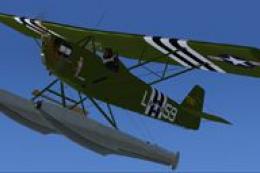 FSX Historic & Vintage Aircraft
The Corben Ace Baby on amphibious floats offers an intriguing blend of 1920s-…
 FSX Historic & Vintage Aircraft
This freeware add-on features a classic Waco airframe equipped with floats, a…
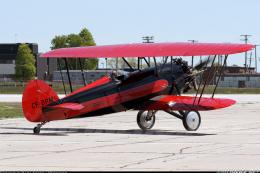 FSX Historic & Vintage Aircraft
This is the freeware Golden Age Simulations WACO CTO Mailwing in the livery o…
Be the first to leave a comment on this download.
Be the first to share your thoughts on this download.