

 FSX Historic & Vintage Aircraft
Corben Ace Baby On Floats
The Corben Ace Baby on amphibious floats offers an intriguing blend of 1920s-…
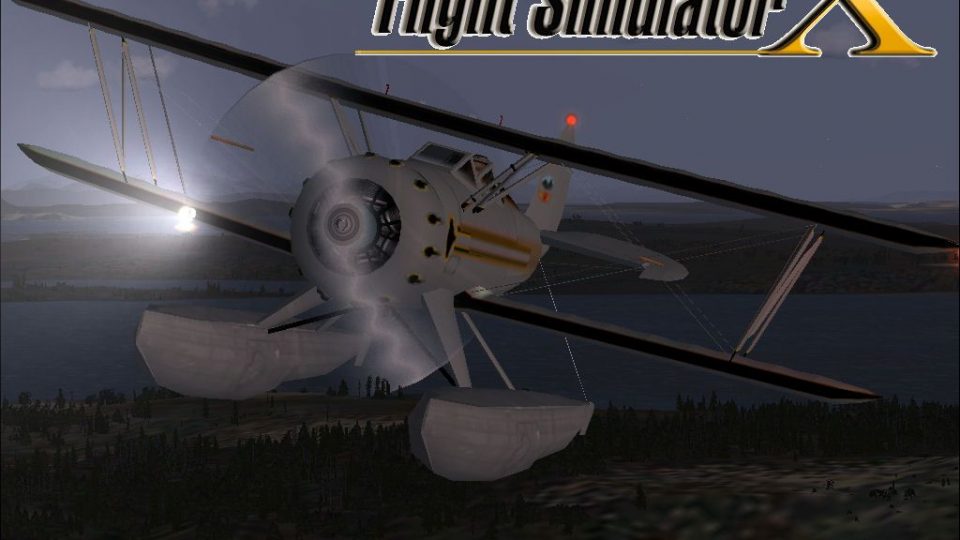
Waco On Floats brings a classic open-cockpit biplane to water operations with tuned floatplane handling, refined lighting, and a faithful vintage exterior and virtual cockpit, adapted from the original FS2004 release. Built for Microsoft Flight Simulator X, it supports optional enhanced illumination and requires A2A 3D Lights and Redux for the upgraded light effects.
 Rate
Rate
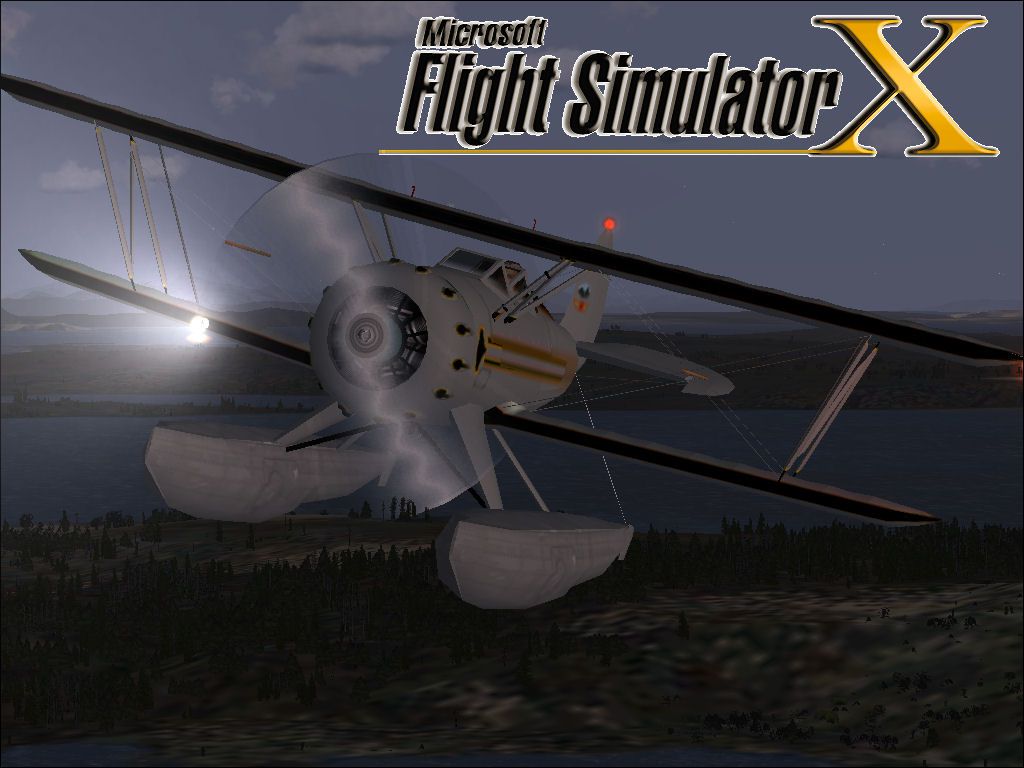

This freeware add-on features a classic Waco airframe equipped with floats, adapted for seamless operation in Microsoft Flight Simulator X. Building upon the original Microsoft Flight Simulator 2004 release created by Lynn and Bill Lyons, this package includes all essential files and incorporates refined methods by developer David Grindele to optimize the aircraft’s behavior and lighting in FSX.
The Waco series of open-cockpit biplanes stands out for its vintage styling and resilient design. Many aviation enthusiasts appreciate its robust frame and timeless lines, particularly when enhanced with floatplane capabilities. This float variant allows virtual pilots to use water runways and explore challenging coastal or lake-based landing areas.
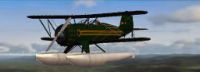
Screenshot of Waco in flight.
Developer David Grindele carefully adjusted the aircraft’s flight parameters to achieve stable floatplane handling in FSX-based environments, including Acceleration editions. Retrofit lighting elements, such as landing lights and additional strobe functionality, complement the detailed external model. These refinements make the aircraft more immersive while retaining the original aesthetic provided by Lynn and Bill Lyons.
For enhanced visual effects, users can install the 3D Lights and Redux by A2A (formerly Wings of Power). These sophisticated lighting enhancements do not require further modifications, offering realistic illumination that highlights the biplane’s signature lines.

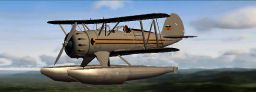
Screenshot of Waco on floats.
This package would not be possible without the meticulous work of Lynn and Bill Lyons in crafting the aircraft model for Microsoft Flight Simulator 2004. Appreciation also goes to David Grindele for converting the model to FSX and carrying out the flight dynamic modifications.
By incorporating floats, revised lighting, and tailored flight characteristics, this Waco remains an engaging vintage option for flying over lakes and coastal regions. Enjoy piloting a piece of aviation history, now fully compatible with modern simulator systems.
Free for all simmers · 1.38 MB · Scanned clean Oct 2026
Download speed: Free tier is capped at 0.5 Mbps. PRO members download at full line speed.
SimObjects\Airplanes\, Addon Scenery\, Effects\, or Gauges\.readme.txt or README file. It tells you exactly where files go, what dependencies are needed, and any quirks specific to this add-on.The archive wacofl.zip has 65 files and directories contained within it.
This list displays the first 500 files in the package. If the package has more, you will need to download it to view them.
| Filename/Directory | File Date | File Size |
|---|---|---|
| File Diz.txt | 02.24.09 | 294 B |
| Important Read First.txt | 02.24.09 | 846 B |
| Legal.txt | 02.24.09 | 263 B |
| Waco Float | 02.23.09 | 0 B |
| aircraft.cfg | 02.23.09 | 17.57 kB |
| model | 02.23.09 | 0 B |
| Model.cfg | 05.24.02 | 24 B |
| wacof.mdl | 06.06.02 | 634.19 kB |
| panel | 02.23.09 | 0 B |
| Panel.cfg | 05.31.02 | 3.71 kB |
| waco2p.bmp | 05.25.02 | 469.80 kB |
| panel.1 | 02.23.09 | 0 B |
| Panel.cfg | 05.31.02 | 3.71 kB |
| waco2b.bmp | 06.08.02 | 469.80 kB |
| sound | 02.23.09 | 0 B |
| Bcshut.wav | 08.23.01 | 17.42 kB |
| Bcstartb.wav | 08.23.01 | 7.38 kB |
| bcstarter.wav | 08.17.00 | 48.12 kB |
| gyro.wav | 05.24.02 | 112.73 kB |
| Sound.cfg | 06.03.02 | 3.47 kB |
| splashb.wav | 08.24.01 | 40.41 kB |
| waco1.wav | 05.03.01 | 54.31 kB |
| waco2.wav | 05.24.02 | 61.24 kB |
| waco6.wav | 05.28.02 | 17.43 kB |
| waco7.wav | 04.14.98 | 51.63 kB |
| Wave.wav | 12.15.01 | 25.59 kB |
| texture | 02.23.09 | 0 B |
| float_t.bmp | 05.31.02 | 341.43 kB |
| pilot.bmp | 02.17.02 | 65.05 kB |
| plate.bmp | 06.24.03 | 65.05 kB |
| prop2.bmp | 05.13.02 | 65.05 kB |
| prop3.bmp | 06.03.02 | 86.39 kB |
| thumbnail.jpg | 02.23.09 | 6.71 kB |
| vcn_l.bmp | 06.06.02 | 21.43 kB |
| waco1.bmp | 06.02.02 | 1.00 MB |
| waco2_t.bmp | 05.17.02 | 85.43 kB |
| waco3.bmp | 05.25.02 | 65.05 kB |
| waco4_t.bmp | 05.17.02 | 85.43 kB |
| waco5.bmp | 05.30.02 | 257.05 kB |
| waco6.bmp | 05.21.02 | 86.39 kB |
| waco7_t.bmp | 05.23.02 | 85.43 kB |
| wacob.bmp | 05.28.02 | 17.05 kB |
| texture.1 | 02.23.09 | 0 B |
| float_t.bmp | 05.31.02 | 341.43 kB |
| pilot.bmp | 02.17.02 | 65.05 kB |
| plate.bmp | 06.24.03 | 65.05 kB |
| prop2.bmp | 05.13.02 | 65.05 kB |
| prop3.bmp | 05.13.02 | 86.39 kB |
| thumbnail.jpg | 02.23.09 | 7.11 kB |
| vcn_l.bmp | 06.06.02 | 21.43 kB |
| waco1.bmp | 06.04.02 | 1.00 MB |
| waco2_t.bmp | 05.17.02 | 85.43 kB |
| waco3.bmp | 05.30.02 | 65.05 kB |
| waco4_t.bmp | 05.17.02 | 85.43 kB |
| waco5.bmp | 05.30.02 | 257.05 kB |
| waco6.bmp | 05.21.02 | 86.39 kB |
| waco7_t.bmp | 05.23.02 | 85.43 kB |
| wacob.bmp | 05.28.02 | 17.05 kB |
| wacoF.air | 05.25.02 | 8.13 kB |
| WacoF_check.txt | 05.31.02 | 3.75 kB |
| wacoF_notes.txt | 05.31.02 | 0 B |
| WACO FLOAT.jpg | 02.24.09 | 111.19 kB |
| WacoFL | 02.24.09 | 0 B |
| flyawaysimulation.txt | 10.29.13 | 959 B |
| Go to Fly Away Simulation.url | 01.22.16 | 52 B |
Only PRO members can place votes.
More FSX & P3D add-ons hand-picked based on this download.
FSX Historic & Vintage Aircraft
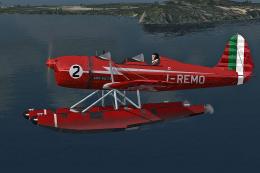
The Corben Ace Baby on amphibious floats offers an intriguing blend of 1920s-…
 FSX Historic & Vintage Aircraft
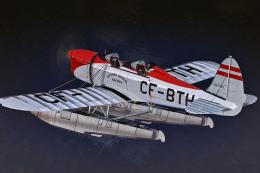
Experience a meticulously crafted float-livery adaptation for the Ryan ST-M f…
 FSX Historic & Vintage Aircraft
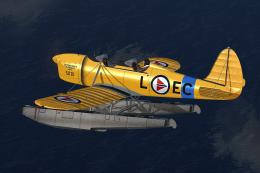
This is a repaint for Golden Age Simulations Ryan ST-M (floats). Repaint only…
 FSX Historic & Vintage Aircraft
This is a repaint for Golden Age Simulations Ryan ST-M (floats). Textures onl…
 FSX Historic & Vintage Aircraft
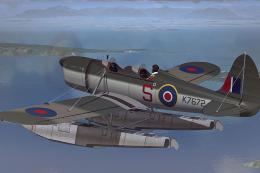
Immerse yourself in a vintage aviation experience by adding this float-capabl…
 FSX Historic & Vintage Aircraft
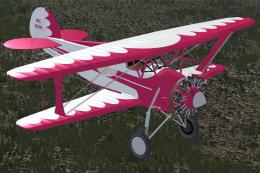
This is a "what if" concept for the Golden Age Simulations WACO ATO Taperwing…
 FSX Historic & Vintage Aircraft
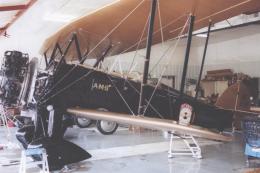
This package includes the Golden Age Simulations CTO models represented as th…
 FSX Historic & Vintage Aircraft
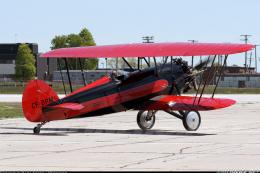
This is the freeware Golden Age Simulations WACO CTO Mailwing in the livery o…
Be the first to leave a comment on this download.
Be the first to share your thoughts on this download.