

 FS2004 Civil Jet Aircraft
EAL Boeing 727-100 1980's Bare Metal V2
This updated package offers a retro-themed Boeing 727-100 from Eastern Airlin…
Eastern Air Lines Boeing 727-100 “Wings Of Man” V2 brings a fictional commemorative scheme to FS2004 with crisp day and night textures tailored for AI traffic and screenshots, paired with a period-inspired Eastern look. Textures-only package requires AIA721PK.ZIP and suits the reflective model for extra shine.
 Rate
Rate
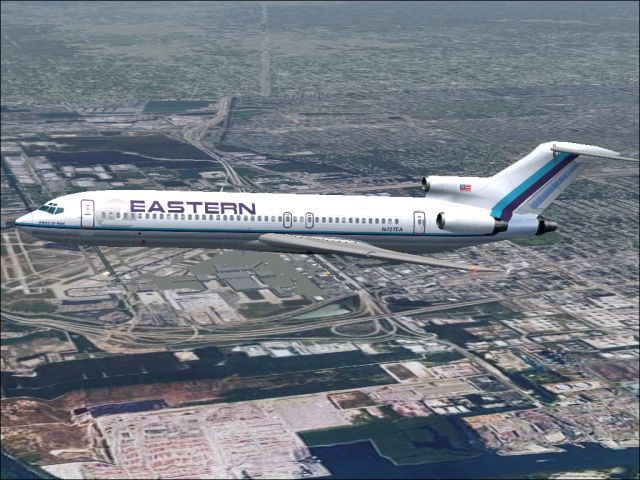
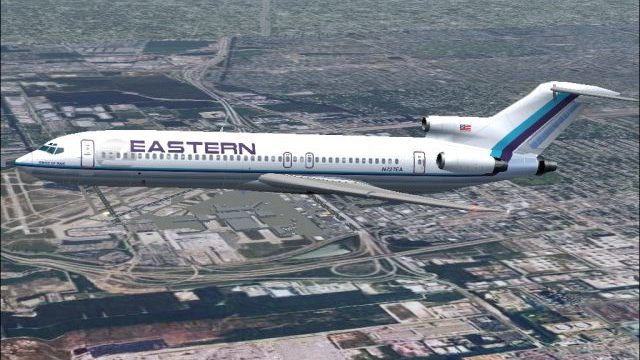
An Eastern Airlines B727-100 in fictional "Wings Of Man" variation, v2.0. Textures only; requires AIA721PK.ZIP. Model by AI Aardvark. Livery by Sheppard Avery.
Screenshot of EAL Boeing 727-100 "Wings Of Man" in flight.
HISTORY:
Former Miami based Eastern Air Lines, Inc., ceased operations in the early 1990's. With major hubs at Atlanta and Miami, New York, San Juan and Kansas City with an emphasis on dominating traffic on the eastern seaboard. EAL was a Major Carrier in the U.S. Domestic market with a considerable presence in the Caribbean, Central and South America. At one point in the early 80's, Eastern carried more passengers than any other airline in the world.
INCLUDED:
If EAL was still operating today, the company paint might look something like this. In celebration of 75 years of a combination of actual and virtual operations, I dedicate this special commemerative scheme to all the dedicated employees (actual and virtual, past, present and future) and enthusiasts of Eastern Air Lines. Included are EAL FICTIONAL "Wings of Man" day and night textures for the Aardvark 727-200 model. You must have the original base model!
INSTALLATION:
Drop each texture file into the corresponding model and edit the aircraft.CFG file to add these Eastern textures. Use the reflective model for best results.
Free for all simmers · 950.41 KB · Scanned clean Oct 2026
Download speed: Free tier is capped at 0.5 Mbps. PRO members download at full line speed.
FS9\Aircraft\, FS9\Addon Scenery\, FS9\Gauges\, or FS9\Effects\.readme.txt or README file. It tells you exactly where files go, what dependencies are needed, and any quirks specific to this add-on.The archive ea7sanv2.zip has 7 files and directories contained within it.
This list displays the first 500 files in the package. If the package has more, you will need to download it to view them.
| Filename/Directory | File Date | File Size |
|---|---|---|
| aia_727_200_l.bmp | 09.09.04 | 341.43 kB |
| aia_727_200_t.bmp | 09.24.04 | 5.33 MB |
| eastern.gif | 01.25.04 | 1.87 kB |
| EASTERN.jpg | 09.24.04 | 275.21 kB |
| READ ME.txt | 09.24.04 | 2.11 kB |
| flyawaysimulation.txt | 10.29.13 | 959 B |
| Go to Fly Away Simulation.url | 01.22.16 | 52 B |
Only PRO members can place votes.
More FS2004 add-ons hand-picked based on this download.
FS2004 Civil Jet Aircraft
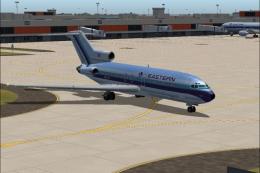
This updated package offers a retro-themed Boeing 727-100 from Eastern Airlin…
 FS2004 Civil Jet Aircraft
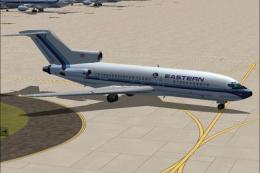
This package offers a detailed Boeing 727-100 repaint that showcases Eastern …
 FS2004 Civil Jet Aircraft
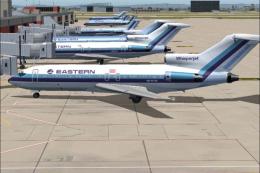
Bring the spirit of a major American airline’s past to your flight lineup wit…
 FS2004 Civil Jet Aircraft
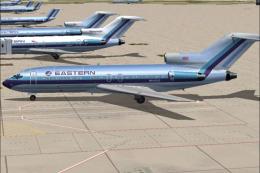
This freeware release showcases an iconic Eastern Air Lines Boeing 727-100 fi…
 FS2004 Civil Jet Aircraft
This freeware package features a meticulously recreated Eastern Airlines Boei…
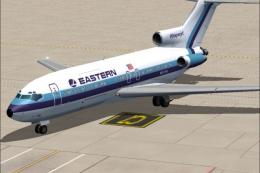 FS2004 Civil Jet Aircraft
This freeware package features a meticulously crafted repaint of an Eastern A…
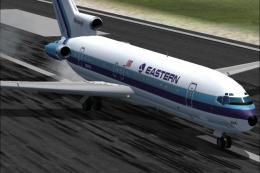 FS2004 Civil Jet Aircraft
This updated release brings an authentic Eastern Air Lines Boeing 727-200 fro…
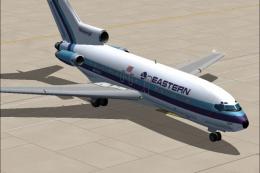 FS2004 Civil Jet Aircraft
This repaint offers a meticulously rendered depiction of Eastern Air Lines’ B…
Be the first to leave a comment on this download.
Be the first to share your thoughts on this download.