

 FS2004 Civil Jet Aircraft
Challenge Air Cargo Boeing 707-330C
Textures only for the Captain Sim Legendary B707. Challenge Air Cargo (CAC) i…
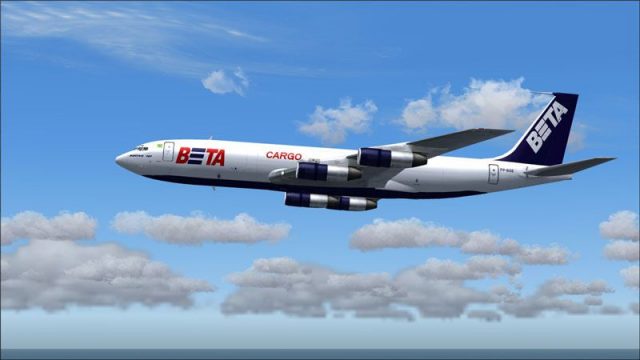
Beta Cargo’s Boeing 707 PP-BSE livery brings a classic Brazilian freighter look to Captain Sim’s jet, with crisp logo placement, aligned textures across control surfaces, and subtle in-service wear suited to cargo operations. Designed for Microsoft Flight Simulator 2004, it requires the Captain Sim 707 payware model to fly.
 Rate
Rate
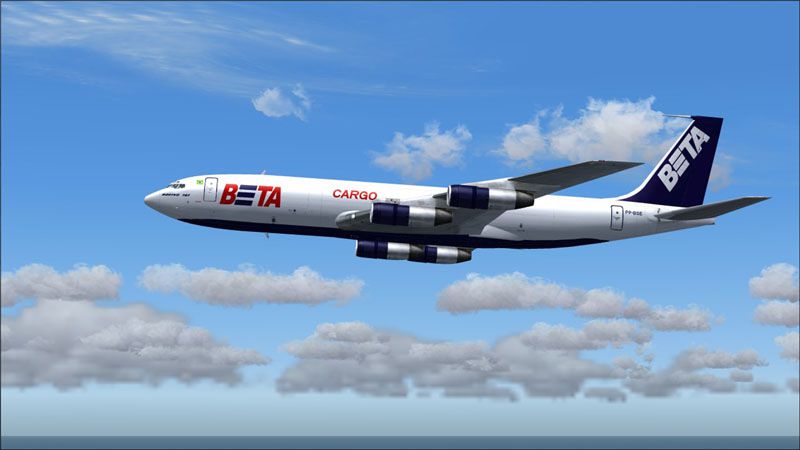
This free repaint of the Captain Sim 707 recreates Beta Cargo’s Boeing 707 registered PP-BSE for Microsoft Flight Simulator 2004. It was meticulously developed by Mo Dezfouli and requires the Captain Sim B707 payware model (available separately through outlets such as SimShack). The original Boeing 707 remains an influential first-generation commercial jetliner, widely utilized for passenger and freight operations in its era. Beta Cargo, a Brazilian freight operator, flew various routes transporting goods across South America and beyond, emphasizing the sturdy nature of the 707 for dedicated cargo tasks.
The Beta Cargo livery showcases the distinctive color scheme that once adorned the fuselages of this veteran carrier. In its cargo configuration, the Boeing 707 offered extra storage capacity for cargo holds and reinforced structures to handle heavier payloads. This repaint specifically references the PP-BSE airframe, capturing the visual styling and logos seen during Beta Cargo’s active years.
Screenshot of Beta Cargo Boeing 707 in flight.
This freeware livery offers a historical look at Beta Cargo’s operations, commemorating the Boeing 707’s robust cargo performance. The repaint stands ready for enthusiasts seeking a classic freighter experience in FS2004, paying tribute to one of the earliest jetliners to lay the groundwork for modern long-haul flight.
Free for all simmers · 1.45 MB · Scanned clean Oct 2026
Download speed: Free tier is capped at 0.5 Mbps. PRO members download at full line speed.
FS9\Aircraft\, FS9\Addon Scenery\, FS9\Gauges\, or FS9\Effects\.readme.txt or README file. It tells you exactly where files go, what dependencies are needed, and any quirks specific to this add-on.The archive beta2001.zip has 15 files and directories contained within it.
This list displays the first 500 files in the package. If the package has more, you will need to download it to view them.
| Filename/Directory | File Date | File Size |
|---|---|---|
| Beta Cargo | 11.28.04 | 0 B |
| b707_3_t.bmp | 09.06.04 | 1.00 MB |
| b707_4_t.bmp | 09.02.04 | 1.00 MB |
| description.txt | 11.28.04 | 215 B |
| Thumbs.db | 11.28.04 | 7.50 kB |
| GCS0004.jpg | 11.28.04 | 17.29 kB |
| b707_e1_t.bmp | 11.27.04 | 1.00 MB |
| b707_e2_t.bmp | 11.27.04 | 1.00 MB |
| b707_e5_t.bmp | 11.27.04 | 1.00 MB |
| b707_e6_t.bmp | 11.27.04 | 1.00 MB |
| GCS0005.jpg | 11.28.04 | 56.58 kB |
| Read Me.txt | 11.28.04 | 1.32 kB |
| Beta Cargo 2001 | 11.28.04 | 0 B |
| flyawaysimulation.txt | 10.29.13 | 959 B |
| Go to Fly Away Simulation.url | 01.22.16 | 52 B |
Only PRO members can place votes.
More FS2004 add-ons hand-picked based on this download.
FS2004 Civil Jet Aircraft
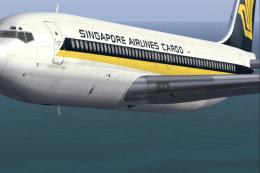
Textures only for the Captain Sim Legendary B707. Challenge Air Cargo (CAC) i…
 FS2004 Civil Jet Aircraft
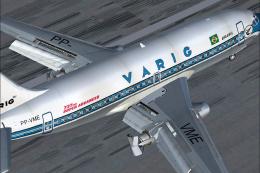
This meticulously crafted repaint for Microsoft Flight Simulator 2004 brings …
 FS2004 Civil Jet Aircraft
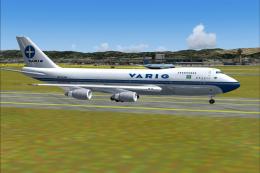
This freeware package for Microsoft Flight Simulator 2004 showcases a classic…
 FS2004 Civil Jet Aircraft
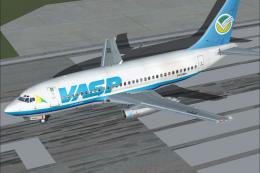
Model Designer : C. Vincent Cho, Yosuke Ube. Flight Dynamics Designer : Nick …
 FS2004 Civil Jet Aircraft
Flying since 1969 this is one of the first commercial 732s. Features hi-res 3…
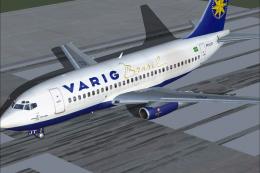 FS2004 Civil Jet Aircraft
This freeware package features a lovingly crafted Boeing 737-200 in Varig col…
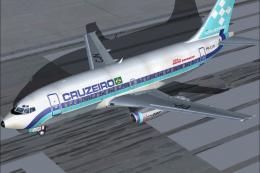 FS2004 Civil Jet Aircraft
This freeware package features a meticulously rendered Boeing 737-200 in Cruz…
 FS2004 Civil Jet Aircraft
A repaint of the default B737. By Anders Grandjean-Thomsen. Screenshot of Var…
Be the first to leave a comment on this download.
Be the first to share your thoughts on this download.