

 FSX Scenery
Chateau Thierry
Chateau Thierry, (LFFH) in France, with photorealistic images and autogen. By…
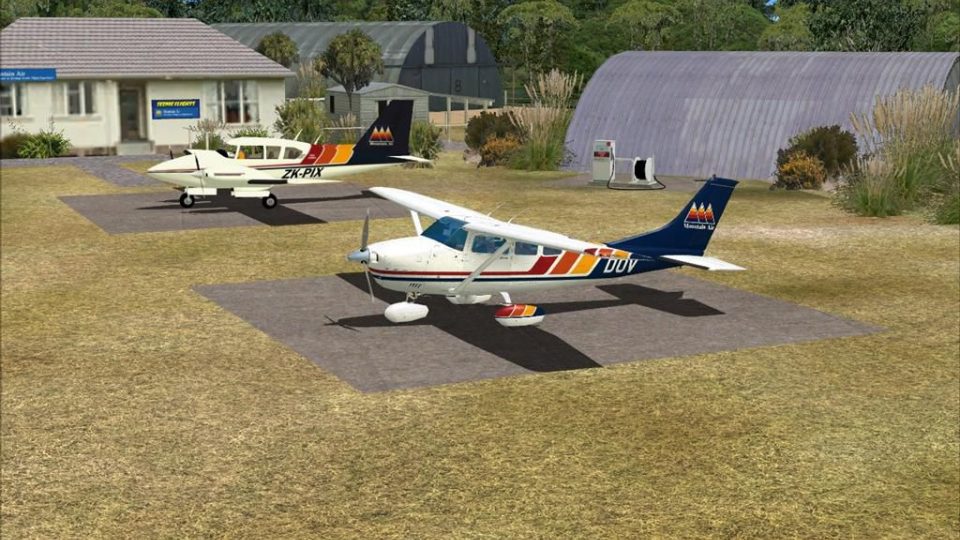
Chateau Airfield (NZ22) scenery brings a convincing alpine strip to the lower slopes of Mount Ruapehu, ideal for volcanic sightseeing routes near Tongariro National Park. For Microsoft Flight Simulator X, it adds refined elevation and terrain shaping, custom signage, and carefully placed objects that blend naturally with the surrounding landscape, and requires Vector Landclass.
 Rate
Rate
 New Zealand

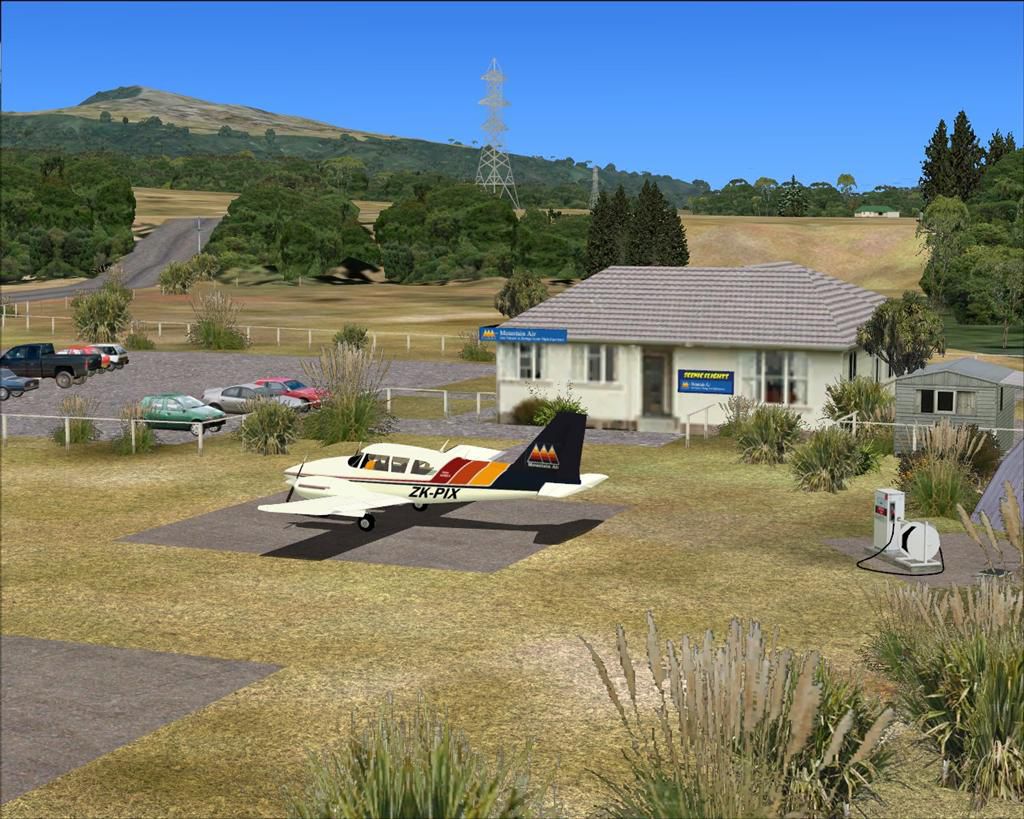

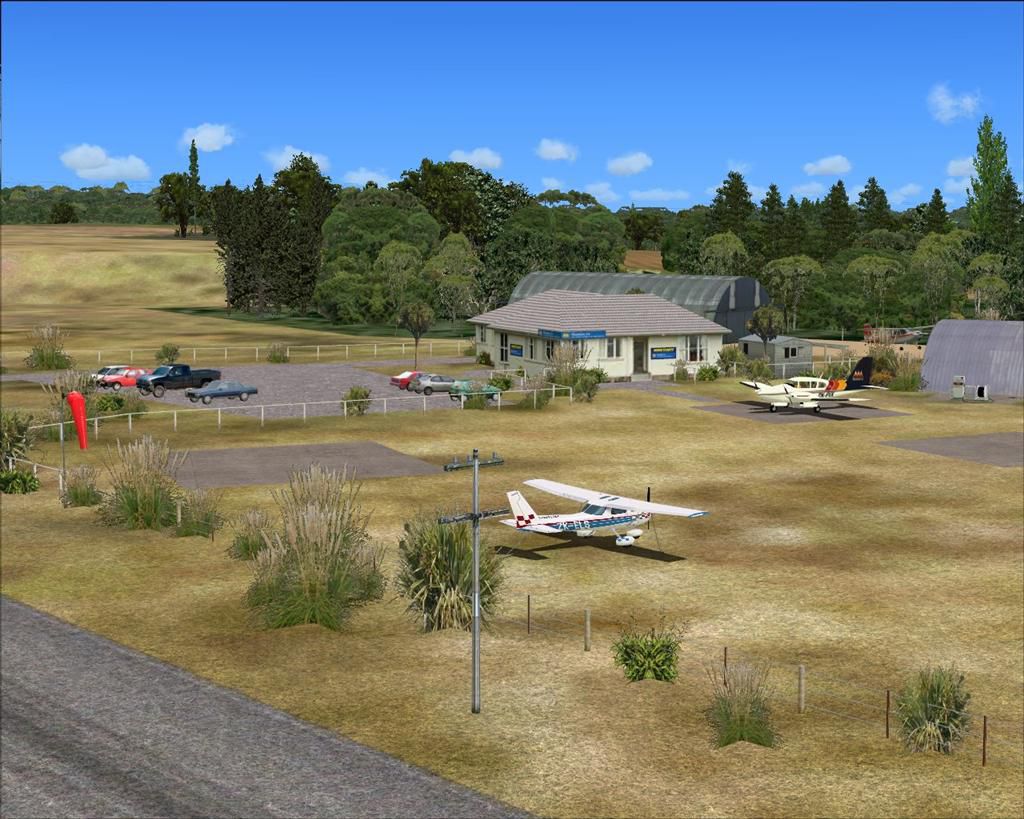

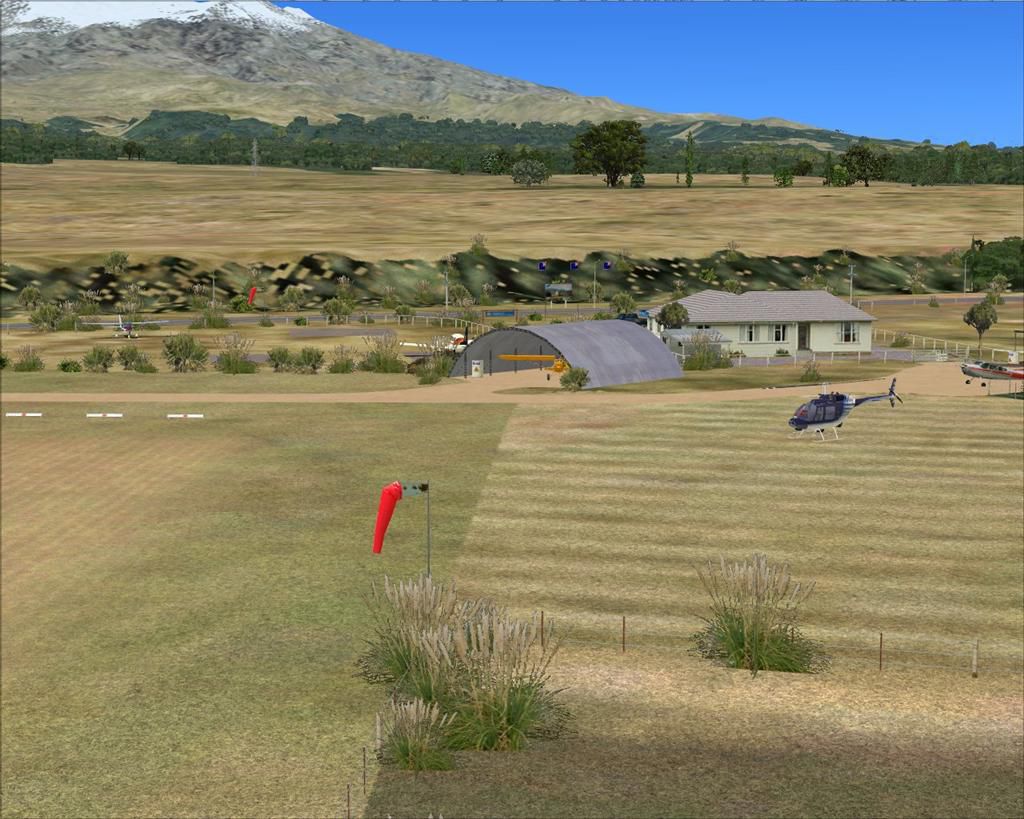
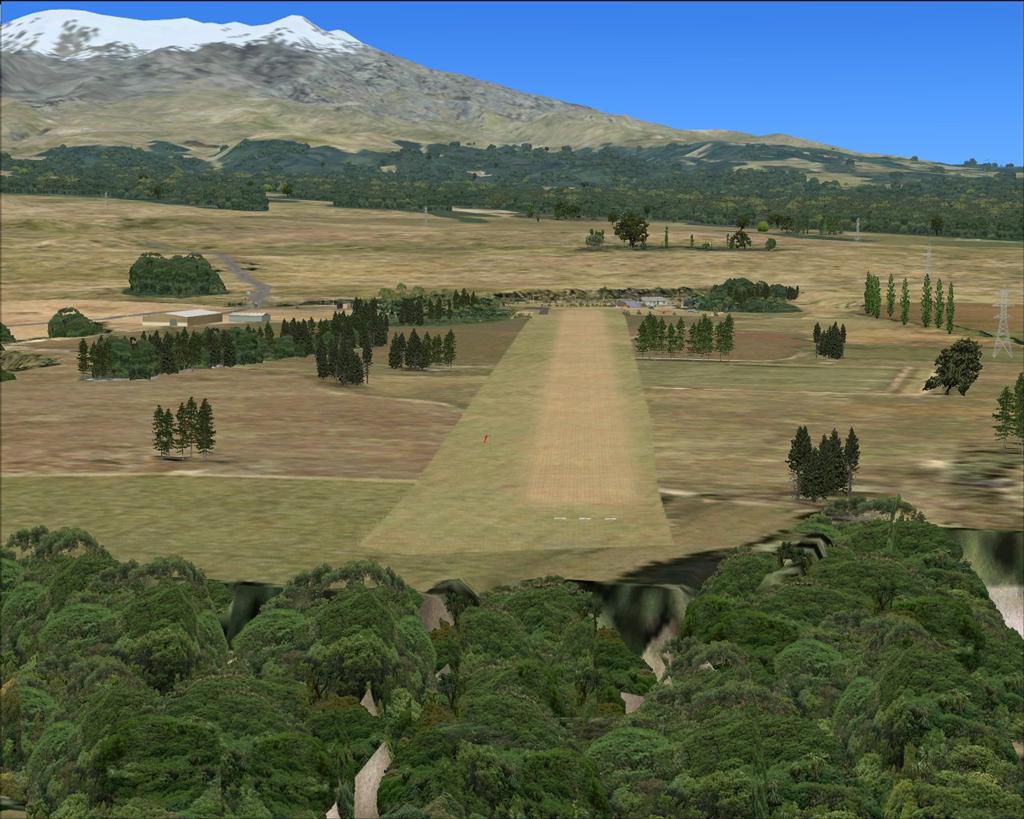
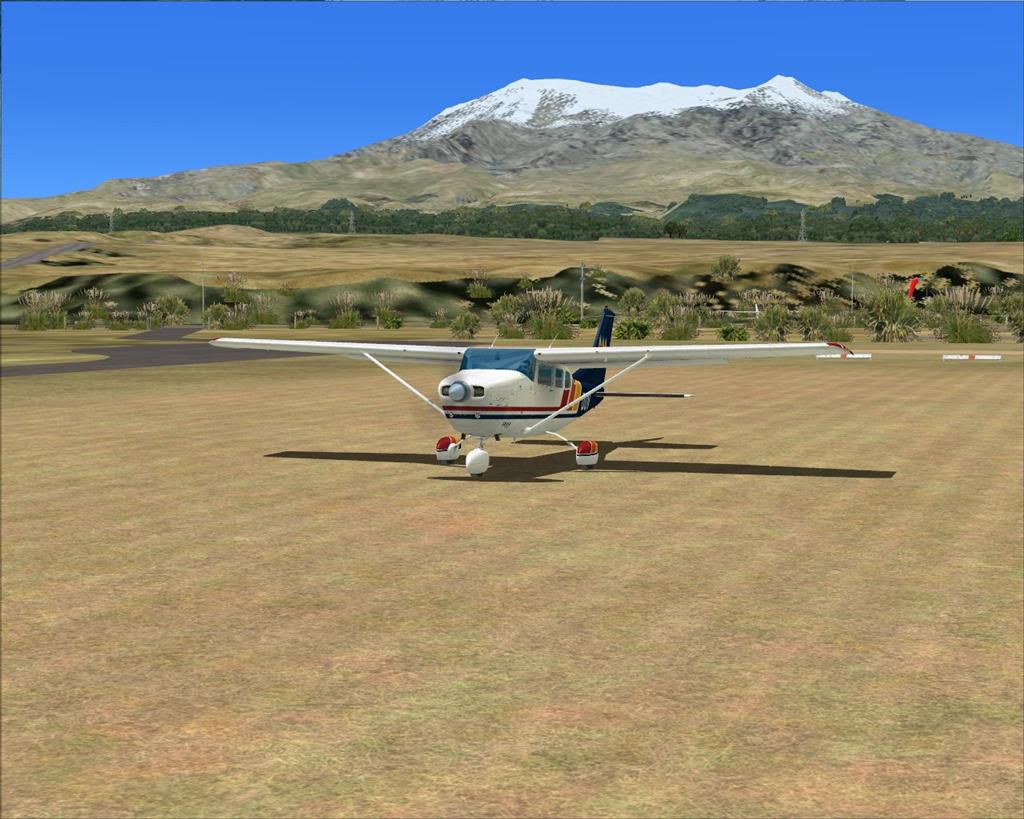
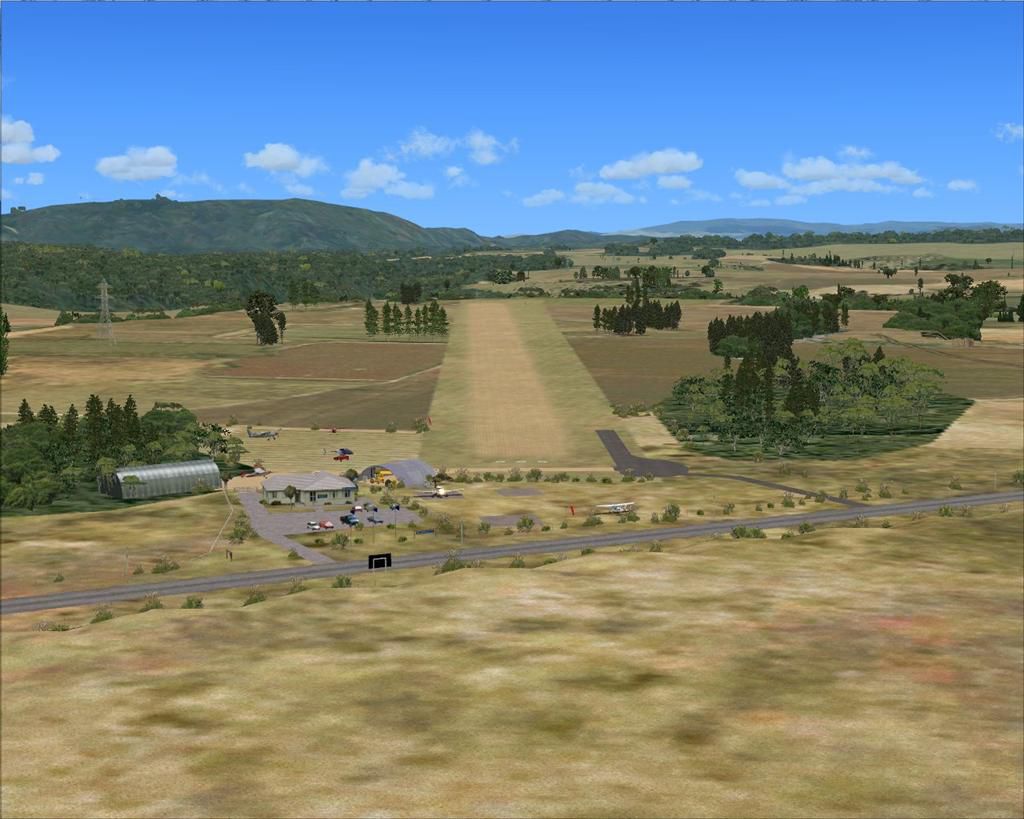
Nestled at the edge of Tongariro National Park, Chateau Airfield (NZ22) provides a distinctive alpine gateway for Mountain Air’s scenic operations over the dramatic expanse of central New Zealand. This freeware package incorporates precise terrain modeling, custom signage, and enhanced object placement for Microsoft Flight Simulator X. Both enthusiasts in search of immersive volcano sightseeing routes and virtual aviators seeking a realistic representation of this airfield will find its location on the lower slopes of Mount Ruapehu particularly appealing.
Positioned in the central North Island, this custom scenery for Chateau Airfield presents refined elevation data, ensuring the runway and surrounding landscape reflect the coastal-to-mountain transition prevalent in the region. The developers have carefully aligned textures to showcase the airfield’s proximity to Mount Ruapehu and the dramatic terrains of the National Park. Using Vector Landclass (VLC) (Payware), the environment incorporates more accurate topographical mapping for seamless integration with the default simulator base. Mountain Air, the local operator, frequently conducts sightseeing flights around the nearby peaks, highlighting a rich variety of geothermal and volcanic landmarks.
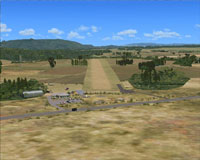
Aerial view of Chateau Airfield scenery.
This release was crafted with precision in Microsoft Flight Simulator X (SP2), ensuring compatibility even without the Acceleration pack. The creators employed an array of advanced utilities, including Flight1 Software’s Instant Scenery Object Placer and Airport Facilitator X (AFX), to refine airport layouts, flatten terrain, and exclude conflicting objects. Each object found on the field—from runways to hangar signage—was meticulously positioned to maintain visual authenticity and operational functionality.
This is freeware, solely intended for non-commercial personal use. Under no circumstances may users redistribute, repackage, or resell these files without prior permission from the authors. Anyone installing this scenery should proceed at their own risk, although multiple tests across various systems have revealed no harmful effects. No explicit warranty—either expressed or implied—covers potential conflicts or system issues arising from this package’s use.
Free for all simmers · 1.88 MB · Scanned clean Oct 2026
Download speed: Free tier is capped at 0.5 Mbps. PRO members download at full line speed.
FSX\Addon Scenery\ containing scenery and texture sub-folders.readme.txt or README file. It tells you exactly where files go, what dependencies are needed, and any quirks specific to this add-on.Use these coordinates to fly directly to this location once the mod is installed.
-39.20200000,175.54000000
Launch FSX or Prepar3D and use Flights → Load to open the downloaded .pln file. Your aircraft will be positioned at this location.
The archive nz22_chateau-4x.zip has 56 files and directories contained within it.
This list displays the first 500 files in the package. If the package has more, you will need to download it to view them.
| Filename/Directory | File Date | File Size |
|---|---|---|
| Scenery | 07.03.12 | 0 B |
| AFX_NZ22.bgl | 06.09.12 | 6.66 kB |
| NZ22_BdyFceHng.bgl | 06.18.12 | 1.82 kB |
| NZ22_BdyFceRod.bgl | 06.18.12 | 2.90 kB |
| NZ22_BdyFceRwy.bgl | 06.16.12 | 10.73 kB |
| NZ22_ChaRodSgn.bgl | 06.08.12 | 716 B |
| NZ22_CpkVeh.bgl | 11.28.08 | 188 B |
| NZ22_FrmBdg.bgl | 07.03.12 | 428 B |
| NZ22_FuePnt.bgl | 06.08.12 | 236 B |
| NZ22_GdnFlg.bgl | 11.25.08 | 236 B |
| NZ22_GdnSgn.bgl | 11.25.08 | 428 B |
| NZ22_GenTre.bgl | 07.03.12 | 16.21 kB |
| NZ22_LgeShd.bgl | 06.09.12 | 188 B |
| NZ22_LgeShdObj.bgl | 11.28.08 | 380 B |
| NZ22_PwrPol.bgl | 06.09.12 | 572 B |
| NZ22_RwyMkr.bgl | 06.09.12 | 380 B |
| NZ22_StcAct.bgl | 06.09.12 | 380 B |
| NZ22_StrLgt.bgl | 06.08.12 | 860 B |
| NZ22_TrmFce.bgl | 06.08.12 | 4.36 kB |
| NZ22_TrmGdn.bgl | 06.17.12 | 476 B |
| NZ22_TrmHse.bgl | 06.08.12 | 236 B |
| NZ22_TrmSgn.bgl | 06.08.12 | 284 B |
| NZ22_WndSck.bgl | 06.09.12 | 236 B |
| nzsign01.BGL | 10.29.08 | 1.45 kB |
| nzsign02.BGL | 10.29.08 | 1.45 kB |
| nzsign03.BGL | 10.29.08 | 1.45 kB |
| nzsign04.BGL | 10.29.08 | 1.45 kB |
| nzsign05.BGL | 10.29.08 | 1.45 kB |
| nzsigns02a.BGL | 11.12.08 | 1.45 kB |
| nzsigns02b.BGL | 11.12.08 | 1.45 kB |
| nzsigns02c.BGL | 11.12.08 | 1.45 kB |
| nzsigns03a.BGL | 11.14.08 | 1.69 kB |
| nzsigns03b.BGL | 11.14.08 | 1.69 kB |
| nzsigns03c.BGL | 11.14.08 | 1.60 kB |
| nzsigns03d.BGL | 11.14.08 | 2.10 kB |
| nzsigns03e.BGL | 11.14.08 | 1.45 kB |
| nzsigns03f.BGL | 11.14.08 | 1.45 kB |
| Texture | 07.03.12 | 0 B |
| nzsigns01.bmp | 10.29.08 | 170.75 kB |
| nzsigns02.bmp | 11.12.08 | 170.75 kB |
| nzsigns03.bmp | 11.16.08 | 682.75 kB |
| NZ22_Chateau-4X | 07.03.12 | 0 B |
| AFX_NZ22_ALT.bgl | 06.09.12 | 6.66 kB |
| Chateau-4X INSTALL.doc | 07.04.12 | 233.50 kB |
| NZ22 (0).jpg | 07.06.12 | 108.14 kB |
| NZ22 (1).jpg | 07.06.12 | 159.43 kB |
| NZ22 (2).jpg | 07.06.12 | 145.60 kB |
| NZ22 (3).jpg | 07.06.12 | 152.71 kB |
| NZ22 (4).jpg | 07.06.12 | 141.75 kB |
| NZ22 (5).jpg | 07.06.12 | 195.36 kB |
| NZ22 (6).jpg | 07.06.12 | 124.49 kB |
| NZ22 (7).jpg | 07.06.12 | 144.25 kB |
| NZ22 (8).jpg | 07.06.12 | 135.97 kB |
| Read Me.txt | 07.04.12 | 3.94 kB |
| flyawaysimulation.txt | 10.29.13 | 959 B |
| Go to Fly Away Simulation.url | 01.22.16 | 52 B |
Only PRO members can place votes.
More FSX & P3D add-ons hand-picked based on this download.
FSX Scenery
Chateau Thierry, (LFFH) in France, with photorealistic images and autogen. By…
 FSX Scenery
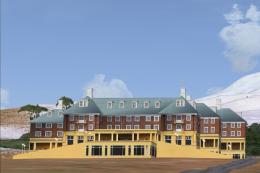
Chateau New Zealand. Package contains custom photoreal 3D buildings for New Z…
 FSX Scenery
A complete package covering the Locher/Sarentino Airfield for Microsoft Fligh…
 FSX Scenery
ADEX Wangen-Lachen Airfield (LSPV), Switzerland. Wangen-Lachen is a small air…
 FSX Scenery
Trabzon Airfield. VFR scenery of Turkey Trabzon (LTCG) Airfield and the surro…
 FSX Scenery
Istanbul Hezarfen Airfield Scenery. A detailed re-creation of the Istanbul He…
 FSX Scenery
Rossfeld Glider Airfield, south of Stuttgart, Germany, on a hilltop. You will…
 FSX Scenery
Center And Southern Italy Airfield. A list of 146 airstrips, covering the Ita…
Be the first to leave a comment on this download.
Be the first to share your thoughts on this download.