

 FS2004 Propeller Aircraft
Aurigny Trislander G-JOEY
Aurigny Air services Britten Norman Trislander G-JOEY textures only by Ian Ro…
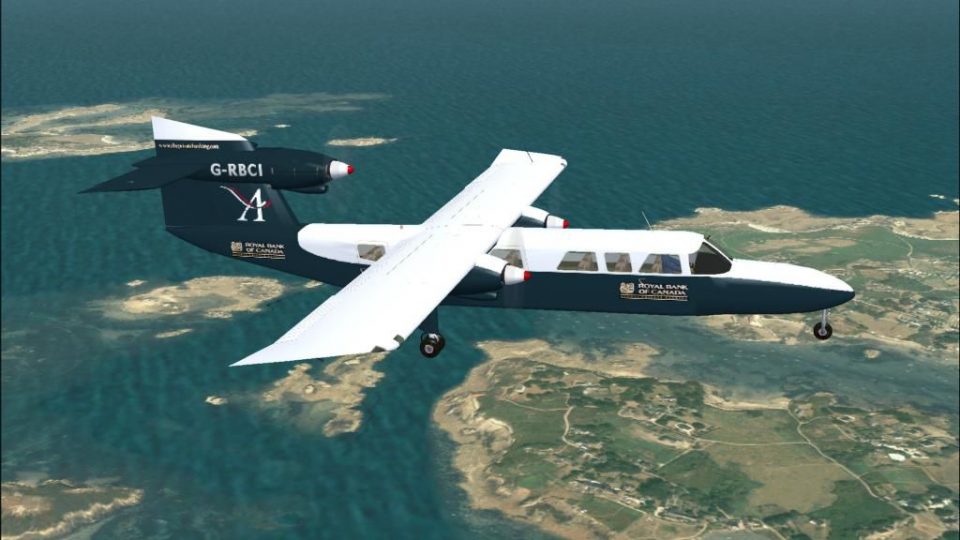
Aurigny Air Services “Royal Bank of Canada” livery for the Britten-Norman BN-2A MkIII-2 Trislander G-RBCI brings authentic 2004-era markings and airline details to FS2004, with matching registration, callsign, flight number, and parking codes for immersive AI and user flights. Requires GXTOR32G.ZIP.
 Rate
Rate
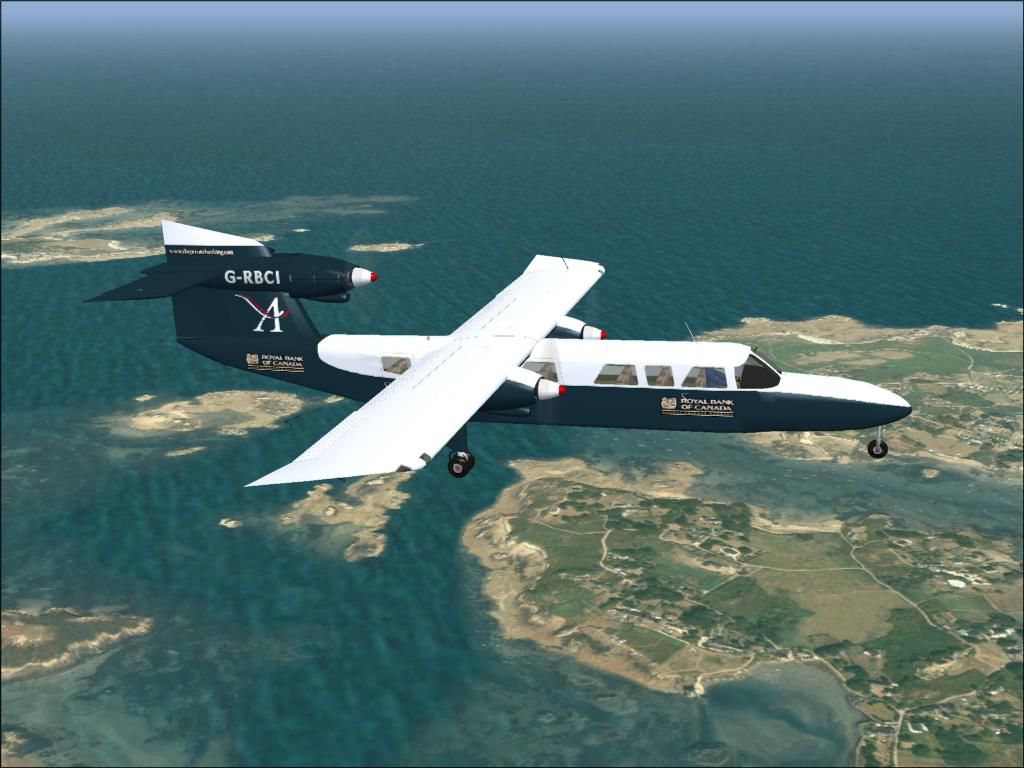
Sponsored by "The Royal Bank of Canada". Requires GXTOR32G.ZIP. By Ian Roussel.
Screenshot of Aurigny Air Services Trislander in flight.
You must have the aircraft loaded into you system first before you add the textures, or it wont work. place the texture file in you Trislander file, then paist the config below, change the XX for the next number, and that's it.
[fltsim.XX]

	title=BN-2A MkIII-2 - G-RBCI - Aurigny

	sim=BN2

	model=

	panel=

	sound=

	texture=grbci

	checklists=BN2A_check.txt

	description=Britten-Norman BN2A MkIII Trislander, registration G-RBCI. This livery depicts Aurigny's "Royal Bank of Canada" Trislander G-RBCI circa 2004 painted by Ian Roussel.

	atc_airline=AYLINE

	atc_id=GRBCI

	atc_flight_number=814

	ui_manufacturer=Britten Norman

	ui_type=BN-2A Mk.III-2

	ui_variation=G-RBCI

	atc_heavy=0

	atc_parking_codes=AUR
Free for all simmers · 1.16 MB · Scanned clean Oct 2026
Download speed: Free tier is capped at 0.5 Mbps. PRO members download at full line speed.
This file is a repaint — the package below is the base model it paints onto. Install it first, or the textures will have nothing to load onto.
FS9\Aircraft\, FS9\Addon Scenery\, FS9\Gauges\, or FS9\Effects\.readme.txt or README file. It tells you exactly where files go, what dependencies are needed, and any quirks specific to this add-on.The archive grbci.zip has 23 files and directories contained within it.
This list displays the first 500 files in the package. If the package has more, you will need to download it to view them.
| Filename/Directory | File Date | File Size |
|---|---|---|
| aircraft.cfg | 08.26.04 | 893 B |
| GRBCI.jpg | 08.26.04 | 89.79 kB |
| texture.grbci | 08.26.04 | 0 B |
| blende_t.bmp | 02.28.03 | 442 B |
| bn23_t.bmp | 08.26.04 | 2.67 MB |
| bn2_c.bmp | 07.02.04 | 1.00 MB |
| bn2_i.bmp | 03.15.04 | 257.05 kB |
| decals_1.bmp | 05.15.04 | 128.07 kB |
| decals_2_mk3.bmp | 07.02.04 | 257.05 kB |
| engine.bmp | 02.14.04 | 170.74 kB |
| Face.bmp | 08.08.04 | 85.42 kB |
| Fenst.bmp | 01.29.02 | 1.06 kB |
| mechaniker.bmp | 04.03.04 | 65.05 kB |
| Misc1.bmp | 05.09.04 | 17.05 kB |
| Misc2.bmp | 03.15.04 | 65.05 kB |
| Misc3.bmp | 02.17.03 | 17.05 kB |
| Misc4.bmp | 03.03.04 | 65.05 kB |
| passenger.bmp | 03.05.04 | 682.75 kB |
| Props.bmp | 12.07.01 | 341.40 kB |
| Stairs.bmp | 04.06.04 | 4.11 kB |
| GRBCI | 08.26.04 | 0 B |
| flyawaysimulation.txt | 10.29.13 | 959 B |
| Go to Fly Away Simulation.url | 01.22.16 | 52 B |
Only PRO members can place votes.
More FS2004 add-ons hand-picked based on this download.
FS2004 Propeller Aircraft
Aurigny Air services Britten Norman Trislander G-JOEY textures only by Ian Ro…
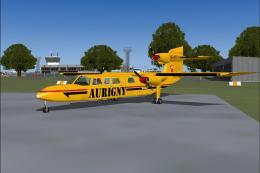 FS2004 Propeller Aircraft
Textures only for G-BEPH of Aurigny Air Service, 1990s, Looking very tatty an…
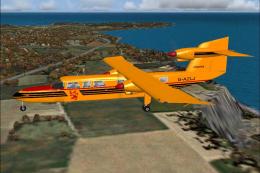 FS2004 Propeller Aircraft
This was the first livery used by Aurigny Services for the Britten Norman Tri…
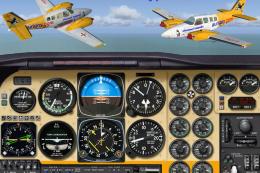 FS2004 Propeller Aircraft
Textures only for the default Beech Baron. Repaint by Thierry Pujol. Screensh…
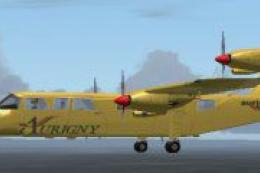 FS2004 Propeller Aircraft
Very detailed and fully animated Britten Norman BN-2A Mk.III-2 Trislander fro…
 FS2004 Propeller Aircraft
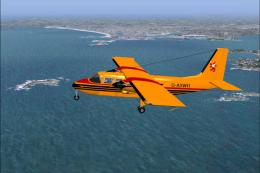
A texture for Marcel Kuhnt's Britten Norman Islander. It displays one of the …
 FS2004 Propeller Aircraft
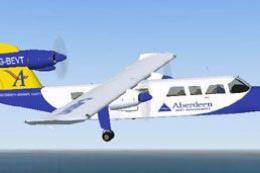
Aurigny Britten Norman BN2-2AMk3 Trislander. Four repaints, G-BDTO, G-BEVT, G…
 FS2004 Propeller Aircraft
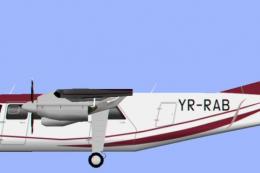
Regional Air Services HTAI (Henry Tomkiewicz) Britten Norman BN2 Islander 'YR…
Be the first to leave a comment on this download.
Be the first to share your thoughts on this download.