

 FS2004 Propeller Aircraft
Intra Airways Vickers Viscount 724
In one of its many guises, the much used G-BDRC flew in this livery on lease …
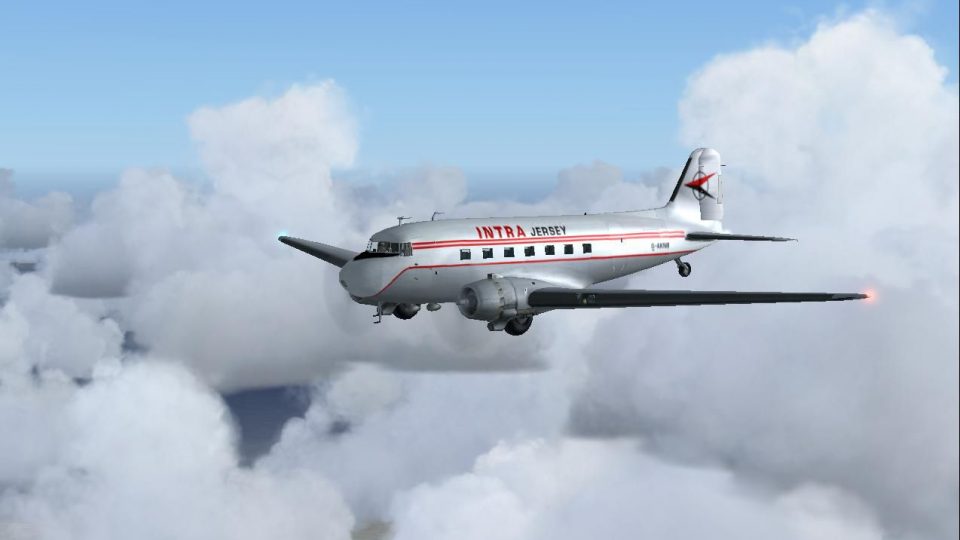
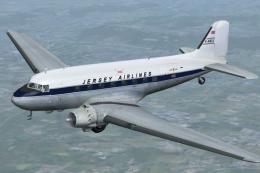
Intra Jersey’s classic Douglas DC-3 livery captures the airline’s late‑1960s beginnings and the heritage that later evolved into Jersey European, British European, and today’s Flybe. Designed for FS2004, this repaint refreshes the default DC-3 with period-correct markings and a cohesive look for vintage regional routes; requires the default DC-3.
 Rate
Rate
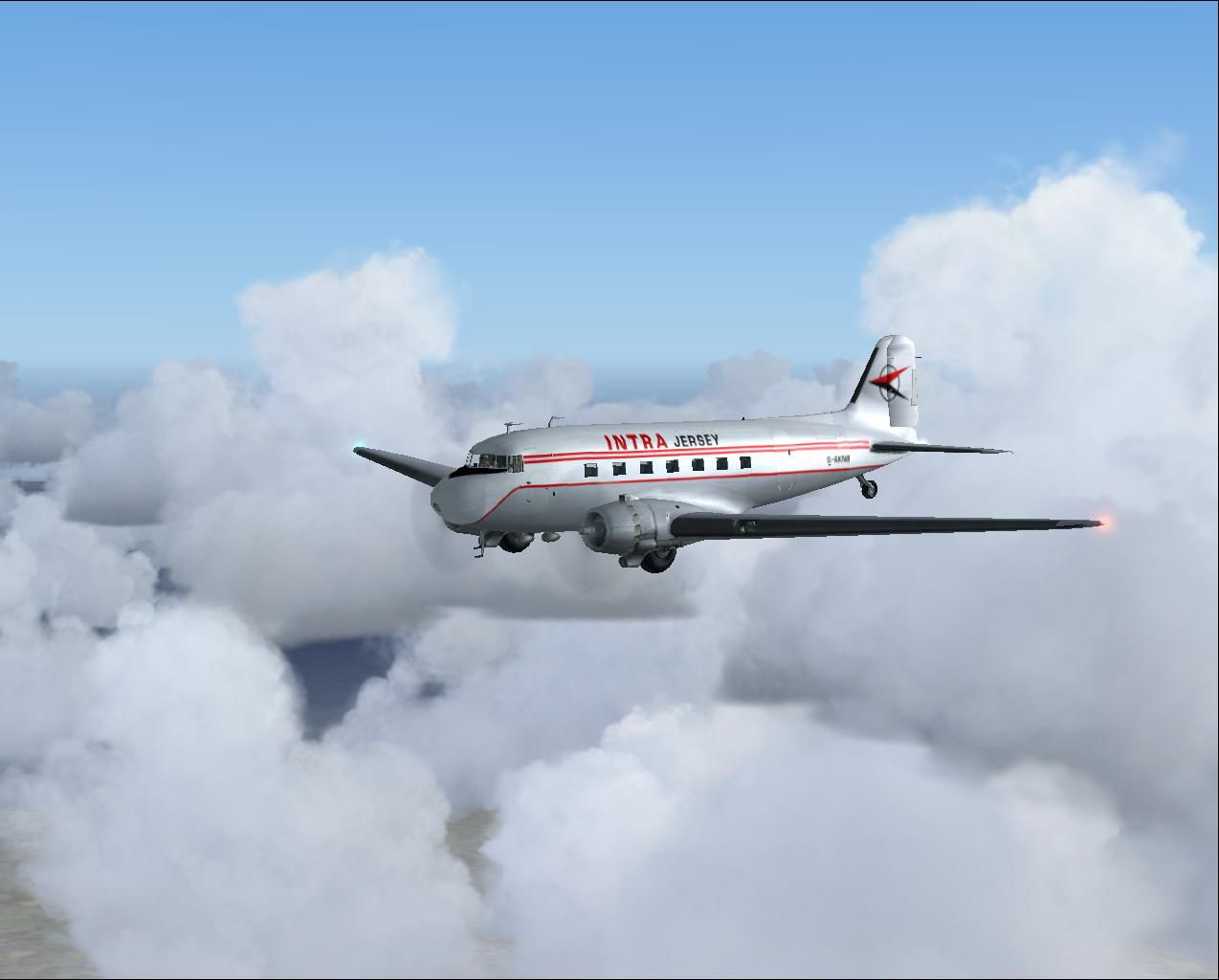
This was the original aircraft that started Intra in the late sixties and led through expansion, take overs, and after becoming Jersey European, then British European and is now Flybe. A repaint of the default DC3 by Garry Russell.
Screenshot of Intra Jersey Douglas DC-3 in flight.
Installation:
Place the unzipped texture folder into the default DC3 folder and paste the above text into the aircraft config renumbering to the next available.
[fltsim.xx]

	title=Douglas Dc-3 Intra-Jersey

	sim=Douglas_DC3

	model=

	panel=

	sound=

	texture=intra

	kb_checklists=Douglas_DC3_check

	kb_reference=Douglas_DC3_ref

	atc_id_color=

	ui_manufacturer=Douglas

	ui_type="DC-3"

	ui_variation="Intra Airways-Jersey"

	description= This was the original aircraft that started Intra in the late sixties and led through expansion, take overs, and after becomming Jersey European, then British European is now Flybe: Repaint of default DC3 by Garry Russell.
Free for all simmers · 1.68 MB · Scanned clean Sep 2026
Download speed: Free tier is capped at 0.5 Mbps. PRO members download at full line speed.
FS9\Aircraft\, FS9\Addon Scenery\, FS9\Gauges\, or FS9\Effects\.readme.txt or README file. It tells you exactly where files go, what dependencies are needed, and any quirks specific to this add-on.The archive intradc3.zip has 14 files and directories contained within it.
This list displays the first 500 files in the package. If the package has more, you will need to download it to view them.
| Filename/Directory | File Date | File Size |
|---|---|---|
| Dakota4.jpg | 09.26.04 | 63.23 kB |
| Read me.txt | 09.26.04 | 1.29 kB |
| texture.intra | 09.26.04 | 0 B |
| Douglas_DC3_1_C.bmp | 04.29.03 | 682.74 kB |
| Douglas_DC3_1_D.bmp | 04.12.03 | 682.74 kB |
| Douglas_DC3_1_T.bmp | 09.26.04 | 1.00 MB |
| Douglas_DC3_2_C.bmp | 04.29.03 | 170.74 kB |
| Douglas_DC3_2_T.bmp | 04.28.03 | 341.40 kB |
| Douglas_DC3_3_C.bmp | 04.29.03 | 42.74 kB |
| Prop_DC3.bmp | 10.06.03 | 341.40 kB |
| Thumbs.db | 09.21.04 | 9.00 kB |
| Intradc3FS9 | 09.26.04 | 0 B |
| flyawaysimulation.txt | 10.29.13 | 959 B |
| Go to Fly Away Simulation.url | 01.22.16 | 52 B |
Only PRO members can place votes.
More FS2004 add-ons hand-picked based on this download.
FS2004 Propeller Aircraft
In one of its many guises, the much used G-BDRC flew in this livery on lease …
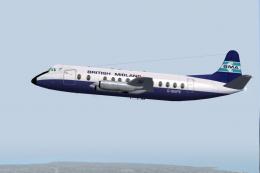 FS2004 Propeller Aircraft
Once owned by BMA, this aircraft was sold on to Intra Airways. In April 1980 …
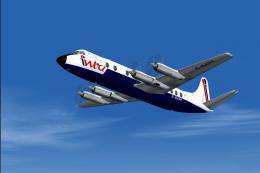 FS2004 Propeller Aircraft
An early expansion saw Intra Airways of Jersey operating Viscount 810 and a s…
 FS2004 Propeller Aircraft
Textures only; requires the default DC3. Jersey Airlines was founded in 1948 …
 FS2004 Propeller Aircraft
DH114-2B model by Dee Waldron. Repaint by Carlos Marrero. Screenshot of Jerse…
 FS2004 Propeller Aircraft
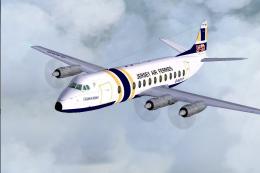
Jersey Air Ferries was created by BAF to operate Channel Island services usin…
 FS2004 Propeller Aircraft
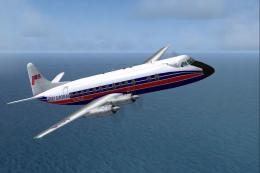
Vickers Viscount 815 G-AVJB served with many British independants including f…
 FS2004 Propeller Aircraft
These layered PSD files can be used in Paint Shop Pro or Photoshop to allow e…
Be the first to leave a comment on this download.
Be the first to share your thoughts on this download.