

 FS2004 Propeller Aircraft
Val-U-Prop Douglas DC-4
Repaint (textures only) in Val-U-Prop livery of the FS2004 FS Design Berlin T…
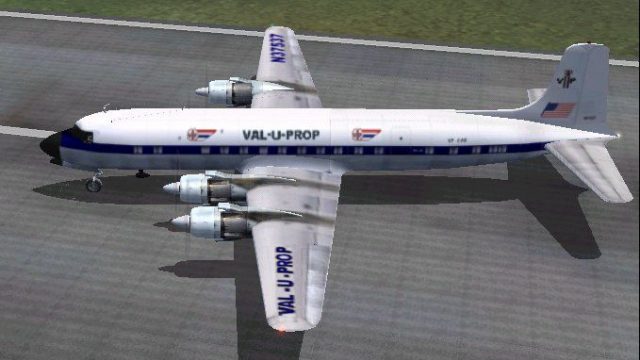
Val-U-Prop Douglas DC-6B textures sharpen the classic piston airliner with efficient DXT3 paint that preserves visual detail while helping maintain smooth frame rates in FS2004. A dedicated repaint set, it requires Tom Gibson and Greg Pepper’s DC6BUAL (1958) base package and includes matching airline markings and identifiers for an authentic United-era look.
 Rate
Rate
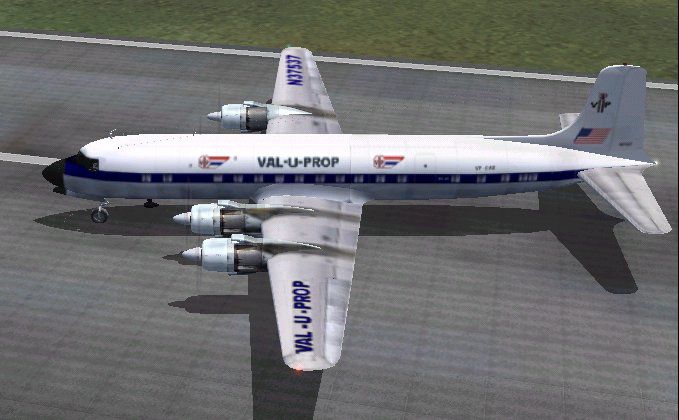
Textures in DXT3 format for fast FPS and little or no loss of visual quality. These are textures only and require Tom Gibson and Greg Pepper's DC6BUAL (1958). By James Underwood.
Screenshot of Val-U-Prop Douglas DC-6B taxiing to runway.
Always first make a backup of any files you will be modifying!
Create a folder within your DC6Bual folder named "texture.vp" (without the " of course!). Copy all the texture files from the first texture folder into the texture.vp folder. Next, extract or unzip the contents of the dc6bvp.ZIP into texture.vp folder allowing the overwrites.
Now, open the DC6bual aircraft.cfg file with notepad. You will see a listing of the aircraft in there. At the end the aircraft listing, add (copy and paste) the following text example. Where "XX" is in this example, you will need to put the next sequential number that would follow the previous aircraft. If for example your last fltsim.XX aircraft entry is "3", you would duly replace the "XX" with "4" (without the quotes, of course):
[fltsim.xx]

	title=Douglas DC-6B Val U Prop

	sim=dc6b

	model=v2

	panel=

	sound=

	texture=vp

	kb_checklists=DC6B_check

	kb_reference=dc6b_ref

	atc_id=N37566

	atc_id_enable=1

	ui_manufacturer=Douglas

	ui_type=DC-6B

	ui_variation=Val U Prop

	description=The DC-6B was generally considered to possess the best operating economics of any piston airliner built. Passengers also appreciated their smooth, quiet ride. United had 43 DC-6B's, and used them throughout their US system. VP Repaint by James Underwood.

	atc_airline=United

	atc_flight_number=VP33

	atc_heavy=0

	visual_damage=1

	prop_anim_ratio=0.9
Save the file, and you're done! Happy flying and thank you for choosing Val U Prop.
Free for all simmers · 855.07 KB · Scanned clean Oct 2026
Download speed: Free tier is capped at 0.5 Mbps. PRO members download at full line speed.
FS9\Aircraft\, FS9\Addon Scenery\, FS9\Gauges\, or FS9\Effects\.readme.txt or README file. It tells you exactly where files go, what dependencies are needed, and any quirks specific to this add-on.The archive dc6bvp.zip has 10 files and directories contained within it.
This list displays the first 500 files in the package. If the package has more, you will need to download it to view them.
| Filename/Directory | File Date | File Size |
|---|---|---|
| DC6B_leftaft_t.bmp | 03.21.05 | 1.00 MB |
| DC6B_leftfwd_t.bmp | 03.21.05 | 1.00 MB |
| DC6B_rtaft_t.bmp | 03.21.05 | 1.00 MB |
| DC6B_rtfwd_t.bmp | 03.21.05 | 1.00 MB |
| readme1st.txt | 03.26.05 | 2.30 kB |
| File ID.txt | 03.26.05 | 210 B |
| dc6b2k4.txt | 03.21.05 | 7.30 kB |
| dc6bvp.jpg | 03.21.05 | 52.69 kB |
| flyawaysimulation.txt | 10.29.13 | 959 B |
| Go to Fly Away Simulation.url | 01.22.16 | 52 B |
Only PRO members can place votes.
More FS2004 add-ons hand-picked based on this download.
FS2004 Propeller Aircraft
Repaint (textures only) in Val-U-Prop livery of the FS2004 FS Design Berlin T…
 FS2004 Propeller Aircraft
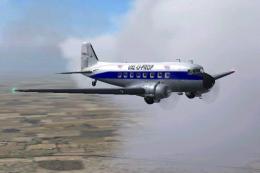
Textures only for the default Douglas DC3. By James Underwood. Screenshot of …
 FS2004 Propeller Aircraft
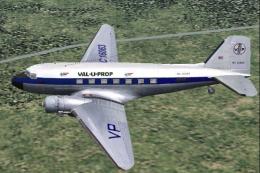
Textures only for the payware MAAM Sim passenger DC3. Requires the original p…
 FS2004 Propeller Aircraft
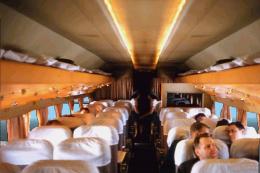
For use with James Underwood's Douglas DC-4/DC-6 panel package (requires DC6J…
 FS2004 Propeller Aircraft
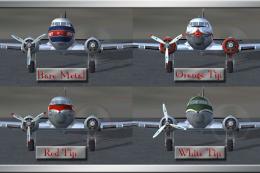
These files are prop replacement textures for the MAAM R4D6/DC3 passenger mod…
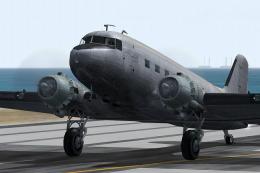 FS2004 Propeller Aircraft
The default Microsoft DC3 prop bitmap has been adjusted to make it a little m…
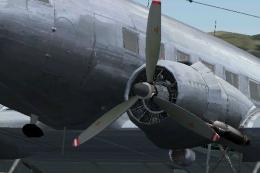 FS2004 Propeller Aircraft
MAAM-Sim Douglas DC-3/C-47 red/white propeller tips update. Textures only. By…
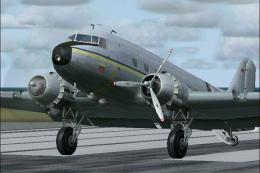 FS2004 Propeller Aircraft
This freeware update delivers a refined layer of red and white propeller tips…
Be the first to leave a comment on this download.
Be the first to share your thoughts on this download.