

 FS2004 Propeller Aircraft
Douglas DC-3 Prop Tips Update (All White)
This freeware release introduces fully white propeller tips for the default D…
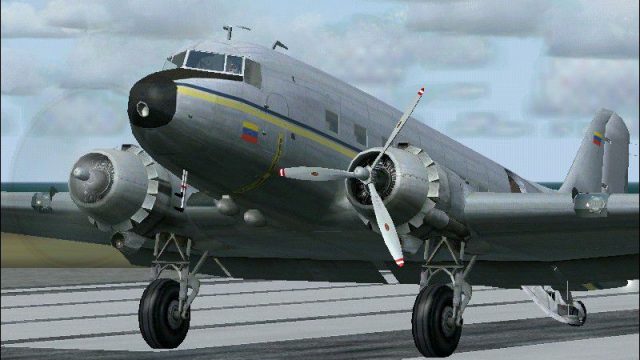
Red-and-white propeller tip textures refresh the default Douglas DC-3 with sharper blade-edge markings and a more dynamic look in motion, while keeping the classic vintage finish intact in Microsoft Flight Simulator 2004. The package updates prop disc and airframe texture elements for cleaner visibility during rotation and external views.
 Rate
Rate
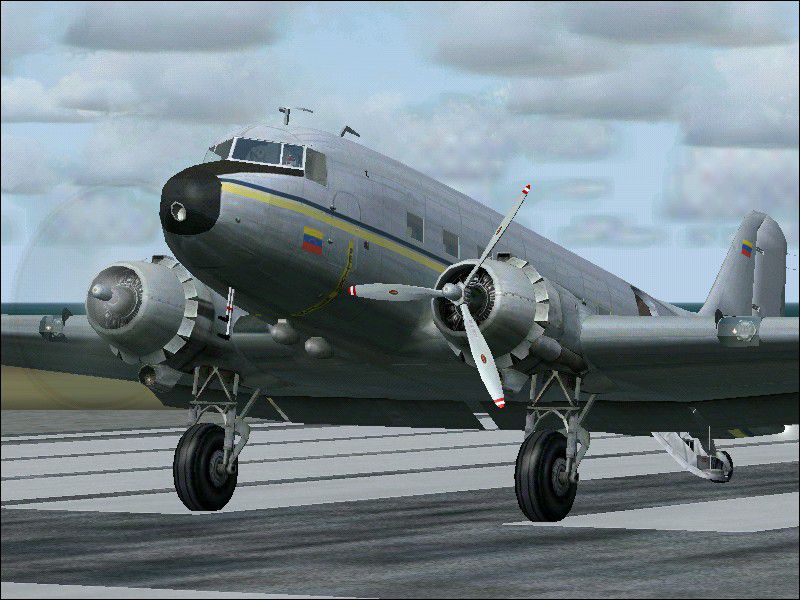
This freeware update delivers a refined layer of red and white propeller tips intended for the default Douglas DC-3 operating in Microsoft Flight Simulator 2004. Developed by Juan Ernesto Oropeza, this patch focuses on subtle prop enhancements for a distinctive appearance while maintaining the aircraft’s authentic aesthetic.
The DC-3, recognized as a landmark in early commercial aviation, is powered by twin radial engines. This update supplies splashes of red and white along the prop blade edges, conveying a dynamic impression during rotation. The enhanced color contrast is designed to amplify visibility in flight while preserving the vintage appeal of Douglas’s historic twin-prop transporter.
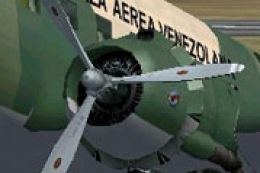
Above: View of the vintage airliner’s refreshed red and white propeller markings
This add-on provides texture-only files meant for painters with experience in layering BMP textures. Adapting the default Douglas_DC3_1_T.bmp file requires precision to ensure correct alignment of the red and white pattern. Additionally, the Prop_DC3.bmp file must be overwritten to place the newly accentuated tips correctly. Avoid modifying any bitmap layers outside of these prescribed steps to preserve realistic prop animations.
Douglas_DC3_1_T.bmpDouglas_DC3_1_T.bmp and Prop_DC3.bmp files within the aircraft’s main texture directory.Douglas_DC3_1_T.bmp canvas as a new layer. Ensure precise alignment of the paint edges over the original propeller section.Douglas_DC3_1_T.bmp), overwriting your default if desired.Prop_DC3.bmp with the included version, again ensuring your original file is already backed up.If you are unfamiliar with graphical editing techniques, consider enlisting assistance from a proficient repaint artist. Proper file management is crucial, as unintended alterations may disrupt propeller transparency or animation data.
Emphasizing visibility and contrast, these revised blades help pilots keep track of propeller rotation, particularly useful during external preflight checks. The end result is a subtle but notable enhancement to one of aviation’s most iconic piston-engine transports. While the new textures are fundamentally cosmetic, they are conceived in a way that respects the aircraft’s traditional lines and storied operational history.
All acknowledgments for this mod go to Juan Ernesto Oropeza for creating and releasing this specialized repaint fix. Pilots seeking a modest visual tweak to the default Douglas DC-3 will find this freeware add-on a straightforward update that highlights the plane’s classic character. Enjoy smooth flights and precise engine visuals!
Free for all simmers · 241.68 KB · Scanned clean Oct 2026
Download speed: Free tier is capped at 0.5 Mbps. PRO members download at full line speed.
FS9\Aircraft\, FS9\Addon Scenery\, FS9\Gauges\, or FS9\Effects\.readme.txt or README file. It tells you exactly where files go, what dependencies are needed, and any quirks specific to this add-on.The archive redwtip.zip has 8 files and directories contained within it.
This list displays the first 500 files in the package. If the package has more, you will need to download it to view them.
| Filename/Directory | File Date | File Size |
|---|---|---|
| redwhitetip.bmp | 09.30.05 | 39.18 kB |
| read me wprop.txt | 10.17.05 | 817 B |
| Prop_DC3.bmp | 09.30.05 | 341.40 kB |
| File_id.diz | 10.17.05 | 177 B |
| Redwhitetips.jpg | 10.05.05 | 126.15 kB |
| Redwhitetips.png | 10.17.05 | 42.97 kB |
| flyawaysimulation.txt | 10.29.13 | 959 B |
| Go to Fly Away Simulation.url | 01.22.16 | 52 B |
Only PRO members can place votes.
More FS2004 add-ons hand-picked based on this download.
FS2004 Propeller Aircraft
This freeware release introduces fully white propeller tips for the default D…
 FS2004 Propeller Aircraft
This update offers a refined set of white propeller tip textures for enthusia…
 FS2004 Propeller Aircraft
These files are prop replacement textures for the MAAM R4D6/DC3 passenger mod…
 FS2004 Propeller Aircraft
The default Microsoft DC3 prop bitmap has been adjusted to make it a little m…
 FS2004 Propeller Aircraft
MAAM-Sim Douglas DC-3/C-47 red/white propeller tips update. Textures only. By…
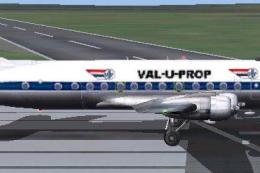 FS2004 Propeller Aircraft
Repaint (textures only) in Val-U-Prop livery of the FS2004 FS Design Berlin T…
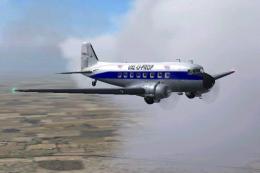 FS2004 Propeller Aircraft
Textures only for the default Douglas DC3. By James Underwood. Screenshot of …
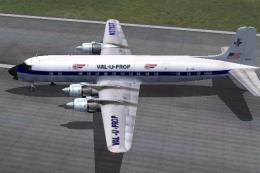 FS2004 Propeller Aircraft
Textures in DXT3 format for fast FPS and little or no loss of visual quality.…
Be the first to leave a comment on this download.
Be the first to share your thoughts on this download.