

 FS2004 Propeller Aircraft
TAME Ecuador Lockheed L-188A 1988
The package includes textures, aircraft and panel for the L188 Electra. Aircr…
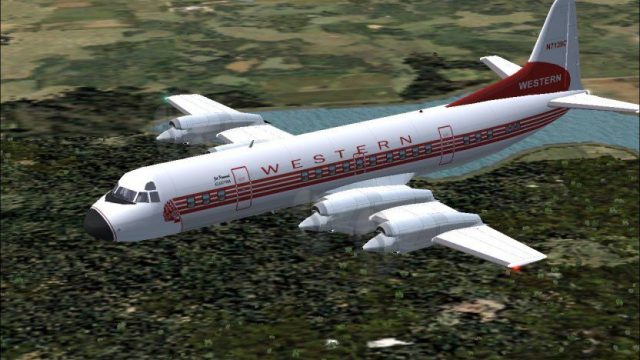
Western Airlines Lockheed L-188A Electra textures depict N7139C in a crisp 1959 scheme for FS2004, suitable for AI traffic or hands-on flying. Mip maps are removed for sharper paintwork and animated control surfaces enhance realism; textures only and requires SL188.ZIP for the Mike Stone model.
 Rate
Rate
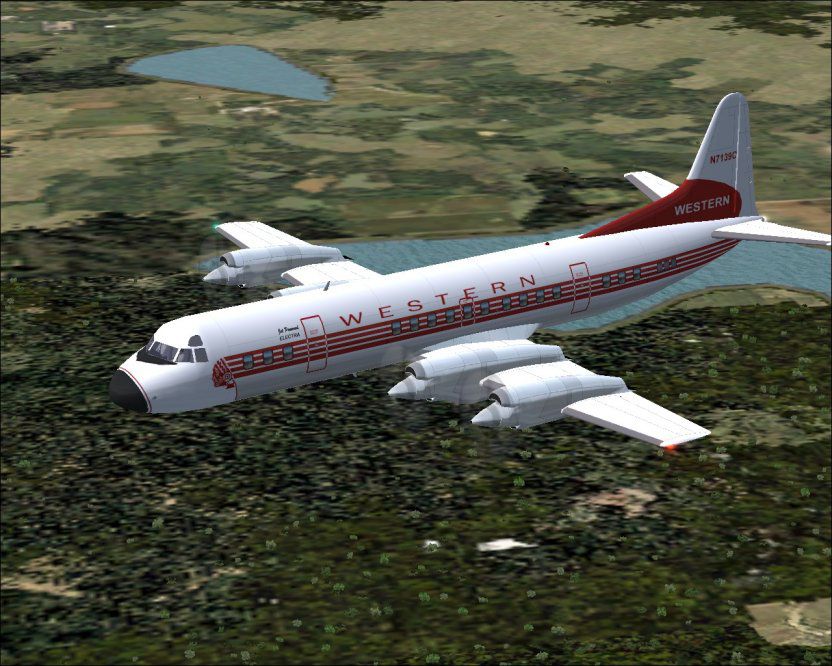
Registration N7139C (s/n 1094), in 1959 livery. Ideal as AI as well as flying in FS2004. Mip Maps removed to improve texture clarity. Features animated control surfaces. Textures only; requires SL188.ZIP. Model by Mike Stone. Western Airlines textures by Tony Madge.
Screenshot of Western Airlines Lockheed L-188A in flight.
Installation:
[fltsim.XX]

	title=Lockheed L118A Western

	sim=L188

	model=

	panel=

	sound=

	texture=western

	kb_checklists=

	kb_reference=

	atc_id=N7139C

	atc_airline=Western

	atc_flight_number=201

	atc_parking_types=GATE,RAMP

	ui_manufacturer=Lockheed

	ui_type=L188

	ui_variation=Western

	description=L-118A Western Airlines Circa 1965 model by Mike Stone Western colours by Tony Madge

	atc_heavy=0
This texture file has been checked for viruses it will not affect your computer, however by installing it you take on any risk!
Free for all simmers · 291.19 KB · Scanned clean Oct 2026
Download speed: Free tier is capped at 0.5 Mbps. PRO members download at full line speed.
This file is a repaint — the package below is the base model it paints onto. Install it first, or the textures will have nothing to load onto.
FS9\Aircraft\, FS9\Addon Scenery\, FS9\Gauges\, or FS9\Effects\.readme.txt or README file. It tells you exactly where files go, what dependencies are needed, and any quirks specific to this add-on.The archive wa_l-118.zip has 25 files and directories contained within it.
This list displays the first 500 files in the package. If the package has more, you will need to download it to view them.
| Filename/Directory | File Date | File Size |
|---|---|---|
| cowl_l.bmp | 02.25.05 | 257.05 kB |
| cowl_t.bmp | 02.25.05 | 256.07 kB |
| fuslg_l.bmp | 02.25.05 | 1.00 MB |
| fuslg_t.bmp | 02.25.05 | 1.00 MB |
| lwing_l.bmp | 02.25.05 | 1.00 MB |
| lwing_t.bmp | 02.25.05 | 1.00 MB |
| propdisk_t.bmp | 02.25.05 | 65.05 kB |
| prop_l.bmp | 02.25.05 | 65.05 kB |
| prop_t.bmp | 02.25.05 | 65.05 kB |
| rwing_l.bmp | 02.25.05 | 1.00 MB |
| rwing_t.bmp | 02.25.05 | 1.00 MB |
| spinner_l.bmp | 02.25.05 | 17.05 kB |
| spinner_t.bmp | 02.25.05 | 16.07 kB |
| stab_l.bmp | 02.25.05 | 257.05 kB |
| stab_t.bmp | 02.25.05 | 256.07 kB |
| tail_l.bmp | 02.25.05 | 256.07 kB |
| tail_t.bmp | 02.25.05 | 256.07 kB |
| Thumbs.db | 02.24.05 | 43.00 kB |
| texture.western | 02.25.05 | 0 B |
| Read Electra.txt | 02.25.05 | 1.26 kB |
| file_id.diz | 02.25.05 | 423 B |
| READTHIS.txt | 11.17.04 | 1.89 kB |
| L-1181.jpg | 02.25.05 | 123.68 kB |
| flyawaysimulation.txt | 10.29.13 | 959 B |
| Go to Fly Away Simulation.url | 01.22.16 | 52 B |
Only PRO members can place votes.
More FS2004 add-ons hand-picked based on this download.
FS2004 Propeller Aircraft
The package includes textures, aircraft and panel for the L188 Electra. Aircr…
 FS2004 Propeller Aircraft
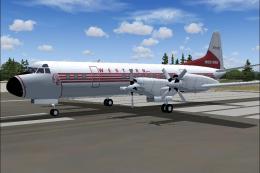
Textures for Chris Buff's L-188 Electra. Panel by Paul Strogen. Textures by F…
 FS2004 Propeller Aircraft
Step back into a late 1950s flight deck atmosphere with this carefully recrea…
 FS2004 Propeller Aircraft
Textures only for the payware Alphasim L-049 Constellation. Acquired followin…
 FS2004 Propeller Aircraft
This freeware add-on offers a historically accurate Western Airlines repaint …
 FS2004 Propeller Aircraft
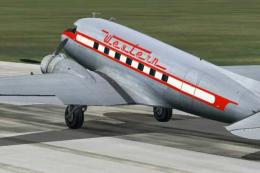
Textures only for the default Douglas DC3 in Western Airlines livery, circa 1…
 FS2004 Propeller Aircraft
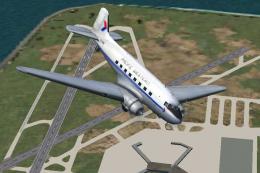
A repaint of the default Douglas DC3 in the livery of Pacific Western Airline…
 FS2004 Propeller Aircraft
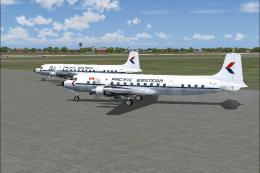
Textures for the Greg Pepper/Tom Gibson Douglas DC6B. These textures depict C…
Be the first to leave a comment on this download.
Be the first to share your thoughts on this download.