

 FS2004 Propeller Aircraft
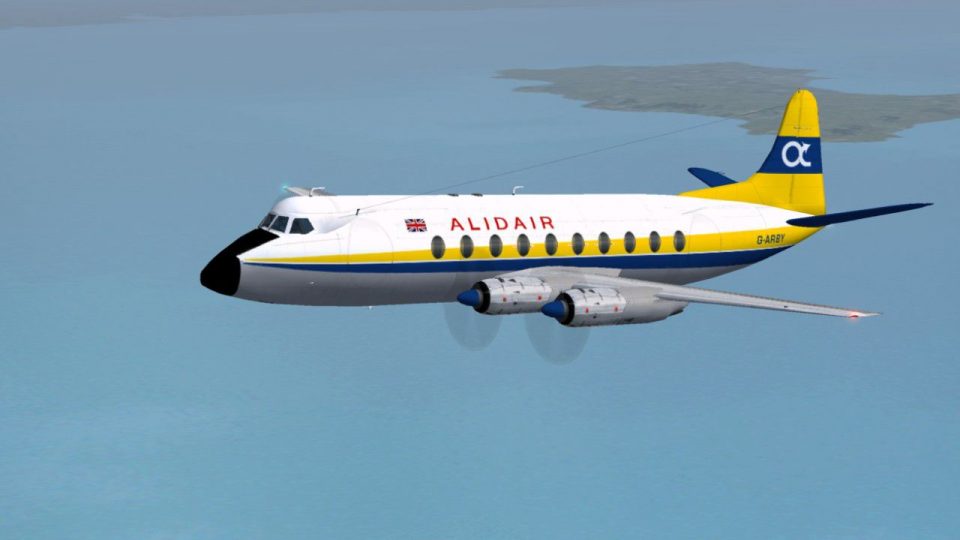
Alidair Viscount 814 1975
One of the rarer members of the Alidair fleet this aircraft spent much of its…
Alidair’s Vickers Viscount 708 gets its 1975 paint scheme for FS2004, recreating an ex–Air Inter airframe that later became known for a notable 1980 fuel-starvation diversion near Exeter. The textures capture the airline’s early fleet identity and classic turboprop lines, and requires the FSDS Viscount 700 model by Rick Piper.
 Rate
Rate
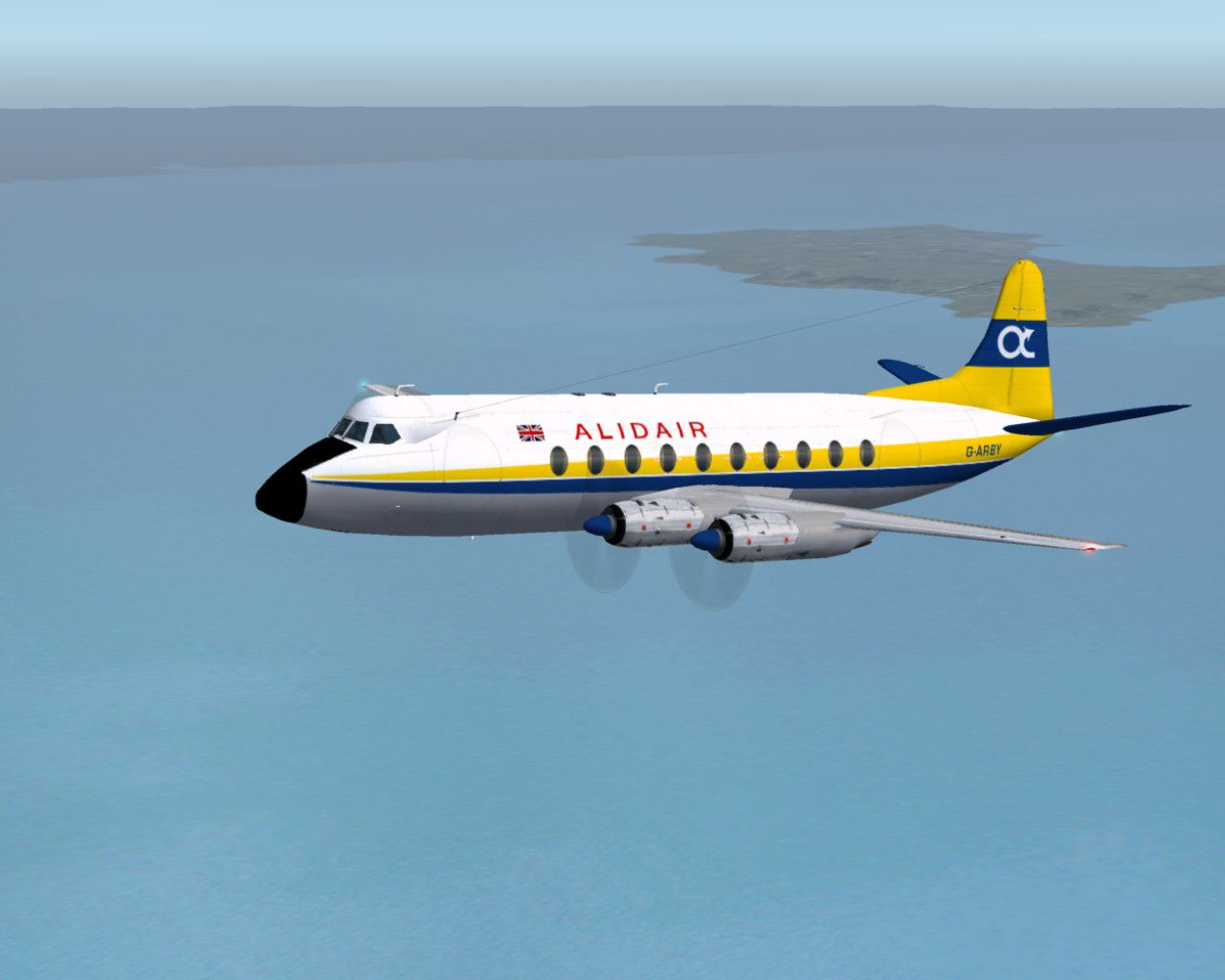
One of the ex Air Inter Viscount fleet purchased by Alidair, this was at the time the oldest flying Viscount. It became infamous in a spectacular non-fatal forced landing on the 17 July 1980 when it ran out of fuel ten miles short of Exeter airport. This is the first of many livery variations worn by the Alidair fleet. Requires the FSDS Viscount 700 model by Rick Piper. By Garry Russell.
Screenshot of Alidair Viscount 708 in flight.
Installation:
Place the unzipped texture folder into the FSDS Viscount 700 folder and paste the above text into the aircraft config renumbering to the next available.
[fltsim.xx]

	title=Vickers Viscount 708 Alidair 1975

	sim=FSDS Vickers Viscount 700

	model=700

	panel=

	sound=

	texture=Alidair

	checklists=

	description= One of the ex Air Inter Viscount fleet purchased by Alidair, this was at the time the oldest flying Viscount. It became infamous in a spetacular non fatal forced landing on the 17-July 1980 when it ran out of fuel ten miles short of Exeter airport. This is the first of many livery Variations worn by the Alidair fleet. Requires the FSDS Viscount 700 model by Rick Piper/Model by Rick Piper. Repaint by Garry Russell.

	ui_type=Viscount 700

	ui_manufacturer=Vickers

	ui_variation=Alidair 1975

	atc_heavy=0

	atc_id=G-ARBY

	atc_airline=Alida

	atc_flight_number=700
Free for all simmers · 560 KB · Scanned clean Sep 2026
Download speed: Free tier is capped at 0.5 Mbps. PRO members download at full line speed.
FS9\Aircraft\, FS9\Addon Scenery\, FS9\Gauges\, or FS9\Effects\.readme.txt or README file. It tells you exactly where files go, what dependencies are needed, and any quirks specific to this add-on.The archive v708al75.zip has 23 files and directories contained within it.
This list displays the first 500 files in the package. If the package has more, you will need to download it to view them.
| Filename/Directory | File Date | File Size |
|---|---|---|
| Read Me.txt | 08.15.05 | 2.39 kB |
| texture.alidair | 08.15.05 | 0 B |
| 4blade1.bmp | 08.24.01 | 65.05 kB |
| Eng.bmp | 08.14.05 | 256.07 kB |
| Eng_LM.bmp | 08.14.05 | 256.07 kB |
| Fin.bmp | 08.14.05 | 256.07 kB |
| Fin_LM.bmp | 08.14.05 | 256.07 kB |
| fuse1.bmp | 08.15.05 | 256.07 kB |
| fuse1_LM.bmp | 08.14.05 | 256.07 kB |
| Fuse2.bmp | 08.14.05 | 256.07 kB |
| Fuse2_LM.bmp | 08.14.05 | 256.07 kB |
| Fuse3.bmp | 08.15.05 | 256.07 kB |
| Fuse3_LM.bmp | 08.14.05 | 256.07 kB |
| prop.bmp | 08.14.05 | 64.07 kB |
| prop_LM.bmp | 08.14.05 | 64.07 kB |
| Thumbs.db | 08.14.05 | 56.00 kB |
| Wing-L.bmp | 08.15.05 | 256.07 kB |
| Wing-L_LM.bmp | 08.15.05 | 256.07 kB |
| Wing-R.bmp | 08.15.05 | 256.07 kB |
| Wing-R_LM.bmp | 08.15.05 | 256.07 kB |
| Viscount88.jpg | 08.15.05 | 101.78 kB |
| flyawaysimulation.txt | 10.29.13 | 959 B |
| Go to Fly Away Simulation.url | 01.22.16 | 52 B |
Only PRO members can place votes.
More FS2004 add-ons hand-picked based on this download.
FS2004 Propeller Aircraft
One of the rarer members of the Alidair fleet this aircraft spent much of its…
 FS2004 Propeller Aircraft
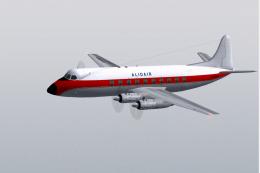
Alidair Viscount 708 (DAN Air basic). Having spent time on lease to DAN Air i…
 FS2004 Propeller Aircraft
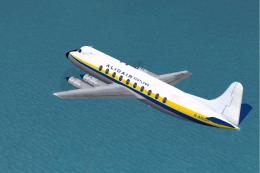
After a lease to Dan Air this aircraft re-entered Alidair service in 1979. La…
 FS2004 Propeller Aircraft
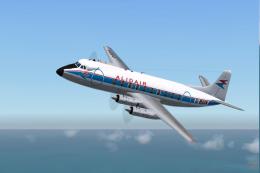
Alidair Viscount 708 (Air Inter). Of the six V.708 aircraft bought from Air I…
 FS2004 Propeller Aircraft
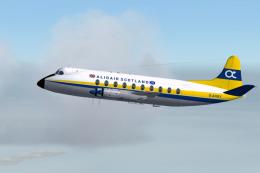
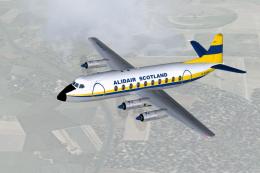
The early days of Alidair Scotland sees G-ARBY wearing the flags of both the …
 FS2004 Propeller Aircraft
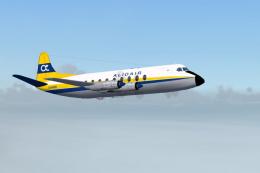
The start of a new decade and a fresh repaint for G-ARGR. Now with door outli…
 FS2004 Propeller Aircraft
After a couple of spells on lease to Dan Air, G-ARGR was back in Alidair live…
 FS2004 Propeller Aircraft
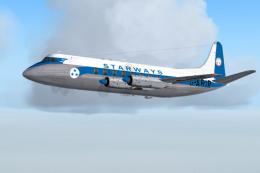
Founded in 1948 based at Blackpool, Starways moved to Liverpool the following…
Be the first to leave a comment on this download.
Be the first to share your thoughts on this download.