

 FS2004 Propeller Aircraft
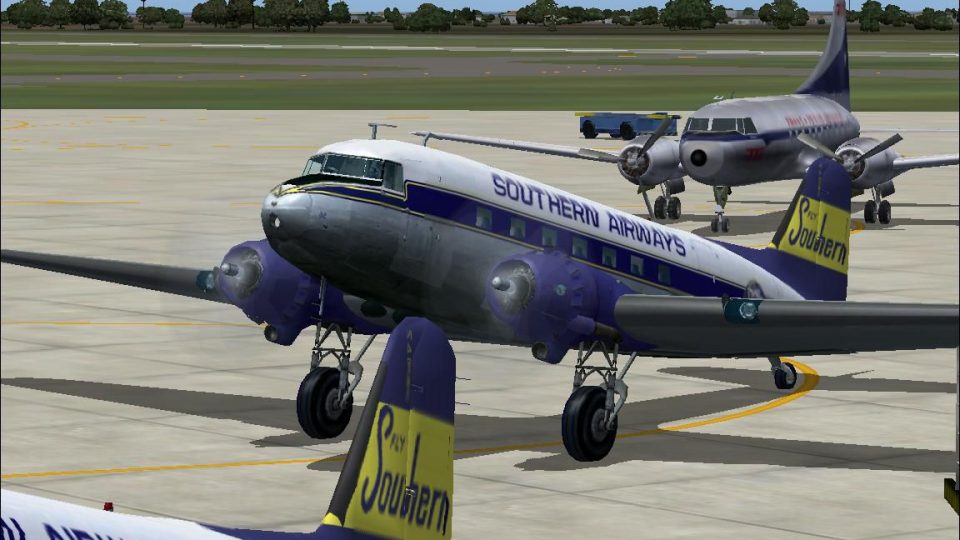
Southern Airways Douglas DC-3A
This freeware repaint offers a Southern Airways livery for the Douglas DC-3A,…
Southern Airways’ 1950s Douglas DC-3 livery brings a period-correct passenger look to the default airliner, with authentic titles, registration, and airline callsign for believable classic-route operations. Designed for FS2004, it refreshes external textures while keeping the familiar virtual cockpit and flight model intact, and requires the stock Douglas DC-3.
 Rate
Rate
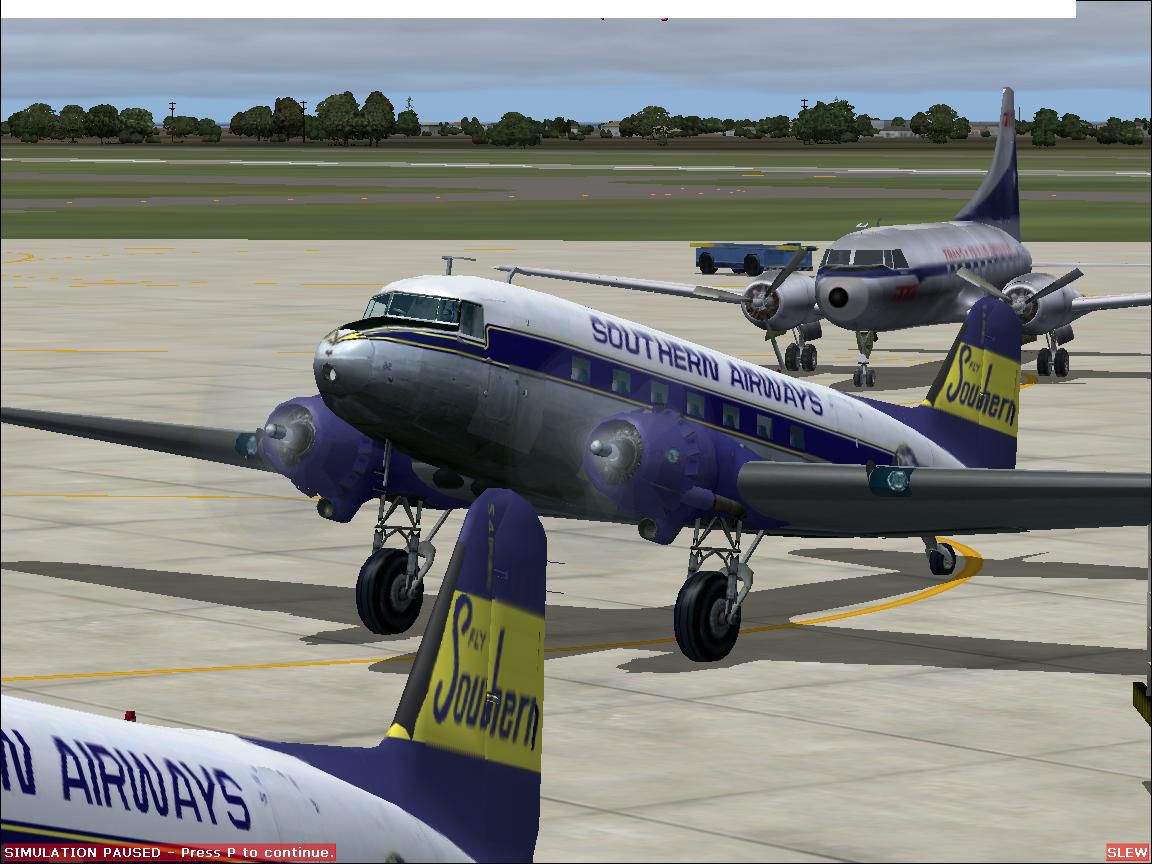
Textures only for the default DC3 in Southern Airways 1950's livery.. By Gary Harper.
Screenshot of Southern Airways Douglas DC-3 on the ground.
[fltsim.xx]

	title=Douglas DC-3 Southern Airways

	sim=Douglas_DC3

	model=

	panel=

	sound=

	texture=Sou

	kb_checklists=Douglas_DC3_check

	kb_reference=Douglas_DC3_ref

	atc_id=N49556

	ui_manufacturer=Douglas

	ui_type="DC-3"

	ui_variation="Southern"

	atc_airline=SOUTHERN

	atc_parking_types=GATE,RAMP

	atc_parking_codes=SOU

	description="Southern operated 25 DC-3s from 1949 to 1967 before being replaced by Martin 404s and DC-9s."
Free for all simmers · 1.69 MB · Scanned clean Oct 2026
Download speed: Free tier is capped at 0.5 Mbps. PRO members download at full line speed.
FS9\Aircraft\, FS9\Addon Scenery\, FS9\Gauges\, or FS9\Effects\.readme.txt or README file. It tells you exactly where files go, what dependencies are needed, and any quirks specific to this add-on.The archive sou_dc3.zip has 16 files and directories contained within it.
This list displays the first 500 files in the package. If the package has more, you will need to download it to view them.
| Filename/Directory | File Date | File Size |
|---|---|---|
| File_id.diz | 08.22.06 | 99 B |
| read me.txt | 08.24.06 | 1.23 kB |
| SouDC3.JPG | 08.24.06 | 130.85 kB |
| texture.Sou | 08.24.06 | 0 B |
| Douglas_DC3_1_C.bmp | 04.29.03 | 682.74 kB |
| Douglas_DC3_1_D.bmp | 04.12.03 | 682.74 kB |
| Douglas_DC3_1_T.bmp | 08.17.06 | 512.07 kB |
| Douglas_DC3_2_C.bmp | 08.11.06 | 128.07 kB |
| Douglas_DC3_2_T.bmp | 04.28.03 | 341.40 kB |
| Douglas_DC3_3_C.bmp | 04.29.03 | 42.74 kB |
| Prop_DC3.bmp | 10.06.03 | 85.43 kB |
| pspbrwse.jbf | 08.08.06 | 134.18 kB |
| Thumbs.db | 08.24.06 | 7.50 kB |
| SOU DC-3 | 08.24.06 | 0 B |
| flyawaysimulation.txt | 10.29.13 | 959 B |
| Go to Fly Away Simulation.url | 01.22.16 | 52 B |
Only PRO members can place votes.
More FS2004 add-ons hand-picked based on this download.
FS2004 Propeller Aircraft
This freeware repaint offers a Southern Airways livery for the Douglas DC-3A,…
 FS2004 Propeller Aircraft
Immerse yourself in a distinct slice of airline history with this repaint for…
 FS2004 Propeller Aircraft
This freeware package offers a historically inspired repaint set for use in M…
 FS2004 Propeller Aircraft
DC-3 Airways Douglas DC-3 classic and 1940's liveries. Based on the default D…
 FS2004 Propeller Aircraft
"City of Boston", in bare metal scheme. Original model by Arik Hohmeyer and F…
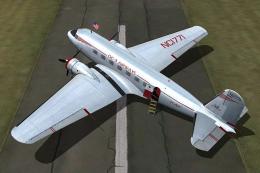 FS2004 Propeller Aircraft
DC-3 Airways Douglas DC-2 bare metal livery. A repaint for the virtual airlin…
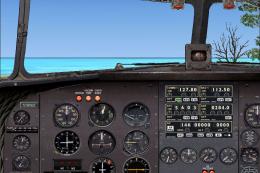 FS2004 Propeller Aircraft
DC-3 Airways Douglas DC-3 N18560, in bare metal livery. A rework of the defau…
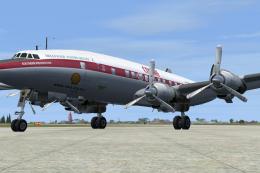 FS2004 Propeller Aircraft
Super G Constellation. Model by Manfred Jahn required (L1049G.ZIP). Repaint b…
Be the first to leave a comment on this download.
Be the first to share your thoughts on this download.