

 FS2004 Propeller Aircraft
South African Airways Vickers Viking 1B
South African Airways purchased three new Viking 1B's during September 1947 f…
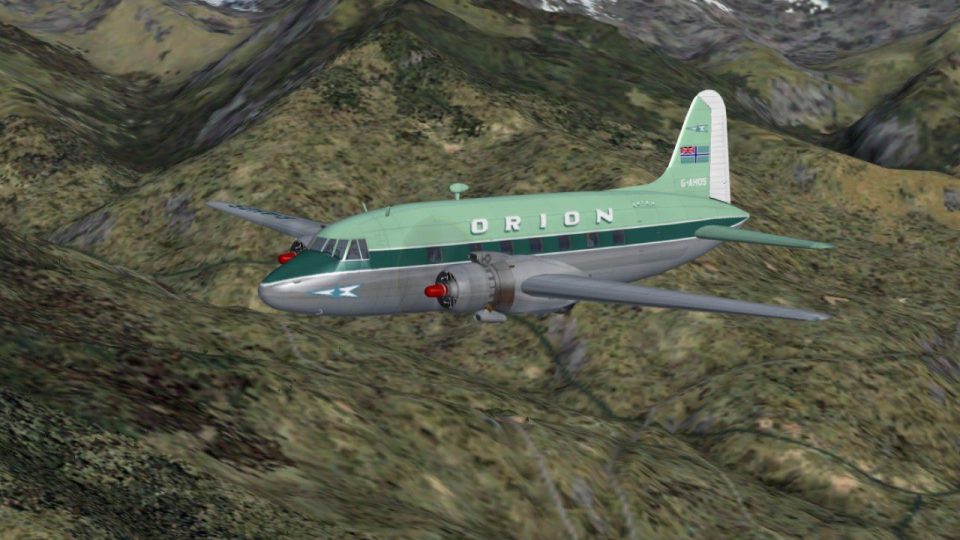
Orion Airways’ Vickers Viking 1B G-AHOS “Sirius” brings a 1957–1960 Blackbushe-based classic to FS2004 with authentic markings and era-appropriate airline identity. The repaint captures Orion’s first Viking in service and integrates cleanly into the aircraft selection, requiring Rick Piper’s FSDS Viking model.
 Rate
Rate
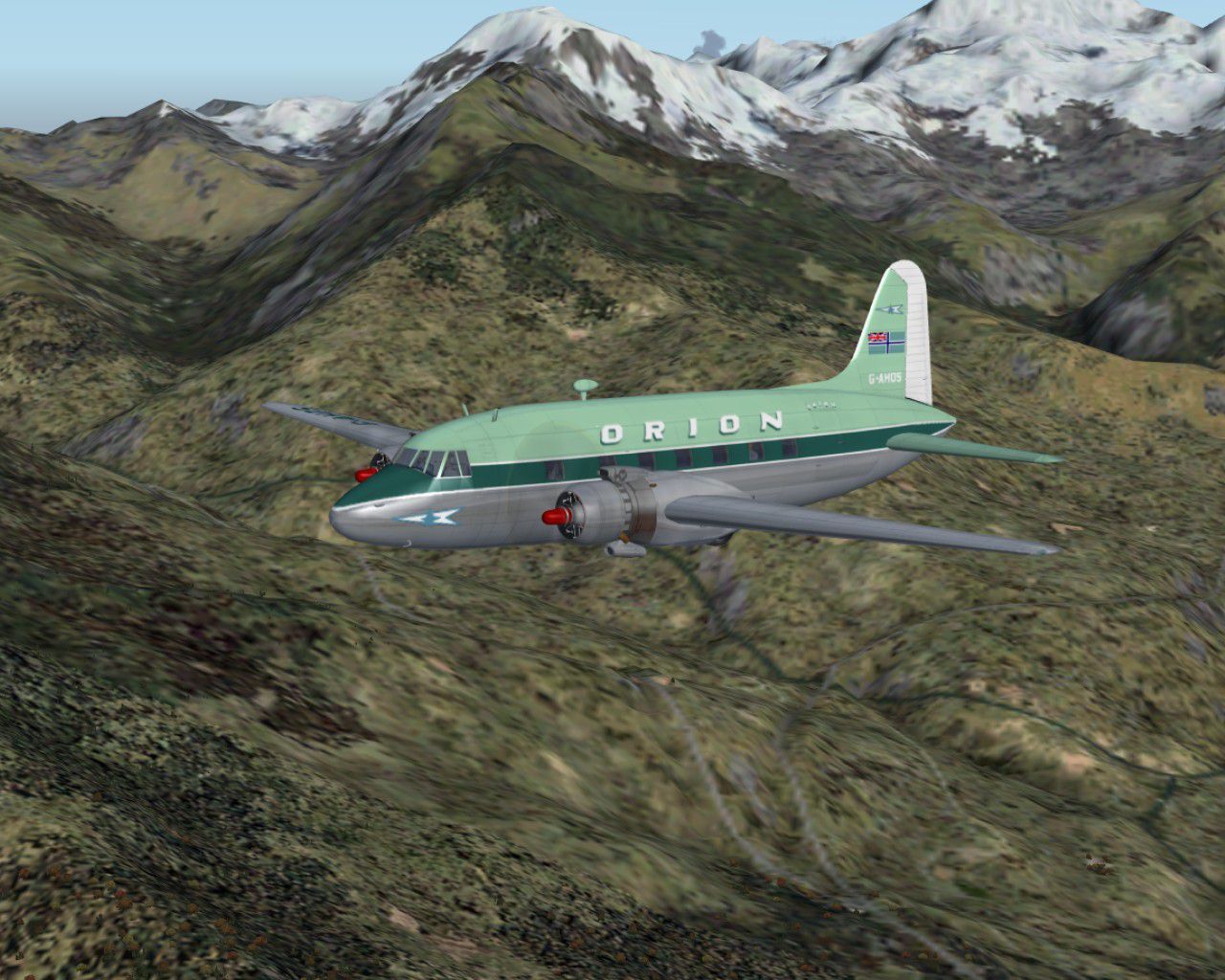
Starting in August 1957 with a base at Blackbushe, Orion went on to operate three Vickers Vikings before closure in November 1960. G-AHOS "Sirius" was their first. Requires the FSDS Viking model by Rick Piper. Repaint by Garry Russell.
Screenshot of Orion Airways Viking 1B in flight.
Installation:
Place the unzipped texture folder into the FSDS Viking folder and paste the above text into the aircraft config renumbering to the next available.
[fltsim.xx]

	title=Vickers Viking OrionOS

	sim=FSDS2 Vickers Viking

	model=

	panel=

	sound=

	texture=OrionOS

	kb_checklists=

	description= Starting in August 1957 with a base at Blackbushe, Orion went on to operate three Vikings before closure in November 1960. G-AHOS "Sirius" was their first.//Model by Rick Piper. Repaint by Garry Russell.

	ui_manufacturer=Vickers

	ui_type=Viking

	ui_variation=Orion Airways "G-AHOS"

	visual_damage=1

	atc_heavy=0

	atc_id=G-AHOS

	atc_airline=Orion

	atc_flight_number=OS

	atc_type=Vickers

	atc_model=BL17

	prop_anim_ratio=0.9
Free for all simmers · 1.13 MB · Scanned clean Oct 2026
Download speed: Free tier is capped at 0.5 Mbps. PRO members download at full line speed.
FS9\Aircraft\, FS9\Addon Scenery\, FS9\Gauges\, or FS9\Effects\.readme.txt or README file. It tells you exactly where files go, what dependencies are needed, and any quirks specific to this add-on.The archive orionos.zip has 13 files and directories contained within it.
This list displays the first 500 files in the package. If the package has more, you will need to download it to view them.
| Filename/Directory | File Date | File Size |
|---|---|---|
| Read me.txt | 11.06.06 | 2.11 kB |
| texture.OrionOS | 11.06.06 | 0 B |
| 4blade1.bmp | 08.24.01 | 65.05 kB |
| cyl_16.bmp | 08.10.03 | 17.05 kB |
| Fuse.bmp | 11.06.06 | 2.00 MB |
| Glass.bmp | 09.04.03 | 4.07 kB |
| prop.bmp | 04.27.03 | 65.05 kB |
| Thumbs.db | 11.06.06 | 40.00 kB |
| wing.bmp | 11.06.06 | 2.00 MB |
| Thumbs.db | 11.06.06 | 6.00 kB |
| Viking 12.jpg | 11.06.06 | 284.50 kB |
| flyawaysimulation.txt | 10.29.13 | 959 B |
| Go to Fly Away Simulation.url | 01.22.16 | 52 B |
Only PRO members can place votes.
More FS2004 add-ons hand-picked based on this download.
FS2004 Propeller Aircraft
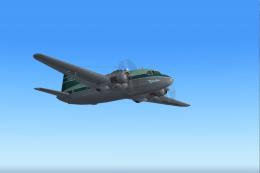
South African Airways purchased three new Viking 1B's during September 1947 f…
 FS2004 Propeller Aircraft
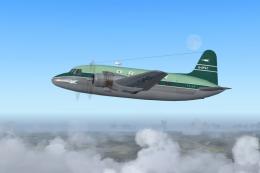
One of three Vickers Vikings operated by Orion Airways. All three had variati…
 FS2004 Propeller Aircraft
A very regal aircraft indeed as this was built for the RAF Kings flight, late…
 FS2004 Propeller Aircraft
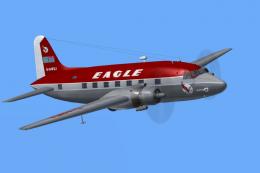
(Red top). Eagle broke away from the basic souped up BEA livery with this dra…
 FS2004 Propeller Aircraft
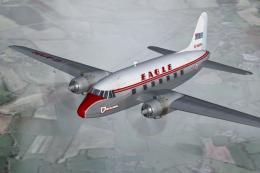
(First livery). G-AIVH wearing the airline's first Viking livery. Based on th…
 FS2004 Propeller Aircraft
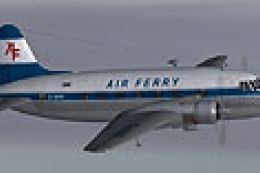
Air Ferry started up in 1961 and early equipment saw a small fleet of Vikings…
 FS2004 Propeller Aircraft
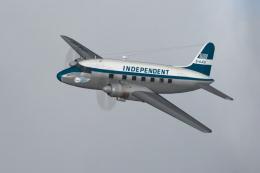
Independent Air Travel/Transport was one of the longer lasting independents o…
 FS2004 Propeller Aircraft
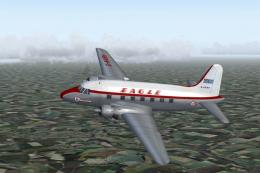
(Later variation). G-AKBH in the last variation of the BEA type livery with t…
Be the first to leave a comment on this download.
Be the first to share your thoughts on this download.