

 FS2004 Propeller Aircraft
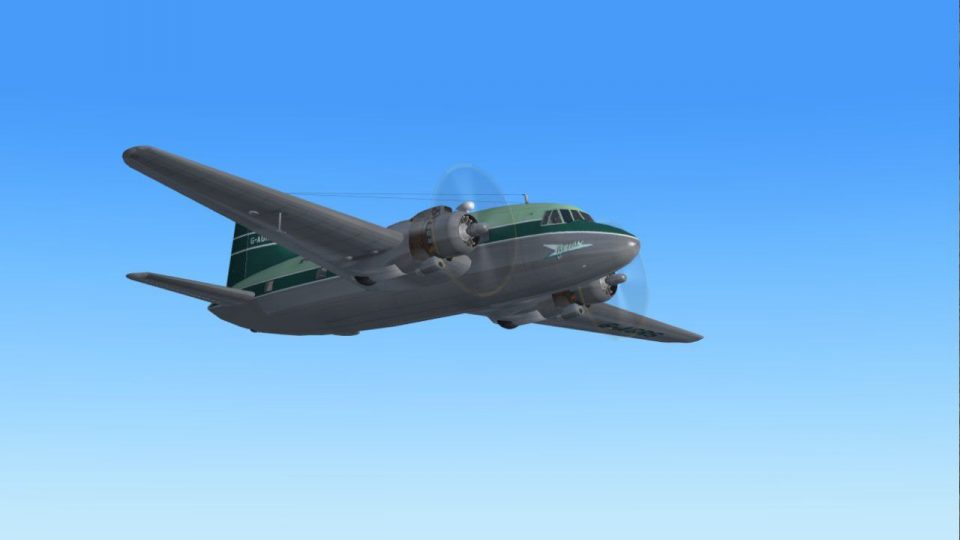
Orion Airways Viking 1B G-AHOS
Starting in August 1957 with a base at Blackbushe, Orion went on to operate t…
Orion Airways’ Vickers Viking 1A G-AGRS brings period-correct independent airline character to FS2004 with a distinctive repaint reflecting the subtle livery variations seen across the operator’s three aircraft. The package includes textures and configuration details, and requires the FSDS Viking model by Rick Piper for a complete vintage airliner experience.
 Rate
Rate
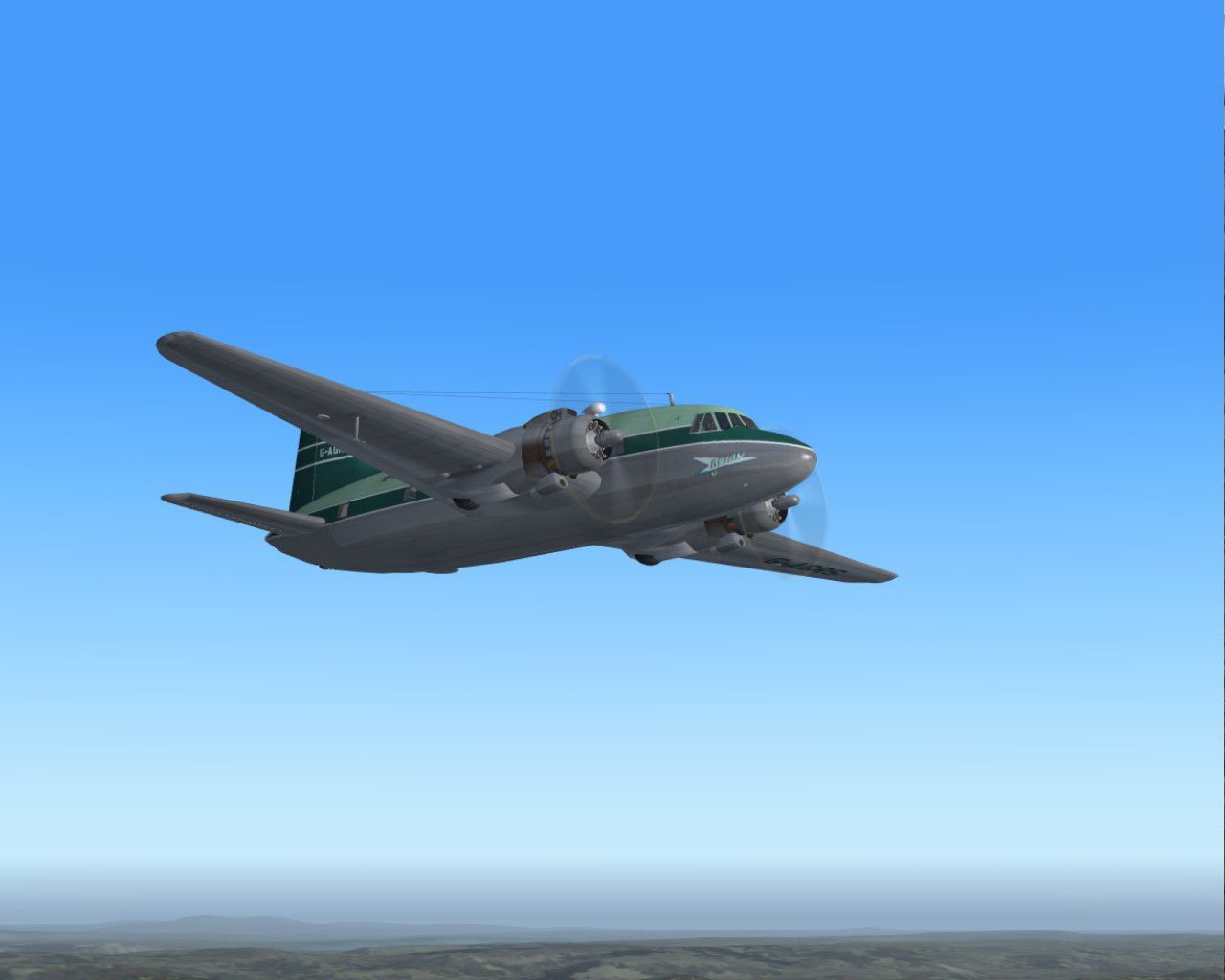
One of three Vickers Vikings operated by Orion Airways. All three had variations in their liveries, a situation not uncommon with independent airlines of the day. Requires the FSDS Viking model by Rick Piper. Repaint by Garry Russell.
Screenshot of Orion Airways Viking 1A in flight.
Installation:
Place the unzipped texture folder into the FSDS Viking folder and paste the above text into the aircraft config renumbering to the next available.
[fltsim.xx]

	title=Vickers Viking OrionRS

	sim=FSDS2 Vickers Viking

	model=

	panel=

	sound=

	texture=OrionRS

	kb_checklists=

	description= One of three Vikngs operated by Orion Airways. All three had variation it their liveries a situation not uncommon with independent airlines of the day.//Model by Rick Piper. Repaint by Garry Russell.

	ui_manufacturer=Vickers

	ui_type=Viking

	ui_variation=Orion Airways "G-AGRS"

	visual_damage=1

	atc_heavy=0

	atc_id=G-AGRS

	atc_airline=Orion

	atc_flight_number=RS

	atc_type=Vickers

	atc_model=BL17

	prop_anim_ratio=0.9
Free for all simmers · 915.78 KB · Scanned clean Oct 2026
Download speed: Free tier is capped at 0.5 Mbps. PRO members download at full line speed.
FS9\Aircraft\, FS9\Addon Scenery\, FS9\Gauges\, or FS9\Effects\.readme.txt or README file. It tells you exactly where files go, what dependencies are needed, and any quirks specific to this add-on.The archive orionrs.zip has 13 files and directories contained within it.
This list displays the first 500 files in the package. If the package has more, you will need to download it to view them.
| Filename/Directory | File Date | File Size |
|---|---|---|
| Read me.txt | 11.07.06 | 2.10 kB |
| texture.orionRS | 11.07.06 | 0 B |
| 4blade1.bmp | 08.24.01 | 65.05 kB |
| cyl_16.bmp | 08.10.03 | 17.05 kB |
| Fuse.bmp | 11.07.06 | 2.00 MB |
| Glass.bmp | 09.04.03 | 4.07 kB |
| prop.bmp | 04.27.03 | 65.05 kB |
| Thumbs.db | 11.07.06 | 7.50 kB |
| wing.bmp | 11.07.06 | 2.00 MB |
| Thumbs.db | 11.07.06 | 4.50 kB |
| Viking 14.jpg | 11.07.06 | 72.11 kB |
| flyawaysimulation.txt | 10.29.13 | 959 B |
| Go to Fly Away Simulation.url | 01.22.16 | 52 B |
Only PRO members can place votes.
More FS2004 add-ons hand-picked based on this download.
FS2004 Propeller Aircraft
Starting in August 1957 with a base at Blackbushe, Orion went on to operate t…
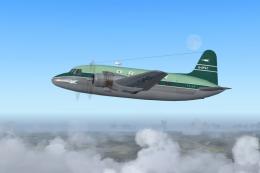 FS2004 Propeller Aircraft
A very regal aircraft indeed as this was built for the RAF Kings flight, late…
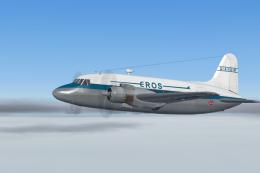 FS2004 Propeller Aircraft
One of three Vikings leased by Eros from Air Safaris. Eros was initially form…
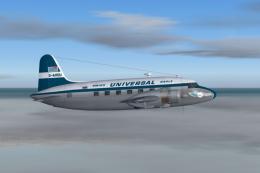 FS2004 Propeller Aircraft
Swiss Universal Air Charter used this Vickers Viking for the 1958 season, ope…
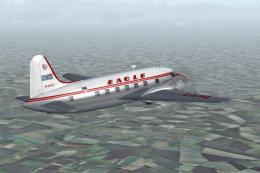 FS2004 Propeller Aircraft
(Early variation). G-AIHA wearing a slightly modified variation of the airlin…
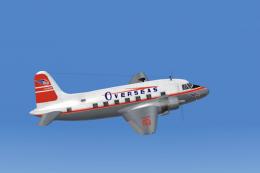 FS2004 Propeller Aircraft
G-AGRP wore several livery variations during its time with Overseas. This was…
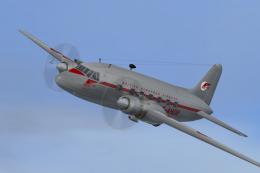 FS2004 Propeller Aircraft
Vickers Viking 1A, second livery. In the few years the Viking served the fled…
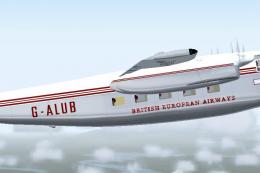 FS2004 Propeller Aircraft
Manual install version. A four engined British Feederliner from the 1950's, s…
Be the first to leave a comment on this download.
Be the first to share your thoughts on this download.