

 FS2004 Propeller Aircraft
Aerovias Brasil Curtiss C-46A
Textures only to be used with the C-46A by Libardo Guzman/CalClassics (C46GA.…
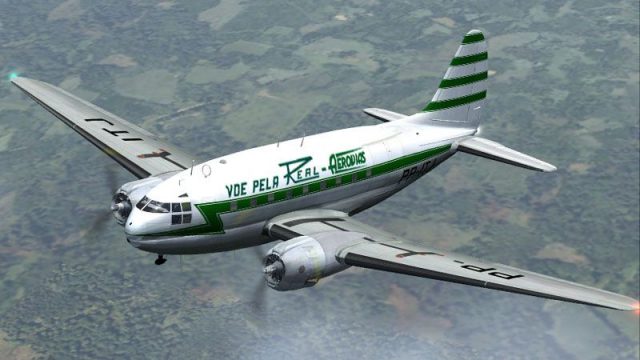
Real Aerovias livery for the Curtiss C-46A Commando brings period-correct airline markings to vintage cargo and passenger flying in Microsoft Flight Simulator 2004, adding authentic character from a notable mid-century operator. The repaint targets the Libardo Guzman and CalClassic C-46A model and requires the C46GA.ZIP base aircraft package.
 Rate
Rate
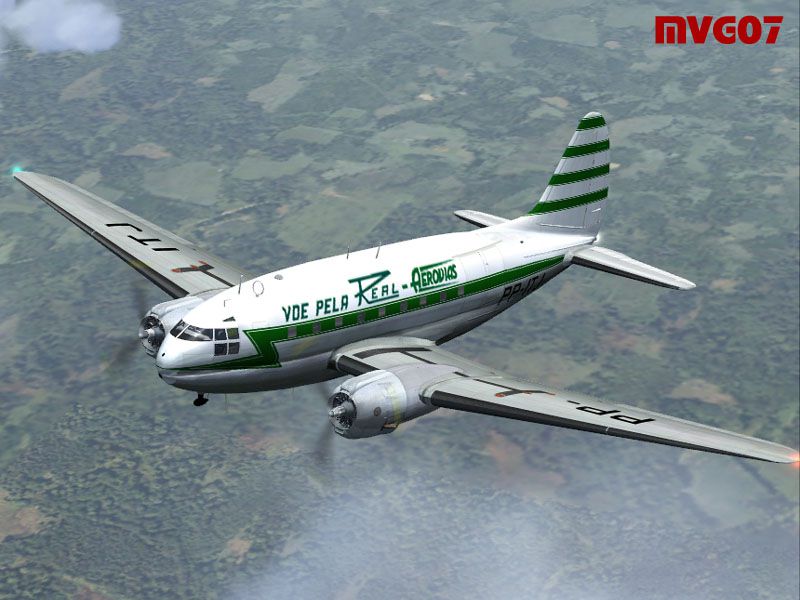
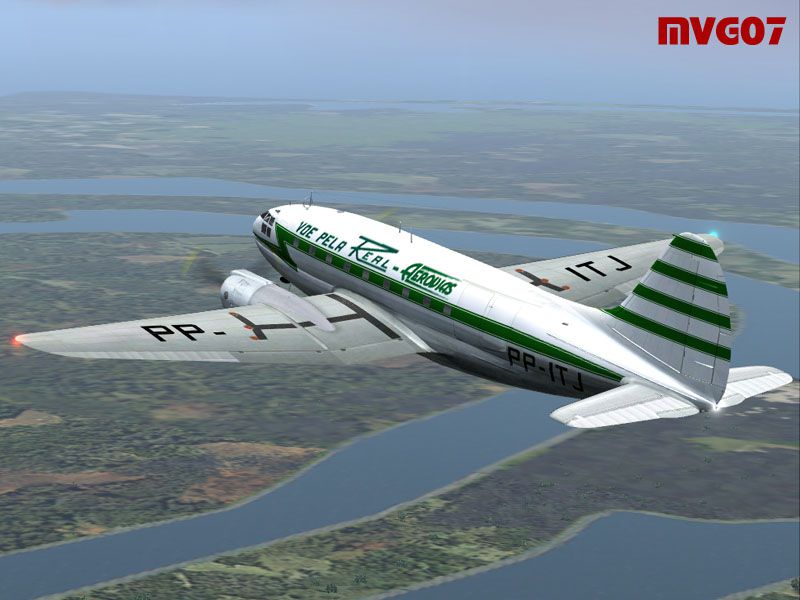

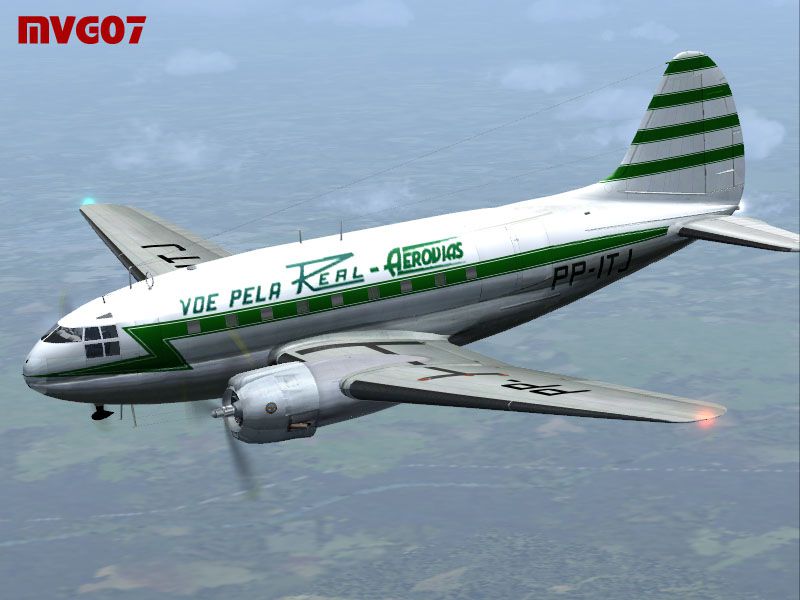
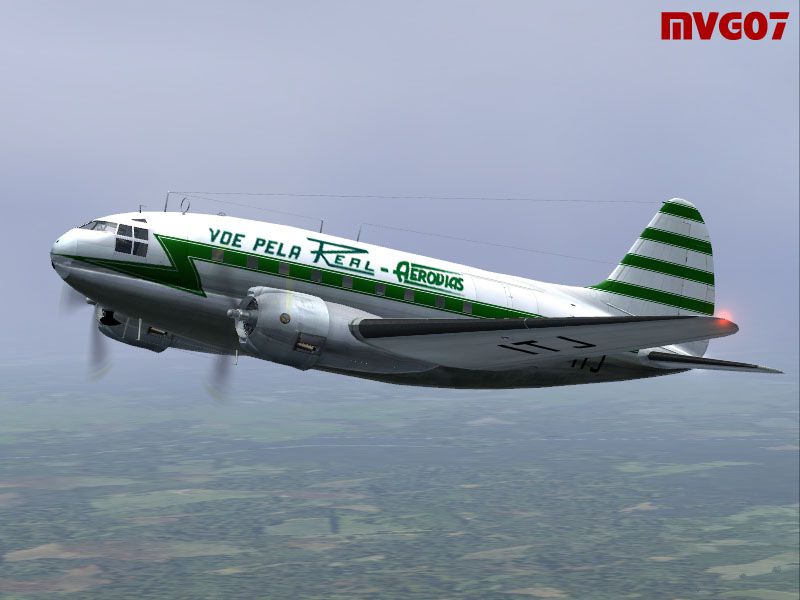
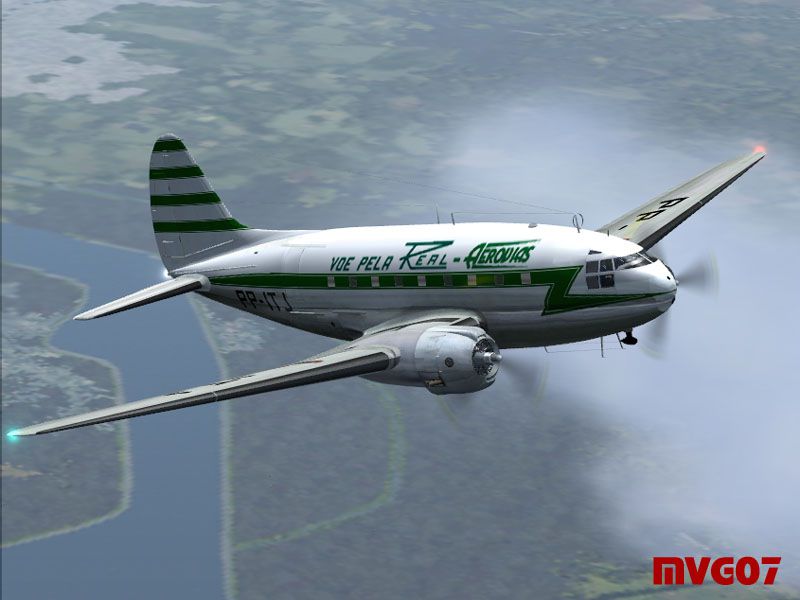
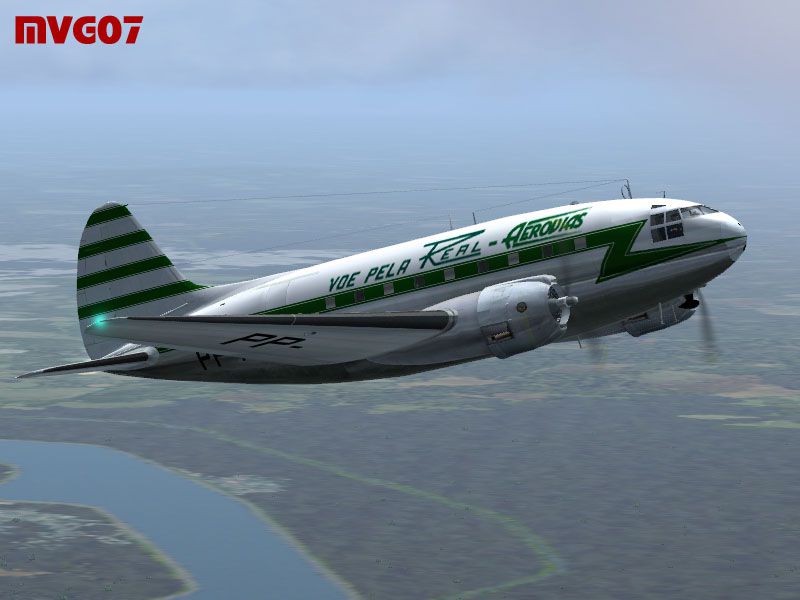
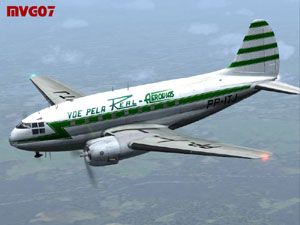
This repaint package adds a historically inspired Real Aerovias color scheme to the Curtiss C-46A Commando model created by Libardo Guzman and the CalClassic group. It has been crafted by Manuele Villa for Microsoft Flight Simulator 2004 aficionados who enjoy flying vintage twin-engine transports. The Curtiss C-46 itself was widely employed for cargo and passenger operations, reflecting its versatility on mid-range routes. Meanwhile, Real Aerovias was once a prominent airline, and its emblematic markings bring a classic touch to your flights.
-fs9-1.jpg)
Action shot of the Real Aerovias Curtiss C-46A with unique period markings.
This release is limited to the texture set only. You must possess the freeware Libardo Guzman/CalClassic Curtiss C46A Commando base package, often referenced as C46GA.ZIP. That original aircraft is not included here. For complete functionality, confirm you have downloaded the base files from the Fly Away Simulation mod library.
AIRCRAFT.CFG file. Then edit the original AIRCRAFT.CFG using a text editor and locate the final [flightsim.X] entry.
[fltsim.XX]
title=C46A REAL AEROVIAS
sim=C46A
model=
panel=
sound=
texture=real_aerovias
kb_checklists=
kb_reference=c46_ref
atc_id=
ui_manufacturer=Curtiss
ui_type=C-46A Commando
ui_variation=REAL AEROVIAS
atc_airline=REAL AEROVIAS
atc_flight_number=PP-ITJ
atc_id=AEROPESCA
atc_heavy=0
description=Credits to Libardo Guzman, Tom Gibson, and the CalClassic team for providing this vintage aircraft. Repaint by Manuele Villa, March 2007.
The Curtiss C-46A is a classic radial-engined aircraft known for robust performance under demanding conditions, and Real Aerovias was one of many airlines to put it to work for both freight hauling and passenger service. By layering this livery onto the existing freeware model, you can recreate a meaningful segment of aviation heritage in your simulator flights.
Enjoy experimenting with this repaint, and be sure to explore the full performance envelope of the Commando once you have it installed!
Free for all simmers · 1.59 MB · Scanned clean Oct 2026
Download speed: Free tier is capped at 0.5 Mbps. PRO members download at full line speed.
This file is a repaint — the package below is the base model it paints onto. Install it first, or the textures will have nothing to load onto.
FS9\Aircraft\, FS9\Addon Scenery\, FS9\Gauges\, or FS9\Effects\.readme.txt or README file. It tells you exactly where files go, what dependencies are needed, and any quirks specific to this add-on.The archive 46ga_rea.zip has 19 files and directories contained within it.
This list displays the first 500 files in the package. If the package has more, you will need to download it to view them.
| Filename/Directory | File Date | File Size |
|---|---|---|
| C46_REAL_7.jpg | 03.25.07 | 105.80 kB |
| file_id.diz | 03.25.07 | 275 B |
| readme.txt | 03.25.07 | 11.64 kB |
| 46GA_REA.gif | 03.25.07 | 12.27 kB |
| 46GA_REA.jpg | 03.25.07 | 28.49 kB |
| C46_REAL_1.jpg | 03.25.07 | 87.60 kB |
| C46_REAL_2.jpg | 03.25.07 | 74.57 kB |
| C46_REAL_3.jpg | 03.25.07 | 94.08 kB |
| C46_REAL_4.jpg | 03.25.07 | 87.62 kB |
| C46_REAL_5.jpg | 03.25.07 | 77.78 kB |
| C46_REAL_6.jpg | 03.25.07 | 75.87 kB |
| c46_fuselage_t.bmp | 03.25.07 | 1.00 MB |
| c46_L_cowl_t.bmp | 03.13.07 | 256.07 kB |
| c46_R_cowl_t.bmp | 03.13.07 | 256.07 kB |
| c46_wing_t.bmp | 03.25.07 | 1.00 MB |
| c46_wing2_t.bmp | 03.25.07 | 1.00 MB |
| Thumbs.db | 03.25.07 | 37.50 kB |
| flyawaysimulation.txt | 10.29.13 | 959 B |
| Go to Fly Away Simulation.url | 01.22.16 | 52 B |
Only PRO members can place votes.
More FS2004 add-ons hand-picked based on this download.
FS2004 Propeller Aircraft
Textures only to be used with the C-46A by Libardo Guzman/CalClassics (C46GA.…
 FS2004 Propeller Aircraft
This comprehensive repaint showcases Buffalo Air Cargo’s Curtiss C-46A (regis…
 FS2004 Propeller Aircraft
This custom repaint delivers VARIG Airlines’ classic color scheme for the Cur…
 FS2004 Propeller Aircraft
This freeware repaint for Microsoft Flight Simulator 2004 offers a new Real A…
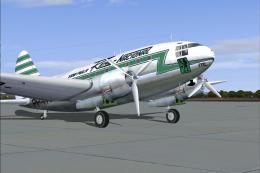 FS2004 Propeller Aircraft
Circa 1959. This aircraft Was incorporated into Real's fleet when Real took o…
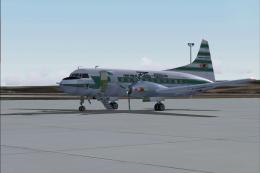 FS2004 Propeller Aircraft
Registration PP-YRD, circa 1956. Fifty years ago this aircraft was flying mai…
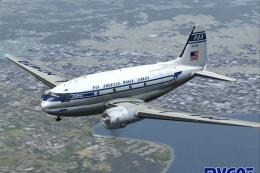 FS2004 Propeller Aircraft
This custom repaint offers a Pan American Airways Curtiss C-46A Commando for …
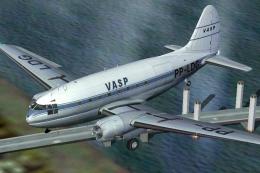 FS2004 Propeller Aircraft
Textures only to be used with the C-46 by Libardo Guzman/CalClassics (C46GA.Z…
Be the first to leave a comment on this download.
Be the first to share your thoughts on this download.